
Diese Seite ist keine offizielle Seite der App oder ihres Entwicklers, sondern eine unabhängige redaktionelle Veröffentlichung, die zu Informations- und Kommentarzwecken erstellt wurde. Sofern nicht ausdrücklich anders angegeben, sind weder die App noch ihr Entwickler mit MWM, Apple, Google Play, dem App-Herausgeber oder dem Entwickler der App verbunden, von ihnen unterstützt, gesponsert, autorisiert oder anderweitig offiziell verbunden, und nichts auf dieser Seite impliziert, dass die App unter Verwendung der Dienste von MWM entwickelt wurde. Alle Marken, Logos, Screenshots und andere Inhalte bleiben Eigentum ihrer jeweiligen Inhaber.

WeVideo - Video Editor & Maker
Der All-in-One-Editor für Kreative, Pädagogen und Unternehmen. Verwandeln Sie Ihre Ideen mit einer riesigen Bibliothek lizenzfreier Inhalte, Greenscreen-Effekten und einfachem Teilen auf TikTok, Instagram und YouTube in beeindruckende 4K-Inhalte.
Downloads
1M+Bewertung
Bewertungen gesamt
40K+Herausgeber
Kategorie
Photo & VideoSprachen
1Neueste Version
5.8.12Größe
73.0 MBErstveröffentlichung
22. März 2013Entfesseln Sie Ihren inneren Kreativen
Verwandeln Sie Ihre Ideen mit einem intuitiven Editor, der für soziale Medien, Schulen und Unternehmen entwickelt wurde, in hochwertige Videos. Keine professionelle Erfahrung erforderlich.
Format für jede Plattform
Wechseln Sie sofort zwischen 9:16-, 1:1- und 16:9-Layouts, um TikTok, Instagram oder YouTube perfekt anzupassen, ohne Qualitätsverluste.
Professionelle Stock-Bibliothek
Greifen Sie auf Millionen von lizenzfreien Clips, Musik und Fotos zu, um hochwertige Inhalte zu erstellen, auch wenn Sie kein eigenes Material haben.
Die folgenden Screenshots und die Beschreibung stammen direkt aus dem offiziellen Store-Eintrag der App und sind Eigentum des Entwicklers.
App Store
Screenshots
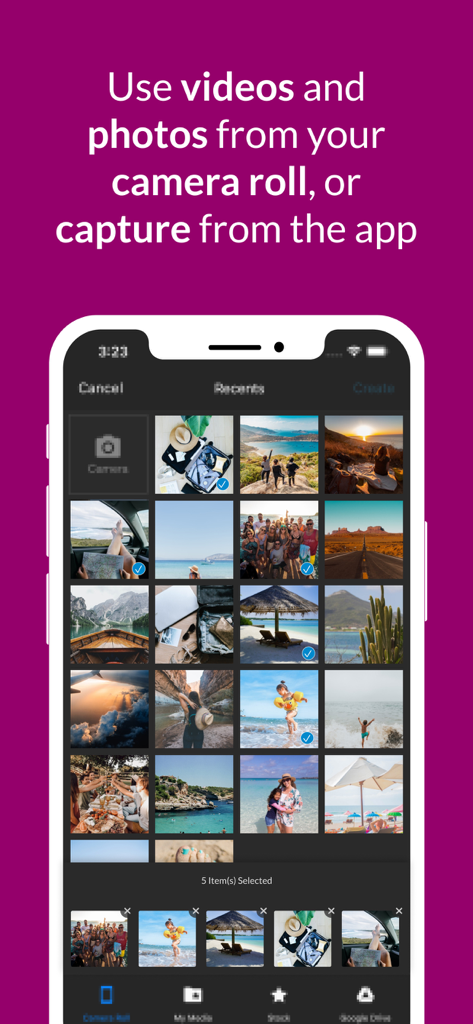
WeVideo App-Bildschirm, der die Auswahl von Fotos und Videos aus der Kamerarolle zeigt
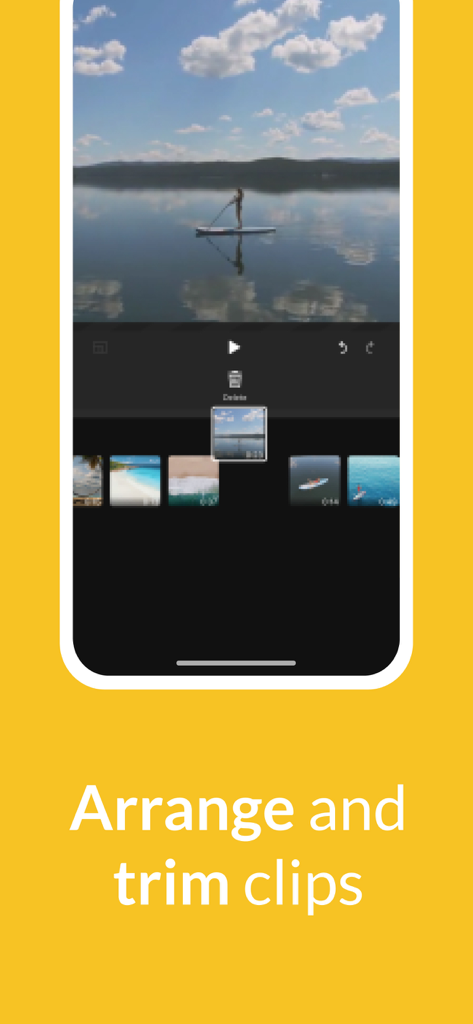
Oberfläche der WeVideo-Mobil-App, die zeigt, wie ein Benutzer Videoclips auf einer Zeitleiste anordnet und schneidet
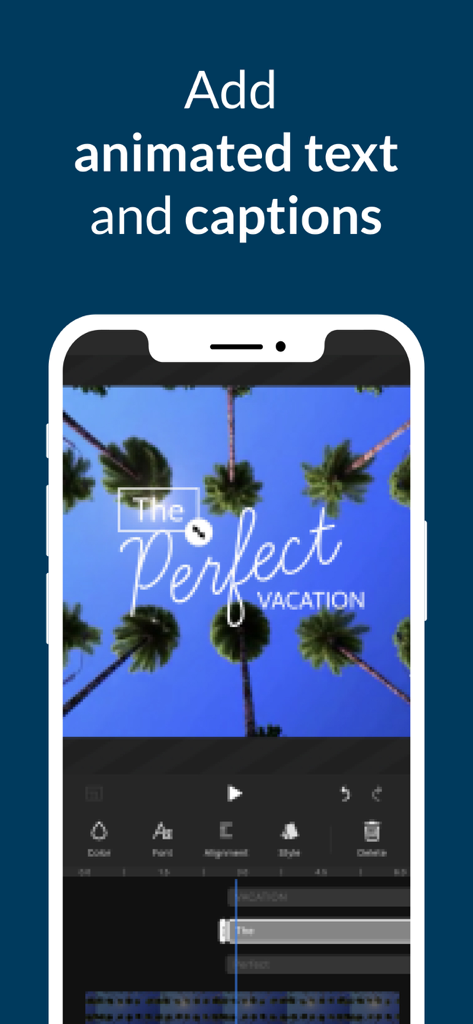
WeVideo App-Oberfläche zum Hinzufügen von animiertem Text und Untertiteln zu einem mobilen Videoprojekt.
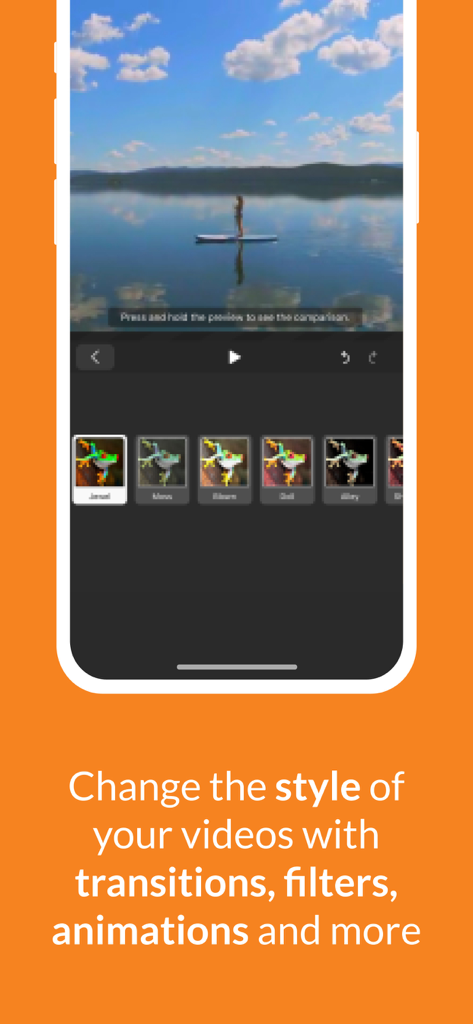
WeVideo Mobil-App-Oberfläche mit Video-Filteroptionen und einer Frau auf einem Paddleboard
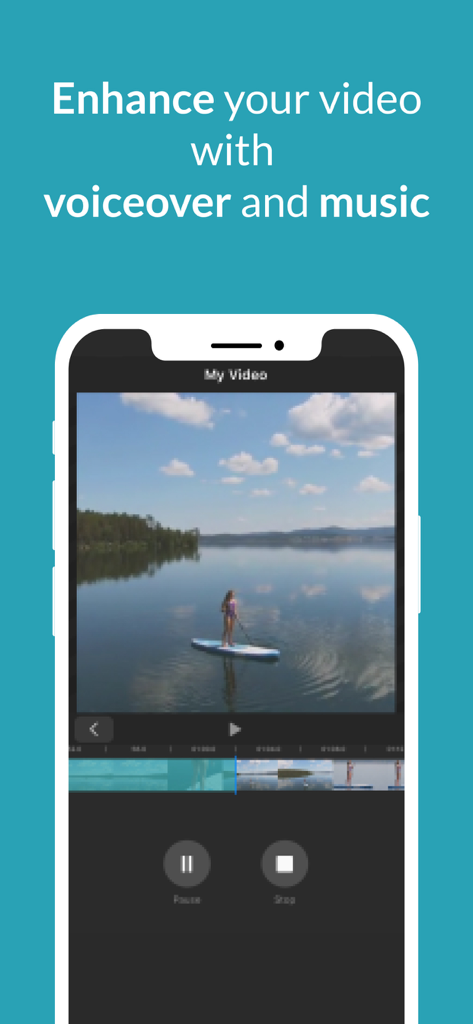
WeVideo App-Bildschirm, der Voiceover- und Musikbearbeitungswerkzeuge über einem Videoclip zeigt
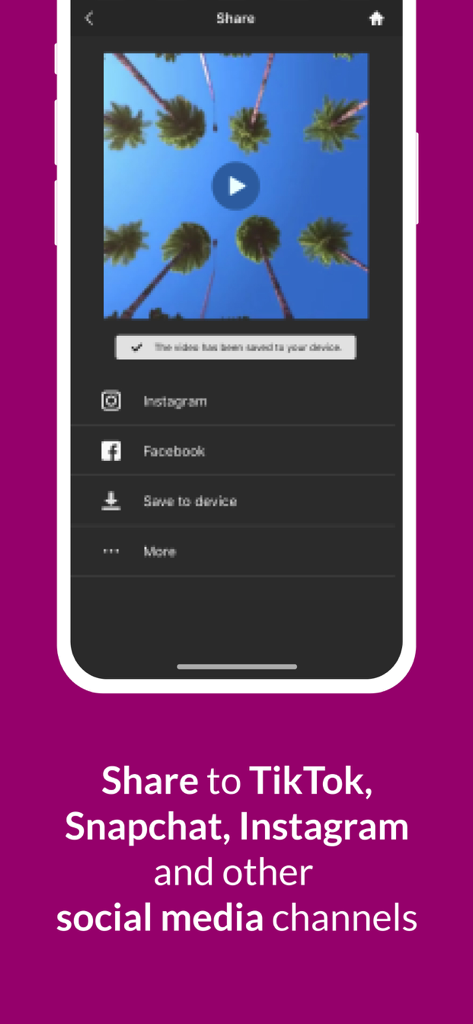
WeVideo App-Share-Bildschirm mit Optionen zum Exportieren von Videos auf Social-Media-Plattformen wie Instagram und Facebook
Beschreibung
Download
Ähnliche Apps
Apps mit ähnlichen Funktionen und Nutzererfahrung

Edits: Video Editor
Instagram, Inc.

VLLO- Video Editor, Vlog Edits
vimosoft

YouCut - AI Video Editor
SHANTANU PTE. LTD.

必剪-B站官方出品
Shanghai Bilibili Animation Co.,Ltd

剪影 - 视频剪辑 & 卡点影集制作
Shanghai Jian Ji Software Technology Co., Ltd

Videoshop - Video Editor
Jajijujejo Inc.

VDIT - Video Maker & Editor
ImgBase, Inc.

Video Editor with Music・VidLab
Onelight Apps CY Ltd

Video Maker-movie maker&Editor
Changsha Fugui Bamboo Network Technology Co., Ltd.
Diese Seite ist keine offizielle Seite der App oder ihres Entwicklers, sondern eine unabhängige redaktionelle Veröffentlichung, die zu Informations- und Kommentarzwecken erstellt wurde. Sofern nicht ausdrücklich anders angegeben, sind weder die App noch ihr Entwickler mit MWM, Apple, Google Play, dem App-Herausgeber oder dem Entwickler der App verbunden, von ihnen unterstützt, gesponsert, autorisiert oder anderweitig offiziell verbunden, und nichts auf dieser Seite impliziert, dass die App unter Verwendung der Dienste von MWM entwickelt wurde. Alle Marken, Logos, Screenshots und andere Inhalte bleiben Eigentum ihrer jeweiligen Inhaber.