
Diese Seite ist keine offizielle Seite der App oder ihres Entwicklers, sondern eine unabhängige redaktionelle Veröffentlichung, die zu Informations- und Kommentarzwecken erstellt wurde. Sofern nicht ausdrücklich anders angegeben, sind weder die App noch ihr Entwickler mit MWM, Apple, Google Play, dem App-Herausgeber oder dem Entwickler der App verbunden, von ihnen unterstützt, gesponsert, autorisiert oder anderweitig offiziell verbunden, und nichts auf dieser Seite impliziert, dass die App unter Verwendung der Dienste von MWM entwickelt wurde. Alle Marken, Logos, Screenshots und andere Inhalte bleiben Eigentum ihrer jeweiligen Inhaber.


ZArchiver - Zip UnZip
Komprimieren, extrahieren und sichern Sie Ihre Archive mühelos mit professionellen Werkzeugen. Verarbeiten Sie ZIP-, RAR- und 7Z-Formate problemlos und schützen Sie Ihre sensiblen Daten unterwegs.
Downloads
19K+Bewertung
Bewertungen gesamt
900Herausgeber
Kategorie
UtilitiesSprachen
17Neueste Version
1.5Größe
30.9 MBErstveröffentlichung
16. Okt. 2024Dateileistung im Desktop-Format in Ihrer Tasche
ZArchiver schließt die Lücke zwischen iOS und professionellem Dateimanagement und bietet Ihnen die Werkzeuge, um jedes Archivformat unterwegs zu öffnen, zu sichern und zu organisieren.
Universelle Archivunterstützung
Mehr als nur Standard-ZIP-Dateien. Extrahieren Sie nahtlos RAR-, 7Z-, TAR- und ISO-Formate, die die native iOS Files-App nicht verarbeiten kann, perfekt für professionelle Assets und kreative Projekte.
Sichere Verschlüsselung
Schützen Sie Ihre Privatsphäre mit industrietauglicher Passwortverschlüsselung. Sichern Sie sensible rechtliche oder finanzielle Dokumente, bevor Sie sie in iCloud, Google Drive oder Dropbox hochladen.
Die folgenden Screenshots und die Beschreibung stammen direkt aus dem offiziellen Store-Eintrag der App und sind Eigentum des Entwicklers.
App Store
Screenshots
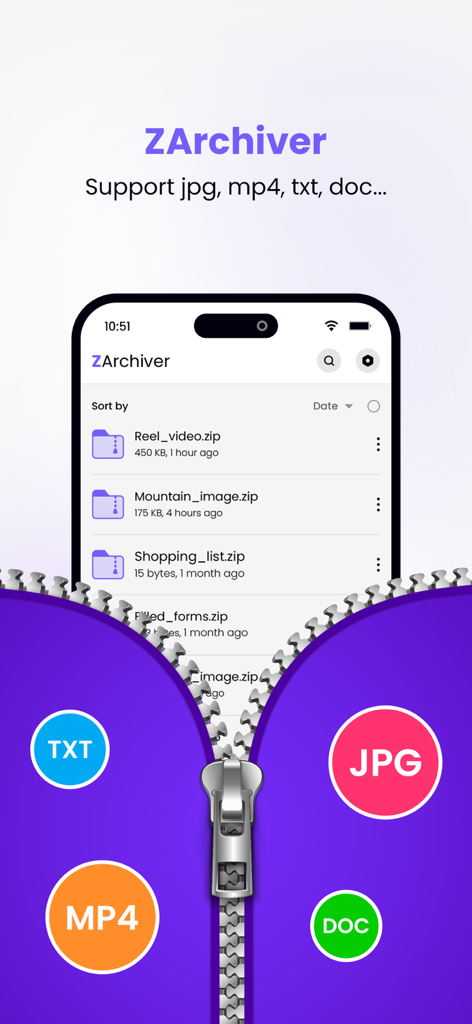
ZArchiver App-Oberfläche, die eine Liste von gezippten Dateien und Symbole für unterstützte Formate wie TXT MP4 JPG und DOC anzeigt
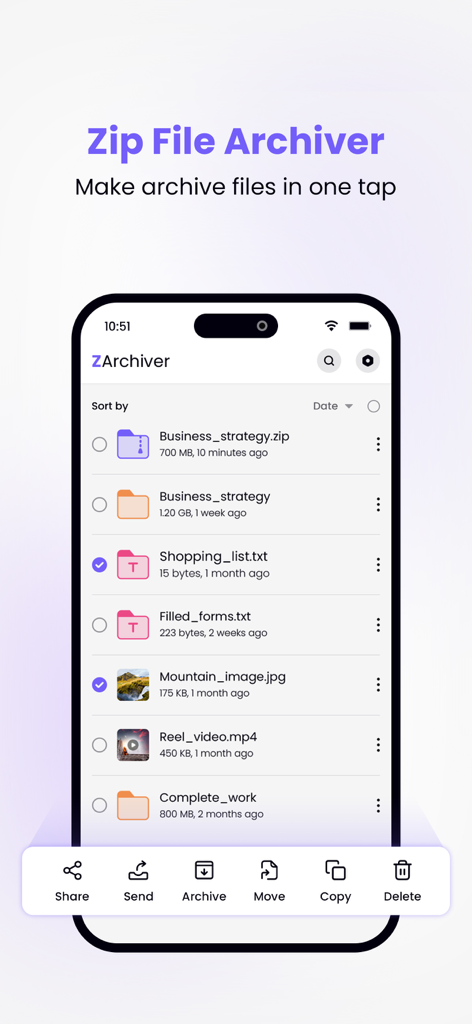
ZArchiver App-Oberfläche auf dem iPhone, die eine Dateiliste mit Archiv- und Komprimierungsverwaltungsoptionen zeigt.
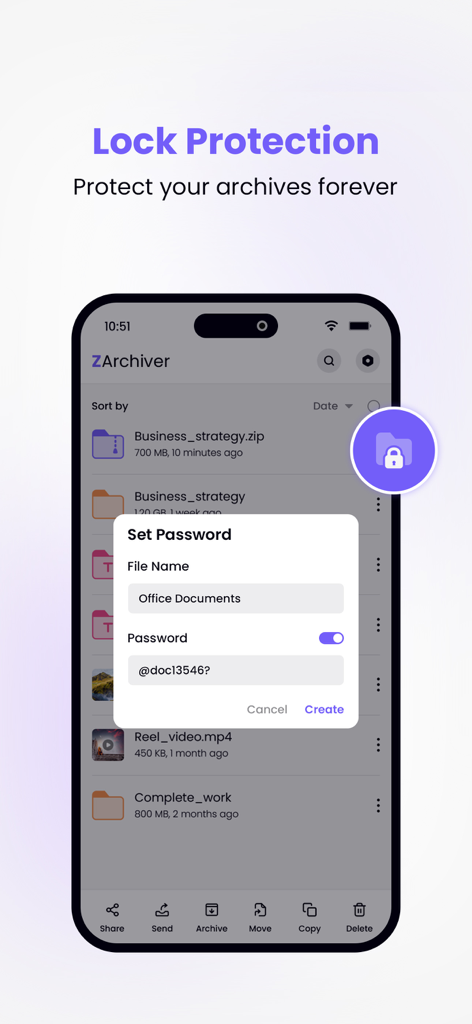
ZArchiver mobile App zeigt die Passwort-Einrichtung für sichere Dateiarchive an
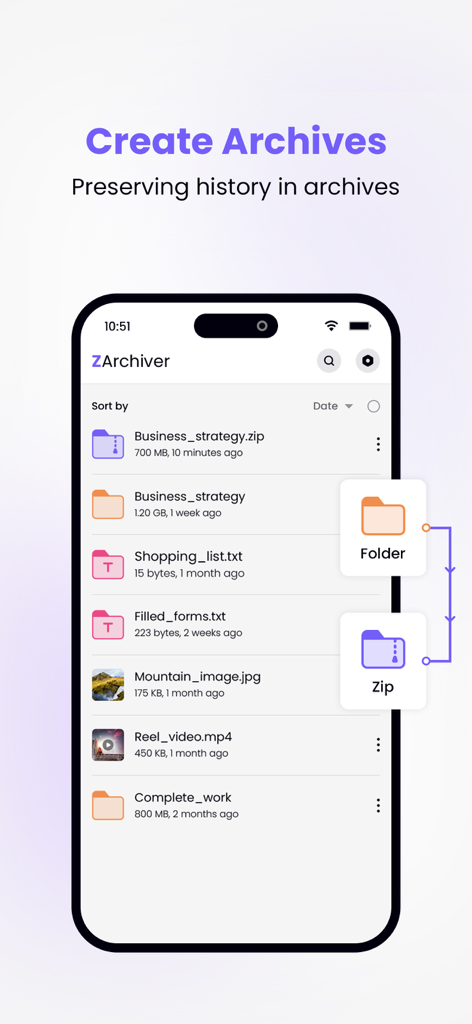
ZArchiver mobile App-Oberfläche, die eine Dateiliste und den Prozess der Umwandlung eines Ordners in ein ZIP-Archiv zeigt
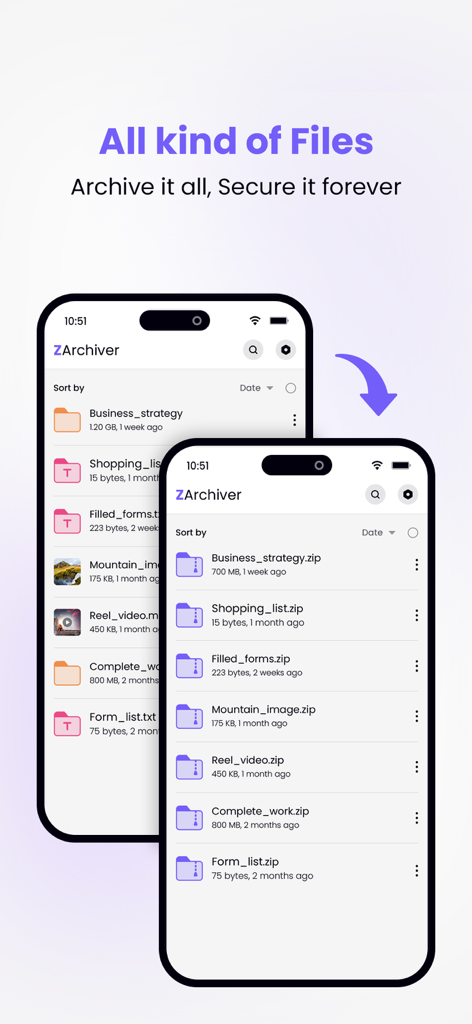
ZArchiver App-Oberfläche, die eine Dateiliste und ihre Umwandlung in komprimierte ZIP-Archive anzeigt.
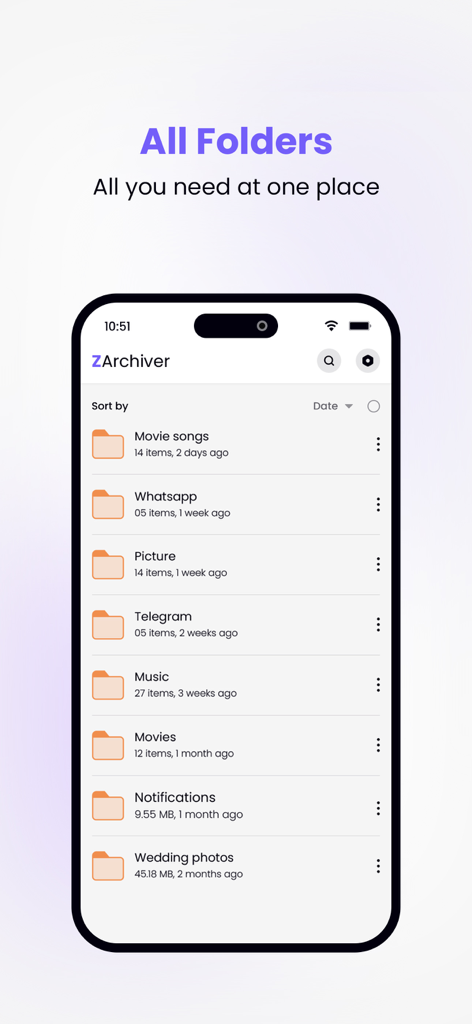
ZArchiver App-Oberfläche, die eine Liste organisierter Ordner auf einem iPhone-Bildschirm anzeigt.
Beschreibung
Download
Ähnliche Apps
Top-gerankte Apps in derselben Kategorie

Google LLC

Google Chrome
Google LLC

中国移动(手机营业厅)
China Mobile Online Services Co., Ltd.

Google Authenticator
Google LLC

CNH do Brasil
Servicos e Informacoes do Brasil

Cleanup: Phone Storage Cleaner
DEEP FLOW SOFTWARE SERVICES - FZCO

gov.br
Servicos e Informacoes do Brasil

中国电信-全国统一官方服务平台
CHINA TELECOM Corporation Ltd.

Microsoft Edge: AI Browser
Microsoft Corporation
Diese Seite ist keine offizielle Seite der App oder ihres Entwicklers, sondern eine unabhängige redaktionelle Veröffentlichung, die zu Informations- und Kommentarzwecken erstellt wurde. Sofern nicht ausdrücklich anders angegeben, sind weder die App noch ihr Entwickler mit MWM, Apple, Google Play, dem App-Herausgeber oder dem Entwickler der App verbunden, von ihnen unterstützt, gesponsert, autorisiert oder anderweitig offiziell verbunden, und nichts auf dieser Seite impliziert, dass die App unter Verwendung der Dienste von MWM entwickelt wurde. Alle Marken, Logos, Screenshots und andere Inhalte bleiben Eigentum ihrer jeweiligen Inhaber.