
Esta página no es una página oficial de la aplicación ni de su desarrollador, sino una publicación editorial independiente creada con fines informativos y de comentario. Salvo que se indique expresamente lo contrario, ni la aplicación ni su desarrollador están afiliados, respaldados, patrocinados, autorizados ni conectados oficialmente con MWM, Apple, Google Play, el editor de la aplicación ni su desarrollador, y nada en esta página implica que la aplicación haya sido desarrollada utilizando los servicios de MWM. Todas las marcas comerciales, logotipos, capturas de pantalla y demás contenidos son propiedad de sus respectivos propietarios.


BABYMONSTER LIGHT STICK
Eleva tu experiencia de concierto sincronizando tu asiento para un espectáculo de luces sincronizado, y personaliza tu brillo con una rueda de colores completa en Modo Personalizado.
Descargas
57K+Valoración
Total valoraciones
0Editor
Categoría
EntertainmentIdiomas
6Última versión
1.0.5Tamaño
85.0 MBFecha de lanzamiento
7 nov 2024Ilumina tu espíritu MONSTIEZ
Transforma tu BABYMONSTER light stick en una poderosa herramienta de conexión, creatividad y magia de concierto.
Sé parte del océano
Sincroniza la información de tu asiento para unirte a la actuación en vivo sincronizada. Siente la energía mientras tu stick pulsa en armonía con la música y miles de fans.
Tus colores, tu ambiente
Toma el control creativo con el Modo Personalizado. Usa la rueda de colores digital para personalizar tu brillo para una decoración estética de habitación o contenido viral de TikTok.
Las siguientes capturas de pantalla y la descripción provienen directamente del listado oficial de la tienda de la aplicación y son propiedad del desarrollador.
App Store
Capturas
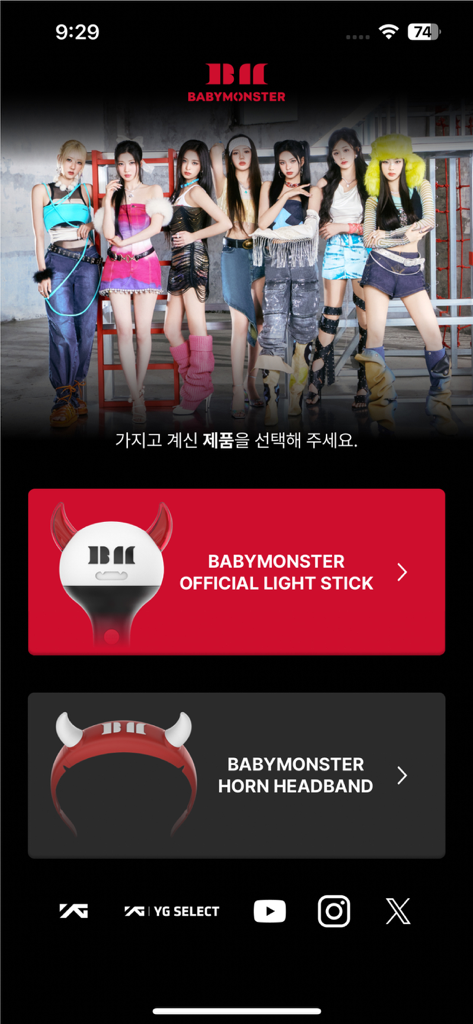
Pantalla de inicio de la aplicación BABYMONSTER con opciones para seleccionar el light stick oficial o la diadema de cuernos.
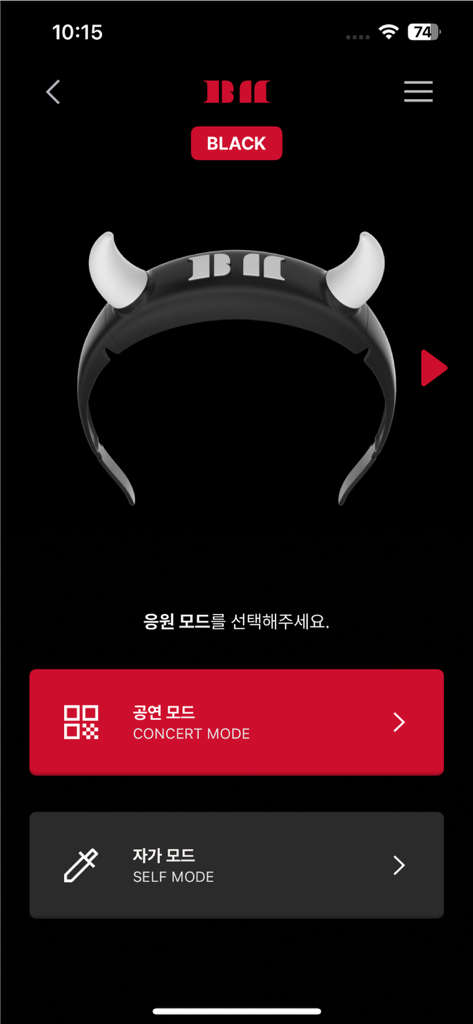
Interfaz de la aplicación BABYMONSTER light stick que muestra las opciones de Modo Concierto y Modo Personalizado con una imagen de light stick de cuernos de diablo.
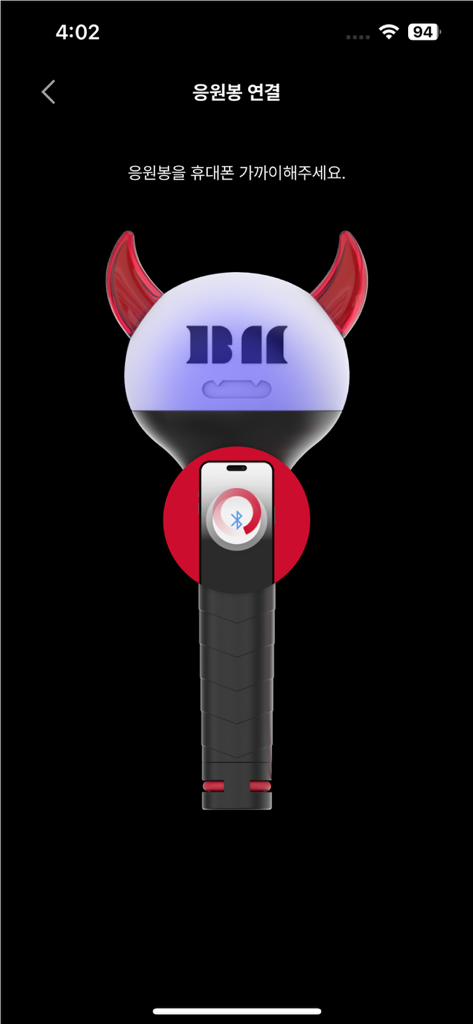
Interfaz de la aplicación BABYMONSTER light stick que muestra un tutorial gráfico para el emparejamiento Bluetooth con un smartphone.
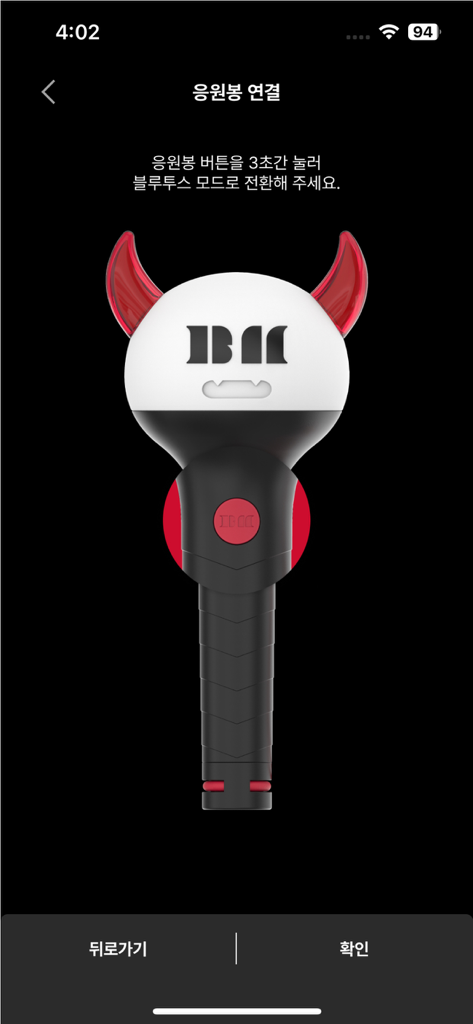
Una ilustración del light stick oficial BABYMONSTER en la pantalla de conexión Bluetooth.
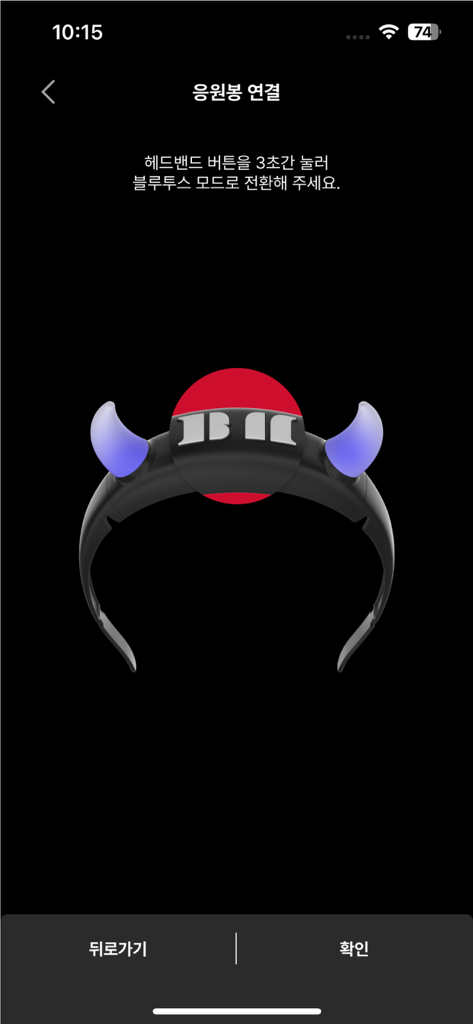
Interfaz de emparejamiento Bluetooth para la aplicación BABYMONSTER light stick que muestra un icono de diadema brillante.
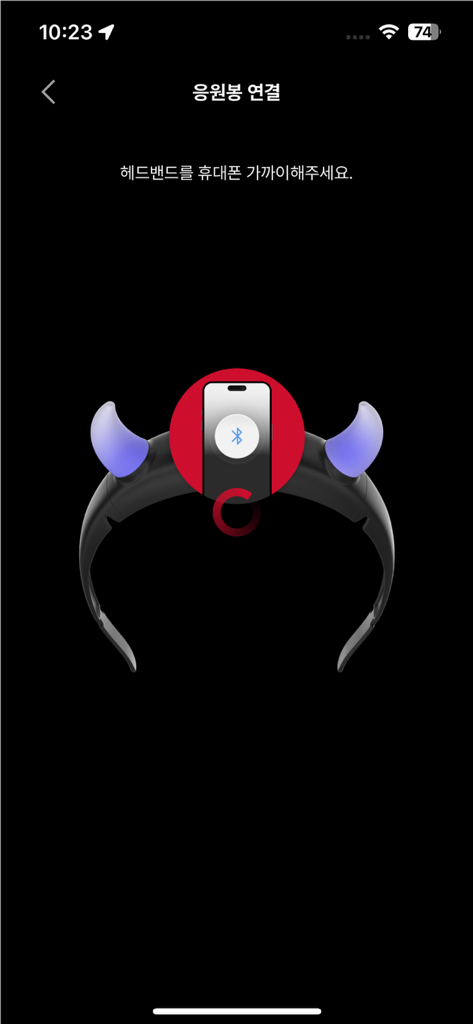
Pantalla del smartphone que muestra el proceso de emparejamiento Bluetooth para el accesorio de diadema BABYMONSTER light stick.
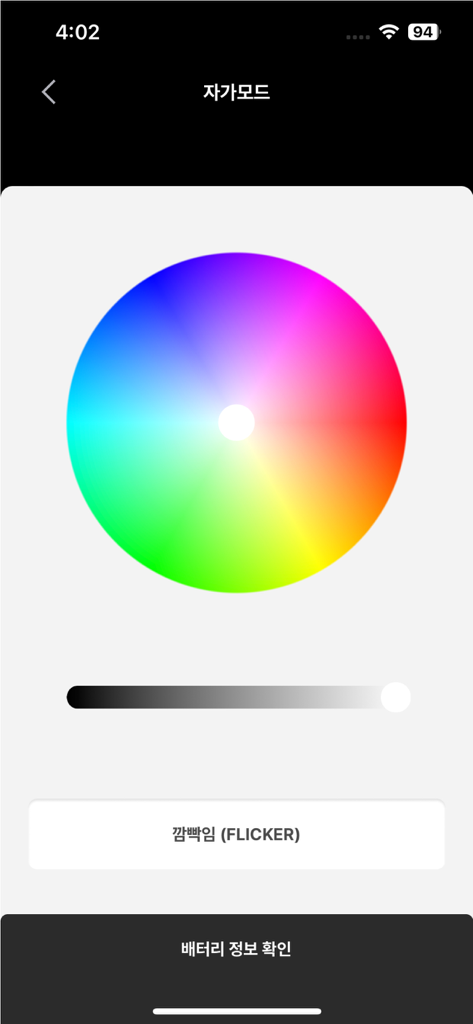
Interfaz de la aplicación BABYMONSTER Light Stick que muestra una rueda de colores para efectos de iluminación personalizados en modo personalizado.
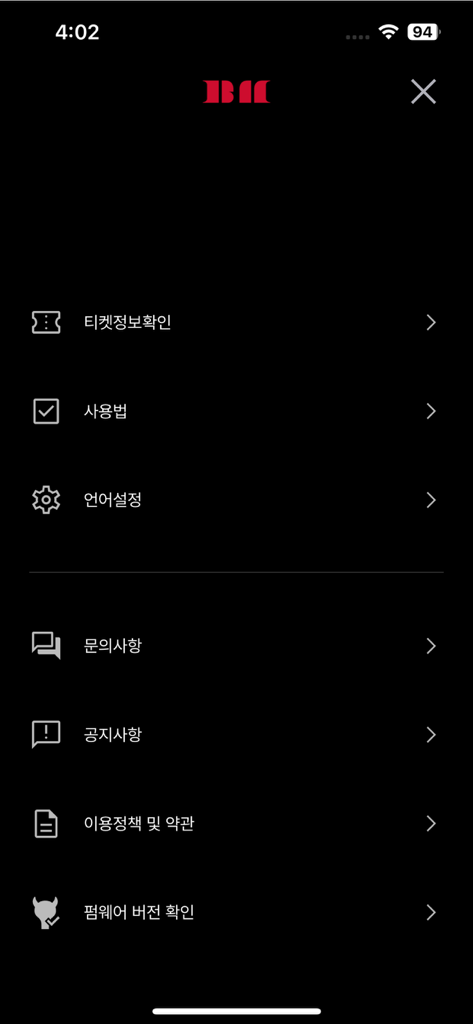
Pantalla del menú de configuración de la aplicación móvil BABYMONSTER LIGHT STICK con opciones para información de entradas y configuración del dispositivo
Descripción
Download
Apps Similares
Apps con características y experiencia similares
Arntreal
ANDREA ALBRIZIO

Brickit App
Brickit inc
LEGO® Super Mario™
LEGO System A/S
Jurassic World Play
Mattel
LEGO® TECHNIC® CONTROL+
LEGO System A/S
SmartRace for Carrera Digital
Marc Bonsels
Fukuoka / Collecting Forest
teamLab Inc.

BTS OFFICIAL LIGHT STICK
FANLIGHT Co., Ltd
LEGO® DUPLO® Trains
LEGO System A/S
Esta página no es una página oficial de la aplicación ni de su desarrollador, sino una publicación editorial independiente creada con fines informativos y de comentario. Salvo que se indique expresamente lo contrario, ni la aplicación ni su desarrollador están afiliados, respaldados, patrocinados, autorizados ni conectados oficialmente con MWM, Apple, Google Play, el editor de la aplicación ni su desarrollador, y nada en esta página implica que la aplicación haya sido desarrollada utilizando los servicios de MWM. Todas las marcas comerciales, logotipos, capturas de pantalla y demás contenidos son propiedad de sus respectivos propietarios.