
Cette page n'est pas une page officielle de l'application ou de son développeur, mais une publication éditoriale indépendante créée à des fins d'information et de commentaire. Sauf indication expresse contraire, ni l'application ni son développeur ne sont affiliés, approuvés, sponsorisés, autorisés ou autrement officiellement liés à MWM, Apple, Google Play, à l'éditeur de l'application ou au développeur de l'application, et rien sur cette page n'implique que l'application a été développée en utilisant les services de MWM. Toutes les marques, logos, captures d'écran et autres contenus restent la propriété de leurs propriétaires respectifs.


BABYMONSTER LIGHT STICK
Améliorez votre expérience de concert en synchronisant votre siège pour un spectacle lumineux synchronisé, et personnalisez votre éclat avec une roue chromatique complète en Mode Auto.
Téléchargements
57K+Note
Nombre d'avis
0Éditeur
Catégorie
EntertainmentLangues
6Dernière version
1.0.5Taille
85.0 MBDate de sortie
7 nov. 2024Illuminez votre esprit MONSTIEZ
Transformez votre bâton lumineux BABYMONSTER en un outil puissant pour la connexion, la créativité et la magie du concert.
Faites partie de l'Océan
Synchronisez les informations de votre siège pour participer à la performance live synchronisée. Ressentez l'énergie tandis que votre bâton pulse en harmonie avec la musique et des milliers de fans.
Vos couleurs, votre ambiance
Prenez le contrôle créatif avec le Mode Auto. Utilisez la roue chromatique numérique pour personnaliser votre éclat pour une décoration de chambre esthétique ou du contenu TikTok viral.
Les captures d'écran et la description suivantes proviennent directement de la fiche officielle de l'application sur le store et sont la propriété du développeur.
App Store
Captures
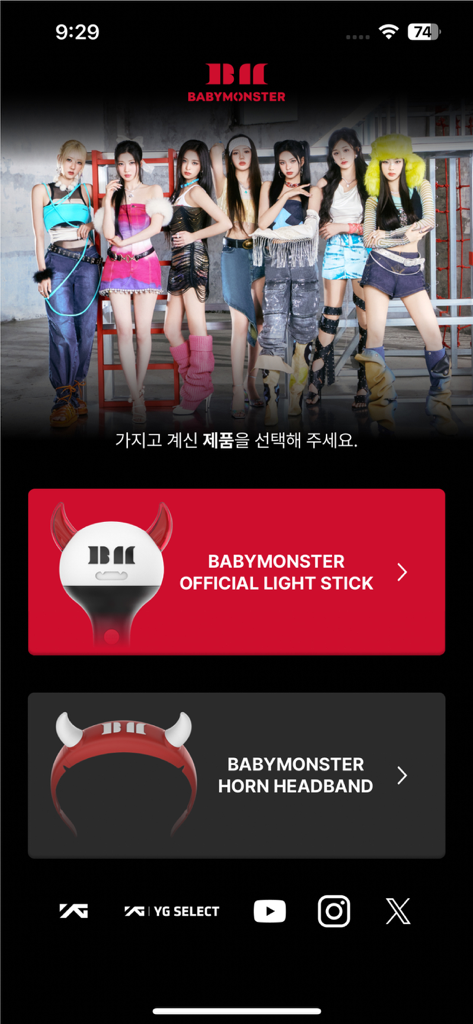
Écran d'accueil de l'application BABYMONSTER avec des options pour sélectionner le bâton lumineux officiel ou le bandeau corne.
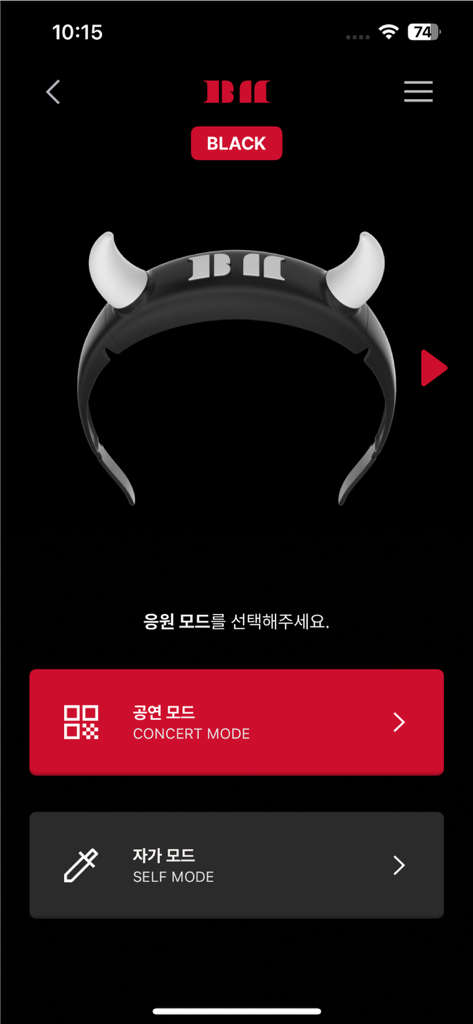
Interface de l'application BABYMONSTER light stick montrant les options Mode Concert et Mode Auto avec une image de bâton lumineux corne de diable.
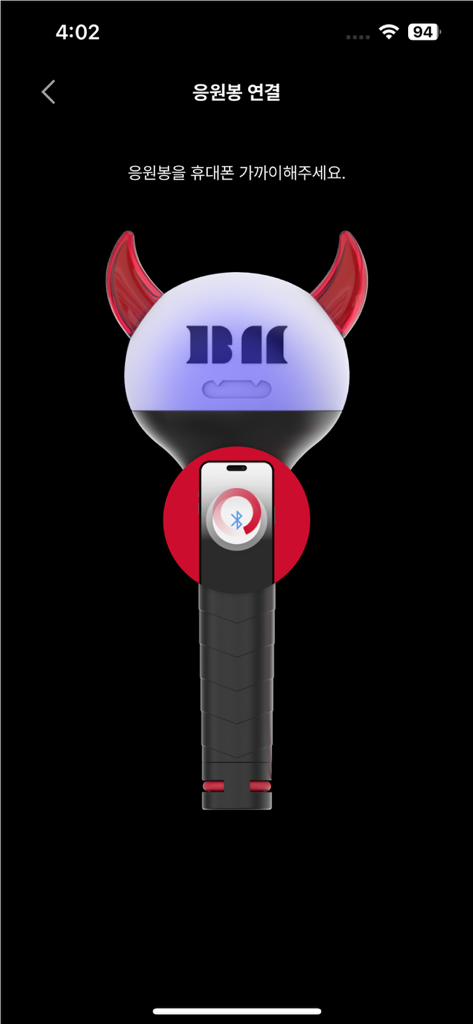
Interface de l'application BABYMONSTER light stick montrant un tutoriel graphique pour l'appairage Bluetooth avec un smartphone.
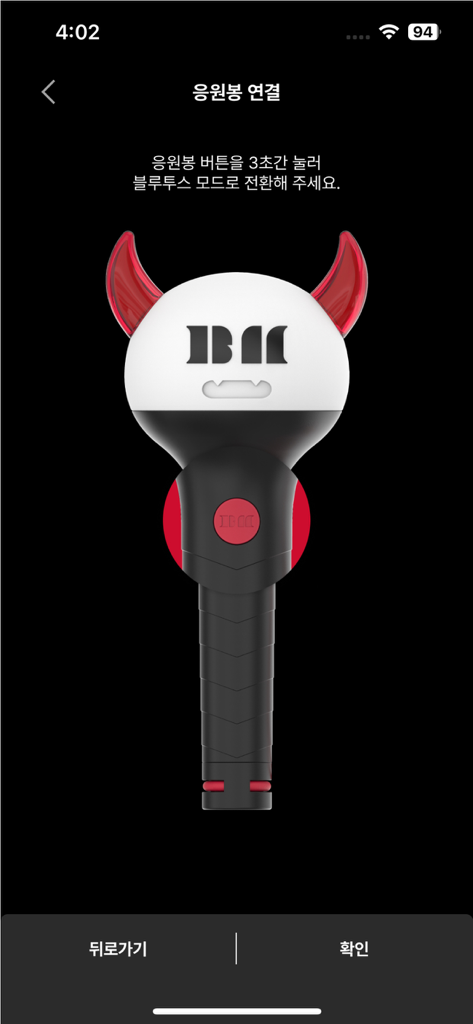
Une illustration du bâton lumineux officiel BABYMONSTER sur l'écran de connexion Bluetooth.
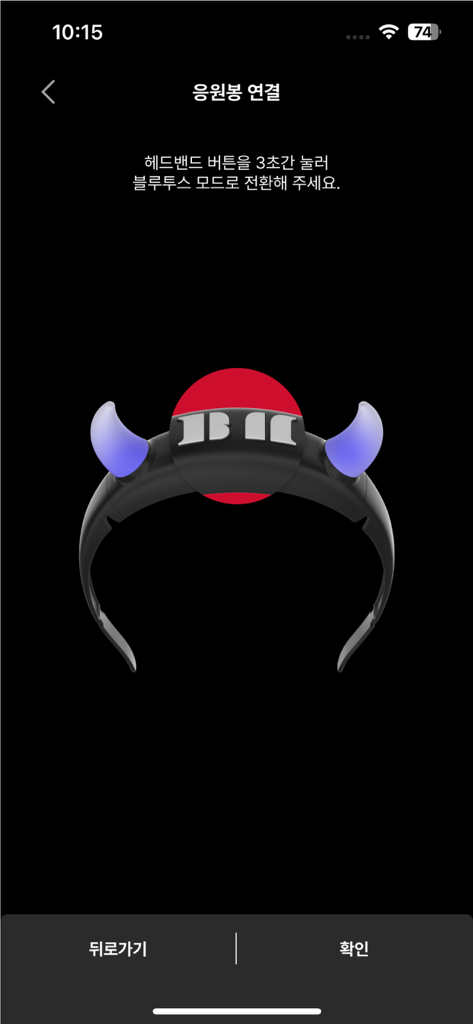
Interface d'appairage Bluetooth pour l'application BABYMONSTER light stick montrant une icône de bandeau lumineux.
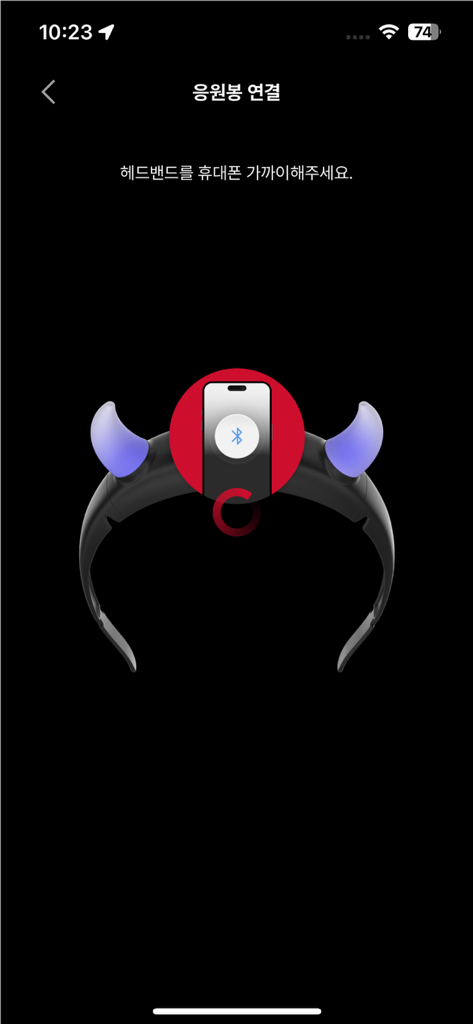
Écran de smartphone montrant le processus d'appairage Bluetooth pour l'accessoire de bandeau BABYMONSTER light stick.
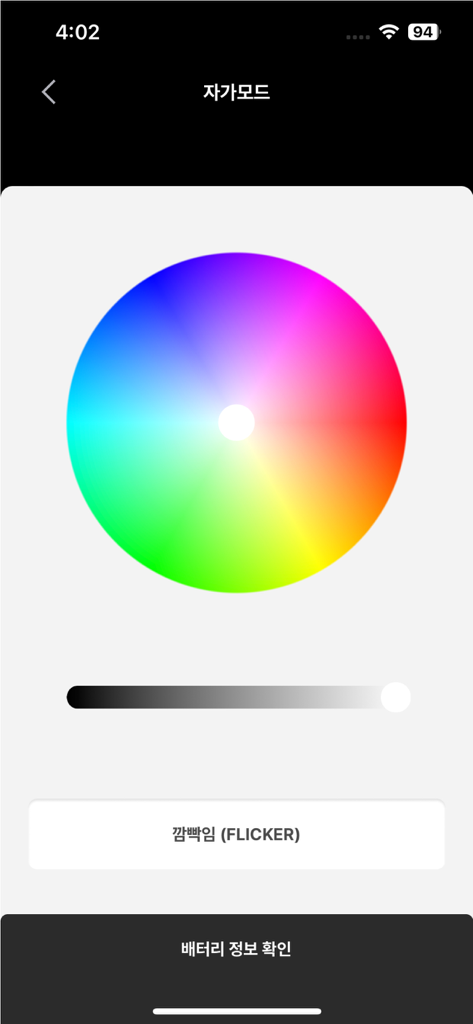
Interface de l'application BABYMONSTER Light Stick affichant une roue chromatique pour des effets d'éclairage personnalisés en mode auto.
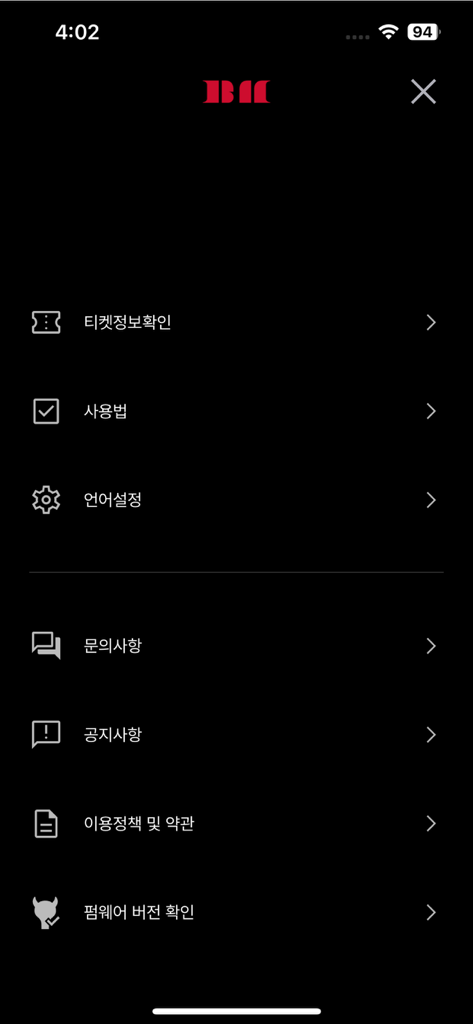
Écran du menu des paramètres de l'application mobile BABYMONSTER LIGHT STICK avec des options pour les informations du billet et la configuration de l'appareil
Description
Download
Apps Similaires
Apps avec des fonctionnalités et une expérience similaires
Arntreal
ANDREA ALBRIZIO

Brickit App
Brickit inc
LEGO® Super Mario™
LEGO System A/S
Jurassic World Play
Mattel
LEGO® TECHNIC® CONTROL+
LEGO System A/S
SmartRace for Carrera Digital
Marc Bonsels
Fukuoka / Collecting Forest
teamLab Inc.

BTS OFFICIAL LIGHT STICK
FANLIGHT Co., Ltd
LEGO® DUPLO® Trains
LEGO System A/S
Cette page n'est pas une page officielle de l'application ou de son développeur, mais une publication éditoriale indépendante créée à des fins d'information et de commentaire. Sauf indication expresse contraire, ni l'application ni son développeur ne sont affiliés, approuvés, sponsorisés, autorisés ou autrement officiellement liés à MWM, Apple, Google Play, à l'éditeur de l'application ou au développeur de l'application, et rien sur cette page n'implique que l'application a été développée en utilisant les services de MWM. Toutes les marques, logos, captures d'écran et autres contenus restent la propriété de leurs propriétaires respectifs.