
Cette page n'est pas une page officielle de l'application ou de son développeur, mais une publication éditoriale indépendante créée à des fins d'information et de commentaire. Sauf indication expresse contraire, ni l'application ni son développeur ne sont affiliés, approuvés, sponsorisés, autorisés ou autrement officiellement liés à MWM, Apple, Google Play, à l'éditeur de l'application ou au développeur de l'application, et rien sur cette page n'implique que l'application a été développée en utilisant les services de MWM. Toutes les marques, logos, captures d'écran et autres contenus restent la propriété de leurs propriétaires respectifs.


xTerminal - SSH Terminal Shell
Le terminal professionnel ultime pour les DevOps et les SysAdmins. Gérez en toute sécurité plusieurs sessions, automatisez les tâches avec des snippets, et gérez des fichiers via SFTP, le tout depuis votre poche.
Téléchargements
463K+Note
Nombre d'avis
100Éditeur
Catégorie
Developer ToolsLangues
1Dernière version
3.12Taille
97.8 MBDate de sortie
17 déc. 2020Prenez le Contrôle de Votre Infrastructure
La solution tout-en-un SSH et SFTP pour les développeurs et les administrateurs système. Gérez, surveillez et dépannez vos serveurs en toute sécurité depuis votre poche ou votre iPad.
Automatisez avec des Snippets
Arrêtez les saisies répétitives. Sauvegardez des commandes complexes et exécutez-les simultanément sur plusieurs serveurs en un seul tap pour améliorer votre efficacité en astreinte.
Terminal de Classe Bureau
Profitez d'un shell interactif sans latence avec prise en charge complète de vi/vim et SFTP intégré pour une gestion de fichiers et une surveillance des logs transparente en déplacement.
Les captures d'écran et la description suivantes proviennent directement de la fiche officielle de l'application sur le store et sont la propriété du développeur.
App Store
Captures
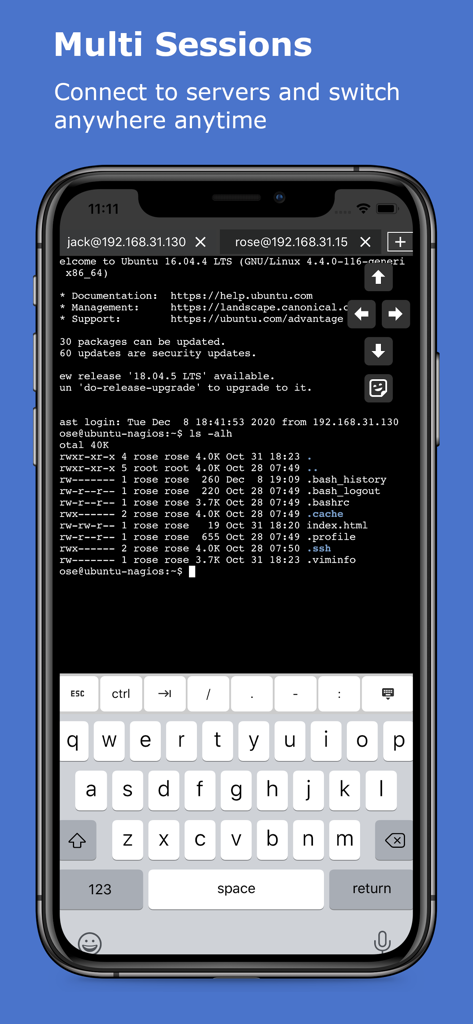
Application xTerminal affichant plusieurs sessions SSH sur un écran mobile
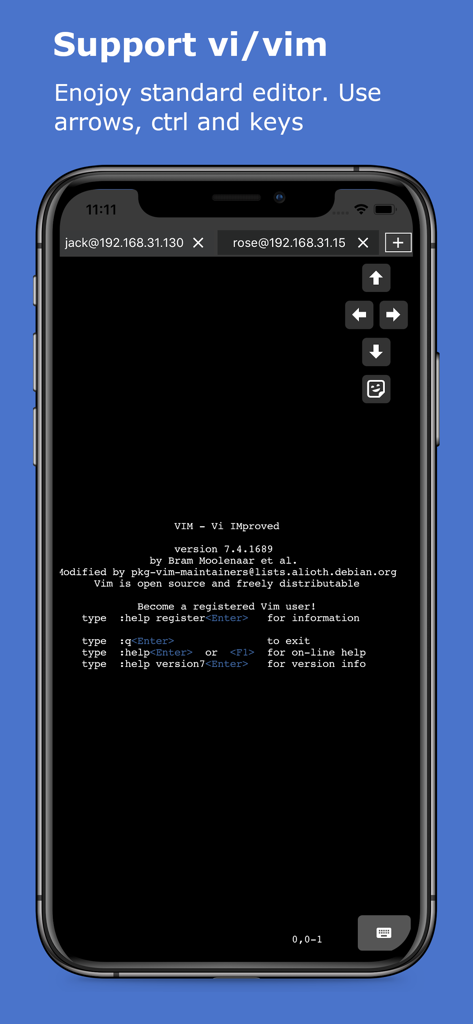
Écran d'iPhone montrant l'éditeur de texte Vim s'exécutant dans le shell SSH xTerminal avec des touches fléchées à l'écran
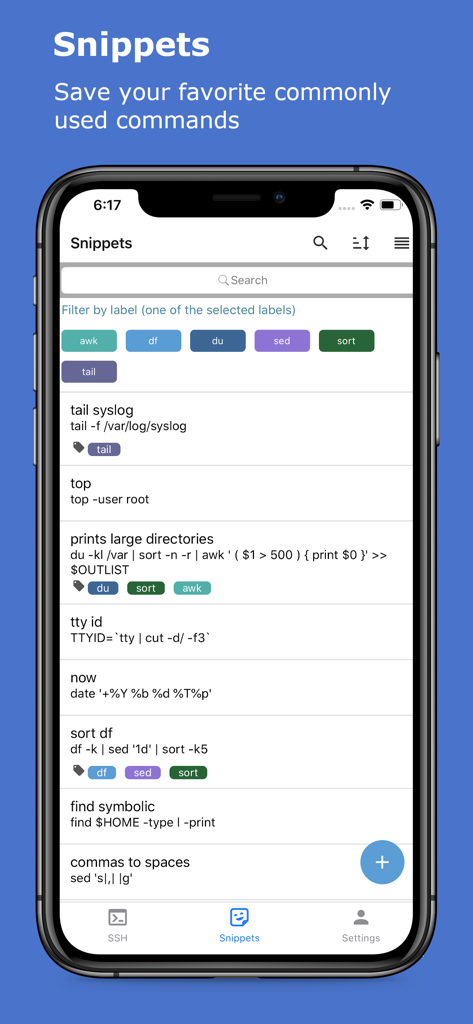
Écran de snippets de l'application xTerminal montrant une liste de commandes SSH sauvegardées avec des étiquettes et des filtres
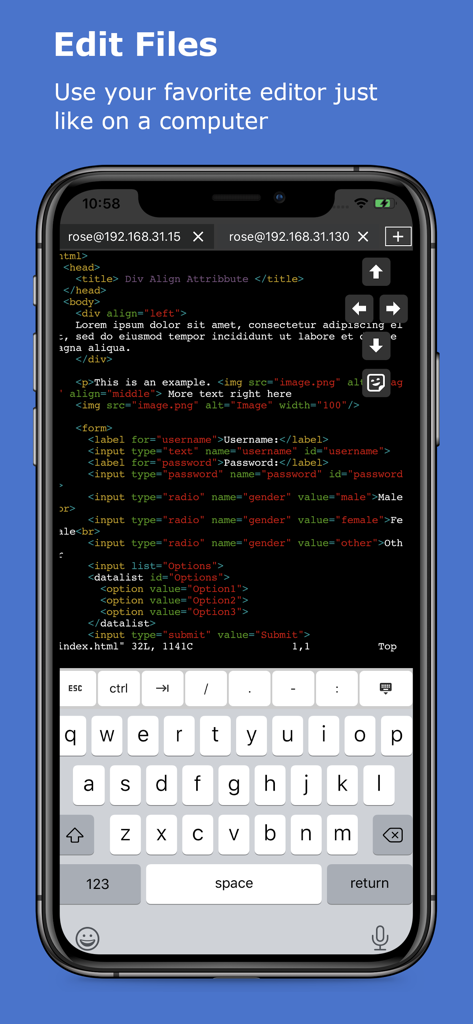
Modification de code dans le terminal SSH xTerminal sur iPhone
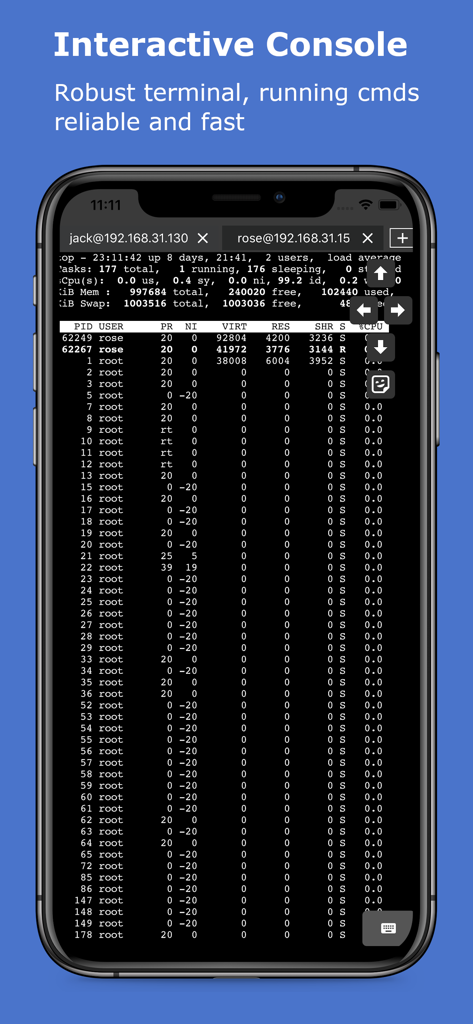
Terminal SSH interactif montrant les processus serveur sur un appareil mobile
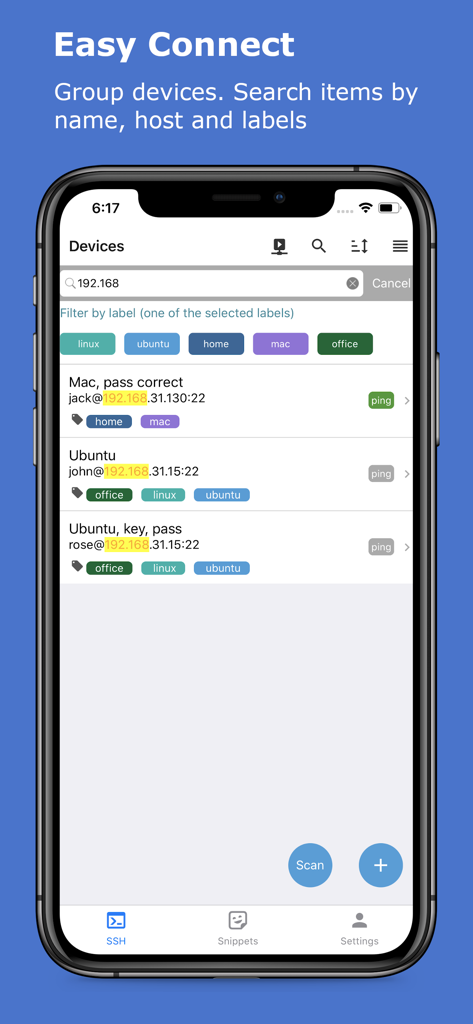
Interface de l'application xTerminal montrant une liste de serveurs SSH gérés avec des étiquettes de filtre et une barre de recherche
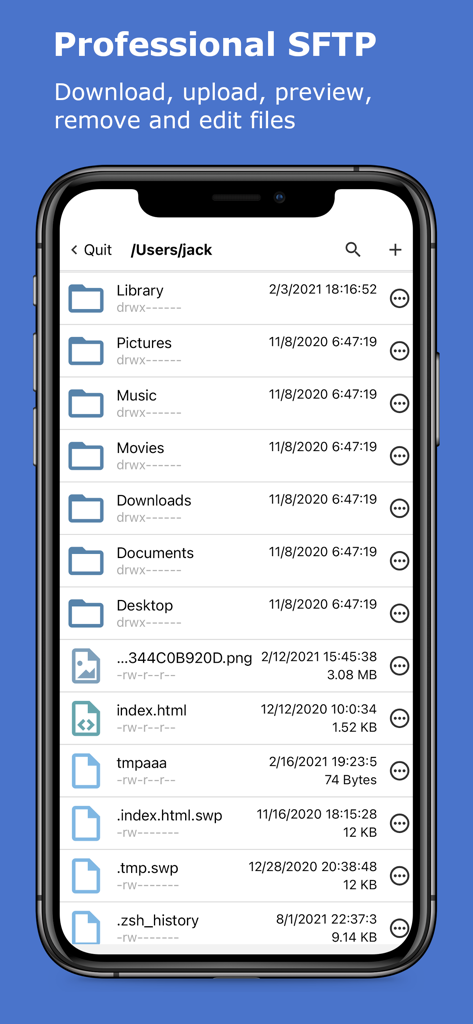
Application xTerminal montrant l'interface SFTP professionnelle pour gérer les fichiers et dossiers du serveur
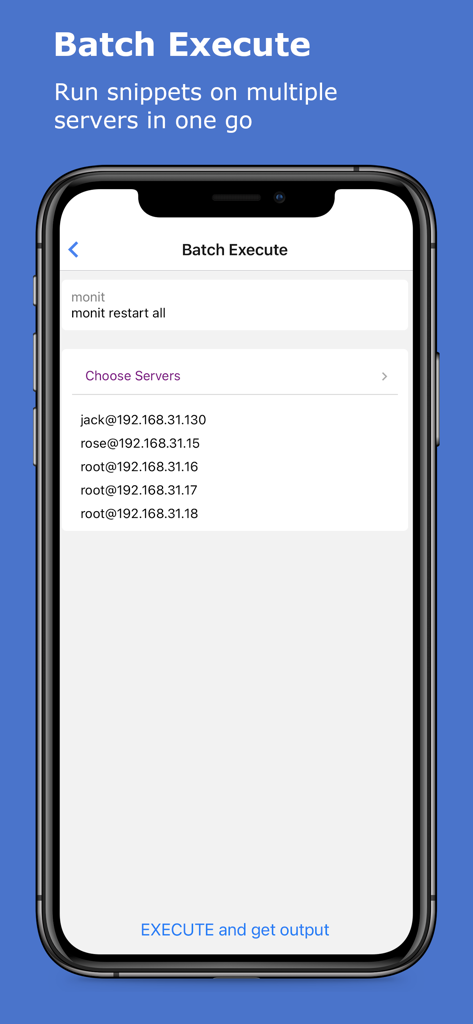
Interface pour exécuter des commandes SSH par lots sur plusieurs serveurs dans l'application xTerminal
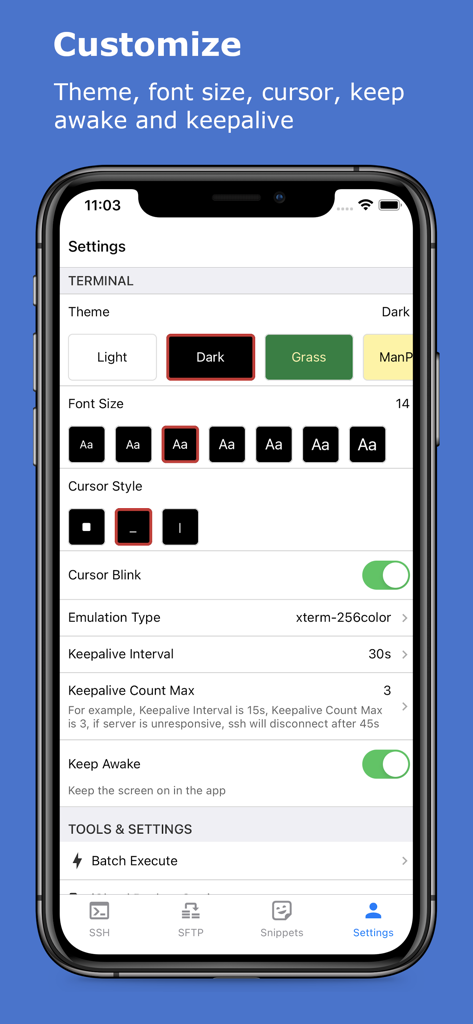
Écran des paramètres de l'application xTerminal pour personnaliser les thèmes du terminal et la taille de la police
Description
Download
Apps Similaires
Apps avec des fonctionnalités et une expérience similaires

SSH Client - Secure ShellFish
Anders Borum

FTPManager - FTP, SFTP client
Skyjos Co., Ltd.

FTP Client Pro
Anders Havn

Termux
FREE AI UTILS COMPANY LIMITED
TN5250
Jan Frydendal

Blink Shell, Build & Code
Blink Shell, Inc

Terminal#
Vasiliy Shaydullin

Prompt 3
Panic, Inc.

NovaAccess - Tailnet Tools
GalaxNet Ltd.
Cette page n'est pas une page officielle de l'application ou de son développeur, mais une publication éditoriale indépendante créée à des fins d'information et de commentaire. Sauf indication expresse contraire, ni l'application ni son développeur ne sont affiliés, approuvés, sponsorisés, autorisés ou autrement officiellement liés à MWM, Apple, Google Play, à l'éditeur de l'application ou au développeur de l'application, et rien sur cette page n'implique que l'application a été développée en utilisant les services de MWM. Toutes les marques, logos, captures d'écran et autres contenus restent la propriété de leurs propriétaires respectifs.