
Questa pagina non è una pagina ufficiale dell'app o del suo sviluppatore, ma una pubblicazione editoriale indipendente creata a scopo informativo e di commento. Salvo espressa indicazione contraria, né l'app né il suo sviluppatore sono affiliati, approvati, sponsorizzati, autorizzati o altrimenti ufficialmente collegati a MWM, Apple, Google Play, all'editore dell'app o allo sviluppatore dell'app, e nulla in questa pagina implica che l'app sia stata sviluppata utilizzando i servizi di MWM. Tutti i marchi, loghi, screenshot e altri contenuti rimangono di proprietà dei rispettivi proprietari.

Python3IDE
Trasforma il tuo iPad in una workstation potente. Codifica, analizza e visualizza con NumPy, Pandas e supporto Jupyter Notebook integrati, tutto in locale e 100% offline.
Download
1M+Valutazione
Valutazioni totali
1K+Editore
Categoria
Developer ToolsLingue
2Ultima versione
1.5Dimensione
1.6 GBData di lancio
4 apr 2018Potenza di Livello Desktop sul Tuo Dispositivo Mobile
Python3IDE trasforma il tuo iPad e iPhone in una workstation ad alte prestazioni con uno stack scientifico preconfigurato e funzionalità offline complete.
Stack Scientifico Preinstallato
Salta la configurazione e inizia subito ad analizzare dati con NumPy, Pandas, Scikit-Learn e Matplotlib integrati nell'app.
Indipendenza Totale Offline
Esegui e debugga i tuoi script localmente senza connessione internet. Il compagno perfetto per il coder pendolare e il nomade digitale.
Gli screenshot e la descrizione seguenti provengono direttamente dall'elenco ufficiale dello store dell'app e sono di proprietà dello sviluppatore.
App Store
Screenshot
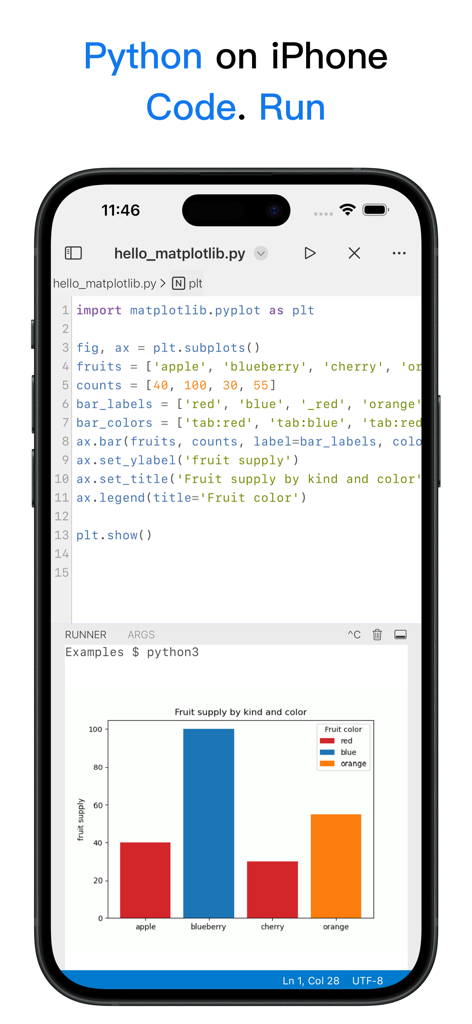
Screenshot dell'app Python3IDE su iPhone che mostra codice Python che utilizza matplotlib per generare un grafico a barre con codifica a colori.
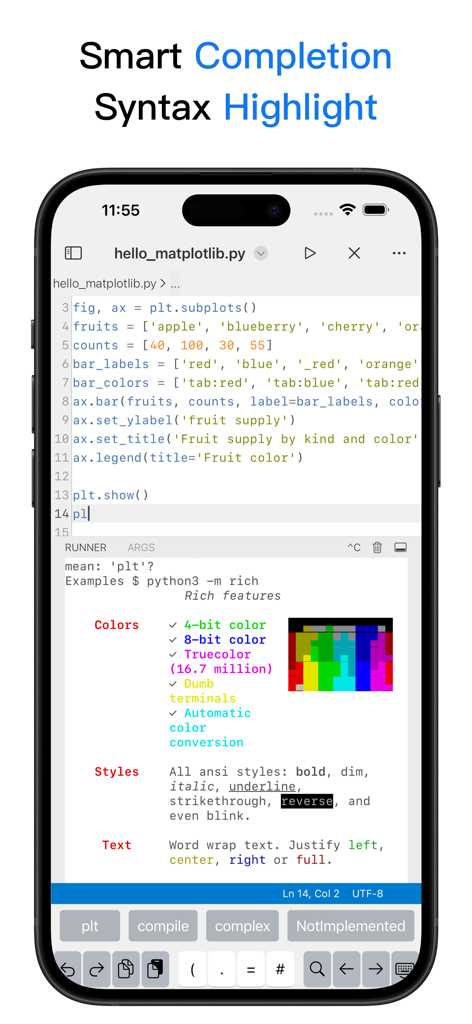
Editor di codice mobile Python3IDE con evidenziazione della sintassi e suggerimenti di completamento intelligenti
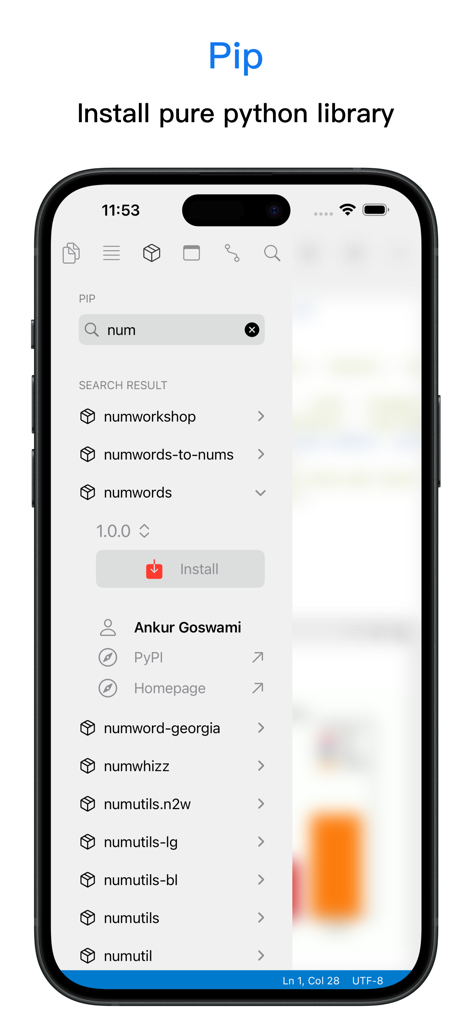
Interfaccia dell'app mobile Python3IDE che mostra il gestore di pacchetti Pip per cercare e installare librerie Python
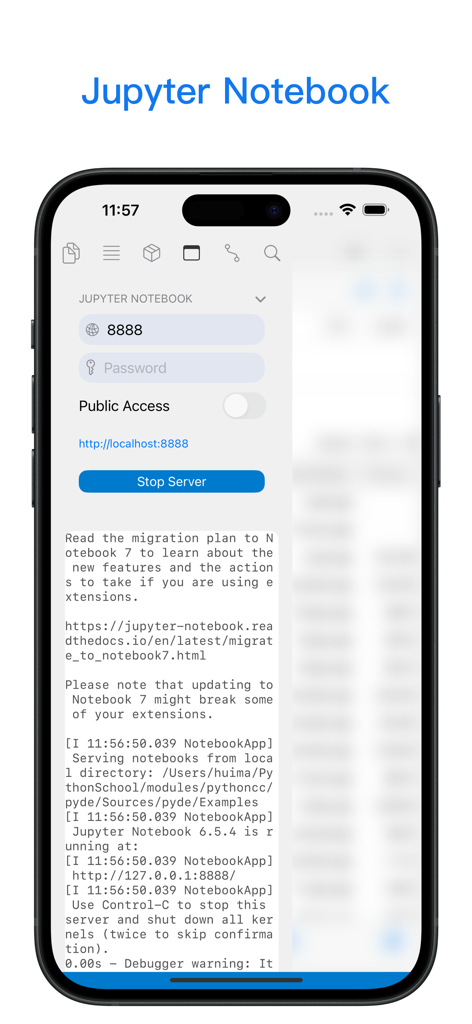
Interfaccia mobile di Python3IDE che mostra i controlli e i log del server Jupyter Notebook locale
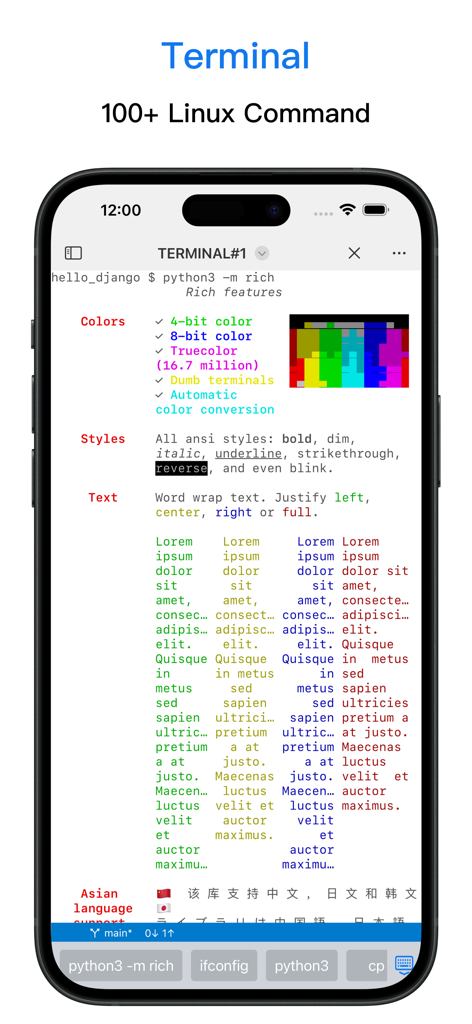
Interfaccia terminale mobile nell'app Python3IDE che mostra il supporto ai comandi Linux e la formattazione del testo.
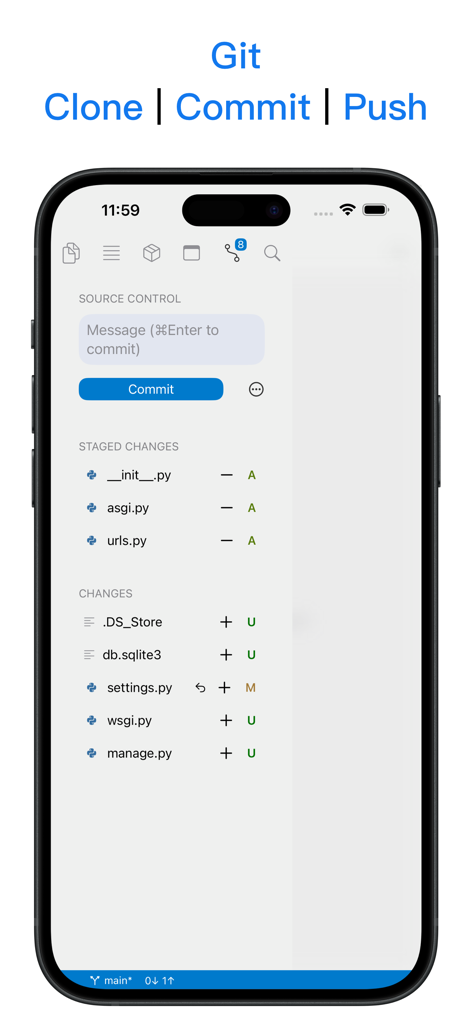
App mobile Python3IDE che mostra il controllo sorgente Git con funzionalità di commit e push su uno schermo iPhone
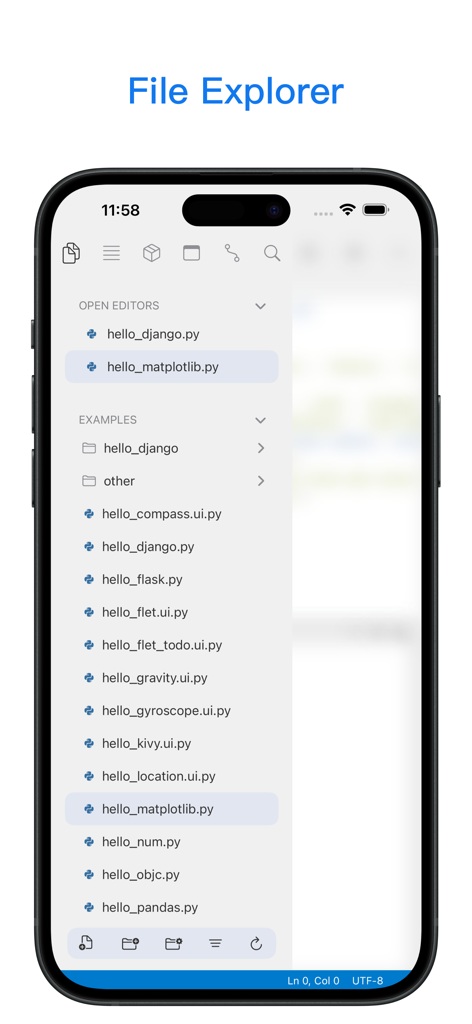
Esplora file dell'app mobile Python3IDE che mostra script aperti ed esempi di codice Python
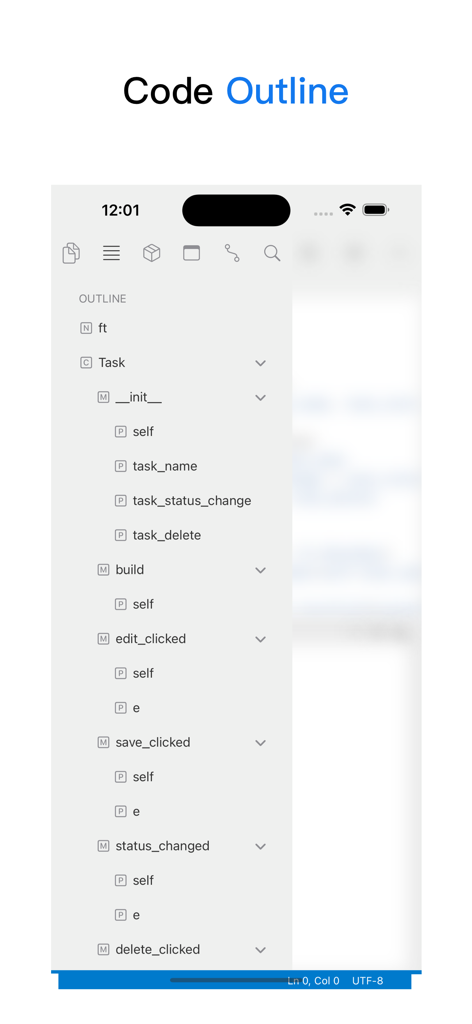
Screenshot dell'app mobile Python3IDE che mostra una struttura del codice gerarchica con classi e metodi
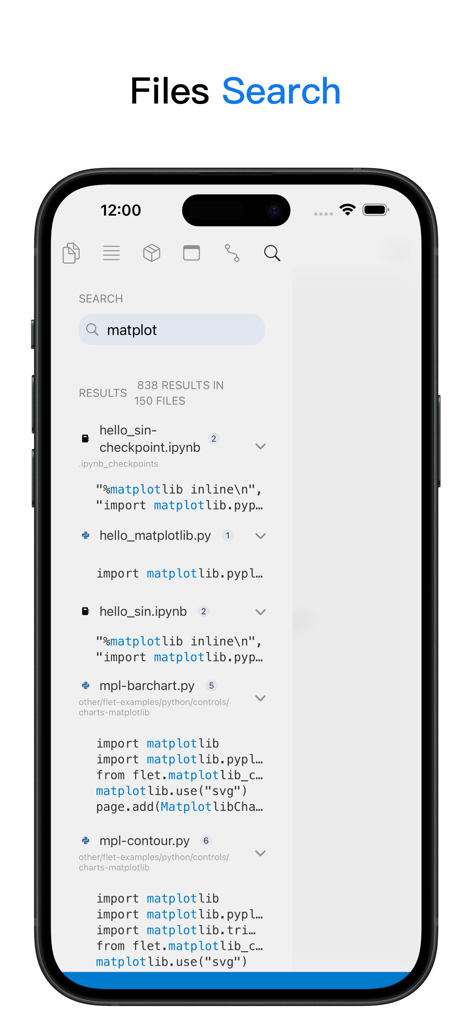
Interfaccia di ricerca dell'app Python3IDE che mostra i risultati della ricerca di codice per la libreria matplotlib su un iPhone
Descrizione
Download
App Simili
App con funzionalità ed esperienza simili

Python Coding
婉媚 邵

Scriptable
Simon Stovring

Koder Code Editor
Reny Mustika

Textastic Code Editor
Alexander Blach

Carnets - Jupyter
Nicolas Holzschuch

Juno – Python and Jupyter
Rational Matter Ltd

C/C++-programming language
小文 黄

Love2D Studio
淑敏 孙

C Compiler IDE
Changsha Chunjue Information Technology Co., Ltd.
Questa pagina non è una pagina ufficiale dell'app o del suo sviluppatore, ma una pubblicazione editoriale indipendente creata a scopo informativo e di commento. Salvo espressa indicazione contraria, né l'app né il suo sviluppatore sono affiliati, approvati, sponsorizzati, autorizzati o altrimenti ufficialmente collegati a MWM, Apple, Google Play, all'editore dell'app o allo sviluppatore dell'app, e nulla in questa pagina implica che l'app sia stata sviluppata utilizzando i servizi di MWM. Tutti i marchi, loghi, screenshot e altri contenuti rimangono di proprietà dei rispettivi proprietari.