
Questa pagina non è una pagina ufficiale dell'app o del suo sviluppatore, ma una pubblicazione editoriale indipendente creata a scopo informativo e di commento. Salvo espressa indicazione contraria, né l'app né il suo sviluppatore sono affiliati, approvati, sponsorizzati, autorizzati o altrimenti ufficialmente collegati a MWM, Apple, Google Play, all'editore dell'app o allo sviluppatore dell'app, e nulla in questa pagina implica che l'app sia stata sviluppata utilizzando i servizi di MWM. Tutti i marchi, loghi, screenshot e altri contenuti rimangono di proprietà dei rispettivi proprietari.

Remote Mouse Pro
Trasforma il tuo telefono o tablet in un sofisticato mouse, tastiera e trackpad. Che tu stia tenendo una presentazione importante o controllando il tuo home cinema dal divano, sperimenta una produttività inter-dispositivo senza interruzioni nel palmo della tua mano.
Download
425K+Valutazione
Valutazioni totali
29K+Editore
Categoria
UtilitiesLingue
19Ultima versione
5.310Dimensione
90.3 MBData di lancio
20 lug 2010Gestisci il Tuo Desktop dal Tuo Telefono
Trasforma il tuo smartphone in un potente mouse, tastiera e trackpad wireless. Colma istantaneamente il divario tra il tuo dispositivo mobile e il tuo computer con controlli intuitivi progettati per lavoro, studio e svago.
Potenza per Presentazioni Professionali
Comanda la sala con un telecomando integrato. Usa il sensore giroscopico del tuo telefono come puntatore laser per evidenziare i punti chiave in PowerPoint o Keynote senza essere legato alla scrivania.
L'Esperienza "Lean-Back" Definitiva
Trasforma il tuo telefono in un telecomando multimediale dedicato per Netflix, VLC e YouTube. Controlla volume, riproduzione e navigazione dal tuo divano senza bisogno di un mouse fisico.
Gli screenshot e la descrizione seguenti provengono direttamente dall'elenco ufficiale dello store dell'app e sono di proprietà dello sviluppatore.
App Store
Screenshot
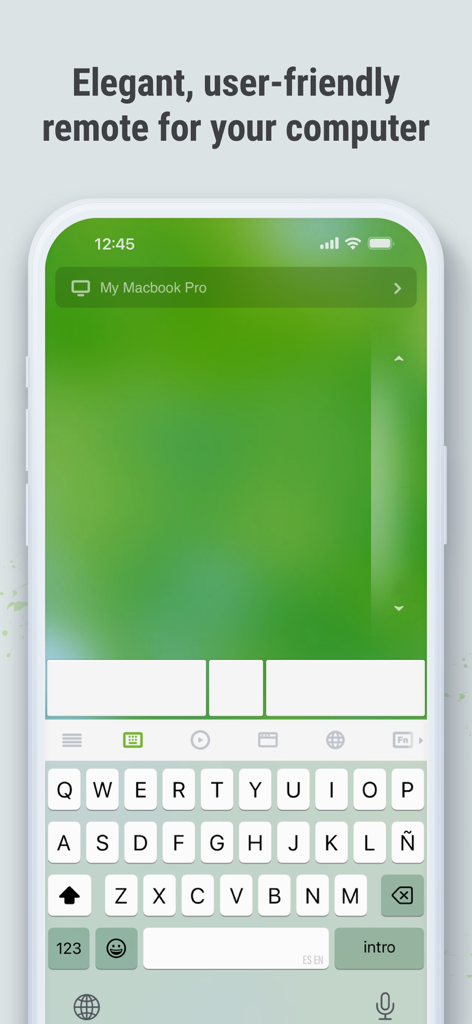
Interfaccia dell'app Remote Mouse Pro su un iPhone che mostra un trackpad e una tastiera digitali per il controllo remoto del computer.
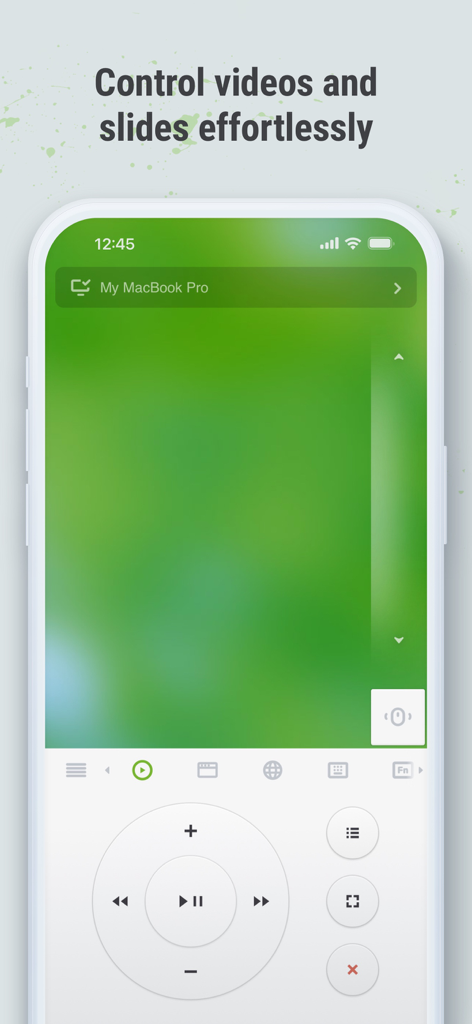
Interfaccia di Remote Mouse Pro su iPhone che mostra controlli multimediali e trackpad per controllare video e diapositive da remoto
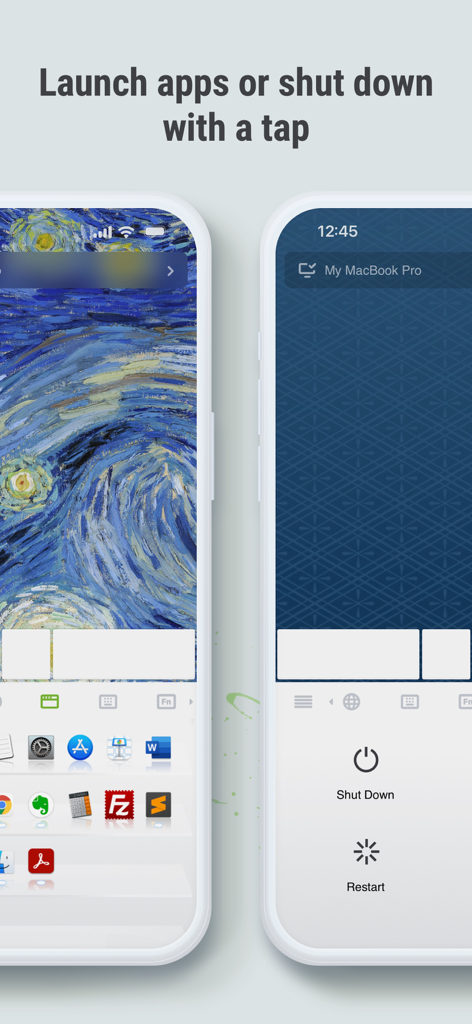
Schermate dell'app Remote Mouse Pro che mostrano il launcher delle applicazioni e i controlli di accensione remota per un computer.
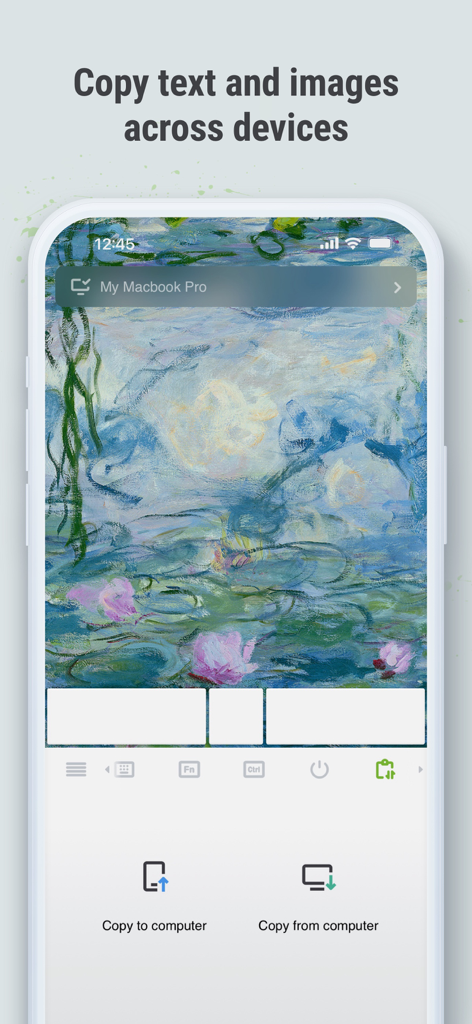
Interfaccia di Remote Mouse Pro che mostra la funzione di clipboard inter-dispositivo per copiare testo e immagini tra uno smartphone e un computer.
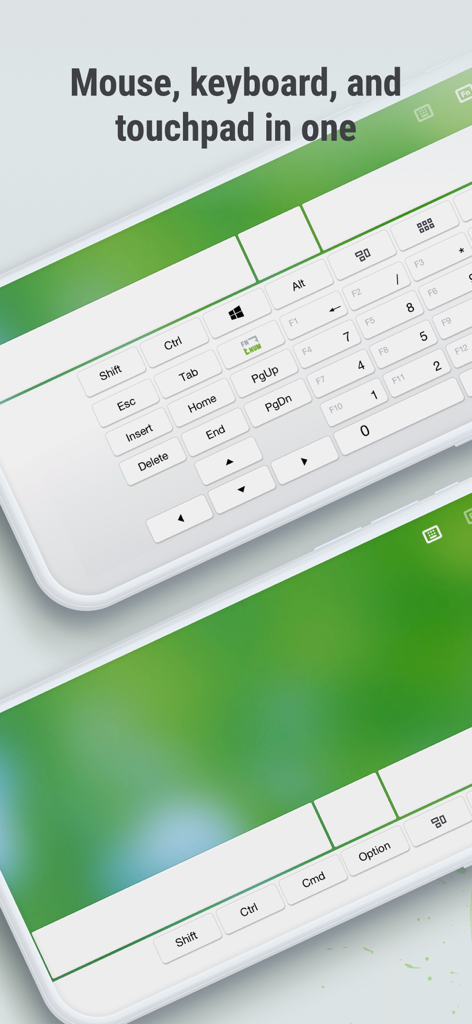
Interfaccia dell'app Remote Mouse Pro che mostra una tastiera completa e un controllo touchpad su due smartphone
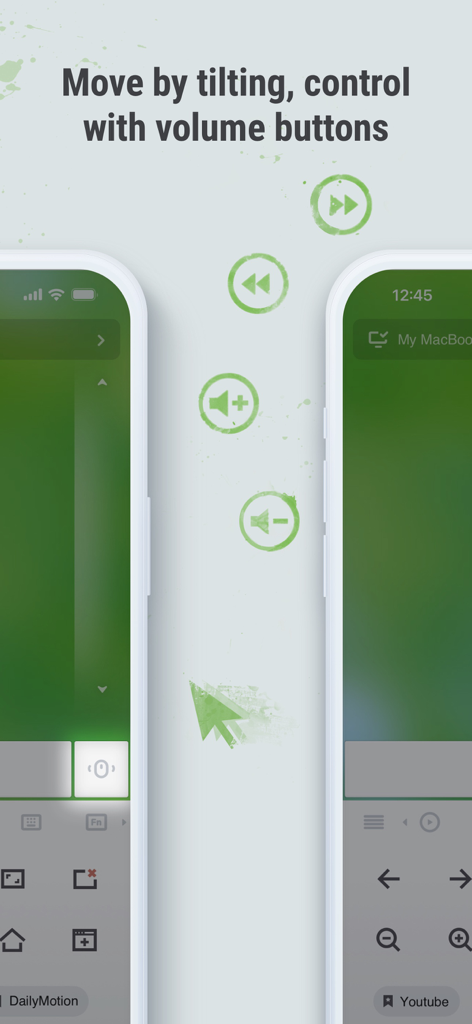
Interfaccia di Remote Mouse Pro che illustra i movimenti di inclinazione del giroscopio e i controlli dei pulsanti del volume fisici per la navigazione remota del computer
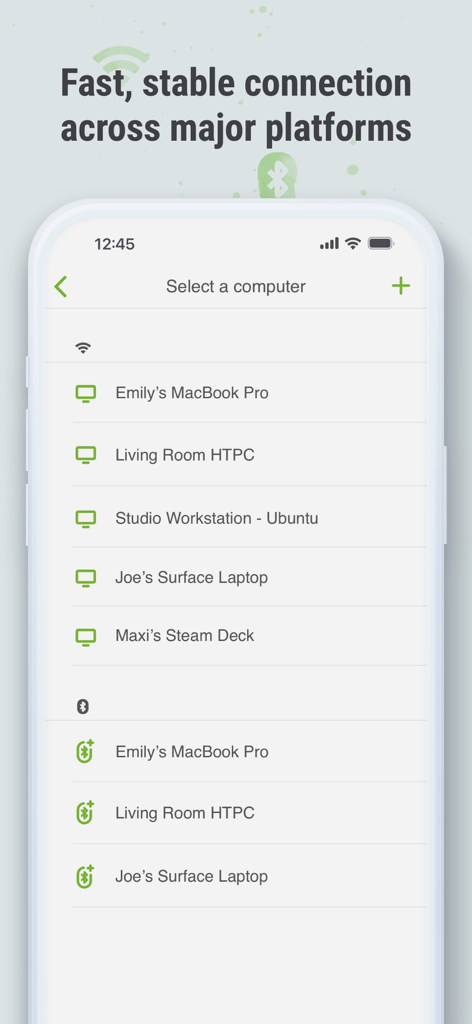
Interfaccia dell'app mobile Remote Mouse Pro che mostra un elenco di computer e dispositivi disponibili per la connessione tramite Wi-Fi e Bluetooth
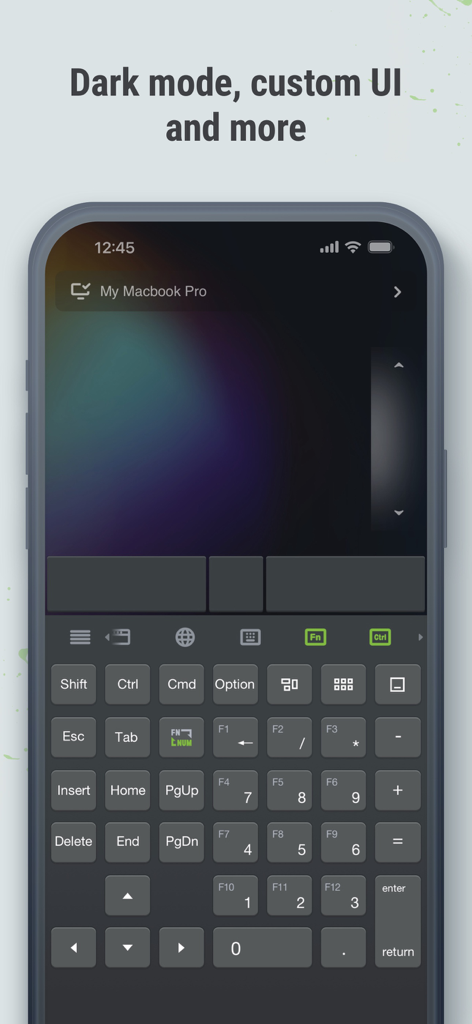
Interfaccia dell'app Remote Mouse Pro in modalità scura che mostra una tastiera e un trackpad remoti completi su un iPhone
Descrizione
Download
App Simili
App con funzionalità ed esperienza simili

Mouse · Keyboard
Remote Sunrise LTD

Camo Camera
Reincubate Ltd

DroidCam Webcam & OBS Camera
DEV47 APPS LTD.

spacedesk - USB Display for PC
datronicsoft Technology GmbH

iVCam Webcam
俊红 柴

Remote Mouse
耀 阮

CamX - USB Camera
Touchbits Inc.

Genki Studio
Human Things, Inc

Astropad Studio Drawing Tablet
Astro HQ LLC
Questa pagina non è una pagina ufficiale dell'app o del suo sviluppatore, ma una pubblicazione editoriale indipendente creata a scopo informativo e di commento. Salvo espressa indicazione contraria, né l'app né il suo sviluppatore sono affiliati, approvati, sponsorizzati, autorizzati o altrimenti ufficialmente collegati a MWM, Apple, Google Play, all'editore dell'app o allo sviluppatore dell'app, e nulla in questa pagina implica che l'app sia stata sviluppata utilizzando i servizi di MWM. Tutti i marchi, loghi, screenshot e altri contenuti rimangono di proprietà dei rispettivi proprietari.