AI Document Scanner

AI Document Scanner

ダウンロード: App Store
ロゴ: AI Document Scanner

AI ドキュメント スキャナー:ポケットの中のプロフェッショナル級の生産性

iPhone を高性能な AI スキャナーに変身させます。ドキュメントのデジタル化、OCR によるテキスト抽出、外出先での契約書署名を、比類のない精度と鮮明さで簡単に行えます。

ダウンロード: App Store

開発元

sunn Saubert

カテゴリ

Productivity

ダウンロード

19K+

ユーザー評価

4.3/5

評価数

300

対応言語

10

鮮明さを体験する

このインターフェースを利用する 19K+ 人のユーザー.

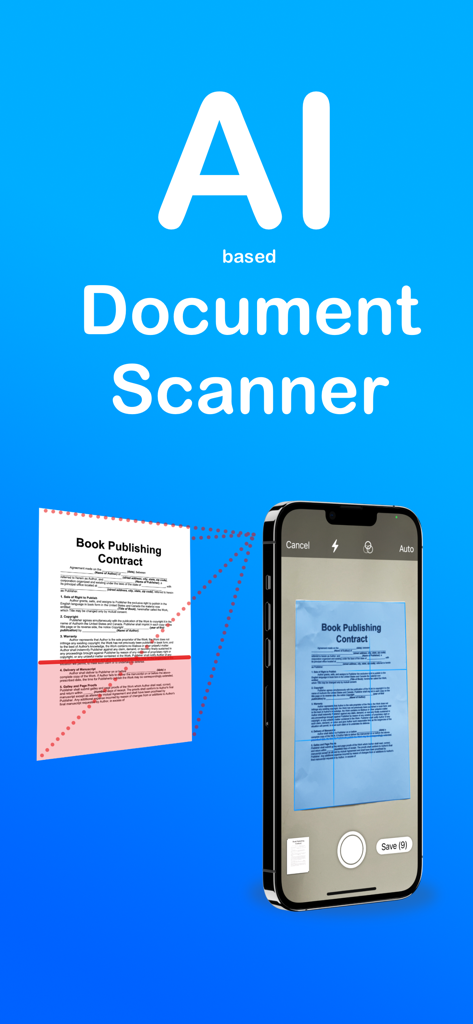
iPhone で紙の契約書をスキャンしている AI ドキュメント スキャナー アプリのインターフェース

iPhone で紙の契約書をスキャンしている AI ドキュメント スキャナー アプリのインターフェース

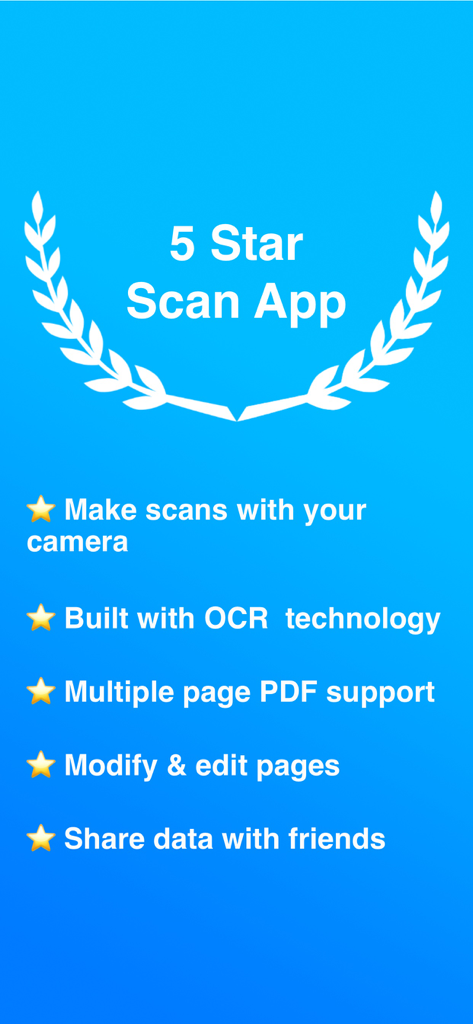
OCR や複数ページの PDF サポートを含む AI ドキュメント スキャナーの機能リスト

OCR や複数ページの PDF サポートを含む AI ドキュメント スキャナーの機能リスト

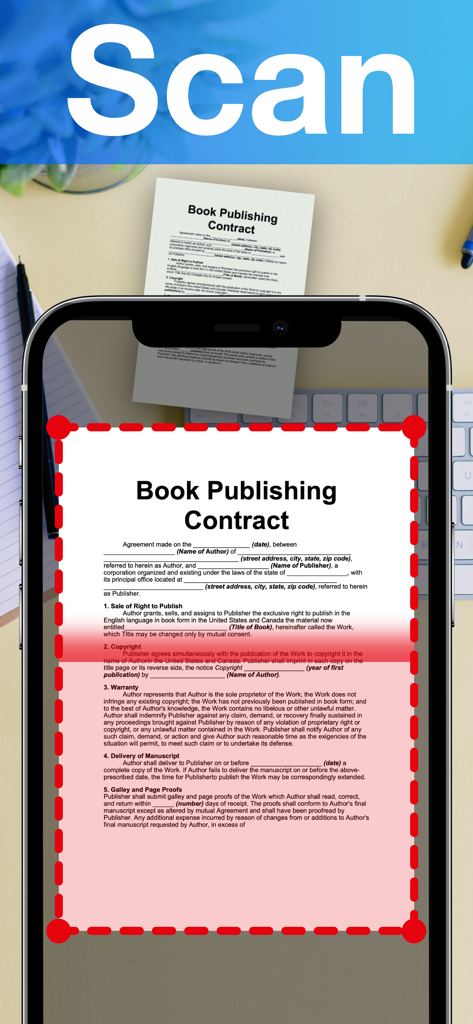
自動エッジ検出を使用して iPhone でプロフェッショナルな契約書をスキャンしている AI ドキュメント スキャナー アプリ

自動エッジ検出を使用して iPhone でプロフェッショナルな契約書をスキャンしている AI ドキュメント スキャナー アプリ

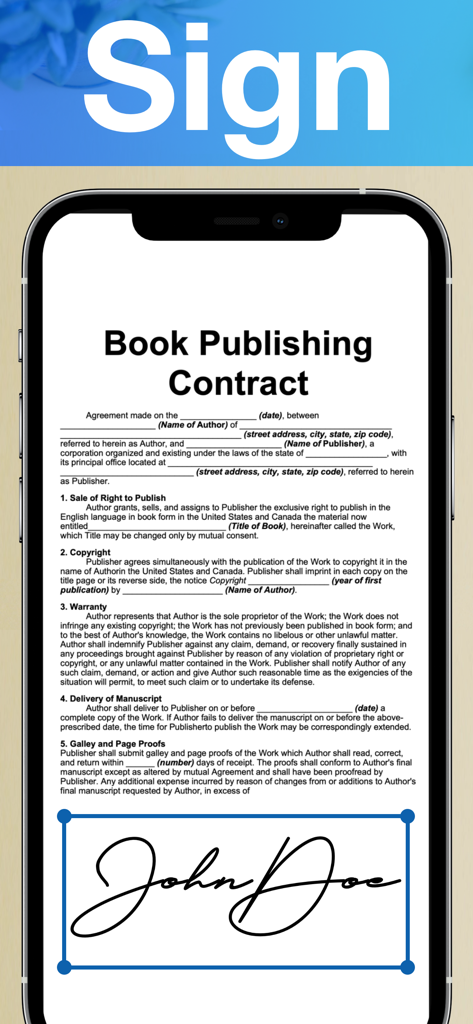
書籍出版契約書にデジタル署名が適用されている AI ドキュメント スキャナー アプリを表示したスマートフォンの画面

書籍出版契約書にデジタル署名が適用されている AI ドキュメント スキャナー アプリを表示したスマートフォンの画面

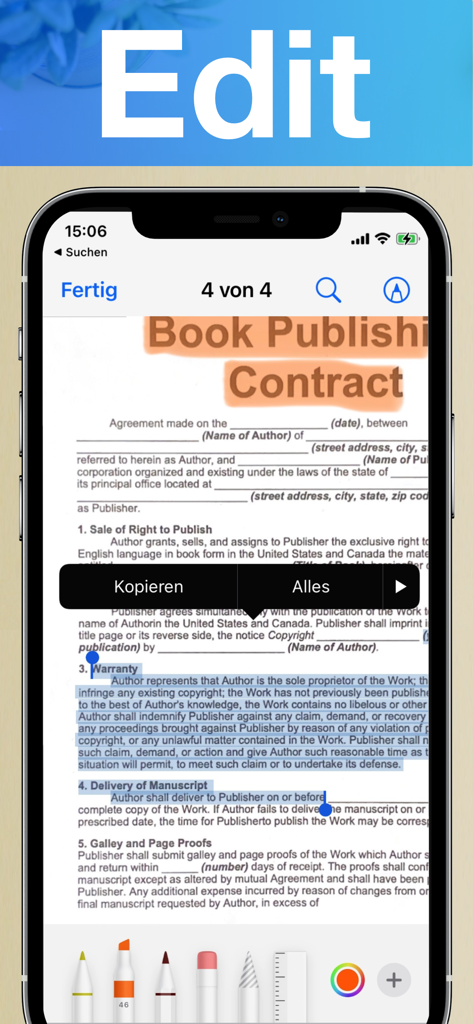
スキャンした契約書での AI ドキュメント スキャナーの編集および注釈機能を示す iPhone の画面

スキャンした契約書での AI ドキュメント スキャナーの編集および注釈機能を示す iPhone の画面

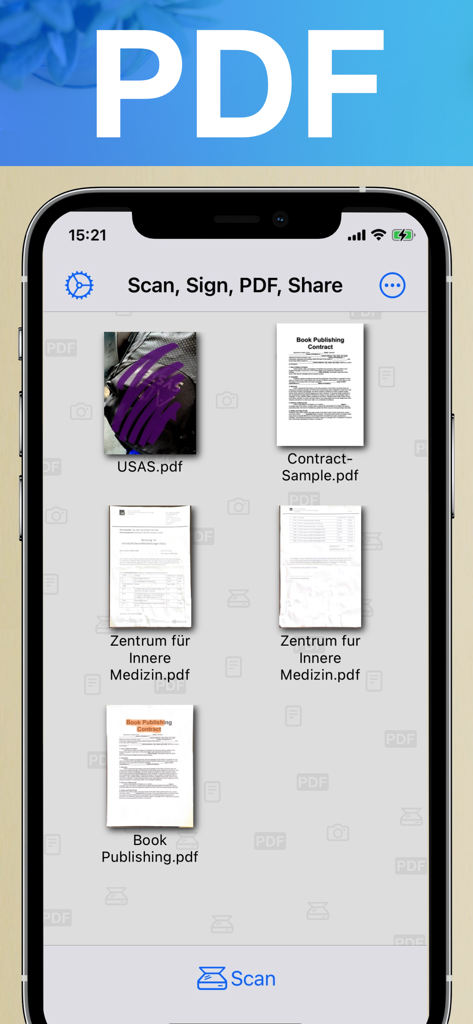
iPhone の画面に整理された、スキャン済みの PDF ドキュメントや契約書のコレクションを示す AI ドキュメント スキャナー アプリのインターフェース

iPhone の画面に整理された、スキャン済みの PDF ドキュメントや契約書のコレクションを示す AI ドキュメント スキャナー アプリのインターフェース

AI の精度でワークフローを変革

このアプリを際立たせるツール、 19K+ 人のユーザーが選択.

🤖

極めて鮮明な AI インテリジェンス

影を自動的に除去し、テキストを鮮明にします。当社の OCR テクノロジーは、スキャンした紙の書類を、編集可能で検索可能なデジタル テキストに数秒で変換します。

✍️

どこでも署名と注釈付け

画面から直接、契約書を確定したり、ハイライトを追加したりできます。プリンターやペンを必要とせず、プロフェッショナルな対応を迅速に行えます。

📁

スマートな自動整理

AI がファイルを自動的にカテゴリ分けし、タグ付けします。ビジネスの煩雑さを解消するインテリジェントなフォルダで、必要なものをすぐに見つけることができます。

アプリについて

について知っておくべきこと AI Document Scanner.

説明

Features available for subscribers: Introducing AI Document Scanner, the cutting-edge app designed to revolutionize how you handle documents on your iPhone. Whether you're a professional needing efficient document management or someone looking to streamline your daily tasks, AI Document Scanner offers a suite of powerful features to enhance your productivity and convenience. Here’s how you can benefit: Advanced AI-Powered Scanning: Experience the next level of document scanning with AI technology. AI Document Scanner automatically detects and enhances text, graphics, and images, ensuring crystal-clear and high-quality scans every time. The AI algorithms adjust lighting, remove shadows, and correct distortions for professional-grade results. Optical Character Recognition (OCR): Convert scanned images into editable and searchable text with built-in OCR technology. AI Document Scanner accurately extracts text from documents, allowing you to edit, copy, and search content with ease. Perfect for transforming printed materials into digital text for editing or referencing. Multi-Page Scanning: Easily scan multi-page documents into a single file. Organize and handle large documents, reports, or manuals without the hassle of managing separate files. AI Document Scanner ensures smooth navigation through multiple pages for seamless document management. Annotation and Editing Tools: Annotate your scanned documents with ease. Add notes, highlights, and signatures directly within the app. AI Document Scanner provides a suite of editing tools to mark up your documents, making it easy to add important details, comments, or personal signatures on the go. Automatic Document Detection: Simplify the scanning process with automatic edge detection and cropping. AI Document Scanner identifies the edges of your document and crops it precisely, ensuring you capture only what you need. This feature saves you time and delivers clean, perfectly framed scans every time. Intelligent Document Organization: Organize your documents effortlessly with smart folders and tagging features. AI Document Scanner categorizes and tags your documents automatically based on content, making it easier to search and find what you need. This intelligent organization streamlines your workflow and enhances efficiency. Share and Export: Easily share your scanned documents via email, messaging apps, or by generating a shareable link. Export your scans in various formats, including PDF and JPEG, to ensure compatibility with different platforms and software. User-Friendly Interface: Enjoy an intuitive and user-friendly interface designed for all skill levels. AI Document Scanner offers a seamless experience with simple navigation, making it easy to scan, edit, and manage documents without any technical hassle. Transform the way you handle documents with AI Document Scanner. Download the app today and unlock a world of possibilities for scanning, editing, and managing your documents directly from your iPhone. Say goodbye to traditional scanners and enjoy the convenience of a powerful document solution in your pocket. --- Terms of Use: https://www.apple.com/legal/internet-services/itunes/dev/stdeula/

最新バージョン

4.80

サイズ

12.2 MB

リリース日

2016年4月21日

AI でペーパーレス化を始めませんか?

毎週何時間も節約している何千人ものプロフェッショナルの仲間入りをしましょう。今すぐ AI ドキュメント スキャナーをダウンロードして、プロ仕様のスキャン、OCR、スマートな整理機能をポケットの中で体験してください。

ダウンロード: App Store

App information, icons, screenshots, and descriptions displayed on this page are sourced from the Apple App Store and are the property of their respective developers. Download estimates and rankings are based on MWM's proprietary models and may not reflect actual figures. This page is provided for informational and analytical purposes only.

Believe this page infringes your intellectual property? File a dispute