Authenticator App : 2FA & MFA

Authenticator App : 2FA & MFA

ダウンロード: App Store
ロゴ: Authenticator App : 2FA & MFA

Authenticator App : 2FA & MFA – Appleエコシステム全体のためのプロフェッショナルグレードのセキュリティ

iPhone、Mac、Apple Watch全体での暗号化されたiCloudバックアップとシームレスな同期により、デジタルアイデンティティを保護します。プライバシーと安心のために設計された、手間いらずの多要素認証を体験してください。

ダウンロード: App Store

開発元

NETRON LLC

カテゴリ

Productivity

ダウンロード

31K+

ユーザー評価

4.5/5

評価数

1K+

対応言語

8

一目でわかるセキュリティ

このインターフェースを利用する 31K+ 人のユーザー.

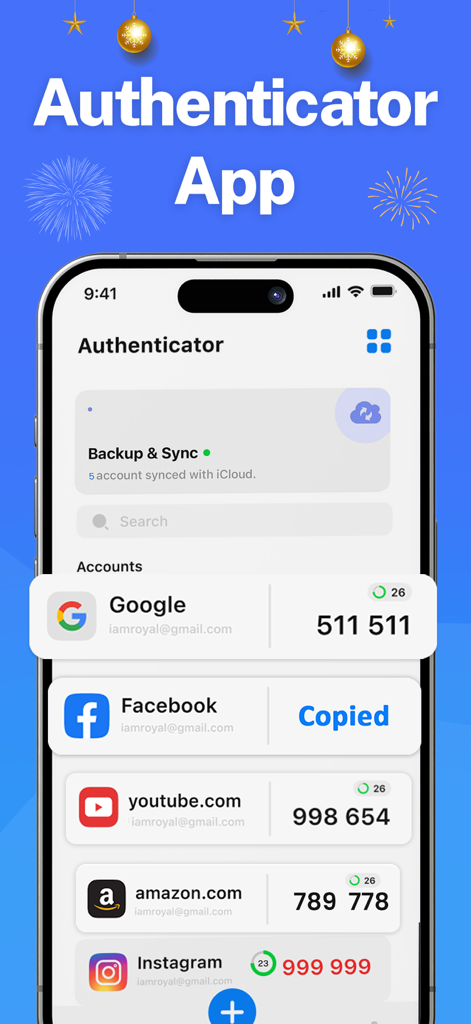
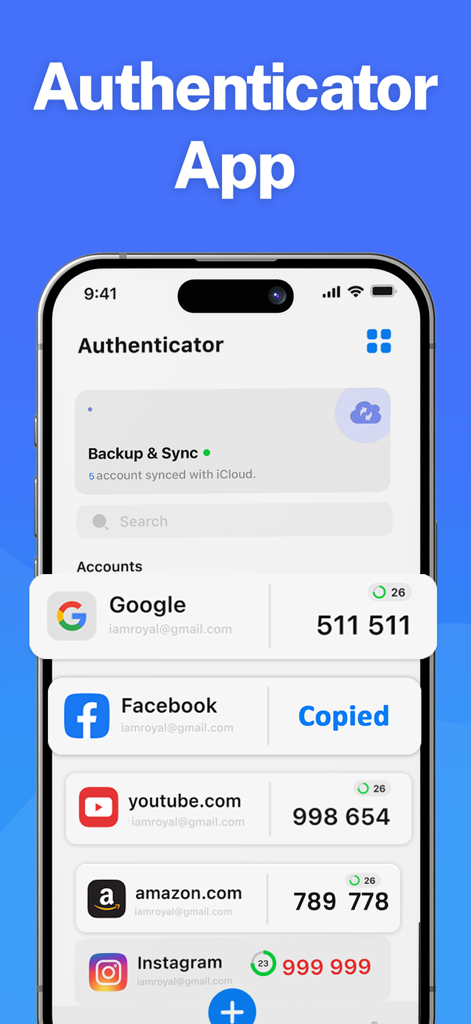
Google、Facebook、Amazonの2FAコードとアクティブなiCloud同期ステータスが表示されたAuthenticatorアプリのモバイル画面

Google、Facebook、Amazonの2FAコードとアクティブなiCloud同期ステータスが表示されたAuthenticatorアプリのモバイル画面

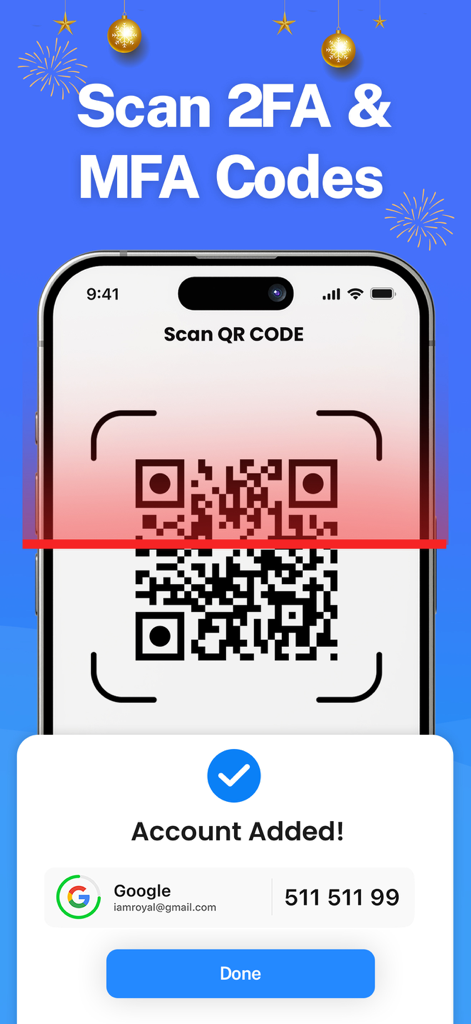
iPhoneで2FAおよびMFAセキュリティのためのGoogleアカウントを追加するQRコードをスキャン中

iPhoneで2FAおよびMFAセキュリティのためのGoogleアカウントを追加するQRコードをスキャン中

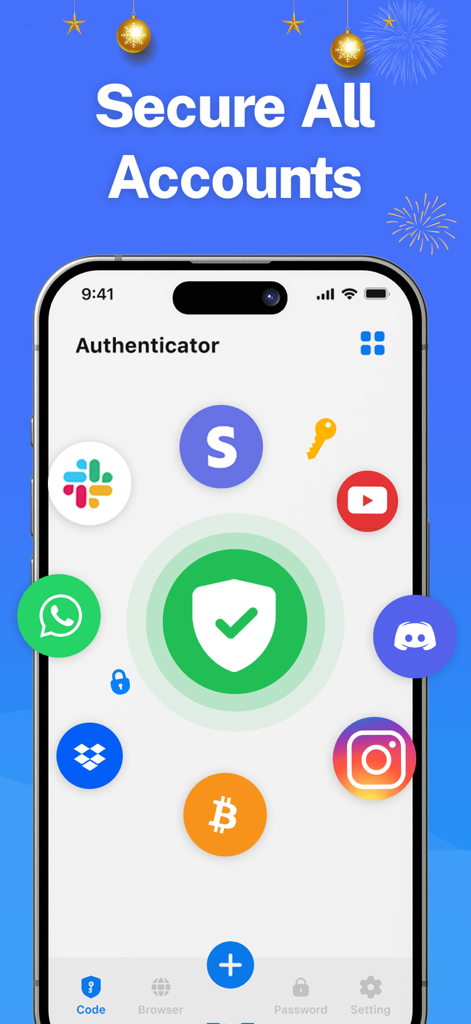
さまざまなオンラインサービスのロゴに囲まれた中央の盾アイコンが表示されたAuthenticatorアプリのインターフェース画面

さまざまなオンラインサービスのロゴに囲まれた中央の盾アイコンが表示されたAuthenticatorアプリのインターフェース画面

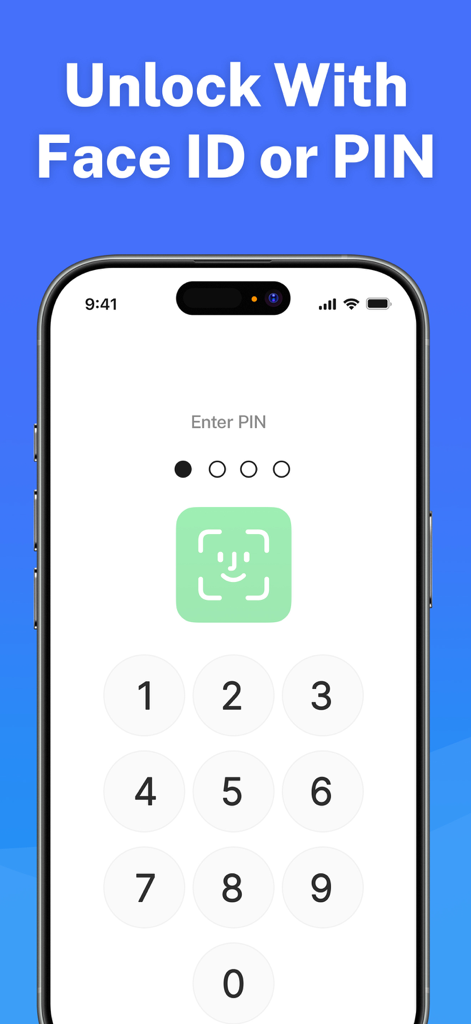
数字PINパッドとFace IDアイコンが表示されたAuthenticatorアプリのセキュリティロック解除画面

数字PINパッドとFace IDアイコンが表示されたAuthenticatorアプリのセキュリティロック解除画面

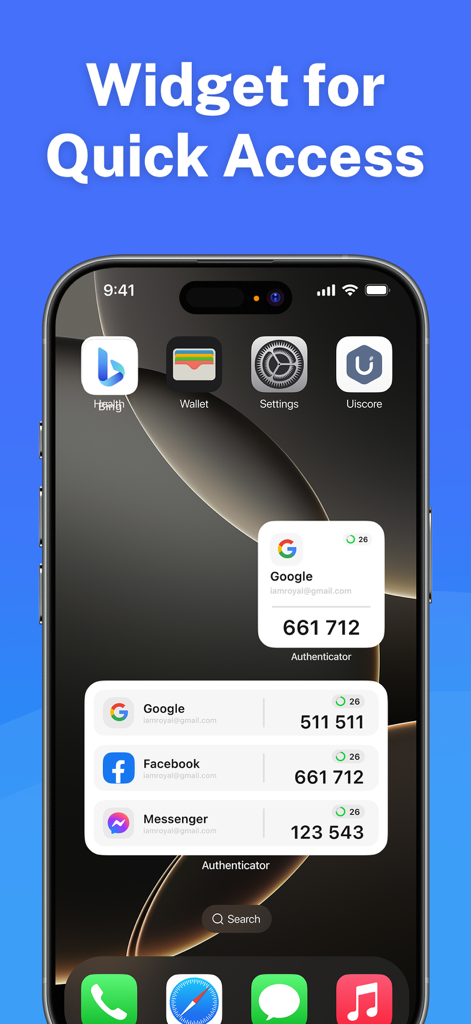
iPhoneのホーム画面に、2要素認証コードにすばやくアクセスするためのAuthenticatorアプリウィジェットが表示されている

iPhoneのホーム画面に、2要素認証コードにすばやくアクセスするためのAuthenticatorアプリウィジェットが表示されている

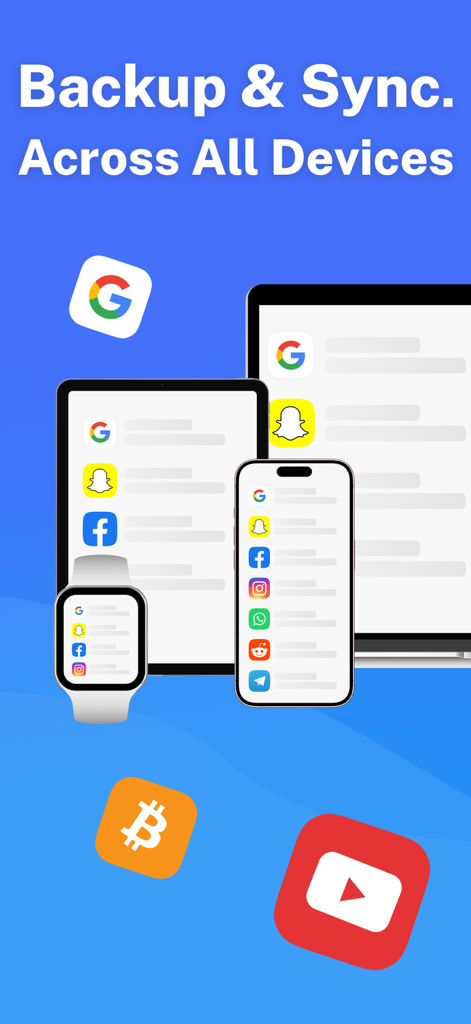
iPhone、iPad、Apple Watch全体でのバックアップと同期を表示するAuthenticatorアプリのインターフェース

iPhone、iPad、Apple Watch全体でのバックアップと同期を表示するAuthenticatorアプリのインターフェース

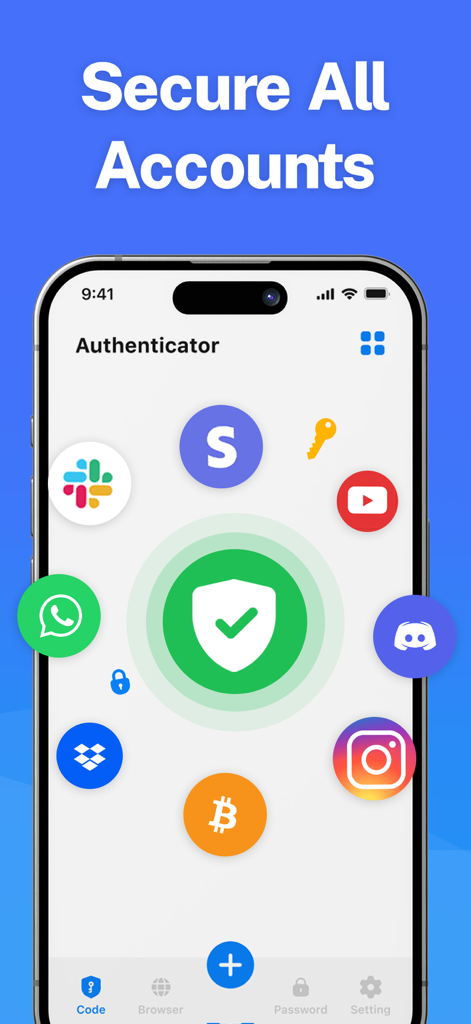
Slack、YouTube、Instagramなどのさまざまなプラットフォームのアイコンに囲まれた中央の緑色のセキュリティシールドが表示されたAuthenticatorアプリのインターフェース画面

Slack、YouTube、Instagramなどのさまざまなプラットフォームのアイコンに囲まれた中央の緑色のセキュリティシールドが表示されたAuthenticatorアプリのインターフェース画面

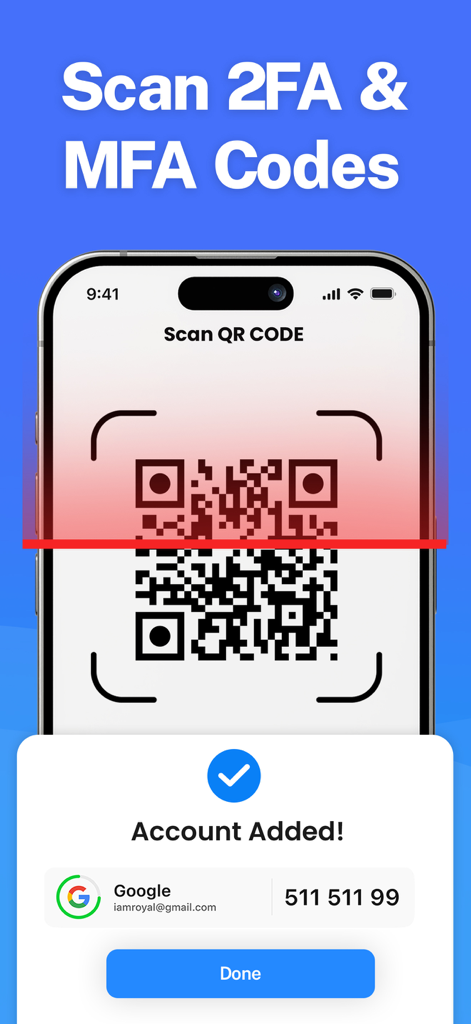
2FAアカウントを追加するためにQRコードをスキャンしているAuthenticator Appのインターフェース

2FAアカウントを追加するためにQRコードをスキャンしているAuthenticator Appのインターフェース

GoogleやFacebookなどの複数のアカウントの2FAコードとiCloud同期ステータスが表示されたiPhone上のAuthenticator Appインターフェース

GoogleやFacebookなどの複数のアカウントの2FAコードとiCloud同期ステータスが表示されたiPhone上のAuthenticator Appインターフェース

デジタルアイデンティティのための鉄壁のセキュリティ

このアプリを際立たせるツール、 31K+ 人のユーザーが選択.

🔄

ゼロロス iCloud同期

ロックアウトの不安を解消。暗号化されたセキュリティトークンは、iPhone、Mac、iPad全体で同期され、復旧も簡単です。

スムーズなWatchアクセス

ログインを迅速化。電話に手を伸ばさなくても、Apple Watchで直接認証コードを確認できます。

🛡️

生体認証プライバシーロック

アクセスできるのはあなただけであることを確認してください。Face IDまたはTouch IDでVaultを保護し、インスタントで安全なコード生成を実現します。

アプリについて

について知っておくべきこと Authenticator App : 2FA & MFA.

説明

Authenticator App: MFA & 2FA! Elevate your account security with Authenticator, a robust app designed to add an extra layer of protection during login. Safeguard your bank accounts and sensitive data with advanced multi-factor authentication (MFA) and two-factor authentication (2FA), ensuring peace of mind for your online activities. Key Features: - Enhanced Security: Generate unique verification codes for an added layer of login protection. Even if your credentials are compromised, unauthorized access is effectively prevented. - Privacy First: All your data is fully encrypted, including backups on iCloud, ensuring only you can access it. - Seamless Synchronization: Enjoy automatic syncing of your 2FA tokens across all Apple devices, so your codes are always at your fingertips. - Apple Watch Support: Access your verification codes conveniently from your Apple Watch. - Custom Icons: Personalize your codes with custom icons for an organized and visually appealing experience. - Broad Compatibility: Works seamlessly with popular platforms like Google, Facebook, and more. - App Protection: Add an extra layer of security with a PIN lock and auto-lock functionality. - Biometric Authentication: Use Face ID or Touch ID to securely access the app and generate one-time codes. Stay secure, stay private. Download Authenticator today and protect what matters most. Privacy Policy: netron.solutions/privacy-policy Terms of Use: netron.solutions/terms-and-conditions

最新バージョン

3.6

サイズ

204.0 MB

リリース日

2023年7月5日

ワンタップでデジタルワールドを保護

iPhone、Mac、Apple Watch全体でシームレスに同期される暗号化された2FAコードにより、機密データを保護している31,000人以上のプロフェッショナルに加わりましょう。

ダウンロード: App Store

App information, icons, screenshots, and descriptions displayed on this page are sourced from the Apple App Store and are the property of their respective developers. Download estimates and rankings are based on MWM's proprietary models and may not reflect actual figures. This page is provided for informational and analytical purposes only.

Believe this page infringes your intellectual property? File a dispute