Authenticator App: 2FA - MFA

Authenticator App: 2FA - MFA

ダウンロード: App Store
ロゴ: Authenticator App: 2FA - MFA

Authenticator アプリ: 2FA - MFA: 暗号化されたクラウド同期でデジタルライフを保護

最も信頼性の高い2FAソリューションで、ソーシャル、プロフェッショナル、およびクリプトアカウントを保護しましょう。シームレスなクロスデバイス同期とエンドツーエンドで暗号化されたバックアップにより、二度とアクセスを失うことはありません。

開発元

SAN MOBILE YAZILIM TICARET LIMITED SIRKETI

カテゴリ

Productivity

ダウンロード

52K+

ユーザー評価

4.7/5

評価数

500

対応言語

14

一目でわかるセキュリティ

このインターフェースを利用する 52K+ 人のユーザー.

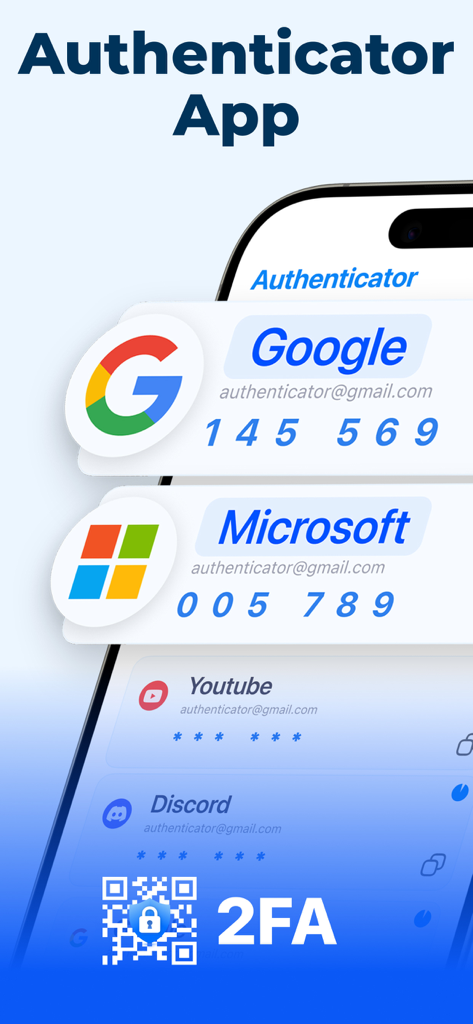
GoogleおよびMicrosoftアカウントの2FAセキュリティコードを表示するAuthenticatorアプリのインターフェイス。

GoogleおよびMicrosoftアカウントの2FAセキュリティコードを表示するAuthenticatorアプリのインターフェイス。

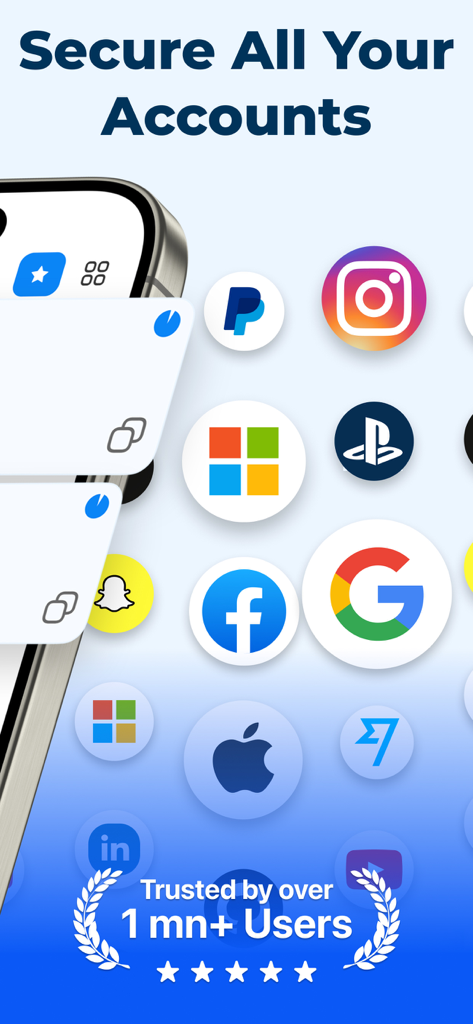
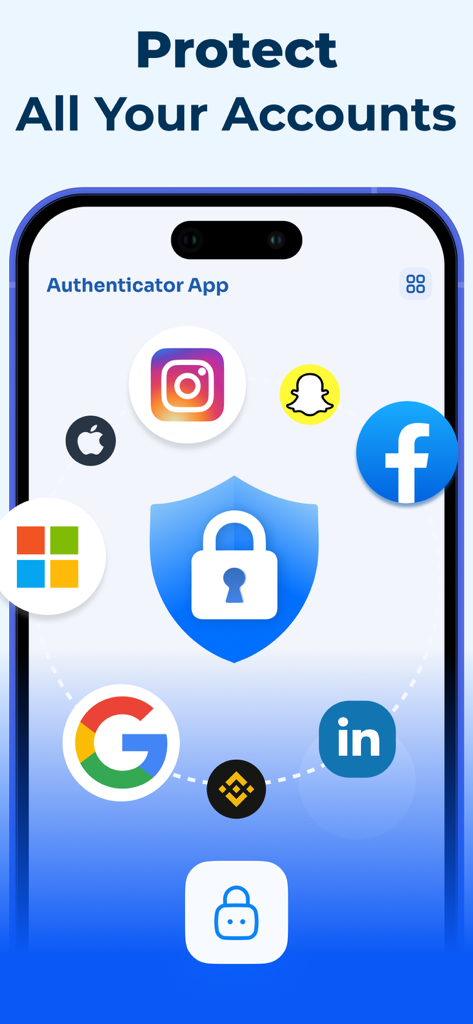
GoogleやFacebookなどのサポートされているプラットフォームのアイコンと100万人以上のユーザー信頼バッジを表示するAuthenticatorアプリのプロモーション画面。

GoogleやFacebookなどのサポートされているプラットフォームのアイコンと100万人以上のユーザー信頼バッジを表示するAuthenticatorアプリのプロモーション画面。

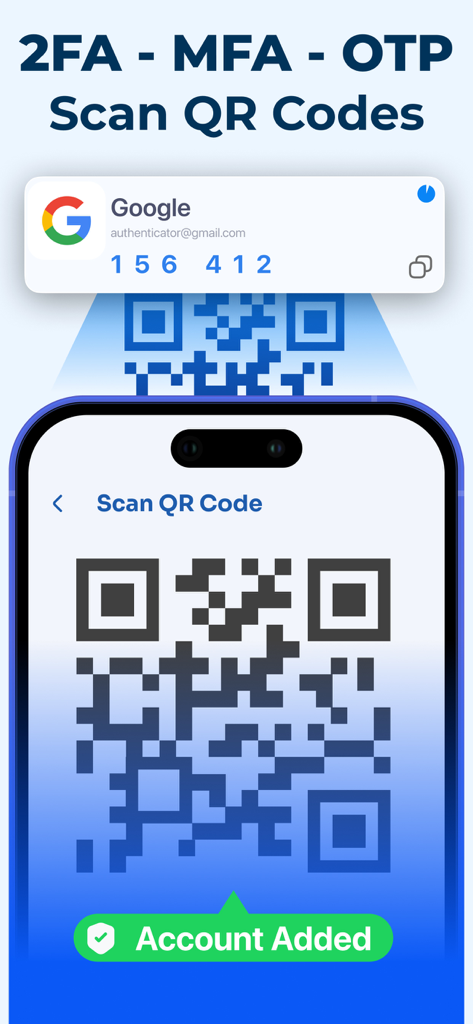
安全な二要素認証アカウントをすばやく追加するためにQRコードをスキャンするスマートフォンインターフェイス。

安全な二要素認証アカウントをすばやく追加するためにQRコードをスキャンするスマートフォンインターフェイス。

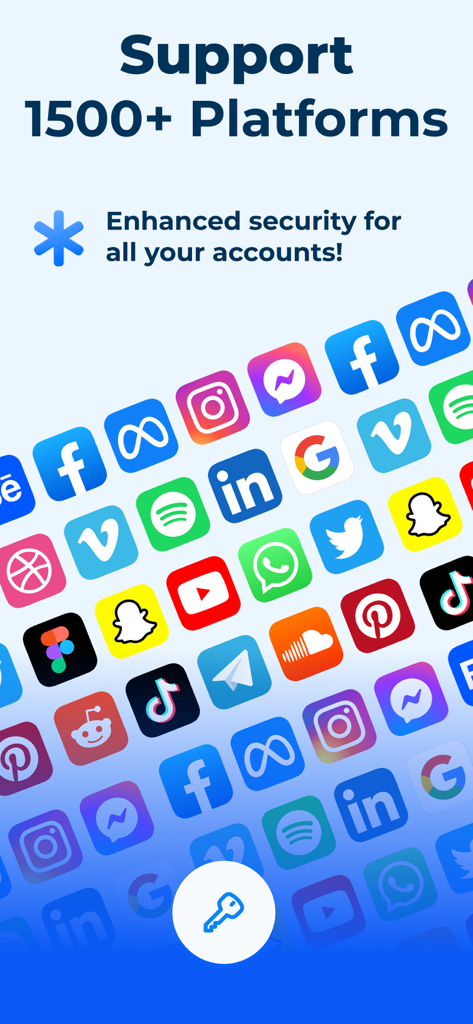
ソーシャルメディアや生産性アプリを含む、安全な二要素認証に対応する1500以上のプラットフォームのリスト。

ソーシャルメディアや生産性アプリを含む、安全な二要素認証に対応する1500以上のプラットフォームのリスト。

GoogleやBinanceなどの複数のプラットフォームの ПAccount Protection を表示するAuthenticatorアプリのインターフェイス。

GoogleやBinanceなどの複数のプラットフォームの ПAccount Protection を表示するAuthenticatorアプリのインターフェイス。

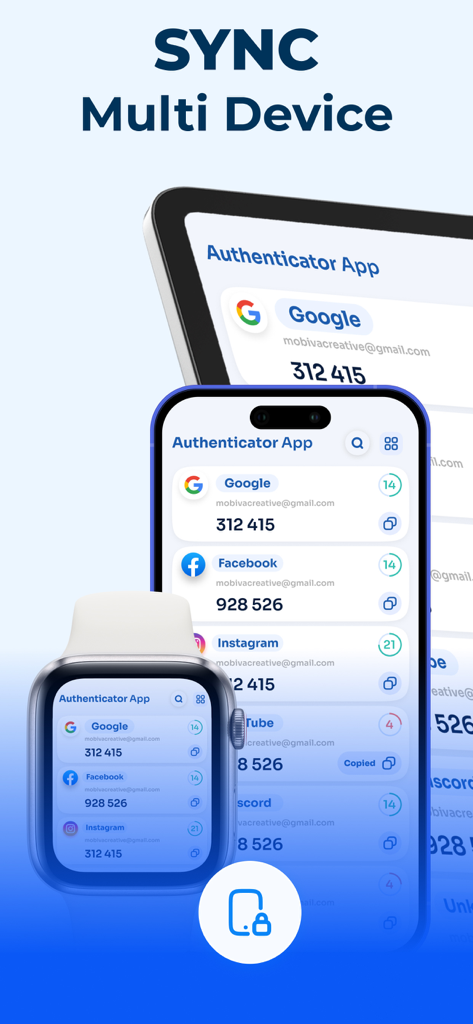
iPhone、iPad、Apple Watch全体で同期された2FAコードを表示するAuthenticatorアプリのインターフェイス。

iPhone、iPad、Apple Watch全体で同期された2FAコードを表示するAuthenticatorアプリのインターフェイス。

シンプルで強力なセキュリティ

このアプリを際立たせるツール、 52K+ 人のユーザーが選択.

☁️

暗号化されたクラウドバックアップ

ロックアウトされる心配はもうありません。セキュリティコードはエンドツーエンドで暗号化され、自動的に同期されるため、iPhoneをアップグレードする準備ができています。

📸

インスタントQR連携

新しいアカウントを瞬時に設定できます。2FA QRコードをスキャンするだけで、Google、Binance、Instagram、および数千もの他のプラットフォームで安全なコードの生成を開始できます。

🛡️

マルチデバイス同期

どこからでも生産的に作業できます。iPhoneまたはiPadで、時刻ベースのワンタイムパスワード(TOTP)に即座にアクセスし、シームレスで安全なワークフローを実現します。

アプリについて

について知っておくべきこと Authenticator App: 2FA - MFA.

説明

Authenticator is an advanced authentication app built to provide secure and effortless two-factor authentication (2FA) and multi-factor authentication (MFA) for your online accounts. It enhances your digital security by generating time-based one-time passwords (TOTP) and OTP codes for any platform that supports 2FA. Designed as a reliable alternative to Google Authenticator, this app ensures strong protection for your personal and professional accounts. Whether you’re securing email, managing social media logins, accessing cryptocurrency exchanges, or logging into work platforms that require two-factor authentication, Authenticator keeps your credentials safe and easily accessible. It supports popular services like Google, Facebook, Instagram, Microsoft, Binance, and many others. Key Features: Secure Authentication: Create and manage your 2FA and TOTP codes compatible with thousands of online platforms. Fast and Consistent Performance: Quickly retrieve authentication codes, even when switching between multiple accounts. Encrypted Backup & Cloud Sync: Protect your auth data with end-to-end encryption and synchronize it seamlessly across all your iOS devices. QR Code Integration: Add new authenticator entries instantly by scanning QR codes with your device’s camera. Cross-Device Compatibility: Enjoy full synchronization and access to your MFA and TOTP codes on multiple devices. Download Authenticator now to strengthen your online security with simple, reliable, and powerful multi-factor authentication (MFA). Your trusted all-in-one auth solution — fast, secure, and always in sync. https://www.sanmobile.co/terms.html https://www.sanmobile.co/privacy.html

最新バージョン

1.6

サイズ

40.6 MB

リリース日

2025年10月29日

ワンタップでデジタルワールドを安全に

暗号化されたクラウド同期を信頼し、アカウントへのアクセスを失うことのない52,000人以上のユーザーに加わりましょう。今日、iPhoneとiPad向けの究極の2FAソリューションをダウンロードしてください。

ダウンロード: App Store
FAQ

よくある質問

について知っておくべきこと Authenticator App: 2FA - MFA

What is the Authenticator App: 2FA - MFA?

Authenticator App: 2FA - MFAは、セキュアな二要素認証(2FA)および多要素認証(MFA)を提供する高度な認証アプリです。時間ベースのワンタイムパスワード(TOTP)およびOTPコードを生成し、オンラインアカウントのデジタルセキュリティを強化します。

Does the Authenticator App support 2FA and MFA?

はい、Authenticator Appはセキュアな二要素認証(2FA)および多要素認証(MFA)を提供します。これらの認証方法をサポートするあらゆるプラットフォームでTOTPおよびOTPコードを生成し、セキュリティを強化します。

How does the Authenticator App generate codes?

Authenticator Appは、時間ベースのワンタイムパスワード(TOTP)およびOTPコードを生成します。これらのコードは、二要素認証または多要素認証を必要とするプラットフォームでのセキュアなログインプロセスに不可欠であり、追加のセキュリティレイヤーを提供します。

Can I use the Authenticator App with popular services like Google and Facebook?

はい、Authenticator AppはGoogle、Facebook、Instagram、Microsoft、Binanceなどの人気サービスをサポートしています。2FAを必要とする数千のオンラインプラットフォームと互換性があり、さまざまな個人およびプロフェッショナルアカウントを保護します。

Does the Authenticator App offer encrypted backup and cloud sync?

はい、Authenticator Appはエンドツーエンドで暗号化されたバックアップおよびクラウド同期を提供します。この機能は認証データを保護し、すべてのiOSデバイス間でシームレスに同期して、データの可用性とセキュリティを確保します。

How do I add new accounts to the Authenticator App?

デバイスのカメラを使用してQRコードをスキャンすることで、Authenticator Appに新しいアカウントが即座に追加されます。このQRコード統合機能は、新しい認証エントリのセットアッププロセスを効率的に簡素化します。

Is the Authenticator App compatible across multiple devices?

はい、Authenticator Appはクロスデバイス互換性を提供します。iPhone、iPad、Apple Watchなどの複数のiOSデバイスで、MFAおよびTOTPコードへの完全な同期とアクセスを確保し、シームレスな使用を可能にします。

How many platforms does the Authenticator App support?

Authenticator Appは1500以上のプラットフォームをサポートしています。さまざまなアカウントのセキュリティを強化し、二要素認証を必要とする数千のオンラインサービスとの互換性を提供して、幅広いカバレッジを確保します。

Is the Authenticator App a reliable alternative to Google Authenticator?

はい、Authenticator AppはGoogle Authenticatorの信頼できる代替品として設計されています。多くのプラットフォームで高度な2FAおよびMFA機能を提供し、個人およびプロフェッショナルアカウントの強力な保護を保証します。

App information, icons, screenshots, and descriptions displayed on this page are sourced from the Apple App Store and are the property of their respective developers. Download estimates and rankings are based on MWM's proprietary models and may not reflect actual figures. This page is provided for informational and analytical purposes only.

Believe this page infringes your intellectual property? File a dispute