Authenticator App - Fast 2FA

Authenticator App - Fast 2FA


ダウンロード: App Store
ロゴ: Authenticator App - Fast 2FA

Authenticator App - 高速2FA:デジタルライフのための完璧なセキュリティ

暗号化されたクラウド同期とオフライン対応コードで1,000以上のアカウントを保護します。プロフェッショナルグレードのセキュリティとパーソナライズされた整理機能で、ソーシャル、金融、プロフェッショナルなアイデンティティの究極の安心感を手に入れましょう。

ダウンロード: App Store

開発元

珉予 翟

カテゴリ

Productivity

ダウンロード

16K+

ユーザー評価

4.4/5

評価数

400

対応言語

1

一目でわかるセキュリティ

このインターフェースを利用する 16K+ 人のユーザー.

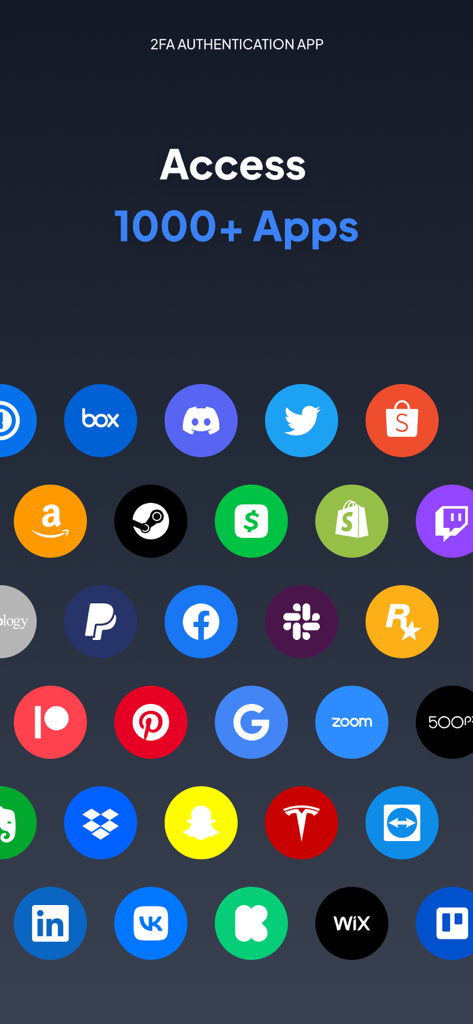
AuthenticatorアプリにGoogle、Facebook、Amazonなど1000以上のアプリへのアクセスが表示されている画面。

AuthenticatorアプリにGoogle、Facebook、Amazonなど1000以上のアプリへのアクセスが表示されている画面。

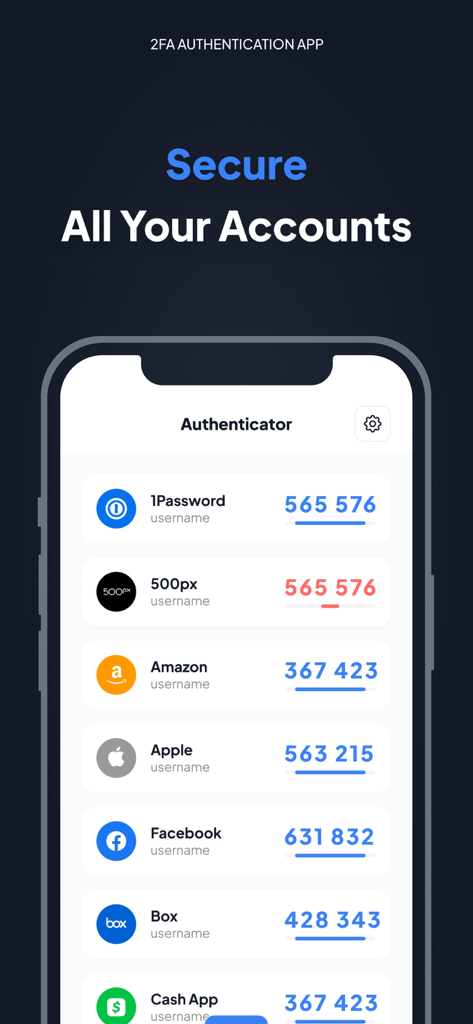
AmazonやAppleなどのアカウントの2FAコードを表示するAuthenticatorアプリのインターフェース。

AmazonやAppleなどのアカウントの2FAコードを表示するAuthenticatorアプリのインターフェース。

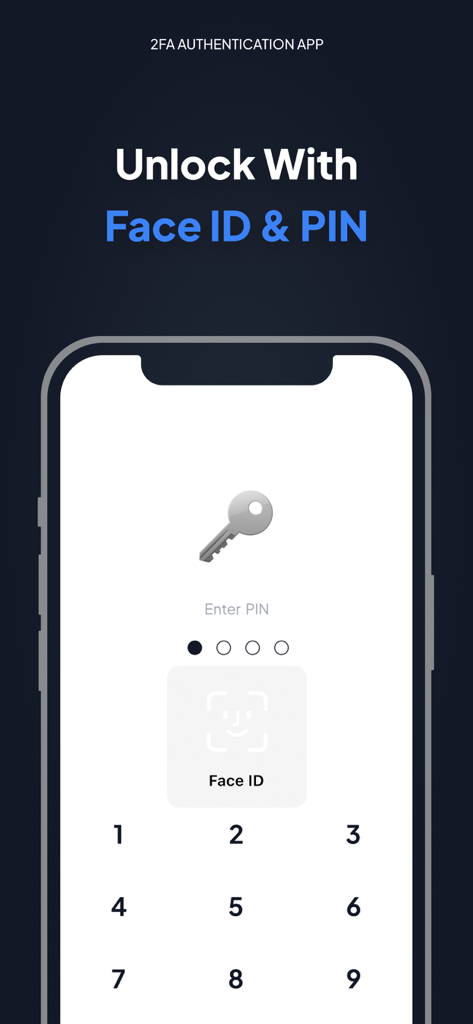
Face IDとPINセキュリティオプションを備えたAuthenticatorアプリのロック解除画面。

Face IDとPINセキュリティオプションを備えたAuthenticatorアプリのロック解除画面。

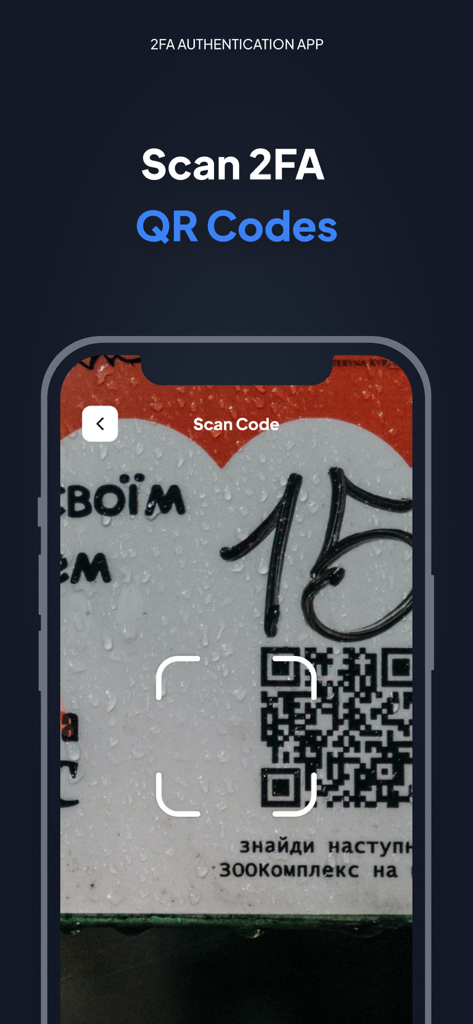
iPhone上のAuthenticatorアプリの2FA QRコードスキャン機能を示すインターフェース。

iPhone上のAuthenticatorアプリの2FA QRコードスキャン機能を示すインターフェース。

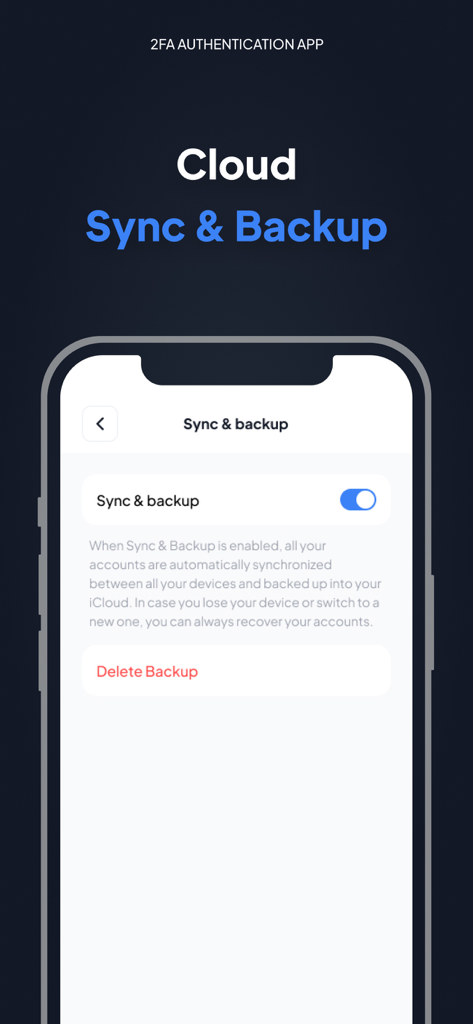
Authenticator App Fast 2FAインターフェースのクラウド同期とバックアップ設定。

Authenticator App Fast 2FAインターフェースのクラウド同期とバックアップ設定。

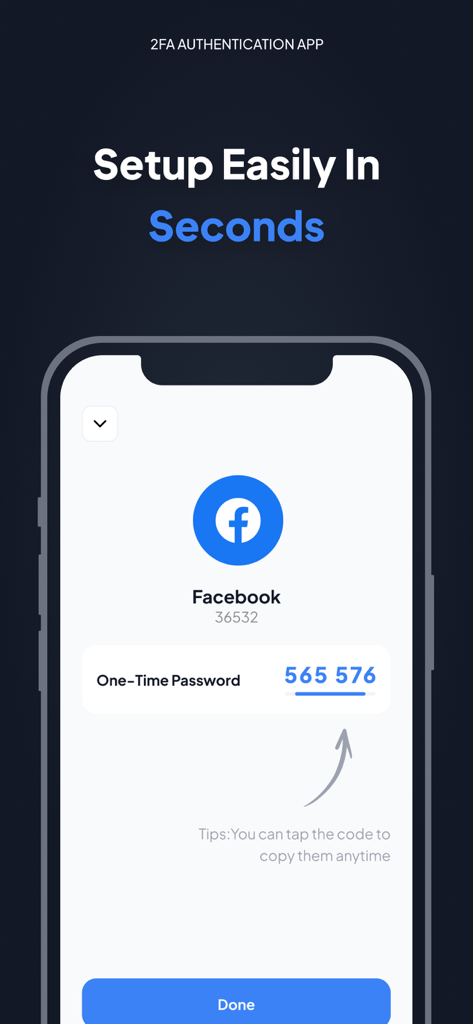
AuthenticatorアプリでFacebookの2要素認証ワンタイムパスワードコードを表示するiPhoneのスクリーンショット。

AuthenticatorアプリでFacebookの2要素認証ワンタイムパスワードコードを表示するiPhoneのスクリーンショット。

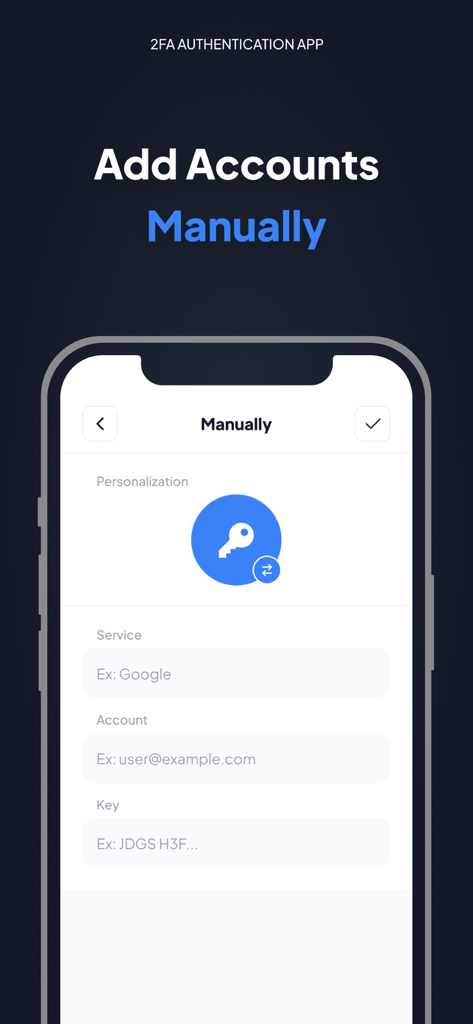
Authenticatorアプリの手動アカウント追加画面。サービス名、アカウントメール、セキュリティキーのフィールドが表示されています。

Authenticatorアプリの手動アカウント追加画面。サービス名、アカウントメール、セキュリティキーのフィールドが表示されています。

あらゆるアカウントのための鉄壁のセキュリティ

このアプリを際立たせるツール、 16K+ 人のユーザーが選択.

🛡️

エアギャッププライバシー

iPhone上でローカルに安全なTOTPコードを生成します。インターネット経由でのデータ交換がないため、アカウントへのアクセスは完全にあなた自身の手の中にあります。

☁️

暗号化されたiCloudバックアップ

携帯を失っても、アクセス権を失わない。セキュリティトークンは、Appleデバイス間で自動的に同期および暗号化され、シームレスな復旧を可能にします。

スマートな整理

1,000以上のサービスを簡単に管理します。カスタムアイコンと洗練されたUIを使用して、仮想通貨、ソーシャル、プロフェッショナルアカウントを即座に識別します。

アプリについて

について知っておくべきこと Authenticator App - Fast 2FA.

説明

Authenticator app is a highly recommended 2FA authentication application for securing your multiple accounts on different platforms such as social media, internet and many such 1000s of services Make your security impeccable by adding two-factor authentication (2FA) to protect your accounts from hackers. Just enable two-factor authentication in your provider's account settings, scan the provided QR code and you're good to go. Once configured, you can get the verification code without the need for an internet or mobile connection. ============ Top Features - Super Safe & Secure Your password is very secure and the application does not exchange data with the Internet, so no one else can know it but you. - Cloud Sync & Backup A secure, encrypted backup is automatically made in the Authenticator App in case your device is lost or replaced with a new one. And all your accounts will be automatically synced across all Apple devices - No Password Stored The Authenticator App generates time-based one-time passwords (TOTP) that are stored on the user's phone and do not require Internet access. As a result, the Authenticator App generates secure codes even when offline, which will allow you to authenticate securely even when the device is in airplane mode. - Supports All Popular Accounts The Authenticator app supports the most popular services, including Facebook, Coinbase, Amazon, Google, Instagram, Roblox and other vendors that support 2fa services, up to 1000+ - Setup Guide Don't know how to set up? No problem, we have prepared a setup method for you for almost all platforms that offer 2fa services. Just follow the steps to set it up. - Scan QR Code Just click on the QR code to scan it and you can setup easily in seconds without any hassle - Enter Code Manually Enter a secret key to the app for secure authentication. - Personalization The application allows you to set unique icons for your account, which can be selected from the list provided. This helps you to easily identify and categorize your accounts. More features will be coming soon… ============ Authenticator PRO Choose from different purchase options: • 1 month subscription • 1 year subscription Payment will be charged to your Apple ID account at the time of purchase confirmation. Subscription renews automatically unless it is canceled at least 24 hours before the end of the current period. Your account will be charged for renewal within 24 hours prior to the end of the current period. You can manage and cancel your subscriptions by going to your account settings on the App Store after purchase. By completing your subscription, you agree to ZING's Terms of Service & Privacy Policy. Privacy Policy:https://docs.google.com/document/d/1MbkvoLc3zLq-P3tGJ0r8YtkI0rEj7ZBJ96tOtMjBbzQ/edit?usp=sharing Terms of Service: https://docs.google.com/document/d/1HN6jXfvs3dj7V11thiFUkjXyiJfg4PHu2ezoFgZ6raE/edit?usp=sharing

最新バージョン

1.5.6

サイズ

29.3 MB

リリース日

2022年10月12日

今日からあなたのデジタルセキュリティを管理しましょう

暗号化されたクラウド同期とオフライン2FAで1,000以上のアカウントを保護します。最も信頼されているiPhone用認証アプリをダウンロードして、二度とロックアウトされる心配をしないでください。

ダウンロード: App Store

App information, icons, screenshots, and descriptions displayed on this page are sourced from the Apple App Store and are the property of their respective developers. Download estimates and rankings are based on MWM's proprietary models and may not reflect actual figures. This page is provided for informational and analytical purposes only.

Believe this page infringes your intellectual property? File a dispute