Authenticator App ∙

Authenticator App ∙

ダウンロード: App Store
ロゴ: Authenticator App ∙

Authenticator App ∙: デジタルワールドの完全なセキュリティ

シンプルな2FAを超えて。アカウントを保護し、機密ファイルを暗号化し、アプリのプライバシーを監査します。安心のためのオールインワンセキュリティスイートです。

開発元

INIS TECHNOLOGY LIMITED

カテゴリ

Productivity

ダウンロード

12K+

ユーザー評価

4.3/5

評価数

100

対応言語

34

完全保護のプレビュー

このインターフェースを利用する 12K+ 人のユーザー.

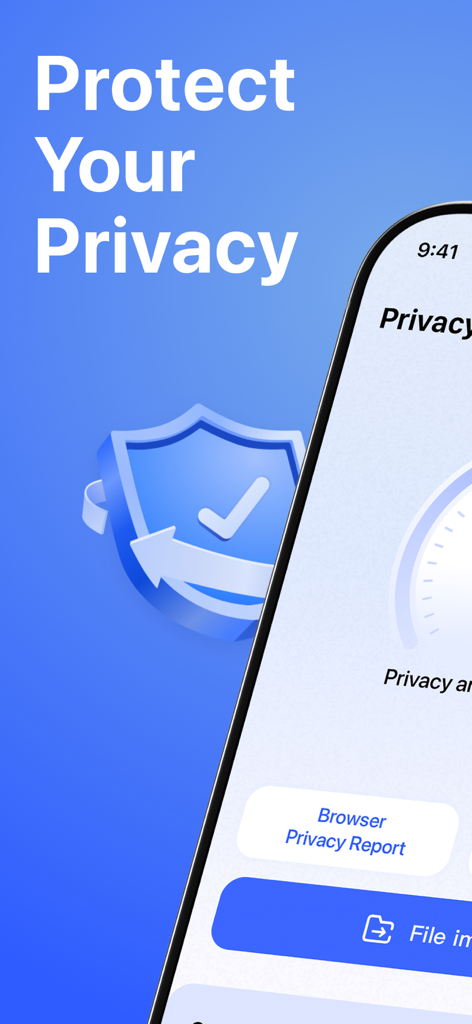
プライバシー保護機能とスマートプライバシーレポートオプションを表示するモバイルアプリのインターフェース。

プライバシー保護機能とスマートプライバシーレポートオプションを表示するモバイルアプリのインターフェース。

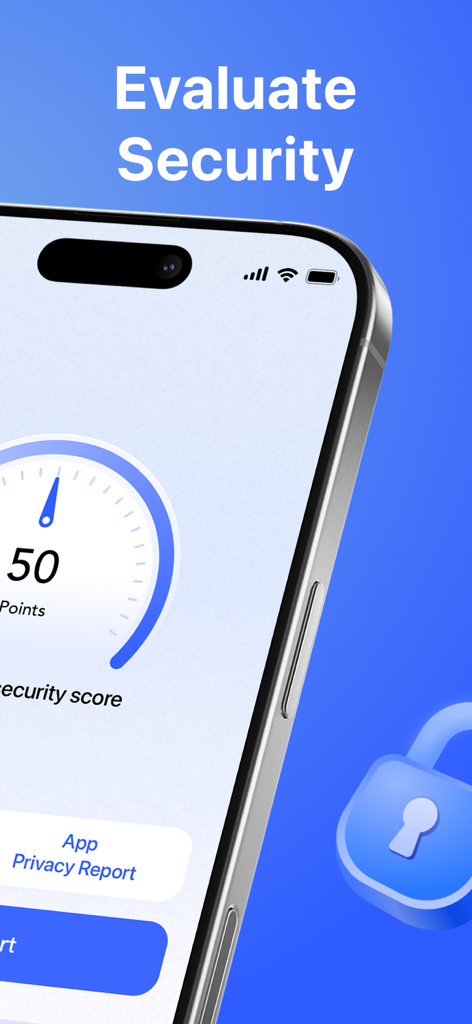
セキュリティスコアゲージとアプリプライバシーレポートボタンを表示するスマートフォンの画面。

セキュリティスコアゲージとアプリプライバシーレポートボタンを表示するスマートフォンの画面。

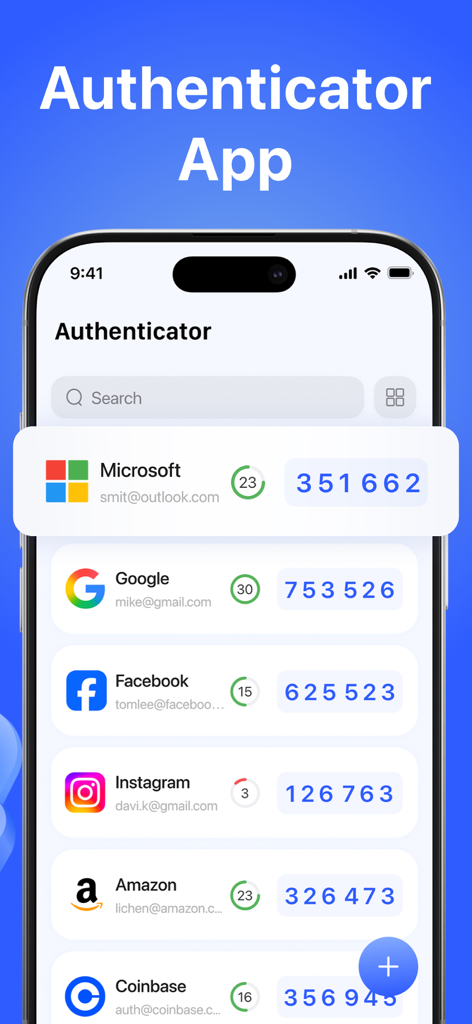
GoogleやMicrosoftなどの複数のアカウントの2要素認証コードを表示するAuthenticator Appのインターフェース。

GoogleやMicrosoftなどの複数のアカウントの2要素認証コードを表示するAuthenticator Appのインターフェース。

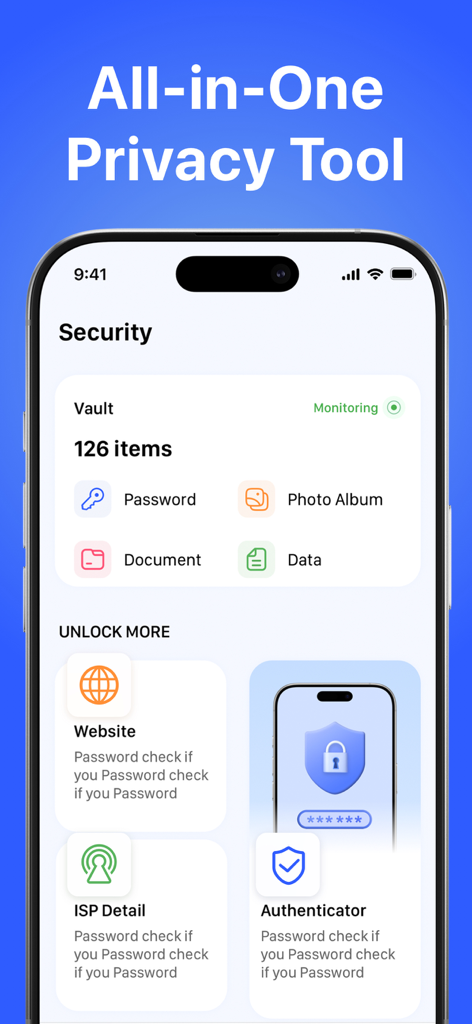
保管庫アイテムとプライバシーツールを表示するAuthenticator Appのセキュリティダッシュボード。

保管庫アイテムとプライバシーツールを表示するAuthenticator Appのセキュリティダッシュボード。

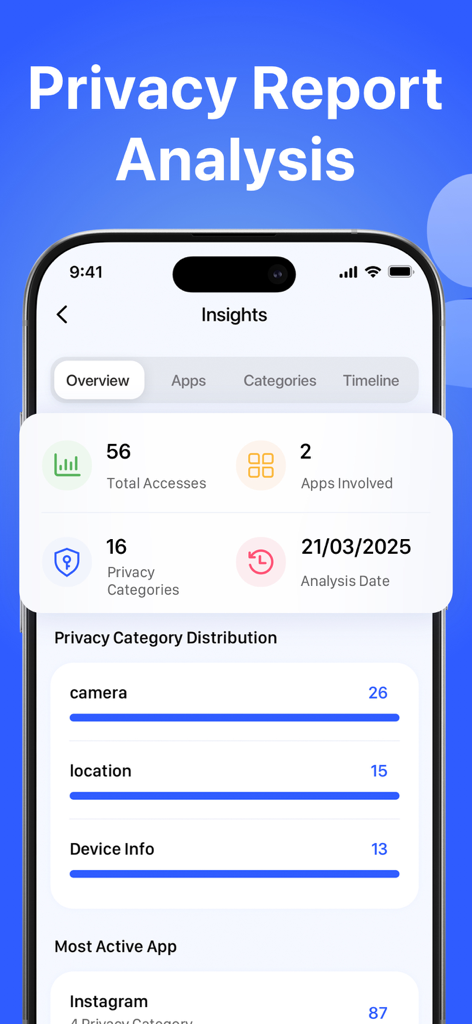
カメラと位置情報に関するプライバシーインサイトとアプリデータアクセス履歴を表示するモバイルダッシュボード。

カメラと位置情報に関するプライバシーインサイトとアプリデータアクセス履歴を表示するモバイルダッシュボード。

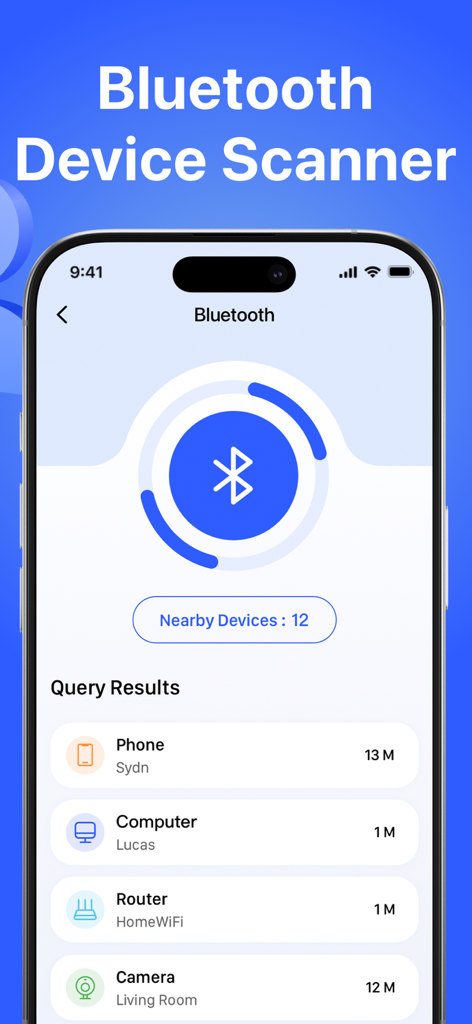
電話やコンピュータなどの近くの検出されたデバイスのリストを表示するBluetoothデバイススキャナー機能のインターフェース。

電話やコンピュータなどの近くの検出されたデバイスのリストを表示するBluetoothデバイススキャナー機能のインターフェース。

プロレベルのデジタル保護

このアプリを際立たせるツール、 12K+ 人のユーザーが選択.

🛡️

暗号化された2FAセキュリティ

軍事グレードの暗号化と生体認証アクセスでアカウントをロックダウンし、コードをプライベートかつローカルに保ちます。

🕵️

スマートプライバシーインテリジェンス

AI駆動のリスクレポートと推奨事項により、カメラやマイクを秘密裏に使用しているアプリを自動的に検出します。

🛰️

ライブ脅威監視

隠されたBluetoothトラッカーをスキャンし、フィッシングやマルウェアを防ぐためにリンクを検証することで、自信を持って旅行できます。

アプリについて

について知っておくべきこと Authenticator App ∙.

説明

Take full control of your digital security with our powerful Authenticator App. Secure your accounts with encrypted 2FA codes, analyze your device privacy with Smart Privacy Report, scan for threats, and monitor suspicious app behavior—all in one lightweight, secure app. Whether you're online or offline, your authentication and digital safety are always protected. Features: - Authenticator Add secure two-factor authentication (TOTP) to your accounts for enhanced protection. All codes are encrypted and stored locally on your device. Even if your password is compromised, 2FA ensures only you can access your accounts. Supports standard OTP protocols, biometric unlock, and encrypted backups. - Smart Privacy Report Analysis Understand which apps are accessing your location, photo album, microphone, or contacts in the background. AI-powered privacy analysis intelligently generates risk reports and provides personalized privacy protection recommendations, allowing you to easily manage your data usage. - File Vault Access encrypted photos, videos, and documents with a passcode or biometrics. Even if you lose your phone, your sensitive files remain locked and inaccessible. - ISP Checker View your IP address, internet service provider (ISP), and location data. This gives you insight into your network connection, which is especially useful while traveling or using public networks. - Bluetooth Scanner Detect nearby Bluetooth devices and hidden connections. Protect yourself from unwanted pairing, tracking, or eavesdropping. - Website Checker Instantly scan any URL for phishing, malware, or blacklisted content. Avoid risky links from QR codes, emails, or unknown sources. About Subscriptions - Auto-renew subscriptions unlock all features. You can cancel your subscription at any time through your iTunes account settings. - Payment will be charged to your iTunes account upon confirmation. - Subscriptions automatically renew unless canceled at least 24 hours before the end of the period. - Free trials (if applicable) will convert to paid subscriptions unless canceled before the end of the trial period. Terms of Use: https://auth.inismobile.com/terms Privacy Policy: https://auth.inismobile.com/privacy

最新バージョン

1.2

サイズ

24.6 MB

リリース日

2025年8月9日

ワンタップでデジタルワールドを安全に

セキュリティ意識の高い何千人ものプロフェッショナルに加わりましょう。暗号化された2FA、AI駆動のプライバシー監査、ローカルファイル保管機能を持つ究極の保護スタックを今日入手しましょう。

ダウンロード: App Store
FAQ

よくある質問

について知っておくべきこと Authenticator App ∙

Authenticatorアプリの主な機能は何ですか?

Authenticatorアプリは、暗号化された2要素認証(2FA)コードでアカウントを保護します。標準的なOTPプロトコル、生体認証ロック、暗号化されたバックアップをサポートし、デジタル保護を強化します。

Authenticatorアプリは、パスワードが漏洩した場合でも私のアカウントを保護しますか?

はい、Authenticatorアプリはパスワードが漏洩した場合でもアカウントを保護します。2FA機能により、あなただけがアカウントにアクセスできることが保証され、セキュリティの重要な層が追加されます。

Authenticatorアプリは、デバイスのプライバシー分析にどのように役立ちますか?

Authenticatorアプリは、スマートプライバシーレポート分析を提供します。バックグラウンドで位置情報、写真、マイク、連絡先にアクセスするアプリを特定し、リスクレポートとパーソナライズされた保護の推奨事項を生成します。

Authenticatorアプリで機密ファイルを保護できますか?

はい、Authenticatorアプリにはファイルボールト機能が含まれています。これにより、パスコードまたは生体認証を使用して暗号化された写真、ビデオ、ドキュメントにアクセスでき、電話を紛失した場合でも機密ファイルをロックしてアクセスできないようにできます。

AuthenticatorアプリのISPチェッカー機能はどのような情報を提供しますか?

AuthenticatorアプリのISPチェッカー機能は、ネットワーク接続に関する洞察を提供します。IPアドレス、インターネットサービスプロバイダー(ISP)、位置情報データを表示します。

AuthenticatorアプリのBluetoothスキャナー機能はどのように機能しますか?

AuthenticatorアプリのBluetoothスキャナーは、近くのBluetoothデバイスと隠れた接続を検出します。この機能は、潜在的なリスクを特定することで、不要なペアリング、追跡、または盗聴から保護するのに役立ちます。

Authenticatorアプリはウェブサイトを脅威のためにスキャンしますか?

はい、Authenticatorアプリにはウェブサイトチェッカー機能があります。QRコード、メール、または不明なソースからの危険なリンクを回避するのに役立ち、フィッシング、マルウェア、またはブラックリストに登録されたコンテンツのために任意のURLを即座にスキャンします。

Authenticatorアプリのサブスクリプションをキャンセルするにはどうすればよいですか?

Authenticatorアプリのサブスクリプションは、いつでもiTunesアカウント設定からキャンセルできます。サブスクリプションは、期間終了の少なくとも24時間前にキャンセルされない限り自動的に更新されます。

Authenticatorアプリのサブスクリプションの支払いはいつ請求されますか?

Authenticatorアプリのサブスクリプションの支払いは、確認時にiTunesアカウントに請求されます。サブスクリプションは、期間終了の少なくとも24時間前にキャンセルされない限り自動的に更新されます。

Authenticatorアプリの無料トライアルが終了するとどうなりますか?

該当する場合、Authenticatorアプリの無料トライアルは有料サブスクリプションに変換されます。請求を避けるためには、トライアル期間が終了する前にキャンセルする必要があります。

App information, icons, screenshots, and descriptions displayed on this page are sourced from the Apple App Store and are the property of their respective developers. Download estimates and rankings are based on MWM's proprietary models and may not reflect actual figures. This page is provided for informational and analytical purposes only.

Believe this page infringes your intellectual property? File a dispute