Authy Authenticator

Authy Authenticator

ダウンロード: App Store
ロゴ: Authy Authenticator

Authy Authenticator:Appleエコシステム向けの安全な2FA

暗号化されたiCloudバックアップと瞬時にアクセスできるApple Watchで、あなたのデジタルライフを保護しましょう。すべてのデバイスでオンラインアカウントを安全に保つように設計された、シームレスで広告なしの認証を体験してください。

開発元

ERSIN GIDA TARIM URUNLERI SERACILIK AMBALAJ VE NAKLIYAT HIZMETLERI SANAYI TICARET LTD. STI.

カテゴリ

Productivity

ダウンロード

13K+

ユーザー評価

4.6/5

評価数

100

対応言語

24

一目でわかるセキュリティ

このインターフェースを利用する 13K+ 人のユーザー.

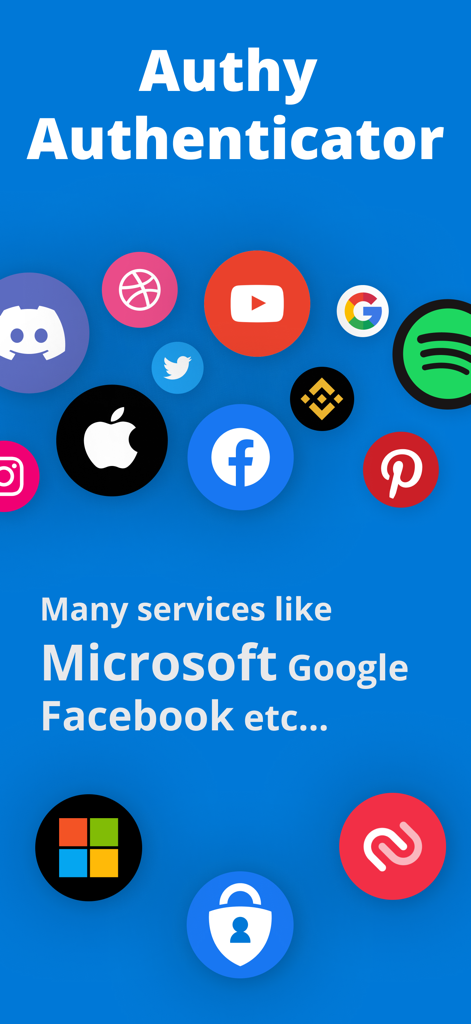
GoogleやFacebookなどのサポートされているサービスのロゴを表示するAuthy Authenticatorの画面

GoogleやFacebookなどのサポートされているサービスのロゴを表示するAuthy Authenticatorの画面

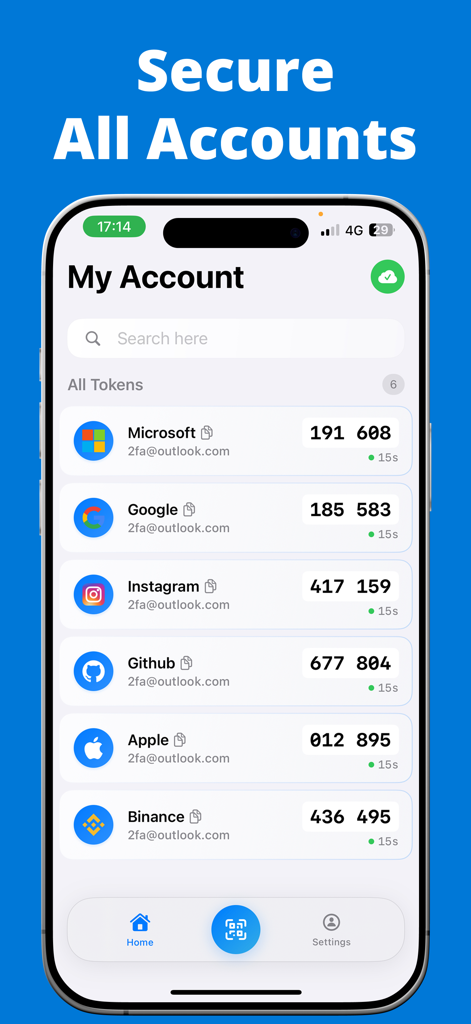
複数のオンラインプラットフォームの2FAセキュリティコードを表示するAuthy Authenticatorアプリのマイアカウント画面

複数のオンラインプラットフォームの2FAセキュリティコードを表示するAuthy Authenticatorアプリのマイアカウント画面

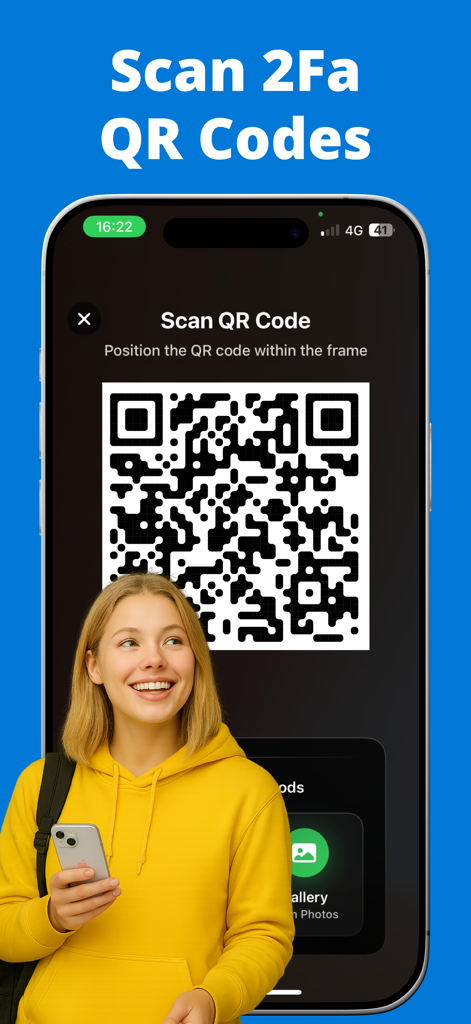
iPhoneのAuthy Authenticatorアプリインターフェースを使用して2FA QRコードをスキャンする若い女性。

iPhoneのAuthy Authenticatorアプリインターフェースを使用して2FA QRコードをスキャンする若い女性。

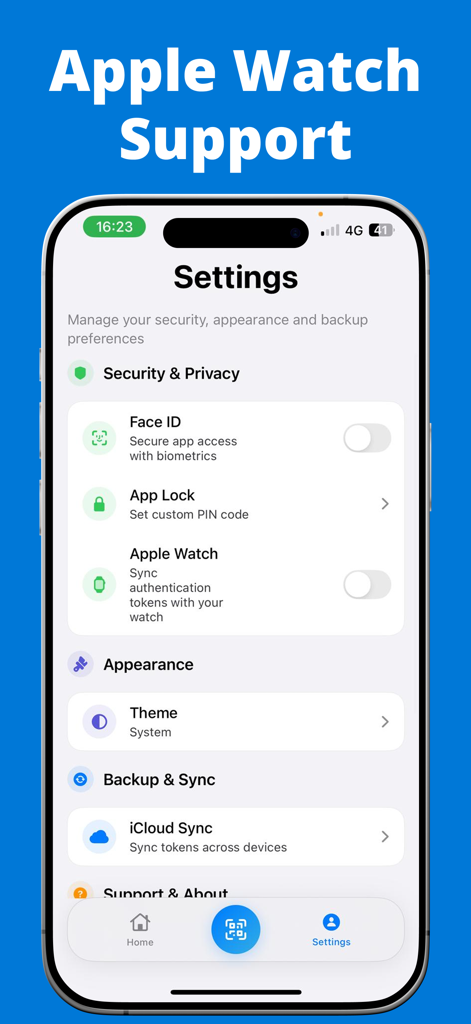
Apple Watch同期とFace ID生体認証を特徴とするAuthy Authenticatorの設定メニュー

Apple Watch同期とFace ID生体認証を特徴とするAuthy Authenticatorの設定メニュー

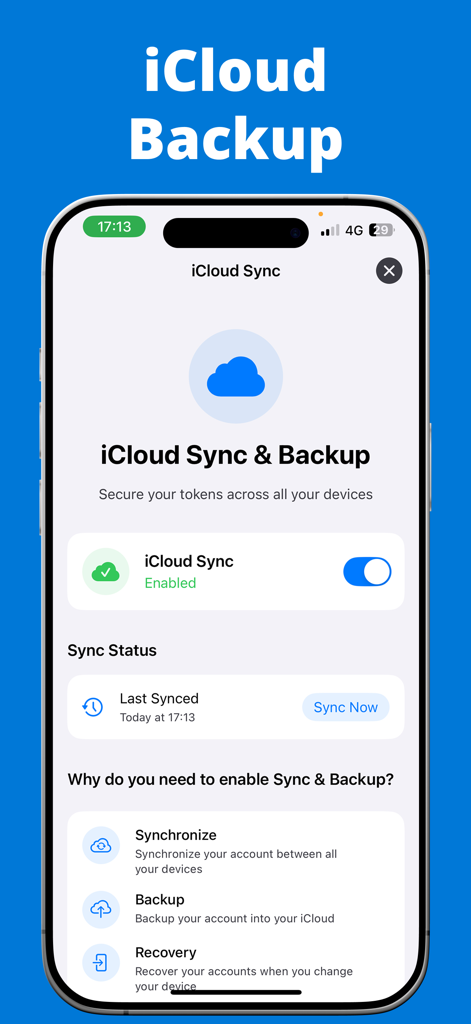
安全な2FAトークンのiCloud同期とバックアップ設定を表示するAuthy Authenticatorアプリインターフェース

安全な2FAトークンのiCloud同期とバックアップ設定を表示するAuthy Authenticatorアプリインターフェース

高度なセキュリティが簡単に

このアプリを際立たせるツール、 13K+ 人のユーザーが選択.

☁️

iCloud暗号化バックアップ

アクセスを失う心配はもうありません。2FAトークンはiCloudに自動的にバックアップされ、デバイスを紛失したりアップグレードしたりした場合でも、シームレスな復旧を保証します。

Apple Watch連携

手首で直接確認コードを表示して、ワークフローをスピードアップしましょう。iPhoneを手に取ることなく、お気に入りのプラットフォームにログインできます。

🛡️

生体認証プライバシー

Face IDまたはTouch IDでコードをロックしましょう。機密性の高いセキュリティデータがあなたの管理を離れることのない、100%プライベートで広告なしの環境を体験してください。

アプリについて

について知っておくべきこと Authy Authenticator.

説明

Authy Authenticator – Secure 2FA with iCloud Backup & Apple Watch Support Strengthen your account protection with Authy Authenticator, the fast, reliable, and secure Two-Factor Authentication (2FA) app trusted by thousands of users. Generate time-based one-time passwords (TOTP) and keep your online accounts safe from unauthorized access. Whether you're securing your Google, Facebook, Instagram, Microsoft, Amazon, or other important accounts, Authy Authenticator offers an easy, secure, and convenient way to manage all your 2FA codes. Powerful Features of Authy Authenticator: * iCloud Encrypted Backup 
Securely store your 2FA accounts with automatic iCloud backup. Recover your codes anytime, even if you lose or change your device. * Apple Watch Support 
View your verification codes right from your Apple Watch — instant access without pulling out your phone. * Multi-Device Sync 
 Seamlessly sync your 2FA accounts across multiple Apple devices, ensuring you’re always connected. * Offline Access Anywhere
 Generate one-time passwords even when offline or traveling — no internet connection required. * Quick & Easy Setup
 Add accounts via QR code scan or manual key entry in seconds. * Biometric & PIN Lock Protection 
Keep your codes safe with Face ID, Touch ID, or a secure PIN. * Works with All Popular Platforms
Compatible with Google, Facebook, Instagram, Microsoft, Amazon, Twitter, LinkedIn, GitHub, Dropbox, and any app or service supporting TOTP 2FA. * Time-Based One-Time Password (TOTP) Security 
Industry-standard TOTP algorithm ensures your codes refresh automatically every 30 seconds for strong, reliable protection. * No Ads, Fully Private 
Ad-free, privacy-first design — your information stays with you. Why risk your accounts?
Get Authy Authenticator today — the trusted, feature-packed 2FA app with iCloud Backup, Apple Watch support, and multi-device sync. Information About Subscription You can cancel your subscription or free trial anytime by cancelling your subscription through your iTunes account settings, or it will automatically renew. This must be done 24 hours before the end of the free trial or any subscription period to avoid being charged. Subscription with a free trial period will automatically renew to a paid subscription. Please note: any unused portion of a free trial period (if offered) will be forfeited when you purchase a premium subscription during the free trial period. Subscription payments will be charged to your iTunes account at confirmation of your purchase and upon commencement of each renewal term. For more information, please see our Privacy Policy and Terms of Use. Terms of Use: https://sites.google.com/view/auth-terms/ Privacy Policy: https://sites.google.com/view/auth-privacy/

最新バージョン

1.2

サイズ

20.1 MB

リリース日

2021年3月27日

アカウントへのアクセスを二度と失わない

暗号化されたiCloudバックアップと瞬時にアクセスできるApple Watchコードでデジタルライフを保護している何千人ものプロフェッショナルに加わりましょう。今日、すべてのAppleデバイスで摩擦のないセキュリティを体験してください。

ダウンロード: App Store

App information, icons, screenshots, and descriptions displayed on this page are sourced from the Apple App Store and are the property of their respective developers. Download estimates and rankings are based on MWM's proprietary models and may not reflect actual figures. This page is provided for informational and analytical purposes only.

Believe this page infringes your intellectual property? File a dispute