Automatically brighten your photos and videos where they need it most.
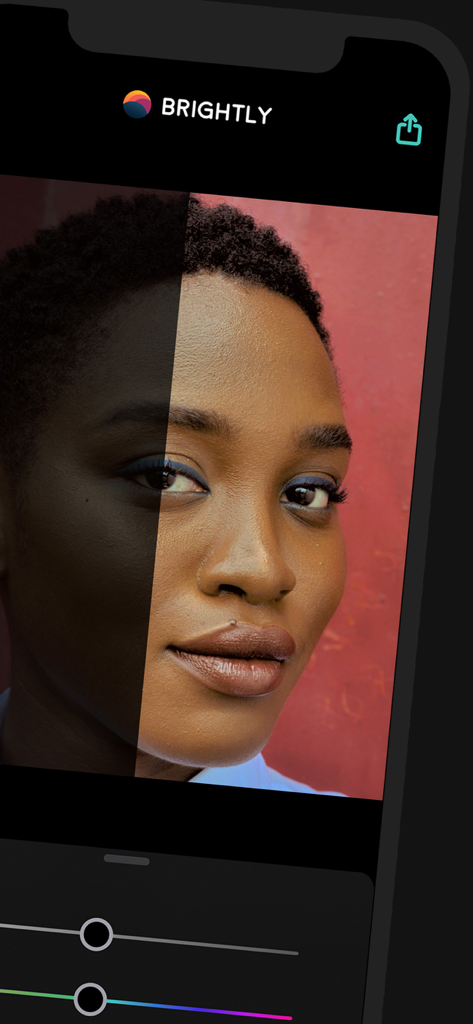
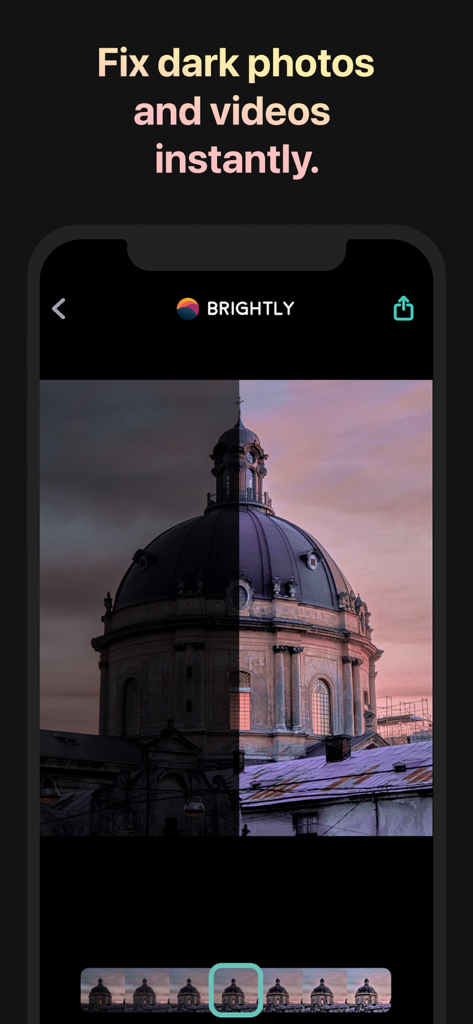
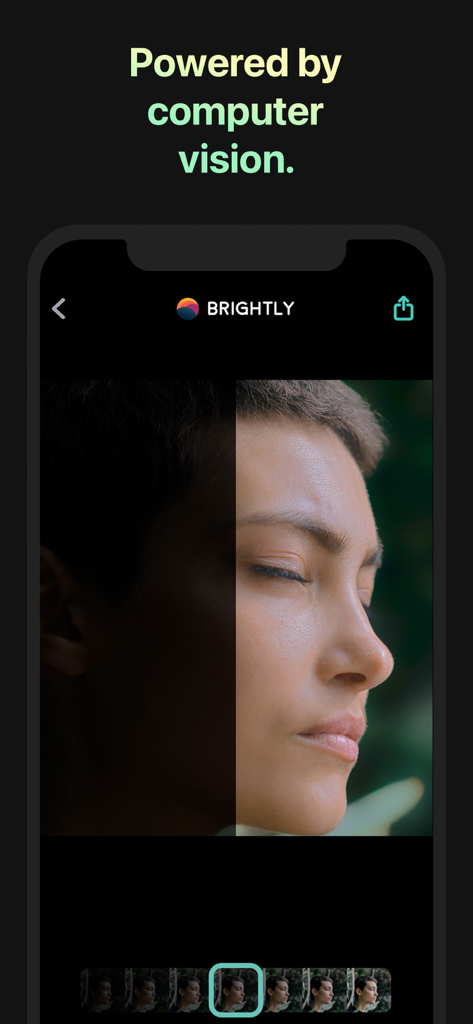
With a single slider, Brightly adaptively brightens your photos instantly to bring out hidden details while maintaining a pleasing balance between light and dark without overexposing already lit areas. Brightly also brightens videos while applying lighting changes smoothly over time. Fine-tune your results with a full suite of professional grade adjustments, and take your editing to the next level with must-have professional features like RAW photos and 4K video.
Magic Bar
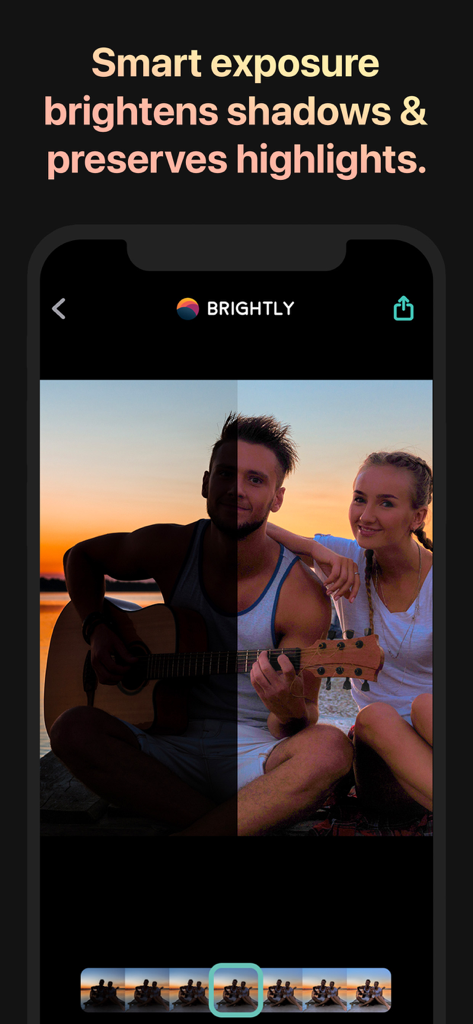
When taking a photo, there are many lighting challenges often out of one's control: low or uneven lighting, inadequate exposure, backlit subjects, some subjects are shadowed and others are not. Because its image processing algorithm is aware of the dark and light areas of a photo and how they interact, Brightly can handle these challenges where traditional photo editing apps fall short. Not only are the dark areas brightened, but their detail and contrast are enhanced. Already lit areas are not overexposed and blend seamlessly with the dark areas. The result is a pleasant, natural looking image.
All those computations are combined into just one slider: the Magic Bar. It's simple, fast and intuitive. Quickly make lighting corrections to your photos and videos in a single tap, saving you time and requiring far less editing than other photo apps.
Video and Live Photos
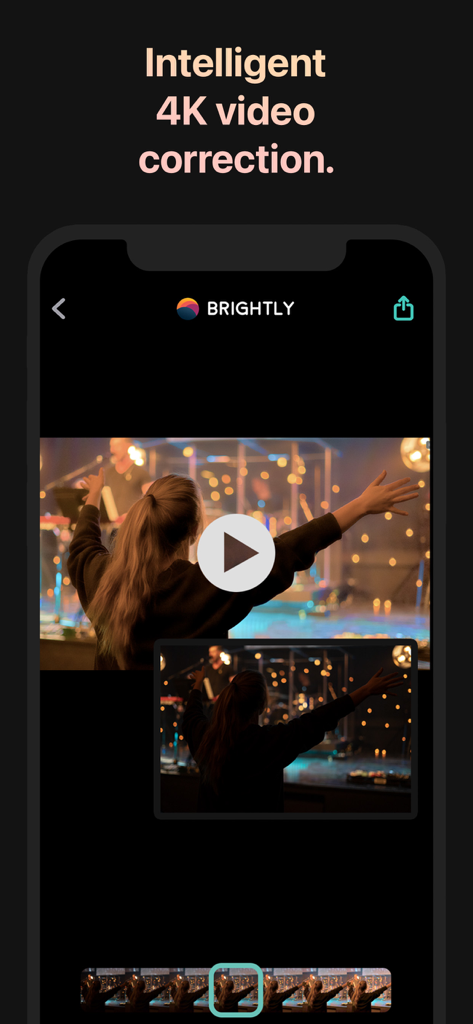
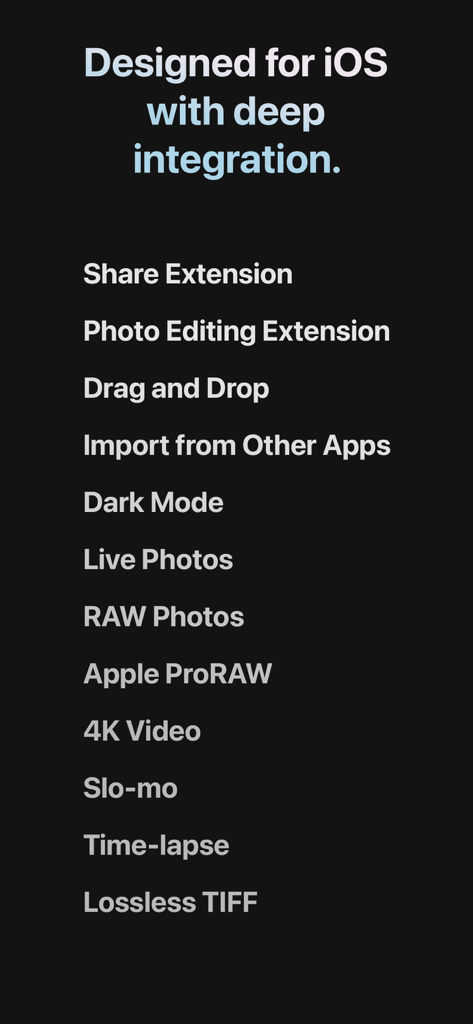
Unlike other low light photo apps, Brightly works on videos, including 4K, Slo-mo and Time-lapse videos, as well as Live Photos. Algorithms specific to video dynamically brighten your video and smooth the changes over time to keep them looking great regardless of changing lighting conditions.
RAW and Wide Color Photos
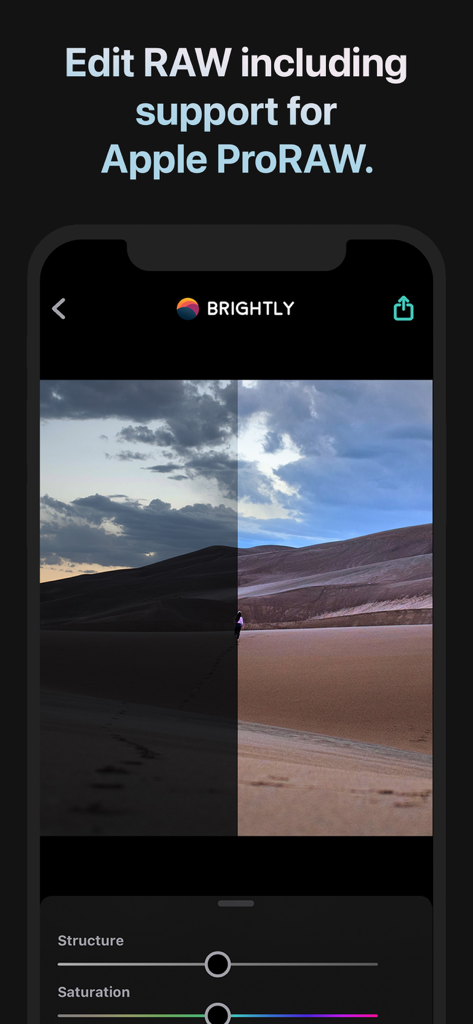
Brightly reads RAW, Apple ProRAW and Wide color photos and processes these photos at a high precision, making it suitable for professional workflows. Results can be saved as JPEG and lossless PNG and TIFF.
Adjustments
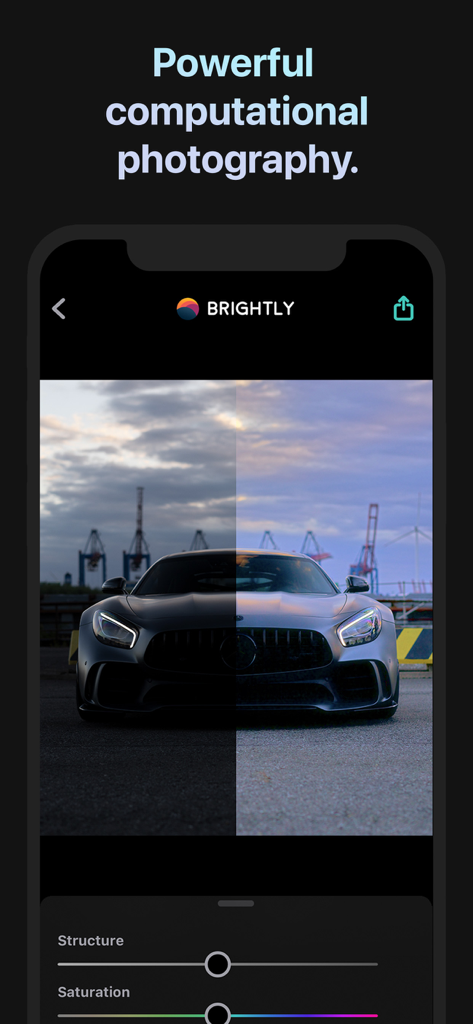
Brightly has over a dozen adjustments to fine-tune the Magic Bar results. Some you'd expect from a photo app: cropping, exposure, contrast, saturation, vibrance, warmth, shadows, highlights, blacks, whites, vignette, sharpen and noise reduction. Others are designed specifically for Brightly. Brilliance provides an additional boost to brightness when it's needed without overexposing. Structure improves local detail, but more so in darker areas than in lighter. White balance is a two part control calibrated to remove indoor or outdoor color casts. Surface blur instantly smooths out large areas while preserving edges.
Capture More
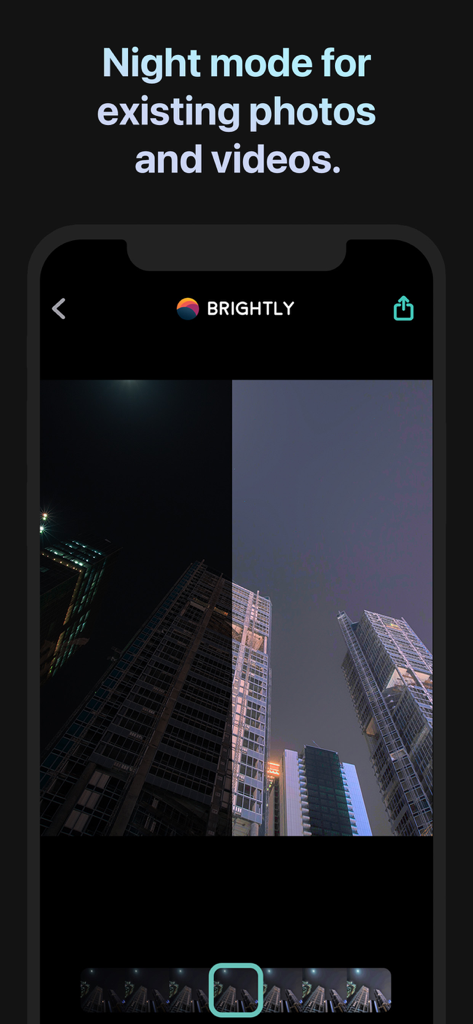
Other low light photo apps require long exposure times and/or multiple exposures of the scene and a steady hand or camera in a fixed position. Objects that move during an exposure introduce blur, and videos aren't possible. Additionally, those apps cannot improve photos already in your album. This is where Brightly excels.
Whether it's a photo or video, Brightly lets you be spontaneous and capture the moment, giving you the freedom to adjust the lighting later. This also allows you to breathe new life into photos and videos in your album that were once thought unusable.
Brightly’s computational photography engine combines the science of computer vision, how the eye sees light, color and contrast, with the art of photography to restore photos harmoniously.
Brightly makes a perfect addition to any professional photographer’s toolbox.
Made for iOS
Brightly is designed for iOS with deep integration, including drag and drop and Dark Mode. Brightly seamlessly integrates with the Photos app with the Photo Editing extension and the Share extension, and you can quickly launch it from other apps or with the Today widget, making editing easy and convenient.
To find out more, visit us at www.codeorgana.com.
App information, icons, screenshots, and descriptions displayed on this page are sourced from the Apple App Store and are the property of their respective developers. Download estimates and rankings are based on MWM's proprietary models and may not reflect actual figures. This page is provided for informational and analytical purposes only.
Believe this page infringes your intellectual property? File a dispute