Cut & Paste Photos

Cut & Paste Photos

ダウンロード: App Store
ロゴ: Cut & Paste Photos

Cut & Paste Photos: 次のバイラル投稿のためのAI搭載クリエイティブスタジオ

背景を簡単に交換し、シームレスなブレンドを作成し、見事なステッカーをデザインします。プロレベルのAIツールを使用して、すべての写真を傑作にする何百万人ものクリエイターに参加しましょう。

ダウンロード: App Store

開発元

Zafar Ullah

カテゴリ

Photo & Video

ダウンロード

2M+

ユーザー評価

4.3/5

評価数

32K+

対応言語

11

カット&ペーストの魔法

このインターフェースを利用する 2M+ 人のユーザー.

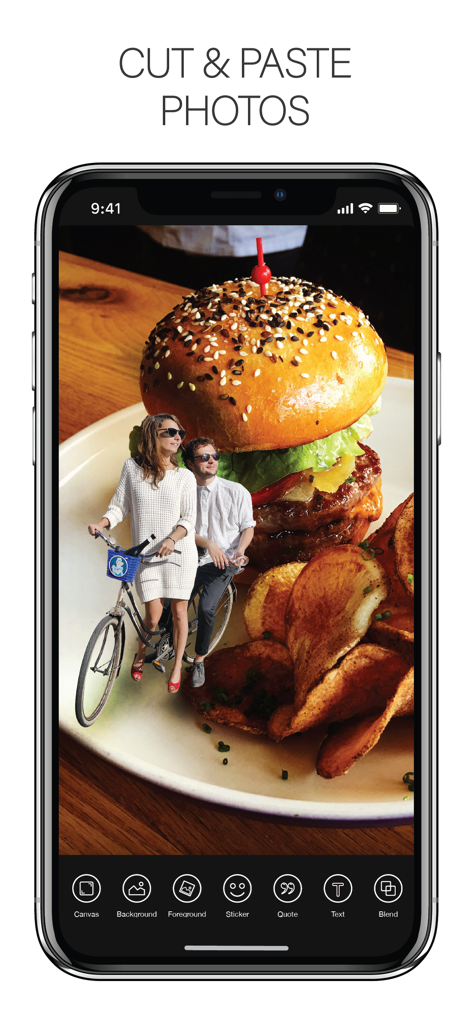
Cut and Paste Photosアプリのインターフェースで、巨大なハンバーガーの上に重ねられた自転車に乗ったカップルの写真

Cut and Paste Photosアプリのインターフェースで、巨大なハンバーガーの上に重ねられた自転車に乗ったカップルの写真

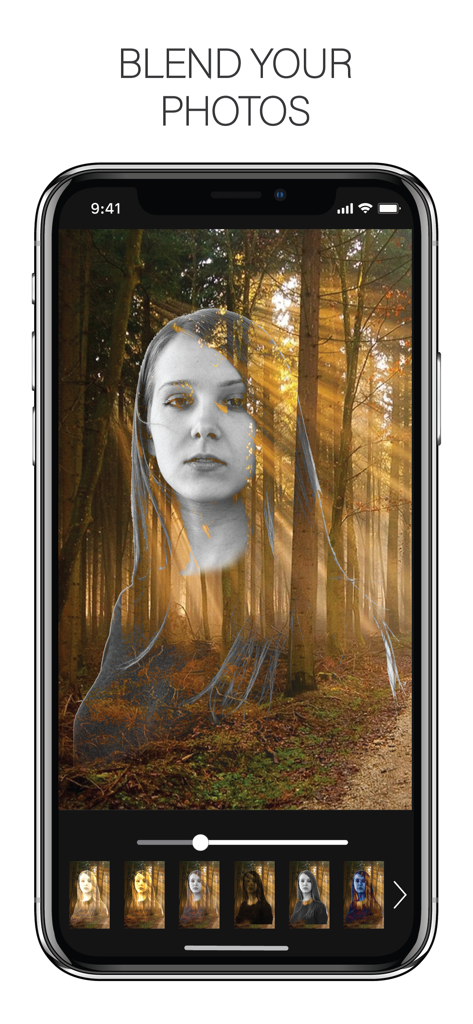
森の背景の上にポートレートを重ねたブレンド写真機能を示すスマートフォンの画面

森の背景の上にポートレートを重ねたブレンド写真機能を示すスマートフォンの画面

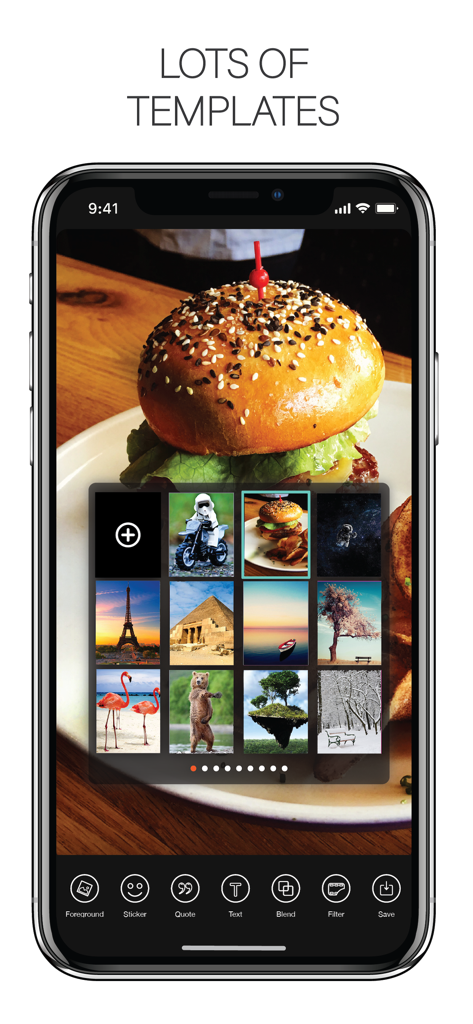
写真編集用の背景テンプレートのライブラリを示すCut and Paste Photosのモバイルアプリインターフェース

写真編集用の背景テンプレートのライブラリを示すCut and Paste Photosのモバイルアプリインターフェース

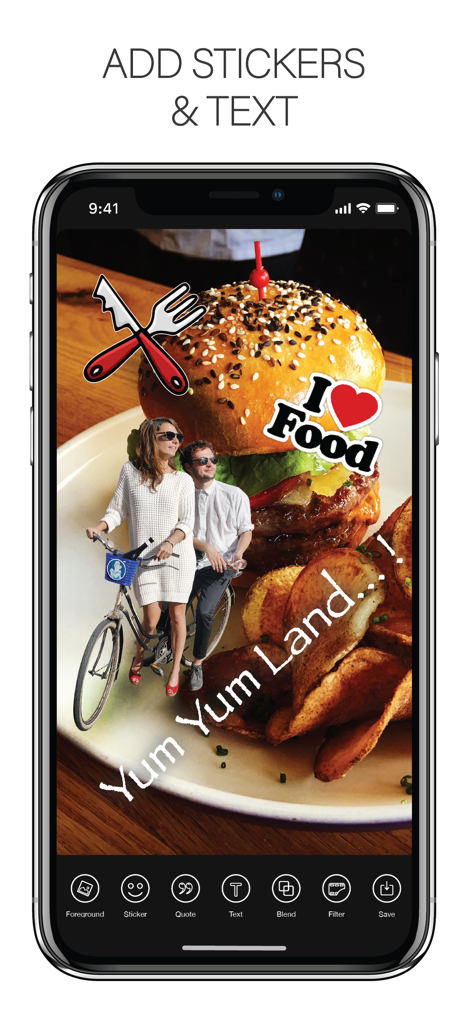
追加されたステッカーと手書きのテキストでハンバーガーのクリエイティブな写真コラージュを示すiPhoneアプリインターフェース

追加されたステッカーと手書きのテキストでハンバーガーのクリエイティブな写真コラージュを示すiPhoneアプリインターフェース

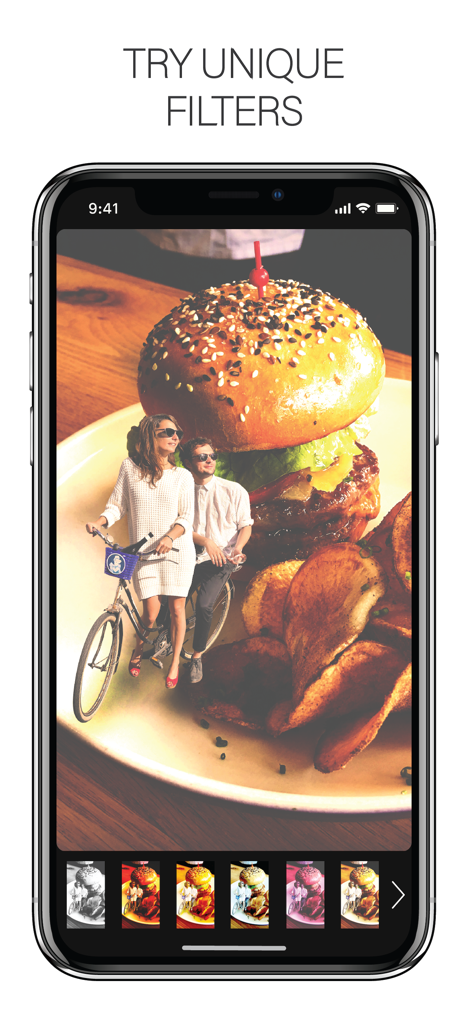
ユニークなフィルターとクリエイティブな写真コラージュを示すCut and Paste Photosアプリインターフェースのスマートフォン画面

ユニークなフィルターとクリエイティブな写真コラージュを示すCut and Paste Photosアプリインターフェースのスマートフォン画面

あなたのクリエイティブなスーパーパワーを解き放つ

このアプリを際立たせるツール、 2M+ 人のユーザーが選択.

🪄

インスタントAI切り抜き

スマートAIに面倒な作業を任せましょう。ワンタップで背景を削除し、ショップ用のクリーンな製品写真やフィード用の完璧なポートレートを作成します。

🎨

シームレスな写真ブレンド

レイヤーを重ねて画像をプロのようにマージします。30以上の高度なブレンドモードを使用して、トレンドのアートスタイル、二重露光、ユニークな芸術的なコラージュを作成します。

✂️

カスタムステッカー&ミームメーカー

投げ縄ツールを使用して、あらゆるものをパーソナライズされたステッカーに変換します。透明なPNGとしてエクスポートして、グループチャットをレベルアップしたり、バイラルソーシャルコンテンツを作成したりします。

アプリについて

について知っておくべきこと Cut & Paste Photos.

説明

Take your creativity to the next level with Cut & Paste Photo. Explore incredible new ways to remove or change the background of your photo, cut out any portion from a photo & blend with any other photo background. • AI CUTOUT • Our advanced AI Cutout will automatically remove the photo background to make your task easier. • LASSO • Cut any portion or extract people from your photo with our amazing Lasso tool. Select any area of a photo & cut out that specific area instantly. Apply this cutout portion on any background image you want. • ERASER • You can Erase the background of your photo, remove any unwanted object from your photo, or erase corner & edges of your cutout photo with our Eraser tool. • SHAPE • Cut your photo in different shapes with just a tap. We have 170 different shapes separated in 7 different categories. • PRESET CANVAS • Select any canvas for your project from our 100+ preset canvases. You can also create your own canvas with custom ratio and resolution. For simplicity just pick a photo from gallery and use it as a canvas. We have all the options for you to create a new project. • OPACITY CONTROLLER • Very swiftly change the opacity of your photo. • BLEND PHOTOS & SUPERIMPOSE • With our 30+ advanced Blending Modes, Merge & Blend your Background image with your Foreground image like a pro. Change opacity & colors of each blending modes to explore lots of versions of your blended photos. • BACKGROUND TEMPLATE • With our own collection you will get 200+ Background images, 100+ pattern templates, 100+ gradient templates and 100+ color templates to choose from. • TEXT ON PHOTO • With 200+ stylish Fonts & 100+ colors for each font, make your photos more meaningful & expressive. • PHOTO CLONE • Paste multiple copies of people in photos to create fun clone effect. • PHOTO FILTERS • Lots of amazing Filters to stylize your photos. • QUOTES • Chose from our amazing collection of trendy quotes to apply on your photo. Change the color of each quotes with hundreds of colors! • STICKERS • Lots of stickers collection to choose, to apply on your photo. You can even edit the stickers with lasso or eraser tool. • SAVE & SHARE • Advanced output option with different formates PNG & JPEG. You can save and share with transparency on and off.

最新バージョン

3.7

サイズ

190.6 MB

リリース日

2017年5月2日

次のバイラル編集を作成する準備はできましたか?

AIを使用して数秒で写真をカット、ブレンド、リミックスする200万人以上のクリエイターに参加しましょう。今すぐダウンロードして、iPhoneまたはiPadで魔法を始めましょう。

ダウンロード: App Store

App information, icons, screenshots, and descriptions displayed on this page are sourced from the Apple App Store and are the property of their respective developers. Download estimates and rankings are based on MWM's proprietary models and may not reflect actual figures. This page is provided for informational and analytical purposes only.

Believe this page infringes your intellectual property? File a dispute