DocHub: Simple PDF Form Editor

DocHub: Simple PDF Form Editor


ダウンロード: App Store
ロゴ: DocHub: Simple PDF Form Editor

DocHub: どこからでもPDFを編集、署名、管理

安全な電子署名、リアルタイムのドキュメント追跡、簡単なフォーム入力でビジネスを強化しましょう。プリンター不要で、より速く契約を完了し、外出先でも生産性を維持できます。

開発元

DocHub LLC

カテゴリ

Productivity

ダウンロード

12K+

ユーザー評価

4.8/5

評価数

300

対応言語

1

モバイルオフィスを実際に

このインターフェースを利用する 12K+ 人のユーザー.

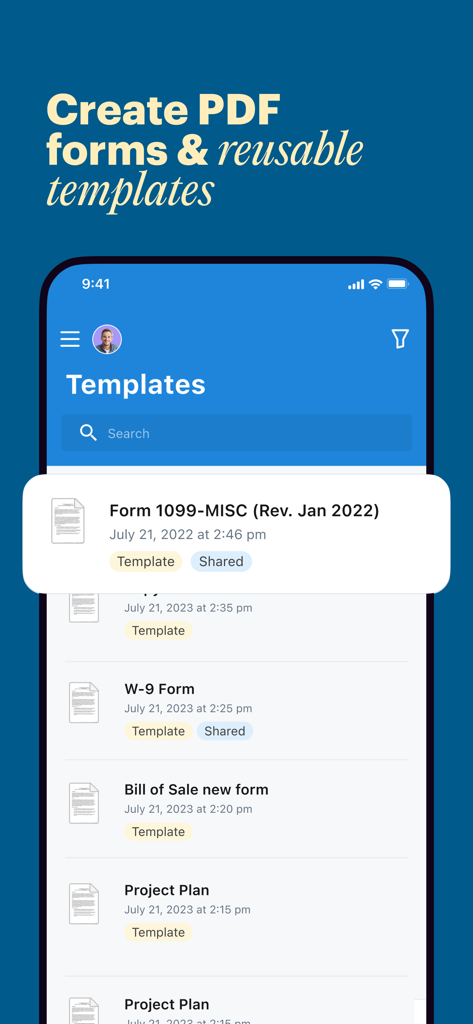
DocHubアプリのインターフェイスを表示するスマートフォンの画面。再利用可能なPDFテンプレートの管理と作成用

DocHubアプリのインターフェイスを表示するスマートフォンの画面。再利用可能なPDFテンプレートの管理と作成用

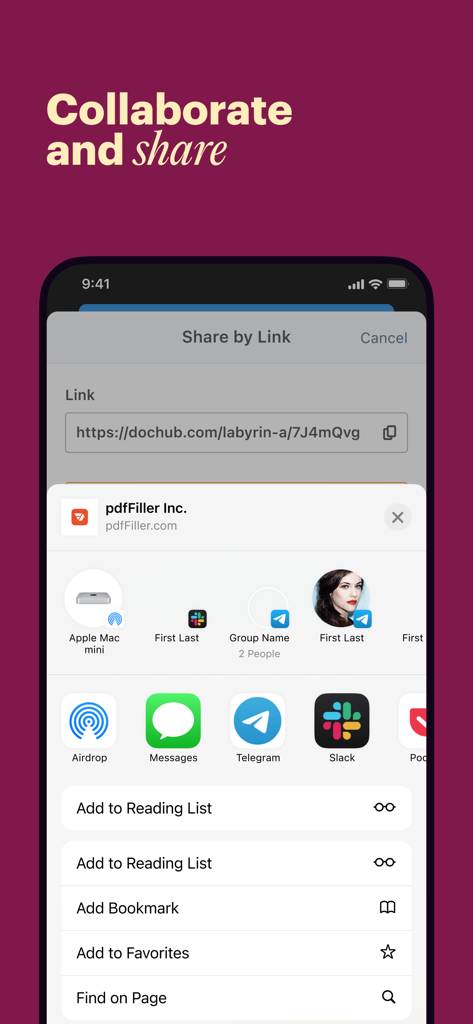
DocHubモバイルアプリの画面。安全なリンクとiOS共有シートを介したPDFドキュメントの共同作業と共有オプションを表示

DocHubモバイルアプリの画面。安全なリンクとiOS共有シートを介したPDFドキュメントの共同作業と共有オプションを表示

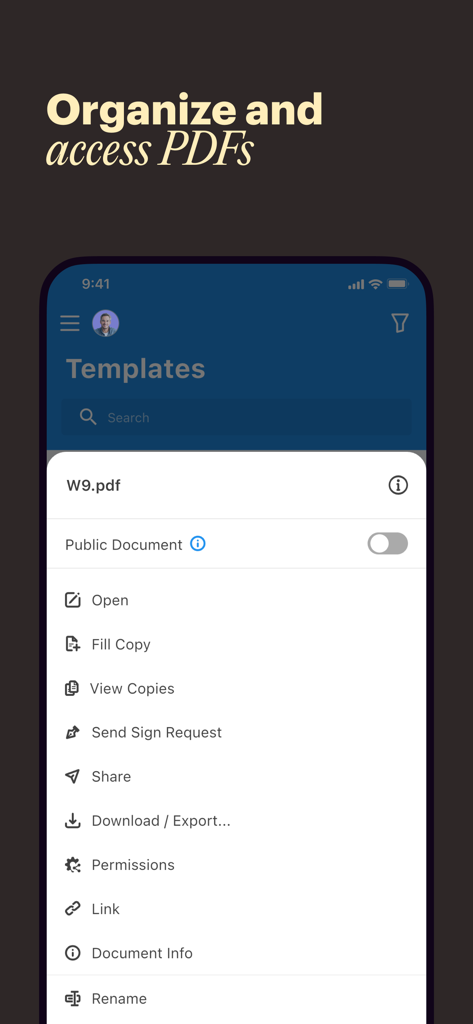
DocHubモバイルアプリの画面。署名や共有を含む、PDFドキュメントの整理とアクセスオプションを表示

DocHubモバイルアプリの画面。署名や共有を含む、PDFドキュメントの整理とアクセスオプションを表示

DocHubモバイルアプリの紹介画面。どこからでも簡単にドキュメントを完了できるというテキストが表示

DocHubモバイルアプリの紹介画面。どこからでも簡単にドキュメントを完了できるというテキストが表示

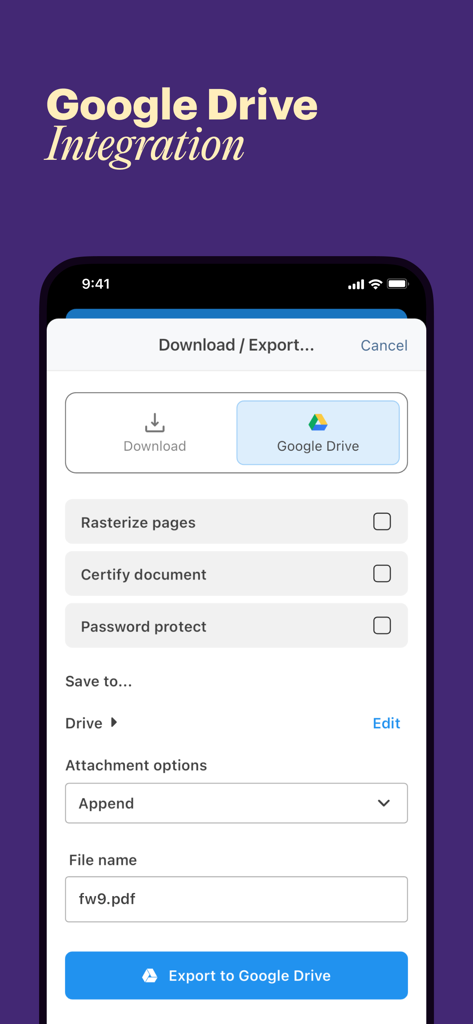
DocHubアプリのインターフェイス。PDFファイルの書き出しのためのGoogleドライブ統合を表示

DocHubアプリのインターフェイス。PDFファイルの書き出しのためのGoogleドライブ統合を表示

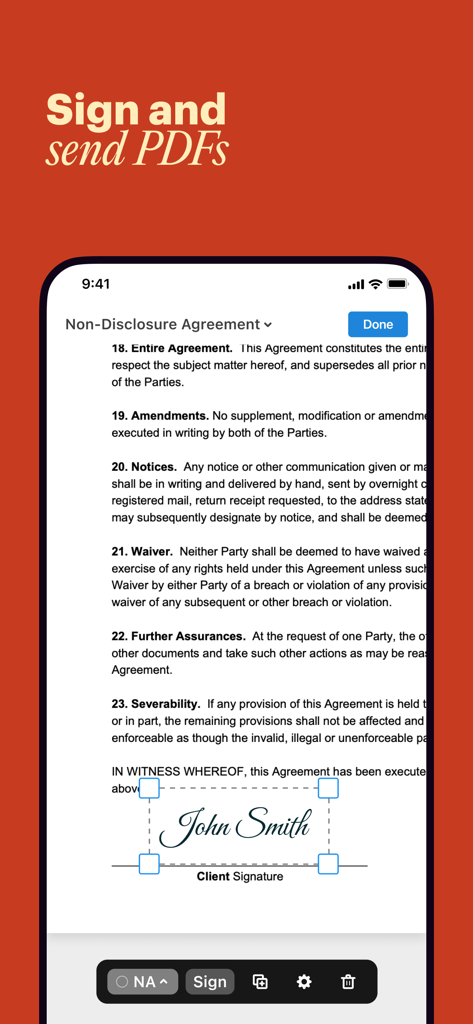
DocHubモバイルアプリのインターフェイス。機密保持契約書のPDFに電子署名を表示

DocHubモバイルアプリのインターフェイス。機密保持契約書のPDFに電子署名を表示

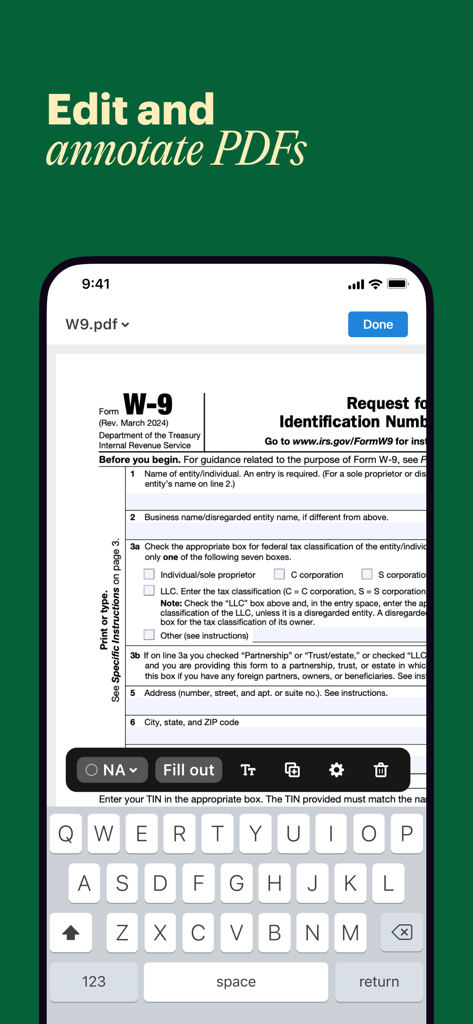
DocHubモバイルアプリのインターフェイス。スマートフォン上で編集・記入中のW-9 PDFフォームを表示

DocHubモバイルアプリのインターフェイス。スマートフォン上で編集・記入中のW-9 PDFフォームを表示

プロフェッショナルなワークフローを効率化

このアプリを際立たせるツール、 12K+ 人のユーザーが選択.

✍️

シームレスな電子署名

外出先でドキュメントを送受信し、署名をもらいましょう。プリンターやスキャナーを必要とせずに、数秒でクライアントから署名を集めます。

📋

スマートフォーム作成

どこからでも記入可能なフォームと再利用可能なテンプレートを作成できます。契約書やオンボーディング資料の標準化に最適です。

🛡️

安全なドキュメント追跡

リアルタイムのプッシュ通知とアクティビティログで全ての変更を監視し、エンタープライズグレードの暗号化で保護します。

アプリについて

について知っておくべきこと DocHub: Simple PDF Form Editor.

説明

Get your PDFs done anytime, anywhere. DocHub’s free mobile app makes it easy to add, edit, sign, fill out, and share PDFs, no matter your location. Send documents for eSignature and track document changes in real-time straight from your mobile device. Add documents in a snap Stay productive wherever you go. With the DocHub app, you can access your documents from your mobile device. Open existing PDFs, upload new files or their photos, or snap a picture of your document in seconds. Sign and request signatures with a few taps Forget the hassle of printing, scanning, and waiting for sign-offs. With the DocHub mobile app, gathering eSignatures is a breeze. Just pick your document, assign recipients and their signing sequence, and tap Send. Your recipients will receive a link to the document via email, allowing them to sign it from any device. You'll get a push notification in your DocHub dashboard and an email alert with a link to your finalized document. Edit documents from anywhere Get more documents done by editing PDFs from your smartphone. Add text, images, and comments. Highlight, white out, or strike through details as needed. Adjust your document to your liking by adding or rotating pages. Once you're done with the changes, share your document or save it to your mobile device in a few taps. Create PDF forms and reusable templates With the DocHub mobile app, you can create fillable forms from anywhere and get them completed by others. Easily add fields for signatures, text, dates, and initials, adjust their position, or delete them if needed. You can make your form public or create a secure share link to let others fill and sign your PDF form. If a document is frequently used, save time by making it a reusable template. Once completed, you can view every copy via the master template right from your mobile device. Collaborate and share Ensure your team's productivity remains uninterrupted, regardless of their location. Grant user permissions to enable others to view or modify your document from any device. Keep track of documents from anywhere Whether you're commuting, traveling, or simply taking a break, DocHub's push and email notifications help you stay in the know on the status of your documents and forms. You can also view a detailed activity log for each of your documents straight from your mobile device. Stay secure no matter your location DocHub keeps your documents safe with end-to-end encryption and biometric authentication so you can work from anywhere with confidence. Privacy Notice: https://dochub.com/site/privacy Terms of Service: https://dochub.com/site/terms

最新バージョン

1.11.0

サイズ

86.7 MB

リリース日

2024年1月15日

デスク不要で契約を完了し、フォームを確定

プリンターを捨てた何千人もの多忙なプロフェッショナルに加わりましょう。モバイルデバイスから直接、簡単な方法でドキュメントを編集、署名、追跡し、完全なセキュリティを体験してください。

ダウンロード: App Store

App information, icons, screenshots, and descriptions displayed on this page are sourced from the Apple App Store and are the property of their respective developers. Download estimates and rankings are based on MWM's proprietary models and may not reflect actual figures. This page is provided for informational and analytical purposes only.

Believe this page infringes your intellectual property? File a dispute