FXMotion Slow Fast Video Maker

FXMotion Slow Fast Video Maker


ダウンロード: App Store
ロゴ: FXMotion Slow Fast Video Maker

FXMotion スロー・ファストビデオメーカー:ビデオの速度をマスター

数秒で驚くほどのスローモーションとハイスピード編集を作成。0.1倍から10倍まで、プロフェッショナルな精度と高解像度出力で、TikTokやReelsにふさわしいシネマティックなルックを手に入れましょう。

開発元

Hung Nguyen

カテゴリ

Photo & Video

ダウンロード

418K+

ユーザー評価

4.7/5

評価数

5K+

対応言語

1

すべての瞬間をマスター

このインターフェースを利用する 418K+ 人のユーザー.

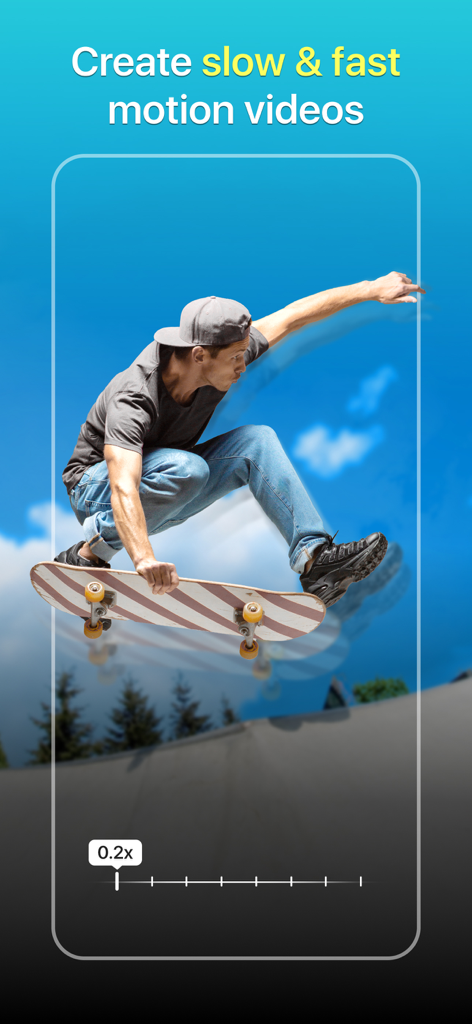
0.2倍のスローモーション速度スライダーオーバーレイが付いた、空中にいるスケートボーダー

0.2倍のスローモーション速度スライダーオーバーレイが付いた、空中にいるスケートボーダー

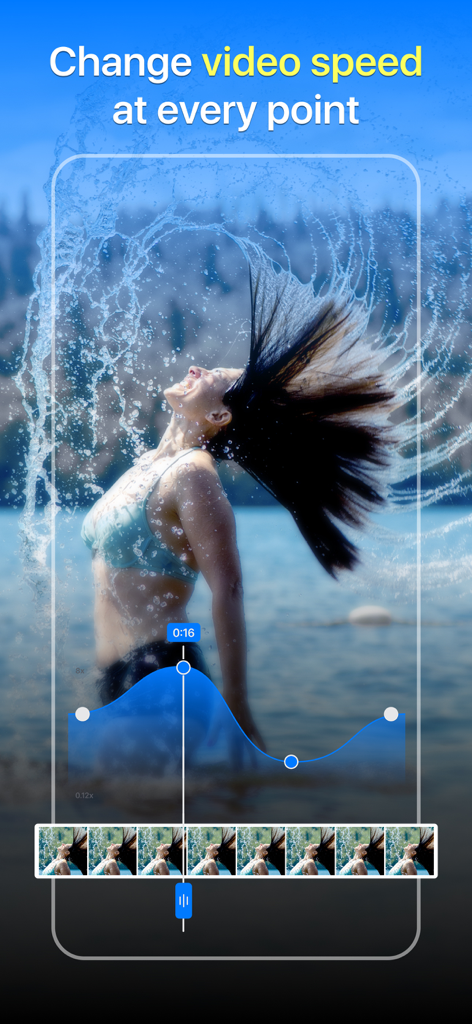
FXMotionアプリのインターフェースで、水しぶきのビデオにスロー・ファストモーション効果を作成するためのカスタム速度カーブを表示

FXMotionアプリのインターフェースで、水しぶきのビデオにスロー・ファストモーション効果を作成するためのカスタム速度カーブを表示

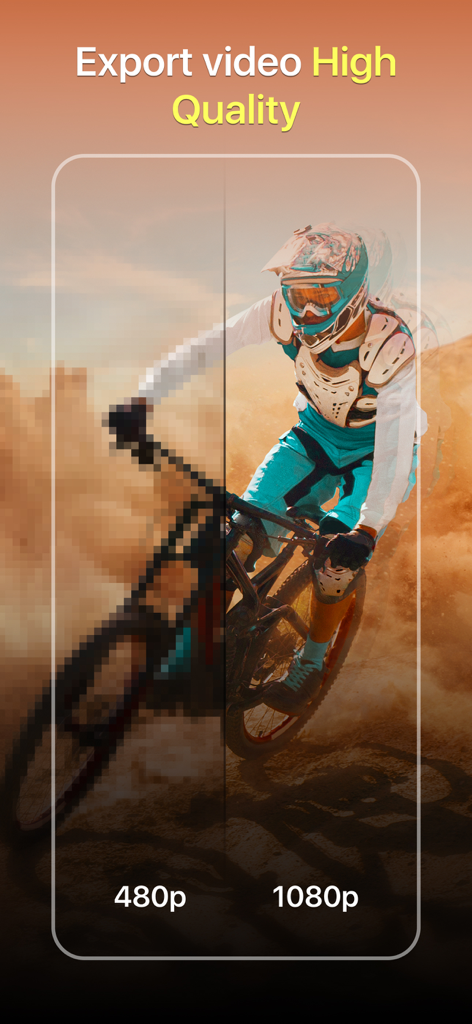
マウンテンバイカーのシーンの480pと1080pのビデオ解像度の違いを示す視覚的な比較

マウンテンバイカーのシーンの480pと1080pのビデオ解像度の違いを示す視覚的な比較

赤い髪の女性と煙のエフェクトで、アプリのビデオフィルター選択インターフェースを表示

赤い髪の女性と煙のエフェクトで、アプリのビデオフィルター選択インターフェースを表示

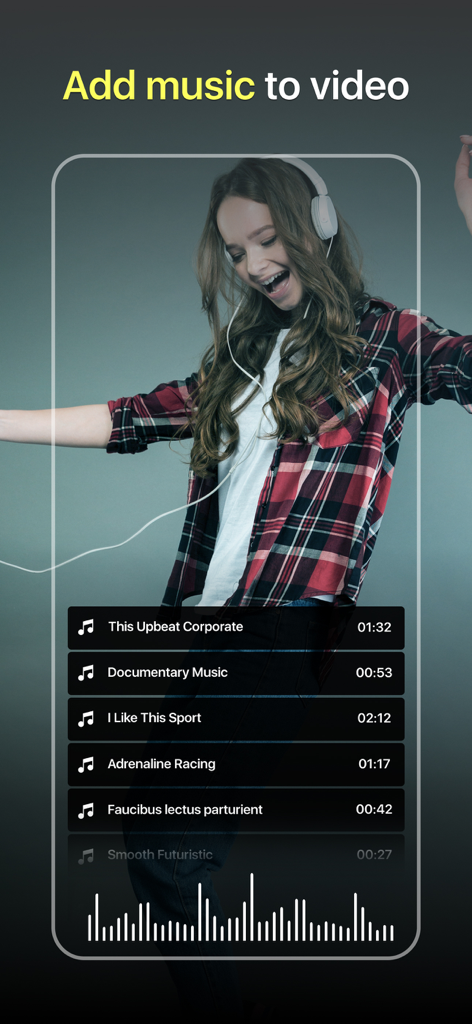
踊る女の子のビデオの上に、Upbeat CorporateやAdrenaline Racingなどのトラックリストが表示された音楽ライブラリを示すビデオ編集インターフェース画面

踊る女の子のビデオの上に、Upbeat CorporateやAdrenaline Racingなどのトラックリストが表示された音楽ライブラリを示すビデオ編集インターフェース画面

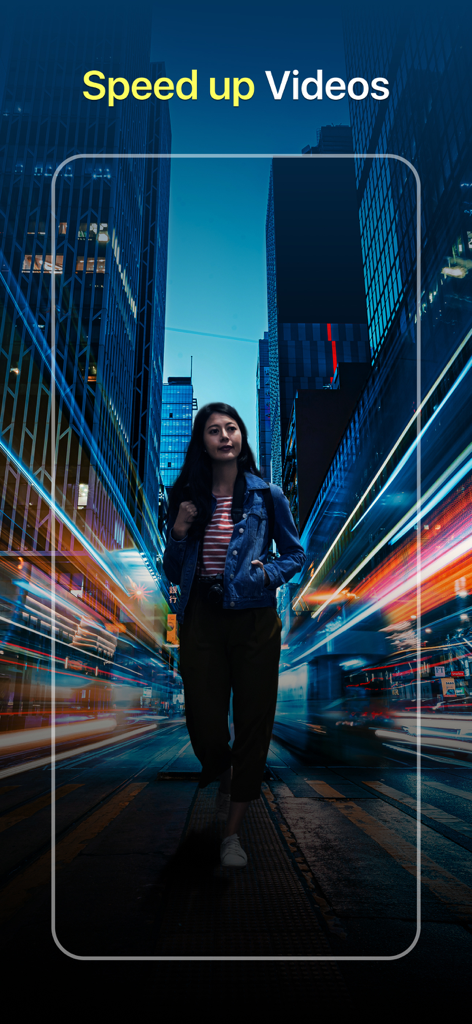
FXMotionアプリのスクリーンショットで、夜の街を歩く女性がモーションブラーのライトトレイルと「ビデオをスピードアップ」のテキストを表示

FXMotionアプリのスクリーンショットで、夜の街を歩く女性がモーションブラーのライトトレイルと「ビデオをスピードアップ」のテキストを表示

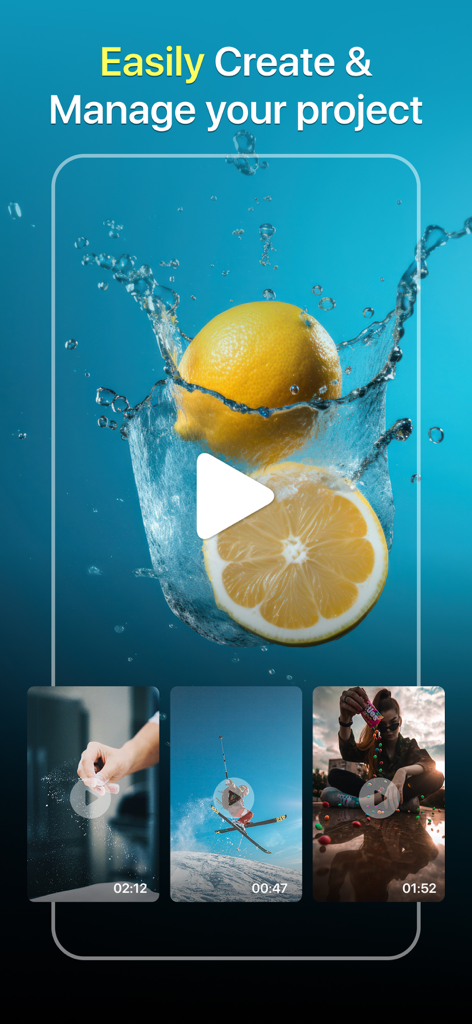
FXMotionアプリの画面で、レモンのしぶきやスキーヤーなど、いくつかのビデオプレビューを含むプロジェクト管理インターフェースを表示

FXMotionアプリの画面で、レモンのしぶきやスキーヤーなど、いくつかのビデオプレビューを含むプロジェクト管理インターフェースを表示

バイラル対応の速度編集を作成

このアプリを際立たせるツール、 418K+ 人のユーザーが選択.

🐢

超スロー精密編集

クリップを0.1倍までスローダウンして、アクションショット、スタント、または美的なライフスタイルバイブのすべての壮大なディテールを捉えましょう。

🚀

ダイナミック・ファストモーション

ビデオを最大10倍までスピードアップして、視聴者を惹きつけるハイエナジーなタイムラプスとプロフェッショナルなトランジションを作成しましょう。

プログレードのエクスポート

すべての編集で驚くほど高解像度の品質を維持し、TikTokやReelsで共有する際にコンテンツがプロフェッショナルに見えるようにします。

アプリについて

について知っておくべきこと FXMotion Slow Fast Video Maker.

説明

FXMotion: Slow & Fast Motion Video Speed Editor. Adjust the video speed in your way! FXMotion is the best Motion Video Editor that allows you to create unique Slow and Fast Motion Videos. You can change the speed of recorded videos smoothly to make more professional-looking and amazing videos. Outstanding features of the FXMotion: Slow & Fast Motion Video Speed Editor: + Create Super Slow-motion videos with the 0.1x speed + Edit video speed up 10x faster (time-lapse or Fast Motion video) + High-resolution video output + Quick processing time + Save your hilarious slow motion and fast motion videos to camera roll + Share your unique products created from the slow-fast motion video maker with your friends on social networks. + Simple user interface and easy to use + Unlock all Slow & Fast Motion Premiere Pro features in the Pro version How to work: 1. Choose the video you want to change the speed from your camera roll or record a new one with the camera 2. At the speed bar, drag left to slow down or drag right to speed up the video (adjust the speed from 0.1x to 10x) 3. Select the output video resolution and export the video 4. Save the edited video to the gallery or share it on social networks. With our FXMotion: Slow & Fast Motion Video Speed Editor, you can easily create cool motion videos like a pro film. Highlight the special moments on the video by changing the speed of the most important parts. Add speed variations to any sections of your video to make your video more vivid. Determine when the slow motion or fast motion effect starts and when it ends. Easily control the speed of the whole video in your way. Now is the time to make your awesome slow motion & fast motion videos with FXMotion. Let’s try it out and share with us your experience! Rate 5 stars for us if you love our app and continue to support us in the future. On behalf of our application development team, I would like to express my sincere thanks to the beloved users. Terms of use and Privacy Policy https://appsnemo.com/terms-conditions https://appsnemo.com/policy

最新バージョン

2.4.0

サイズ

31.9 MB

リリース日

2021年3月23日

次のバイラルマスターピースを今日作成

FXMotionでシネマティックなスローモーションと壮大なファストモーションビデオを作成している418K人以上のクリエイターに参加しましょう。プロフェッショナルな速度制御はタップするだけです。

ダウンロード: App Store

App information, icons, screenshots, and descriptions displayed on this page are sourced from the Apple App Store and are the property of their respective developers. Download estimates and rankings are based on MWM's proprietary models and may not reflect actual figures. This page is provided for informational and analytical purposes only.

Believe this page infringes your intellectual property? File a dispute