I Love Film - Grain Filter

I Love Film - Grain Filter


ダウンロード: App Store
ロゴ: I Love Film - Grain Filter

I Love Film - グレインフィルター:現代のフォトグラファーのための本格的なアナログ美学

平坦なデジタルルックはもうやめましょう。スキャンされたグレイン付きの130種類以上のリアルなフィルムシミュレーションにアクセスし、17の組み込みチュートリアルで構図をマスターして、思い出を時代を超えた芸術に変えましょう。

ダウンロード: App Store

開発元

Marcus Carlsson

カテゴリ

Photo & Video

ダウンロード

325K+

ユーザー評価

4.6/5

評価数

10K+

対応言語

2

グレインで捉えた

このインターフェースを利用する 325K+ 人のユーザー.

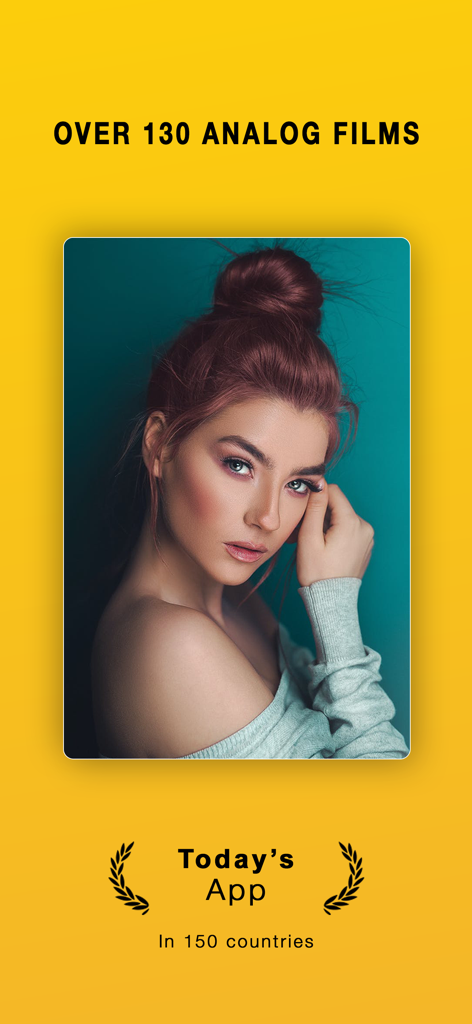
I Love Film アプリのスクリーンショット。ポートレート写真にプロフェッショナルなアナログフィルムグレインフィルターが適用されており、150カ国で「今日のアプリ」賞を受賞しています。

I Love Film アプリのスクリーンショット。ポートレート写真にプロフェッショナルなアナログフィルムグレインフィルターが適用されており、150カ国で「今日のアプリ」賞を受賞しています。

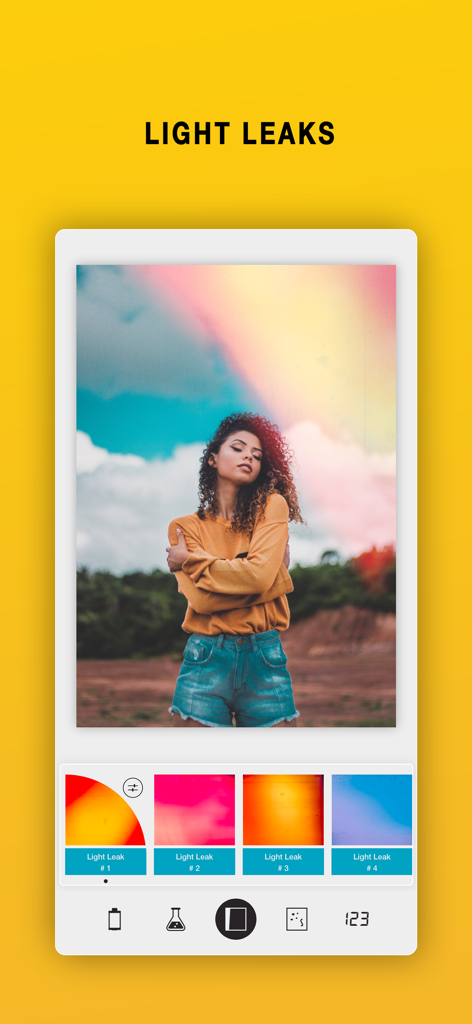
I Love Film アプリのインターフェース。ヴィンテージスタイルの写真にライトリークフィルターが適用されています。

I Love Film アプリのインターフェース。ヴィンテージスタイルの写真にライトリークフィルターが適用されています。

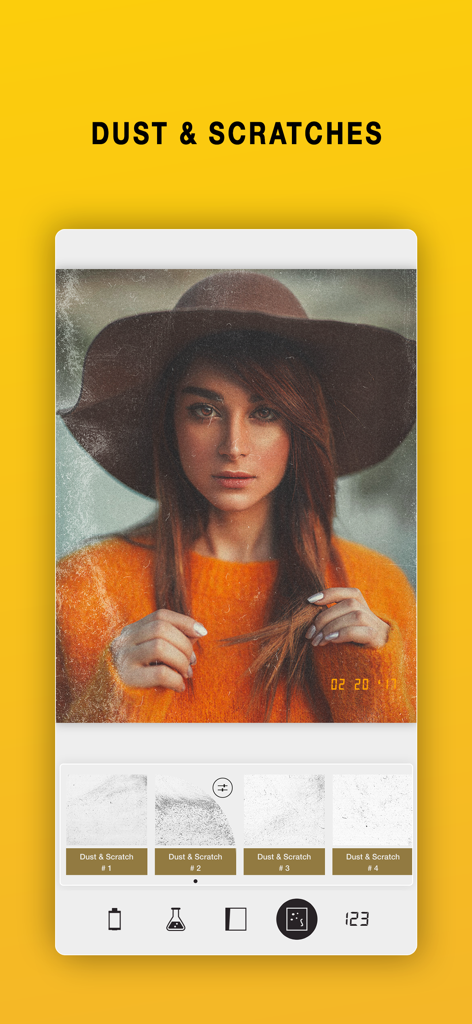
I Love Film アプリのヴィンテージフィルム写真エフェクト、ほこりと傷。

I Love Film アプリのヴィンテージフィルム写真エフェクト、ほこりと傷。

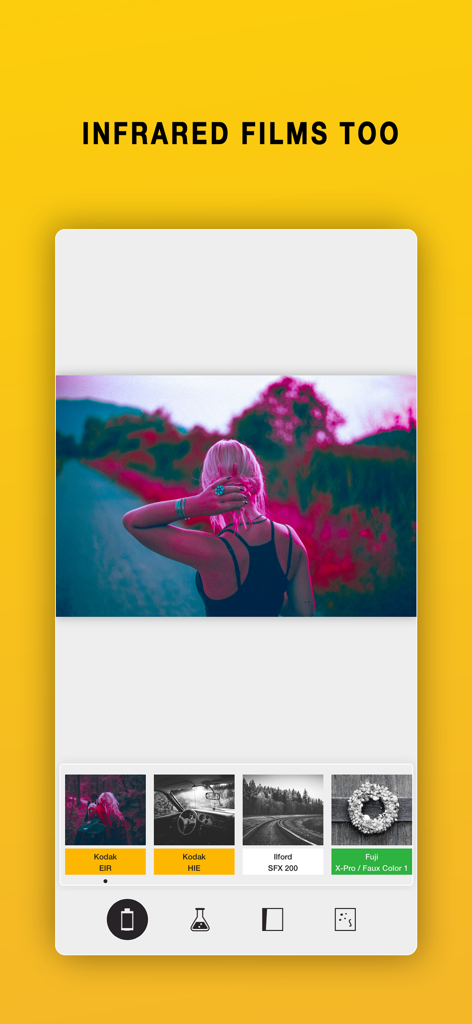
I Love Film 写真編集アプリの赤外線フィルムフィルターシミュレーション。

I Love Film 写真編集アプリの赤外線フィルムフィルターシミュレーション。

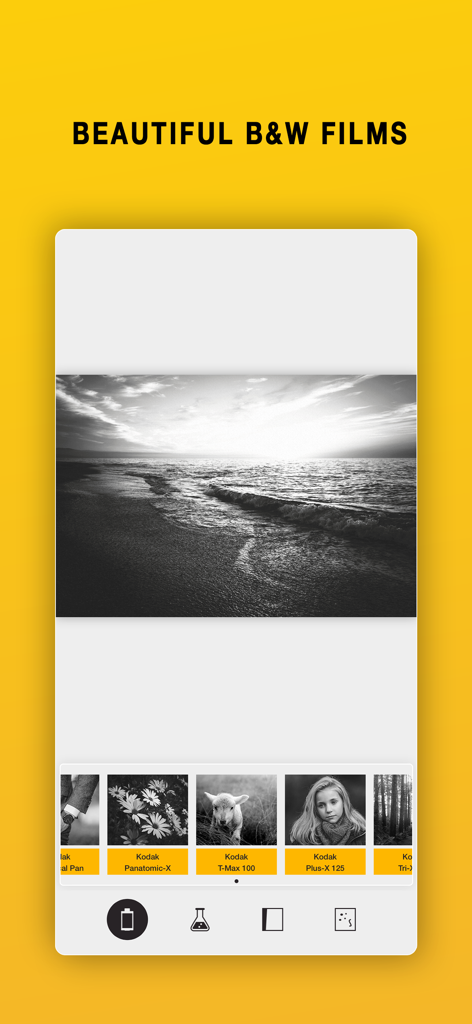
I Love Film アプリのインターフェース。白黒フィルムグレインフィルターが表示されています。

I Love Film アプリのインターフェース。白黒フィルムグレインフィルターが表示されています。

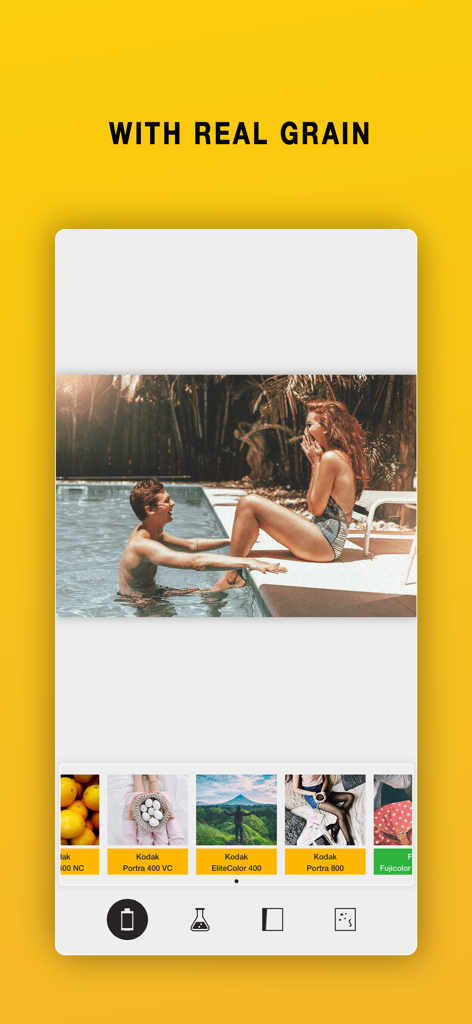
I Love Film アプリのインターフェース。プール写真にリアルなグレインとヴィンテージKodakフィルムストックシミュレーションが適用されています。

I Love Film アプリのインターフェース。プール写真にリアルなグレインとヴィンテージKodakフィルムストックシミュレーションが適用されています。

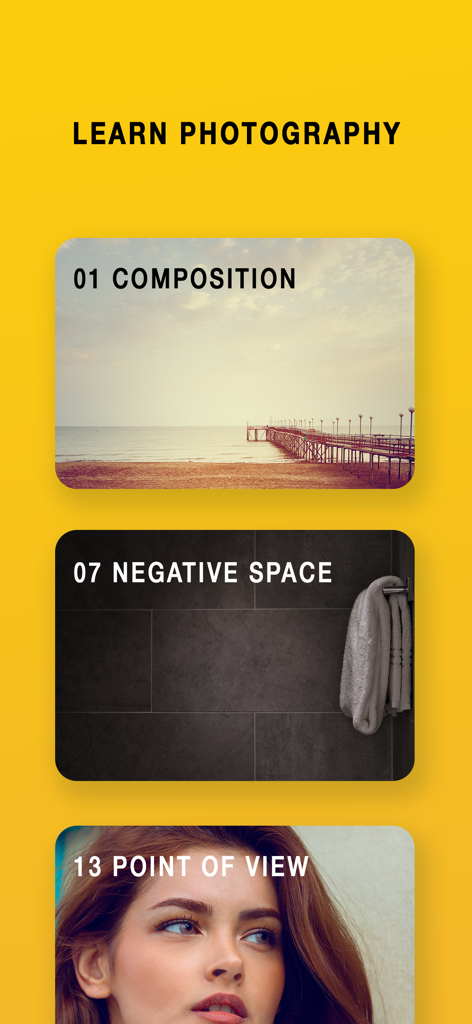
「写真撮影を学ぶ」と題されたモバイルアプリの画面。構図、ネガティブスペース、視点などのチュートリアルが表示されています。

「写真撮影を学ぶ」と題されたモバイルアプリの画面。構図、ネガティブスペース、視点などのチュートリアルが表示されています。

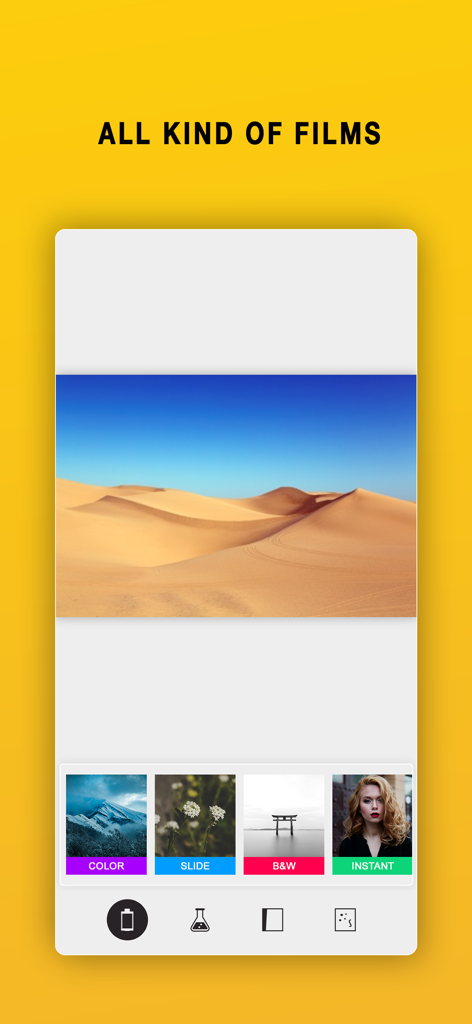
I Love Film アプリの画面。カラー、スライド、白黒、インスタントなどのフィルムカテゴリが表示されています。

I Love Film アプリの画面。カラー、スライド、白黒、インスタントなどのフィルムカテゴリが表示されています。

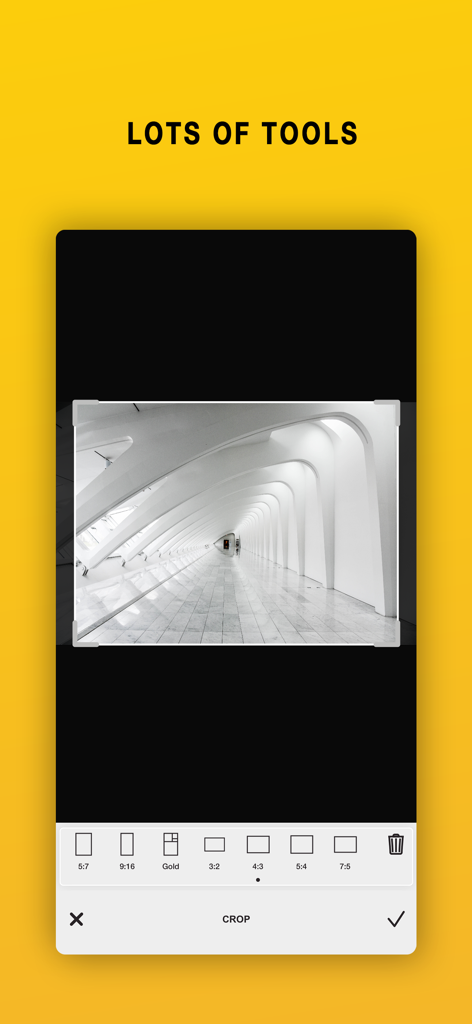
I Love Film アプリのインターフェース。白黒写真のアスペクト比プリセットを備えたクロップツールが表示されています。

I Love Film アプリのインターフェース。白黒写真のアスペクト比プリセットを備えたクロップツールが表示されています。

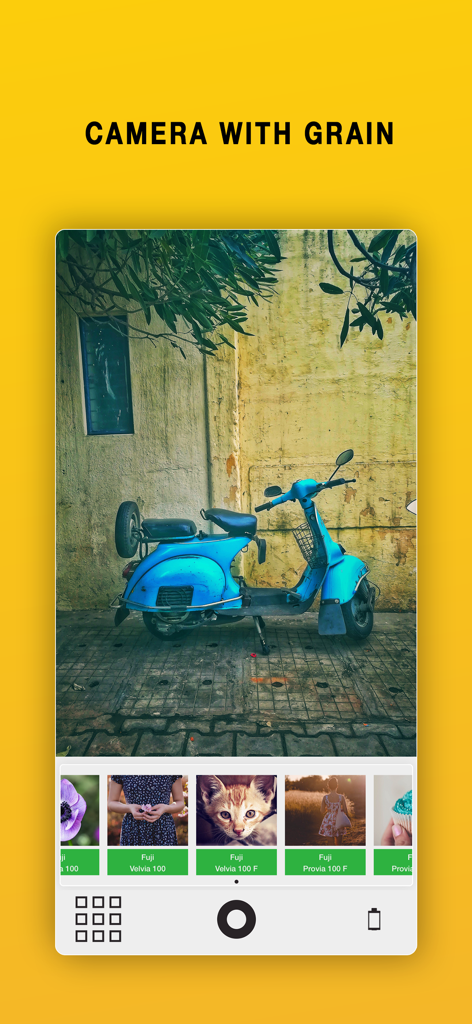
フィルムストックフィルターを備えた、青いヴィンテージスクーターを表示するライブフィルムグレインカメラインターフェース。

フィルムストックフィルターを備えた、青いヴィンテージスクーターを表示するライブフィルムグレインカメラインターフェース。

フィルムの魂を取り戻す

このアプリを際立たせるツール、 325K+ 人のユーザーが選択.

🎞️

130種類以上の本格的なフィルムストック

ヴィンテージスライドから象徴的な白黒まで、クラシックなアナログ写真のオリジナルのカラーサイエンスに match するシミュレーションを探求しましょう。

リアルなスキャングレインとテクスチャ

高精細なグレインと実際のフィルムからスキャンされたライトリークで、写真に触感を与え、決して人工的ではないルックを実現しましょう。

🎓

あなたの技術をマスターする

あらゆるスナップショットをプログレードの傑作に変えるためにデザインされた、17の組み込み構図チュートリアルで、あなたの写真を見る目を高めましょう。

アプリについて

について知っておくべきこと I Love Film - Grain Filter.

説明

I Love Film has been Today's App in 150 countries. I love film will make your images look as if they were taken in the old days - with film. Lots of care has been used when analyzing each film to match their original looks. The grain that comes with the films are real grains, scanned too perfection. And who doesn't love the look of old film, hence the name 'I love film'. To make you an even better photographer I have written 17 tutorials on how to improve and understand composition. If you read through all of them, I can almost guarantee that your images will be so much better and you'll start to understand why some images that you see look beautiful. KEY FEATURES: 130+ FILMS Over 130 films are included in total and they simulated slides, color, black and white, instant and infrared films. LIGHT LEAKS Enhance your images with the old look using light-leaks GRAIN Each film will has it grain just as their original has. VIGNETTE Naturally you can darken the edges to make your main-subject pop even more. DATE-STAMP Add an analog feeling where the date the image was taken vill be present in your image. BOKEH Simulate nice-looking bokeh into your images. FILM LIVE-VIEW The camera will show the image using the film with grain in real time LOTS OF TOOLS Lots of tools to perfect your image, such as crop, contrast, exposure etc SHARE Naturally can save the images to your camera-roll or share it to common social media. SUPPORT We are eager to hear from you. We just love to hear both good stuff and bad stuff. And it's much likely that your opinion will be added into the next update. Please don't hesitate to contact us at: support@miiam.net

最新バージョン

11.0

サイズ

137.6 MB

リリース日

2018年9月28日

フィルムに夢中になる準備はできましたか?

325,000人以上のクリエイターが、思い出にふさわしい本物の質感を加えています。今すぐダウンロードしてアナログの芸術をマスターし、リアルなグレインで最も美しい瞬間を捉え始めましょう。

ダウンロード: App Store

App information, icons, screenshots, and descriptions displayed on this page are sourced from the Apple App Store and are the property of their respective developers. Download estimates and rankings are based on MWM's proprietary models and may not reflect actual figures. This page is provided for informational and analytical purposes only.

Believe this page infringes your intellectual property? File a dispute