PDF to JPEG - Flyingbee

PDF to JPEG - Flyingbee

ダウンロード: App Store
ロゴ: PDF to JPEG - Flyingbee

PDFからJPEGへ - Flyingbee: プロフェッショナルなドキュメントから画像への変換

モバイルワークフローの究極の架け橋。PDFを即座に高解像度画像に変換したり、オリジナルのアセットをソーシャルメディア、プレゼンテーション、プロフェッショナルな共有のために抽出したりできます。

ダウンロード: App Store

開発元

Flyingbee Software Co., Ltd.

カテゴリ

Business

ダウンロード

290K+

ユーザー評価

3.8/5

評価数

200

対応言語

12

生産性を一目で確認

このインターフェースを利用する 290K+ 人のユーザー.

Facebook共有用のPDFからJPEGへの変換アプリのユーザーレビュー

Facebook共有用のPDFからJPEGへの変換アプリのユーザーレビュー

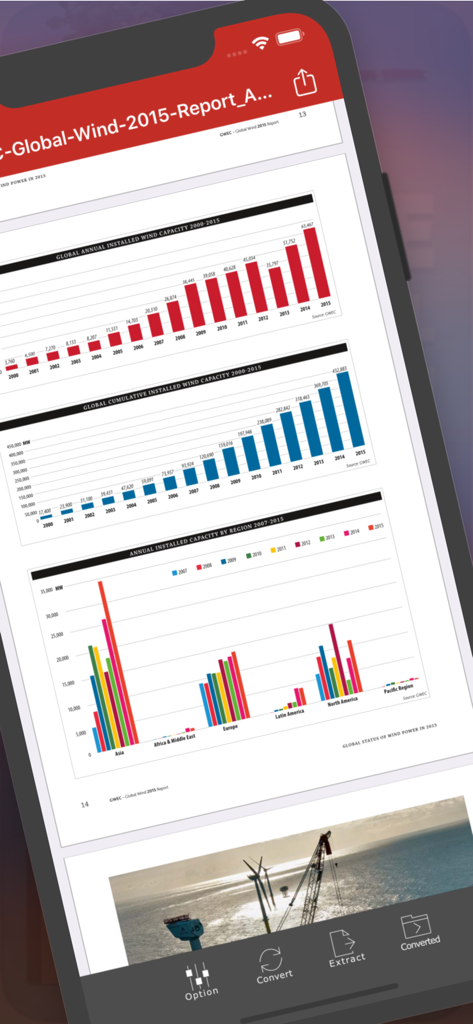
iPhone画面にグラフが表示されたPDFレポートを示すPDFからJPEGへ - Flyingbeeアプリのインターフェース

iPhone画面にグラフが表示されたPDFレポートを示すPDFからJPEGへ - Flyingbeeアプリのインターフェース

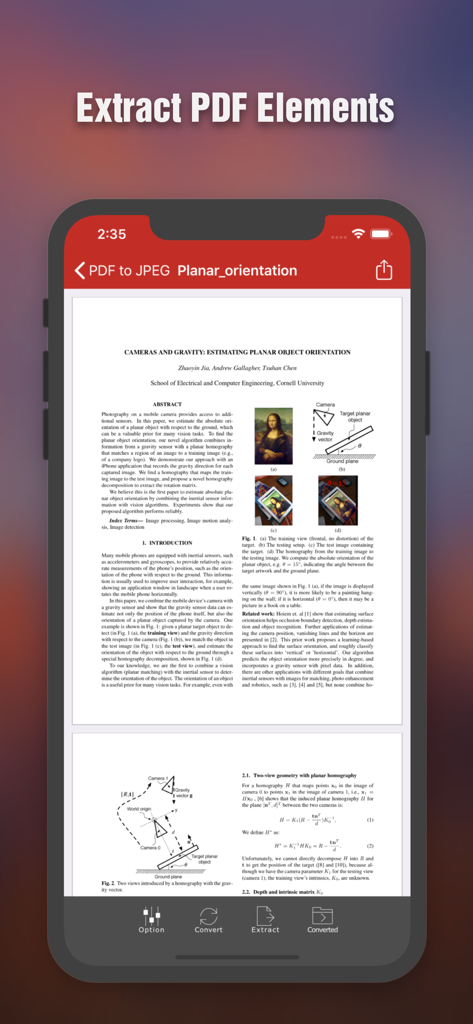
PDF要素を抽出するオプションが表示された科学文書を示すFlyingbee PDFからJPEGへアプリのインターフェースが表示されたiPhone画面

PDF要素を抽出するオプションが表示された科学文書を示すFlyingbee PDFからJPEGへアプリのインターフェースが表示されたiPhone画面

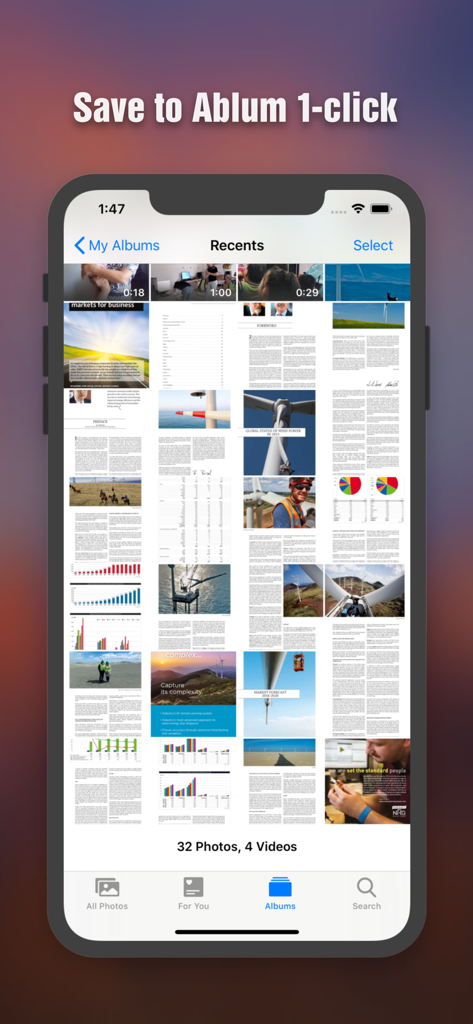
iPhoneの写真ギャラリーに画像として保存された変換済みPDFページ

iPhoneの写真ギャラリーに画像として保存された変換済みPDFページ

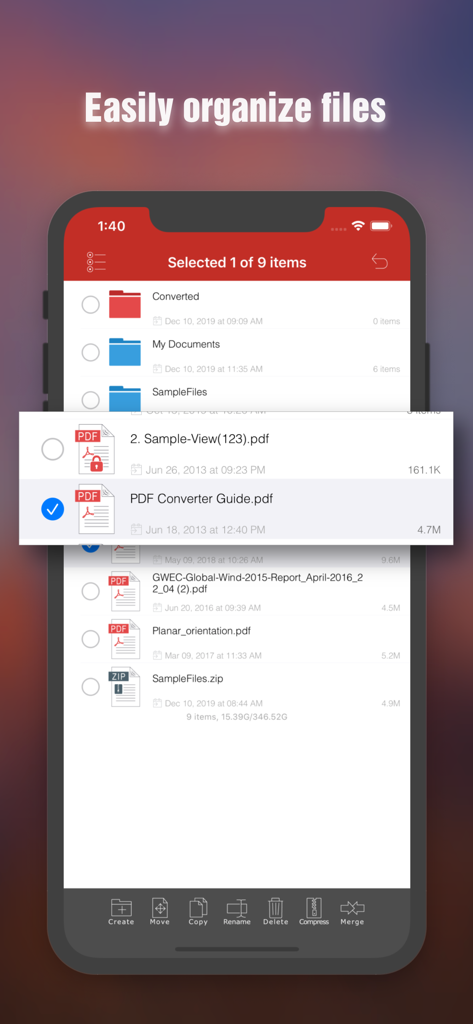
iPhoneでドキュメント整理機能を示すドキュメント整理インターフェースが表示されたFlyingbee PDFからJPEGへのファイル管理

iPhoneでドキュメント整理機能を示すドキュメント整理インターフェースが表示されたFlyingbee PDFからJPEGへのファイル管理

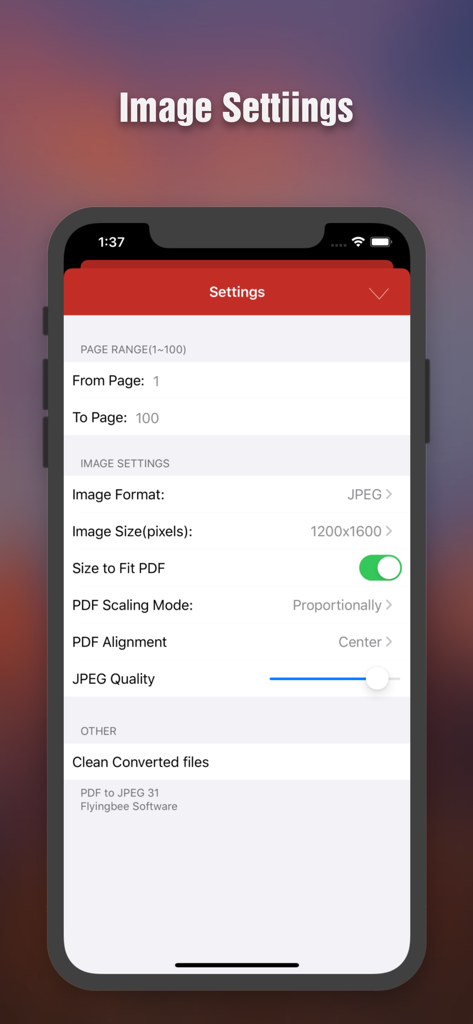
ページ範囲、画像解像度、品質調整のオプションが表示されたPDFからJPEGへの変換設定画面

ページ範囲、画像解像度、品質調整のオプションが表示されたPDFからJPEGへの変換設定画面

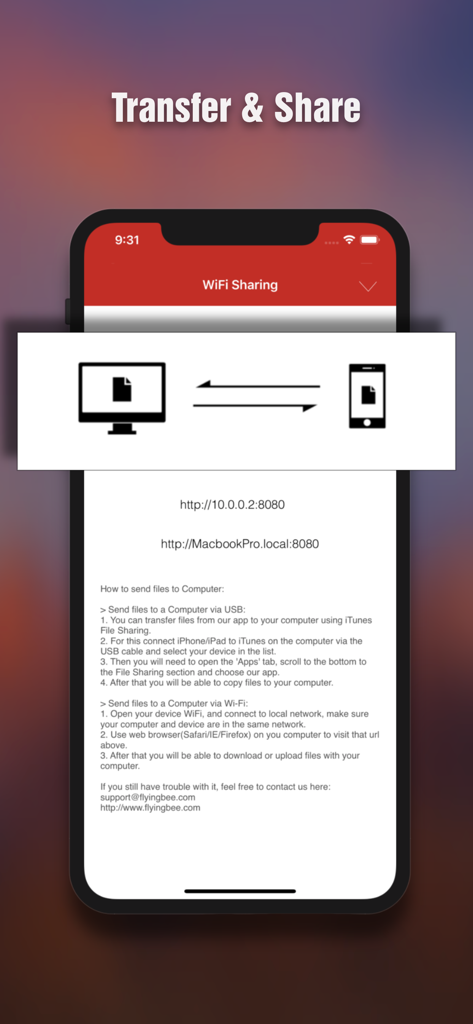
iPhoneとコンピューター間でファイルをワイヤレスで転送および共有するためのインターフェース

iPhoneとコンピューター間でファイルをワイヤレスで転送および共有するためのインターフェース

高精度で変換、抽出、共有

このアプリを際立たせるツール、 290K+ 人のユーザーが選択.

📱

ソーシャルメディア対応

PDFをJPEGに変換することで、iOSの制限を回避できます。ラップトップを開かなくても、Instagram、Facebook、LinkedInに直接共有できます。

プログレードの解像度

調整可能な解像度設定で、すべてのディテールをキャプチャします。ピッチデッキやマーケティングアセットで使用するために、ドキュメントからオリジナルの高品質な写真要素を抽出します。

🔒

安全なビジネスワークフロー

暗号化されたPDFを簡単に処理し、Google Drive、Dropbox、カメラロール間でファイルを同期できます。プログレードのセキュリティとスピードで。

アプリについて

について知っておくべきこと PDF to JPEG - Flyingbee.

説明

PDF to JPEG by Flyingbee helps you to convert PDF documents to high-quality JPEG images, as well as extract the source larger photo elements from PDF, so that you can re-use them in any office software, edit & sign & email to customer, share to social network and print & fax any pages of pdf to paper easily.  With the professional conversion options, you can configure to select any pages of PDF for converting to high-quality JPEGs or extract the originally clear photos from it.  The converted JPEG, PNG, BMP and TIFF images can be emailed and printed, uploaded to Dropbox, Google Drive and Evernote, or simply saved on the iPhone/iPad.  “I'm a financial advisor that just converted 4 PDFs into one doc using this handy little app, Keynote on iPhone only pulls from camera roll..” by [eljackisano] - Nov 11, 2011  “Perfect for making PDFs into JPGs, just what i needs to share things in FaceBook! ” by [Mike Arlen] - Dec 2, 2011  "I just downloaded this app to convert pdf's to jpeg's for business uploading to social media. It took a minute to figure out but you can change the resolution settings in order to get a higher quality jpeg." by [JunkRescue] - Jan 5, 2013  “Use it for quite a long time, very sweet and convenient tool. No matter what big PDFs you got, it can easily convert to any size of jpg image. Highly recommended!" by [Pettergarden] - Mar 24 2013  == Main Features == • Using "Open In..." approach, import PDF from many popular apps including Mail, Safari, Pages, Adobe Reader, PDFExpert, Dropbox, Google Driver easily. • Build in PDF Image Extractor(Pickup originally clear photo elements from PDF file easily). • Support encrypted PDF files conversion(Unlock copying or printing restrictions without any problems). • The Conversion options, including the followings: > Select Page Range. > Many Resolution option including using the current viewer zoom scale size. • Mail out Image as email attachments("Mail out.." integration). • Send files to other apps("Open In.." integration). • Share and Compress image files to .zip file. • Save JPEG into Camera Album by on click. • File manager(Support rename, copy, move, delete and compress). • Copy/Paste file with Clipboard(Transfer with other Apps). • Wirelessly Print&Fax Photos(Only AirPrint-enabled Printer Supported). • Wifi file transfer(Transfer by Browser or Webdav Clients). • USB file transfer(iTunes file sharing). • Output to JPEG, PNG, BMP and TIFF formats with RGB or CMYK Color Space. • Extract image to RGB or CMYK Color Profile.  Several PDF Sample files have been included, you can test it right now! We are continuously developing PDF to JPEG, so please feel free to contact us with your questions, suggestions or any problems, and we will reply ASAP.  == Subscriptions Information == Duration and price of each subscription are displayed in app storefront, updated at the time of purchase. Payment will be charged to iTunes account at confirmation of purchase. Subscriptions automatically renew unless auto-renew is turned off no later than 24 hours before the end of the current period. Subscriptions and auto-renewal can be managed/turned off in the iTunes account settings. Any unused portion of a free trial period is forfeited as soon as a subscription is purchased.  Terms of use & Privacy policy: https://www.flyingbee.com/term-of-service/ https://www.flyingbee.com/privacy-policy/ 

最新バージョン

8.8.7

サイズ

79.8 MB

リリース日

2011年10月22日

PDFをビジネス対応にする準備はできましたか?

Flyingbeeを高画質な画像変換に信頼する29万人以上のプロフェッショナルに加わりましょう。ワンクリックでドキュメントを変換、抽出、共有できます。

ダウンロード: App Store

App information, icons, screenshots, and descriptions displayed on this page are sourced from the Apple App Store and are the property of their respective developers. Download estimates and rankings are based on MWM's proprietary models and may not reflect actual figures. This page is provided for informational and analytical purposes only.

Believe this page infringes your intellectual property? File a dispute