
このページはアプリまたはその開発者の公式ページではなく、情報提供および論評を目的として作成された独立した編集出版物です。明示的に別段の記載がない限り、アプリおよびその開発者は、MWM、Apple、Google Play、アプリのパブリッシャー、またはアプリの開発者と提携、承認、後援、認可、またはその他の公式的な関係はなく、このページのいかなる内容も、アプリがMWMのサービスを使用して開発されたことを意味するものではありません。すべての商標、ロゴ、スクリーンショット、その他のコンテンツはそれぞれの所有者の財産です。


iConv - Video & PDF Converter
デスクトップソフトウェアを探すのはもうやめましょう。バッチ動画変換やOCRから、ボーカルの分離、ファイルの解凍まで、iPhoneまたはiPadで直接プロフェッショナルなワークフロー全体を管理できます。
ダウンロード
3M+ユーザー評価
評価数
73K+開発元
カテゴリ
Photo & Video対応言語
33最新バージョン
7.10サイズ
131.2 MBリリース日
2017年9月30日あなたのユニバーサルモバイルツールボックス
デバイス間の切り替えはやめましょう。モバイルファーストのワークフローのために設計されたプロフェッショナルグレードのツールを使用して、iPhoneまたはiPadで直接あらゆるファイル形式を変換、圧縮、編集できます。
あらゆるフォーマットを即座に変換
4K動画、高音質オーディオ、複雑なドキュメントまで、デスクトップコンピュータを必要とせずに100以上のフォーマットを扱えます。
AI搭載クリエイターツール
音楽からボーカルを分離したり、フレームごとに動画をトリミングしたりできます。TikTokやReelsクリエイター向けに最適化されたハイエンドメディア編集機能。
よくある質問
について知っておくべきこと iConv - Video & PDF Converter
iConvアプリはどのような種類の変換をサポートしていますか?
iConvアプリは、ビデオ、オーディオ、ドキュメント、画像、PDFの変換をサポートしています。また、RAR、ZIP、7ZIPなどのさまざまな形式のファイル解凍と圧縮も処理します。
iConvアプリは無料で使用できますか?
はい、iConvアプリは無料でダウンロードして使用できます。オプションのiConv Pro Unlimitedサブスクリプションでは、OCRを含むすべての機能がアンロックされ、広告が削除されます。
iConv Pro Unlimitedサブスクリプションにはどのような機能が含まれていますか?
iConv Pro Unlimitedサブスクリプションでは、すべてのビデオおよびオーディオ形式、OCR機能がアンロックされ、広告が削除されます。月次または年次の請求、および可能性のある一括払いオプションが提供されます。
iConvはドキュメントファイルをPDFまたはPNGに変換できますか?
はい、iConvは、DOC、TXT、PPT、XLS、RTF、KEY、NUMBERS、PAGESなどのさまざまなドキュメント形式をPDFとPNGの両方に変換できます。
iConvは画像に対して光学文字認識(OCR)を提供していますか?
はい、iConvは光学文字認識(OCR)機能を使用して画像をテキストに変換することをサポートしています。この高度な機能は、iConv Pro Unlimitedサブスクリプションで利用できます。
iConvはどのAppleデバイスの出力に対応していますか?
iConvは、出力のためにiPadとiPhoneデバイスに完全に互換性があります。ユーザーは、これらのAppleプラットフォームに最適化されたビデオとオーディオを変換できます。
ユーザーはiConvでビデオおよびオーディオファイルをトリミングできますか?
はい、iConvでは、ユーザーはビデオおよびオーディオファイルをトリミングして目的のクリップを作成できます。これは、アプリ内で直接カスタマイズされた「開始」および「終了」時刻を設定することによって行われます。
iConvはiOSファイルアプリと統合されていますか?
はい、iConvはファイルアプリと統合されています。ユーザーは「Imported」フォルダにファイルを配置して簡単にインポートでき、変換されたファイルは「Converted」フォルダから取得できます。
iConv Pro Unlimitedサブスクリプションの自動更新を管理するにはどうすればよいですか?
ユーザーは、購入後にアカウント設定にアクセスすることで、iConv Pro Unlimitedサブスクリプションの自動更新を管理できます。自動更新は、現在の期間が終了する少なくとも24時間前までにオフにする必要があります。
iConv組み込みのドキュメントビューアはどのファイルタイプを開くことができますか?
iConv組み込みのReaderドキュメントビューアは、DOC、TXT、PPT、XLS、RTF、PDF、KEY、NUMBERS、PAGES、およびその他の互換性のあるドキュメントタイプを開くことをサポートしています。
iConvはボーカルとバックグラウンドミュージックを分離できますか?
はい、iConvは、曲のボーカルとバックグラウンドミュージックを分離する高度な機能に対応しています。これにより、ユーザーは特定のオーディオ操作機能を利用できます。
iConvはファイルのドラッグ&ドロップをサポートしていますか?
はい、iConvはドラッグ&ドロップジェスチャーをサポートしており、スプリットスクリーンタスク中の簡単なファイル移動を容易にします。これにより、さまざまな変換のユーザーワークフローが合理化されます。
以下のスクリーンショットと説明は、アプリの公式ストアリスティングから直接取得されたものであり、アプリ開発者の所有物です。
アプリストア
スクリーンショット
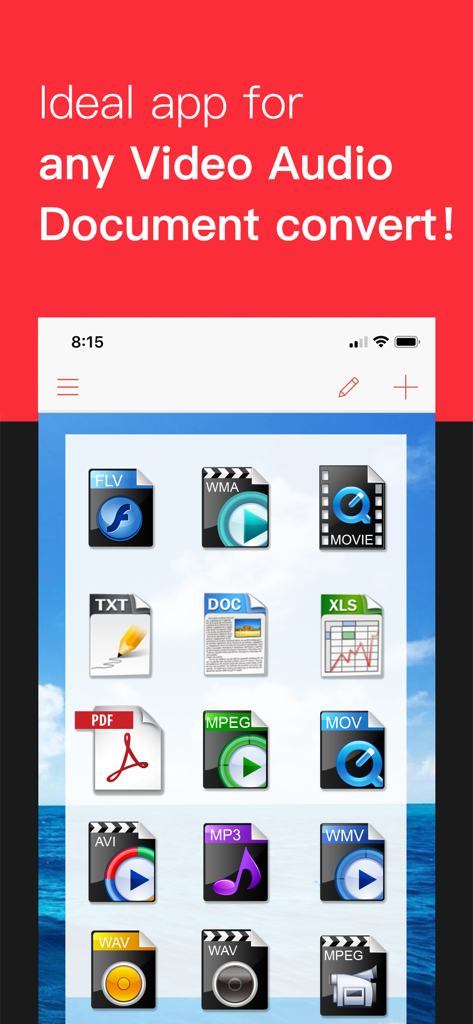
iConvアプリのインターフェースに、さまざまな動画、音声、ドキュメントフォーマットのアイコンが表示されている
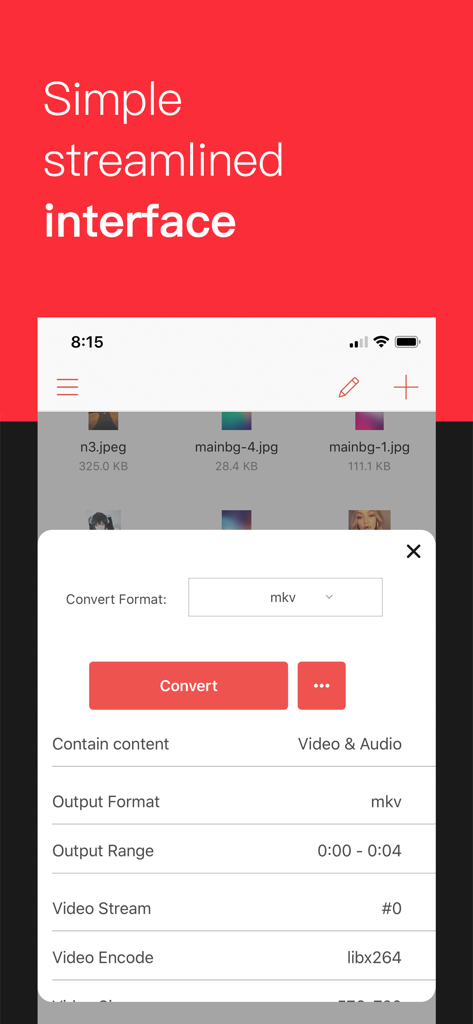
iConvモバイルアプリのインターフェースに、MKVファイルの動画変換設定が表示されている
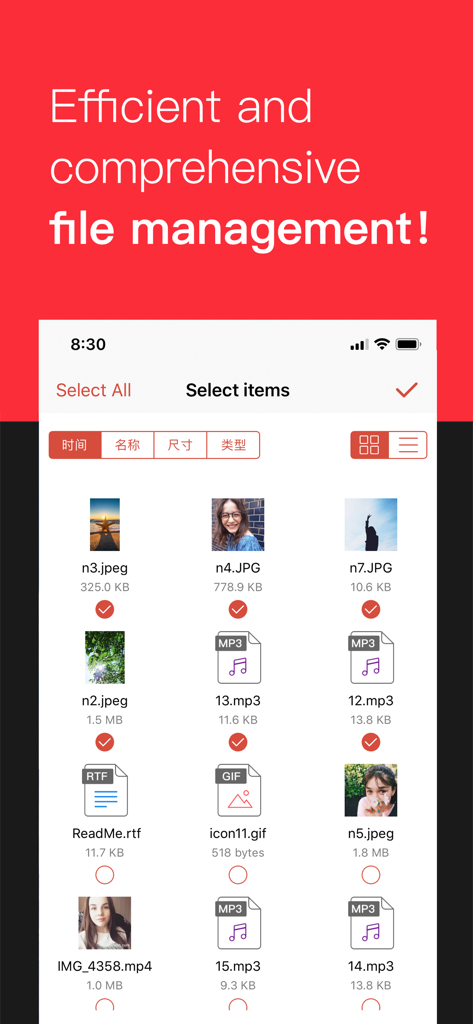
iConvアプリの画面に、変換用の画像や音声のバッチファイル選択が表示されている
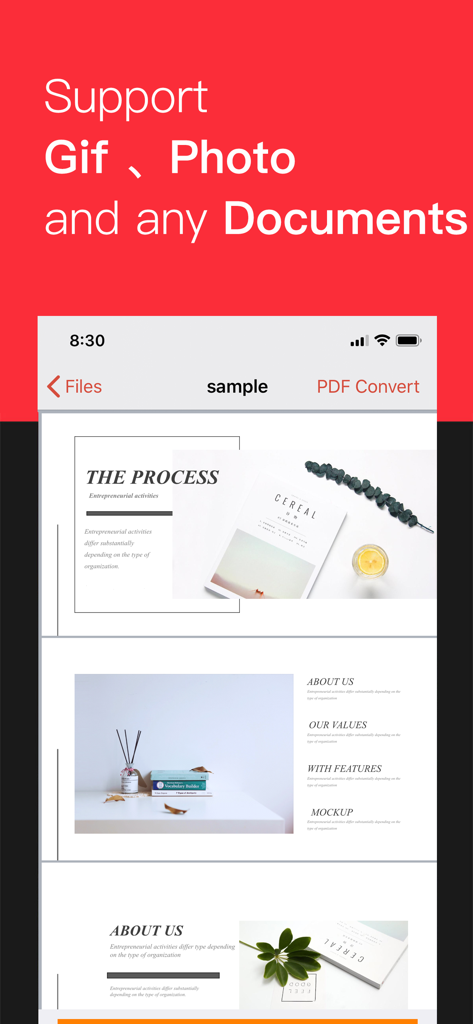
iConvアプリのインターフェースに、GIF、写真、ドキュメント変換をサポートするテキスト付きの複数ページのドキュメントプレビューが表示されている
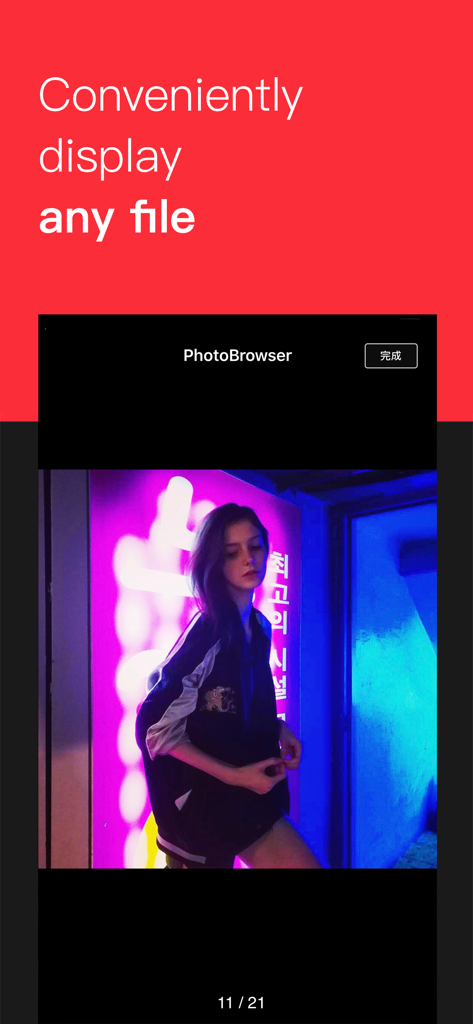
iConvアプリのスクリーンショットに、統合ファイルブラウザで表示されている写真と、「あらゆるファイルを便利に表示」というテキストが表示されている
説明
Download
類似アプリ
似た機能とユーザー体験を持つアプリ

Convert PDF to Word OCR
Tu Phan

PDF Converter – Photos to PDF
SMDA GROUP SP. Z OO

Toolbox by Paperclip
WuHan Paperclip Technology Co., Ltd.

Video Converter and Compressor
Inverse.AI

Video Converter & Compressor
WEBDIA INC.

全能格式转换王-视频音频转换图片文件格式处理
大为 方

PDF Converter: Convert to PDFㅤ
Roberto Hayes

The Document Converter
Float Tech, LLC
word文档手机版-办公文档,办公软件
雪 杨
このページはアプリまたはその開発者の公式ページではなく、情報提供および論評を目的として作成された独立した編集出版物です。明示的に別段の記載がない限り、アプリおよびその開発者は、MWM、Apple、Google Play、アプリのパブリッシャー、またはアプリの開発者と提携、承認、後援、認可、またはその他の公式的な関係はなく、このページのいかなる内容も、アプリがMWMのサービスを使用して開発されたことを意味するものではありません。すべての商標、ロゴ、スクリーンショット、その他のコンテンツはそれぞれの所有者の財産です。