Unleash Your Creativity with InkSpace
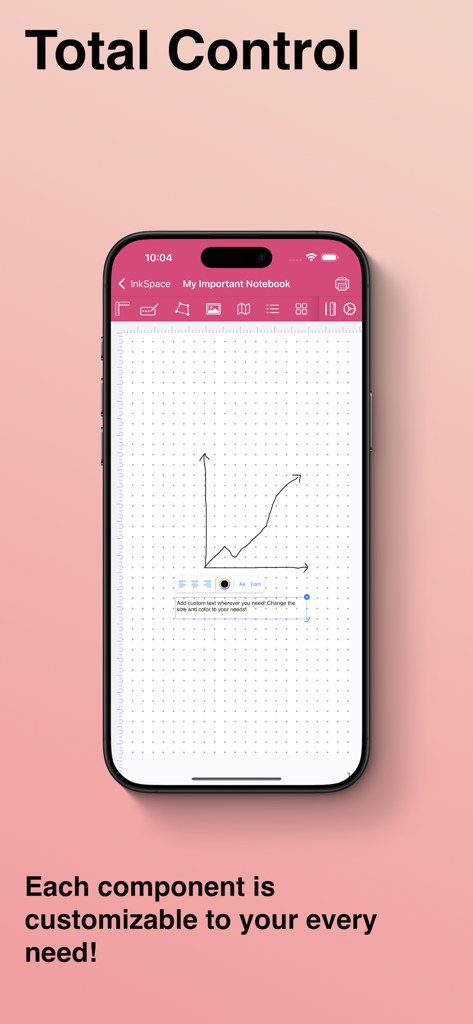
InkSpace is the ultimate digital notebook for iPhone and iPad, designed for those who want complete creative freedom. Whether you're taking notes, brainstorming ideas, sketching designs, planning projects, or journaling, InkSpace gives you total control over every aspect of your notebooks.
Endless Custom Notebooks
- Create unlimited notebooks with as many pages as you need.
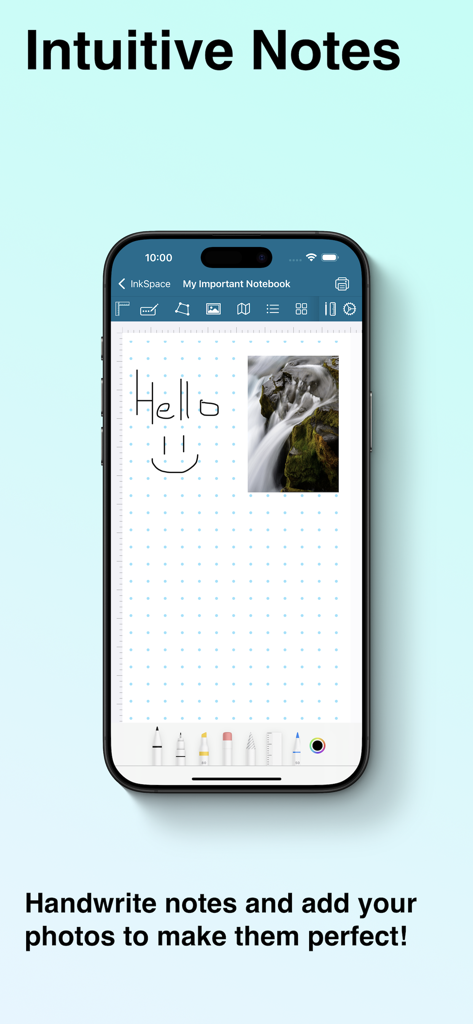
- Write, draw, and sketch effortlessly using your Apple Pencil, stylus, or fingers.
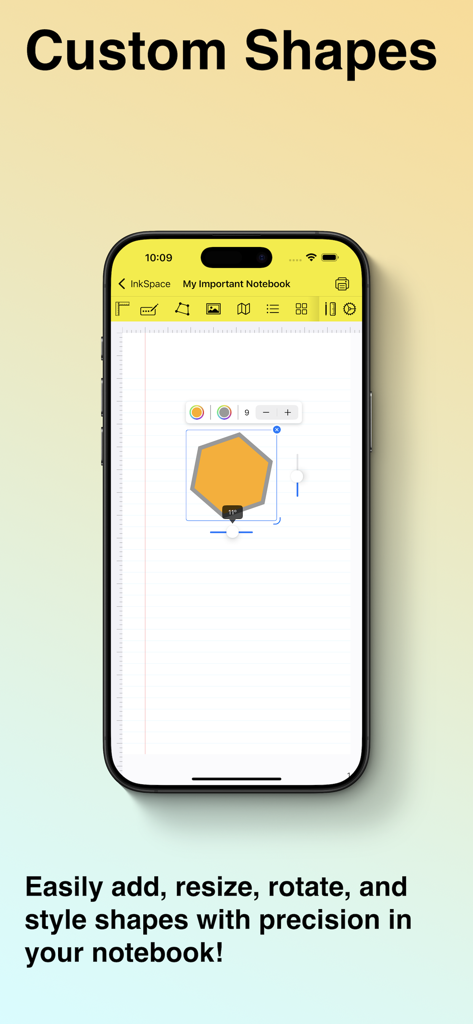
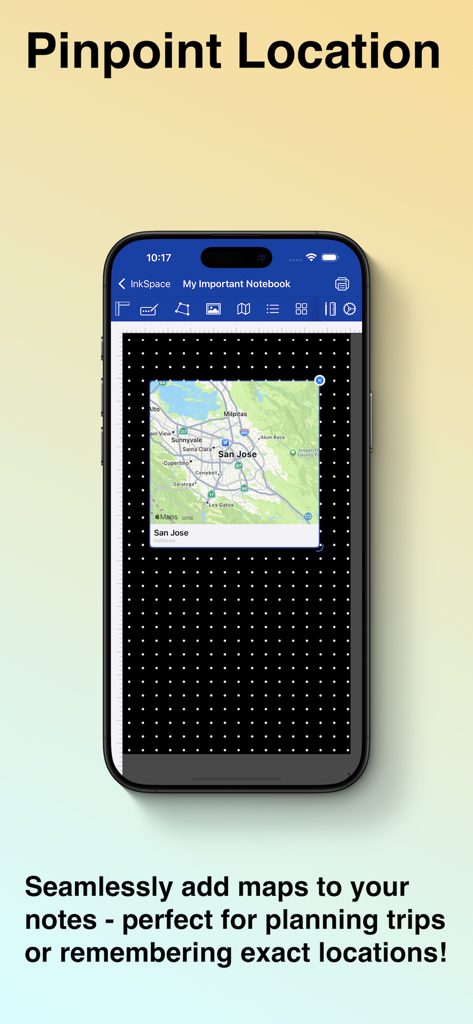
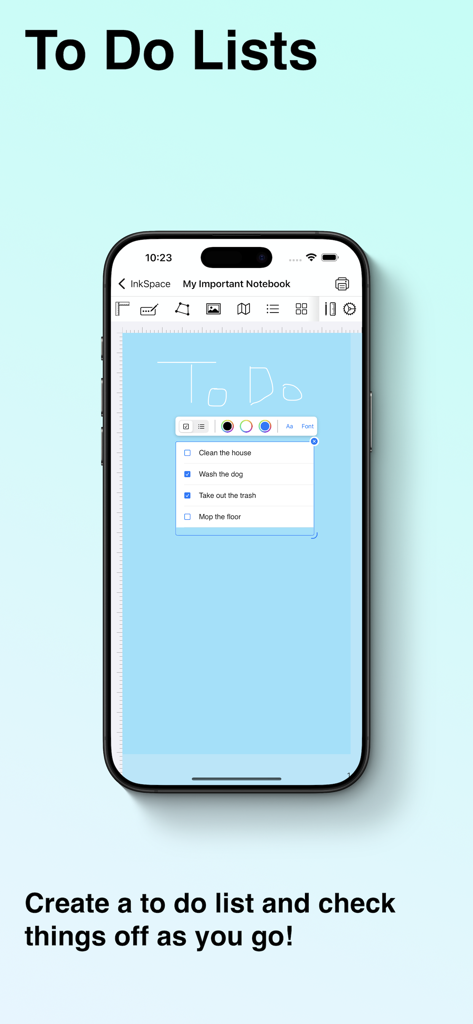
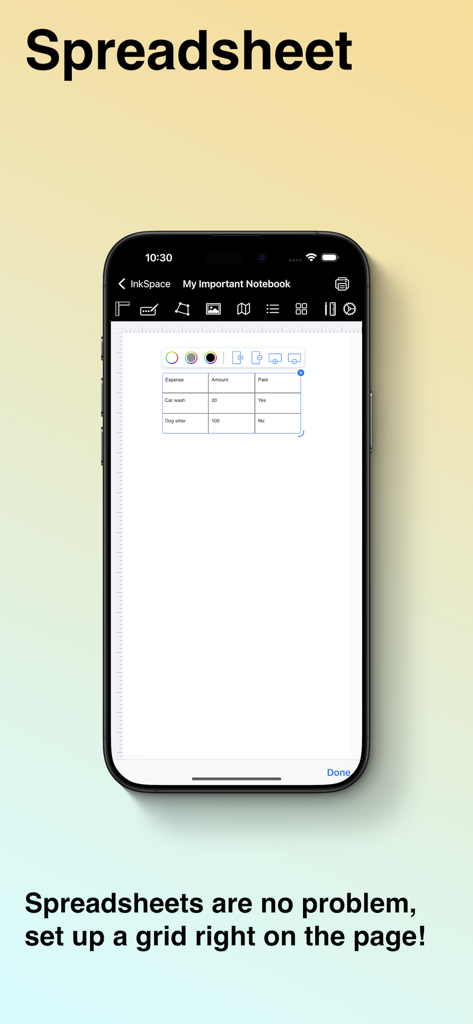
- Insert custom shapes, text, lists, checkboxes, grids, maps, and images to organize your notes.
- Add tags and bookmarks to quickly find important notes.
- Attach PDFs, documents, and reference materials directly to your pages to keep all your content in one place.
Customize Every Detail to Fit Your Style
- Choose from a variety of built-in templates for note taking, sketching, journaling, meal tracking, and more.
- Expand your collection with premium notebook packs, available for a one time purchase, unlocking high-quality templates without subscriptions.
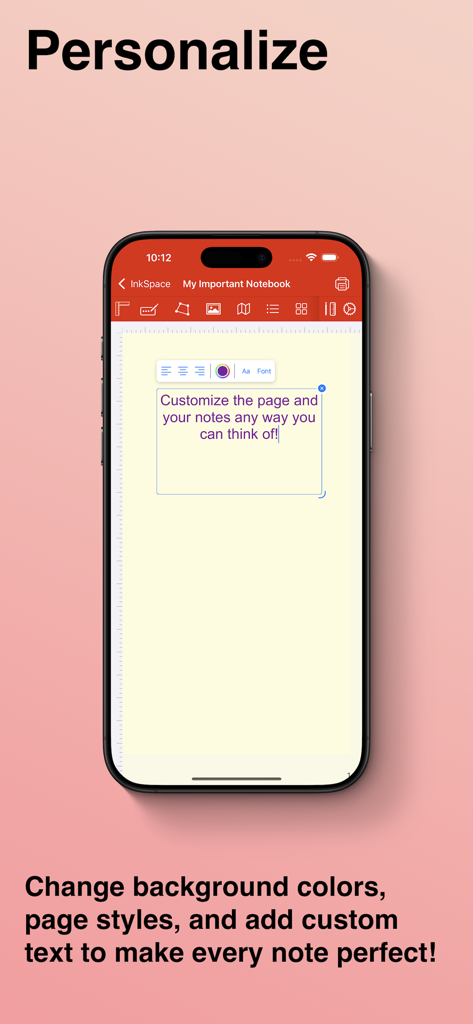
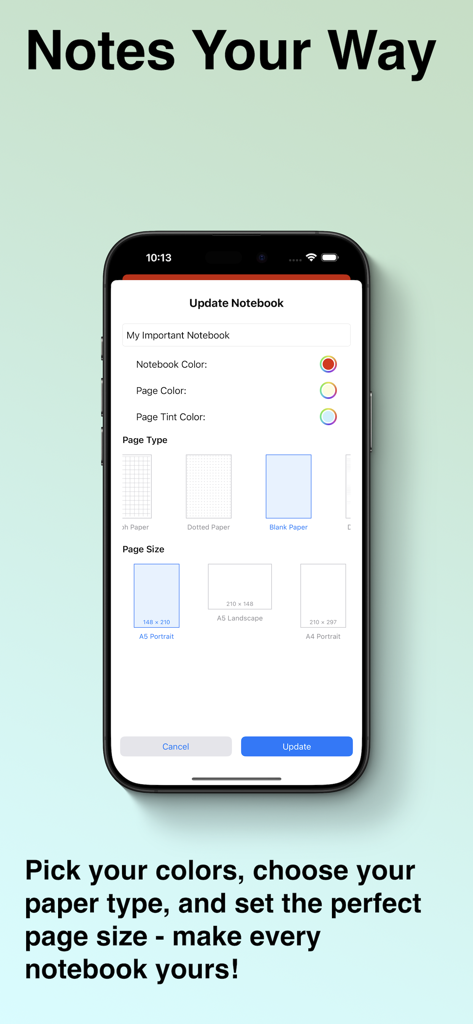
- Adjust page styles, including ruled, dotted, grid, blank, planners, and more.
- Modify page colors, accent colors, and notebook color for total customizability.
- Switch between different page orientations, sizes, and layouts for the perfect fit.
Seamless Organization & Effortless Navigation
- Quickly find what you need with searchable tags and a powerful indexing system.
- Sync across all your devices, so your notes are always accessible.
- Enjoy a minimalist, clutter-free interface that lets you focus on what matters.
- Work offline or online - InkSpace is designed to be fully functional without an internet connection.
Perfect for Everyone
- Whether you're a student, artist, writer, researcher, professional, or just someone who loves to jot down ideas, InkSpace adapts to your needs.
- Students: Take lecture notes, annotate PDFs, create study guides, and organize research effortlessly.
- Artists & Designers: Sketch concepts, brainstorm layouts, and refine designs with precision tools.
- Writers & Journalists: Draft stories, keep a daily journal, or structure articles with ease.
- Business Professionals: Plan projects, take meeting notes, and track ideas efficiently.
- Planners & Organizers: Design to-do lists, bullet journals, and habit trackers with complete flexibility.
InkSpace isn’t just another note taking app, it’s your personal creative space. Whether you're capturing ideas, structuring projects, or sketching designs, everything is fully customizable to fit your workflow.
App information, icons, screenshots, and descriptions displayed on this page are sourced from the Apple App Store and are the property of their respective developers. Download estimates and rankings are based on MWM's proprietary models and may not reflect actual figures. This page is provided for informational and analytical purposes only.
Believe this page infringes your intellectual property? File a dispute