Mosaic Blur Photo Maker

Mosaic Blur Photo Maker

ダウンロード: App Store
ロゴ: Mosaic Blur Photo Maker

Mosaic Blur Photo Maker:プライバシーと美学のためのプロフェッショナルな精度

機密情報を簡単に検閲したり、見事なDSLRスタイルの背景ぼかしを作成したりできます。プライバシーとスタイルを重視するクリエイターのために設計された、高速、高解像度、透かしなしのツール。

ダウンロード: App Store

開発元

Softizo Universe FZE

カテゴリ

Photo & Video

ダウンロード

1K+

ユーザー評価

1.0/5

評価数

0

対応言語

16

すべてのピクセルに精度を

このインターフェースを利用する 1K+ 人のユーザー.

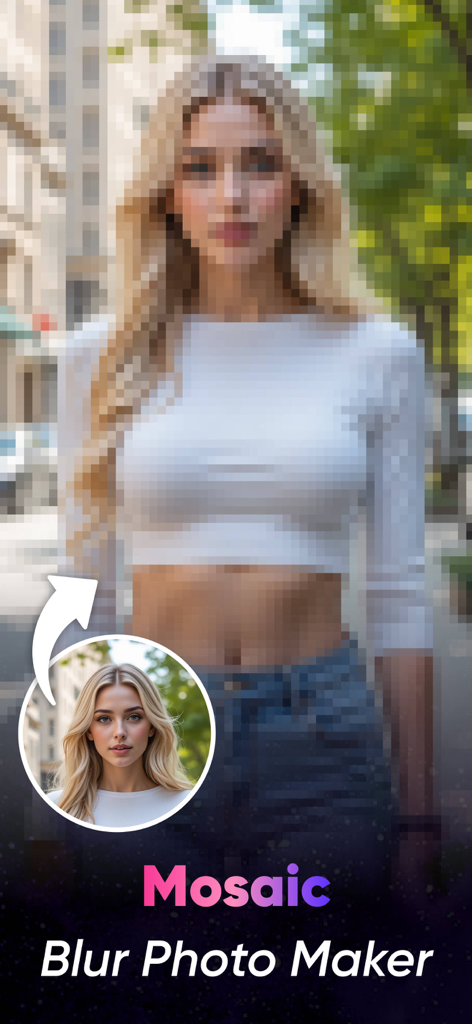
女性のポートレートに重いモザイクピクセル化エフェクトを適用し、アプリのぼかし能力を示す

女性のポートレートに重いモザイクピクセル化エフェクトを適用し、アプリのぼかし能力を示す

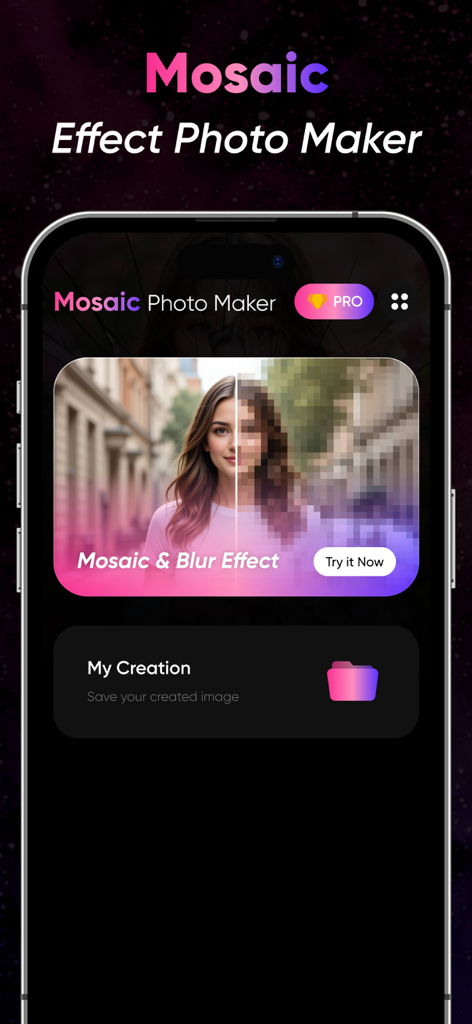
モザイクぼかし写真メーカーアプリのインターフェース。ポートレートにモザイクエフェクトのプレビューと「マイクリエーション」フォルダが表示されている

モザイクぼかし写真メーカーアプリのインターフェース。ポートレートにモザイクエフェクトのプレビューと「マイクリエーション」フォルダが表示されている

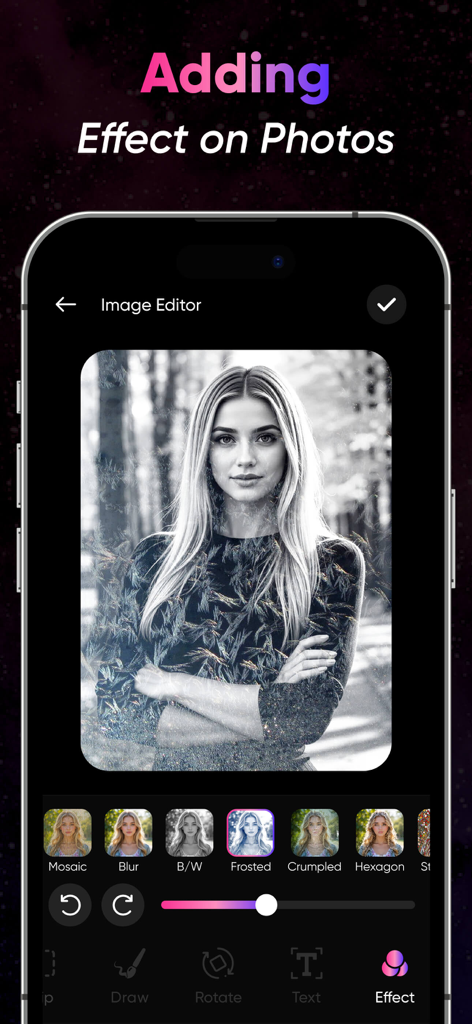
ポートレート写真に芸術的なエフェクトオプションを表示するモザイクぼかし写真メーカーのモバイルアプリインターフェース

ポートレート写真に芸術的なエフェクトオプションを表示するモザイクぼかし写真メーカーのモバイルアプリインターフェース

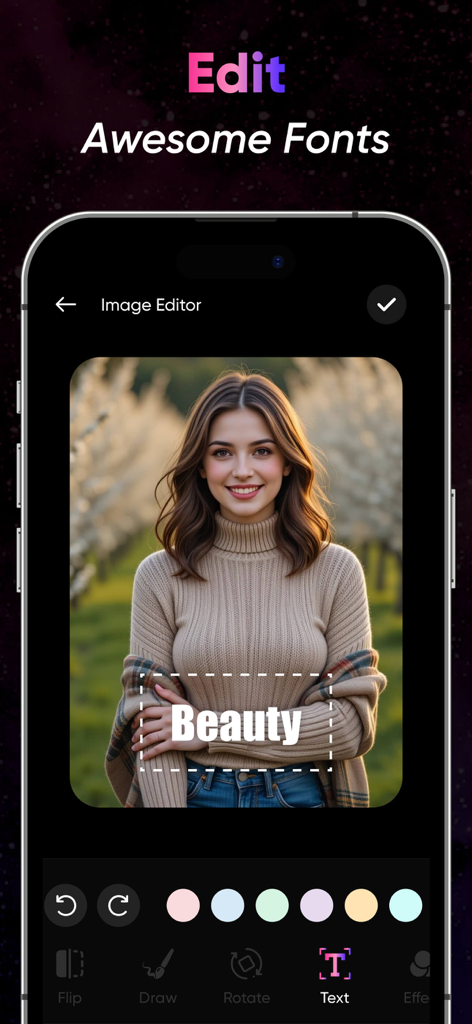
ポートレート写真にテキストエディタとフォント選択機能を表示するモザイクぼかしアプリのスクリーンショット

ポートレート写真にテキストエディタとフォント選択機能を表示するモザイクぼかしアプリのスクリーンショット

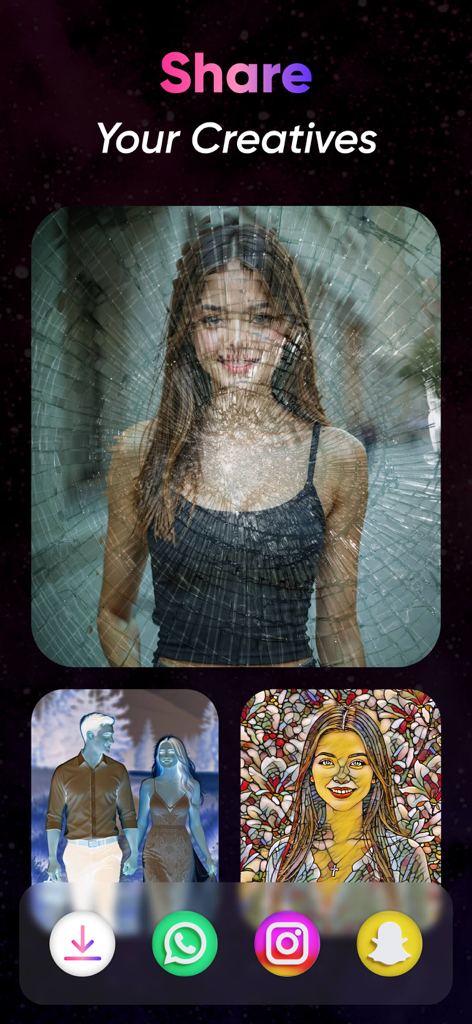
「クリエイティブを共有」というタイトルのモバイルアプリ画面。芸術的な写真フィルターとソーシャルメディア共有アイコンを表示

「クリエイティブを共有」というタイトルのモバイルアプリ画面。芸術的な写真フィルターとソーシャルメディア共有アイコンを表示

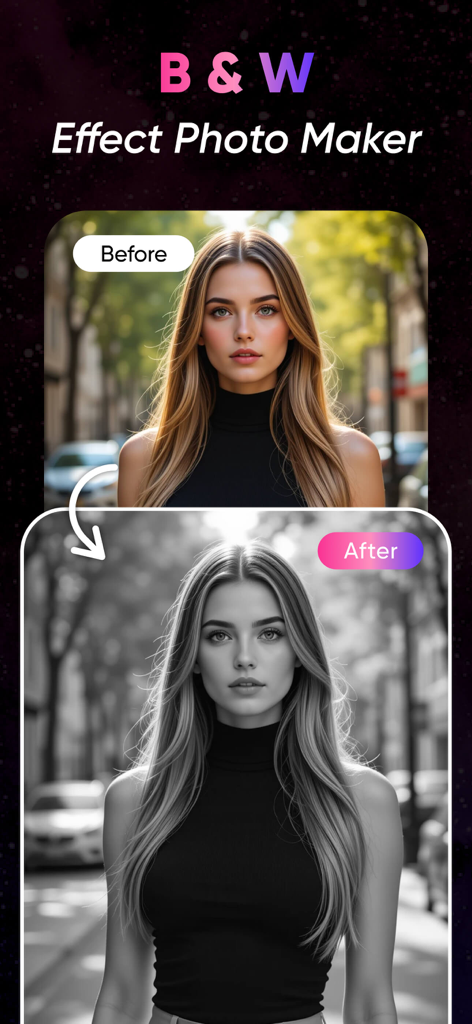
白黒写真フィルターを使用した女性のポートレートのビフォーアフター比較

白黒写真フィルターを使用した女性のポートレートのビフォーアフター比較

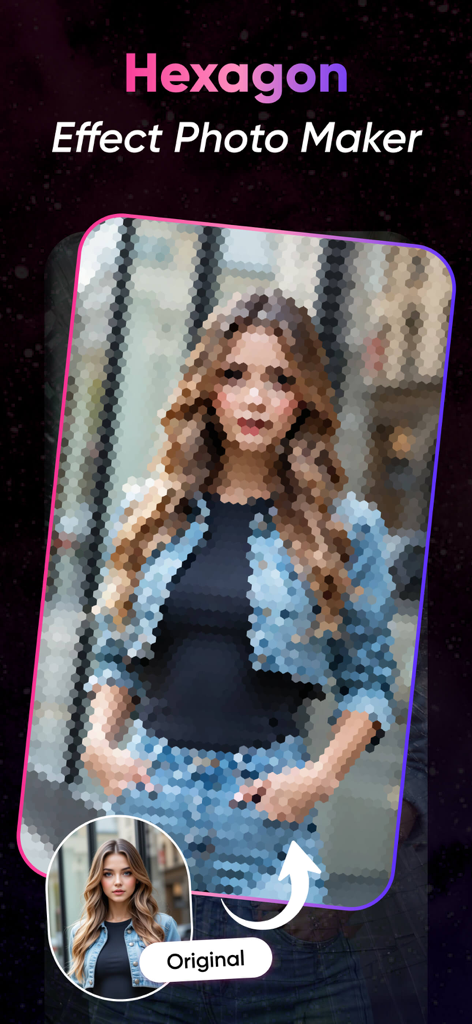
女性のポートレートに六角形のモザイクぼかしエフェクトを適用したものと、元の写真が並べて表示されている

女性のポートレートに六角形のモザイクぼかしエフェクトを適用したものと、元の写真が並べて表示されている

プロフェッショナルなプライバシーとクリエイティブなスタイル

このアプリを際立たせるツール、 1K+ 人のユーザーが選択.

🛡️

インスタントプライバシー保護

プロフェッショナルなモザイクとピクセル化エフェクトで、顔、ライセンスプレート、またはプライベートドキュメントを簡単に検閲し、安全なソーシャル共有を実現します。

DSLR品質のソフトぼかし

散らかった背景をぼかし、被写体をソフトなボケ効果で際立たせることで、カジュアルなスナップをプロフェッショナルなポートレートに変換します。

🔍

外科手術レベルの精密ツール

ズーム対応ブラシを使用してピクセルパーフェクトな編集を行います。透かしなしの高解像度で画像をエクスポートし、フィードをクリーンでプレミアムな状態に保ちます。

アプリについて

について知っておくべきこと Mosaic Blur Photo Maker.

説明

Blur Photos with Precision and Style Mosaic Blur Photo Editor is a simple yet powerful app that lets you blur parts of your photos using mosaic, pixel, or soft blur effects. Whether you want to protect privacy, highlight a subject, or create an artistic effect, this app offers precise tools for quick editing. Perfect for social media, content creators, photographers, or anyone looking to censor or stylize their images. Key Features: Mosaic & Pixel Blur: Apply pixelation or mosaic effects to any part of your photo. Soft Blur Tool: Smoothly blur backgrounds or unwanted areas for a DSLR-style effect. Brush & Eraser Tools: Use adjustable brushes for freehand blurring or precise edits. Shape Blur: Blur in circular or rectangular zones for fast targeting. Zoom & Pan: Edit with accuracy by zooming into your image. Undo/Redo Options: Make quick changes without losing your work. High-Resolution Export: Save edited images in full quality. No Watermark: Export clean images without branding. Use Cases: Censor faces, license plates, or private content Blur photo backgrounds for focus Add creative or artistic effects Prepare images for social sharing Fast. Clean. Effective. Mosaic Blur Photo Editor offers a simple workflow and precise editing tools to help you blur exactly what you need—whether for privacy, aesthetics, or storytelling. Download Mosaic Blur Photo Editor today and take control of how your photos are seen. To find out more about automatic subscription renewals: Ad-free version Unlimited blur image generation Premium Subscription : MosaicBlur One Week - 6.99 USD MosaicBlur One Year - 44.99 USD Your payment will be charged to your iTunes Account.The app offering is auto-renewable subscriptions For More Information : Privacy Policy : http://softizouniverse.com/pages/Privacy%20Policy.html Terms of Use : http://softizouniverse.com/pages/Terms%20Of%20Use.html

最新バージョン

1.0

サイズ

76.3 MB

リリース日

2025年7月23日

プライバシーと美学をマスターする準備はできましたか?

正確で高解像度、透かしなしの編集にMosaic Blurを信頼する何千人ものクリエイターに参加しましょう。今日、あなたの写真のコントロールを握り、自信を持って共有しましょう。

ダウンロード: App Store

App information, icons, screenshots, and descriptions displayed on this page are sourced from the Apple App Store and are the property of their respective developers. Download estimates and rankings are based on MWM's proprietary models and may not reflect actual figures. This page is provided for informational and analytical purposes only.

Believe this page infringes your intellectual property? File a dispute