
MSG View


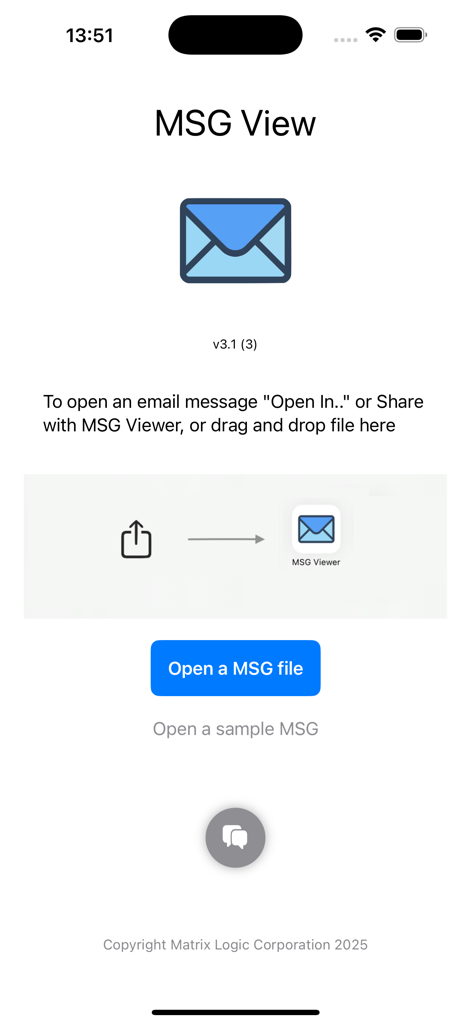
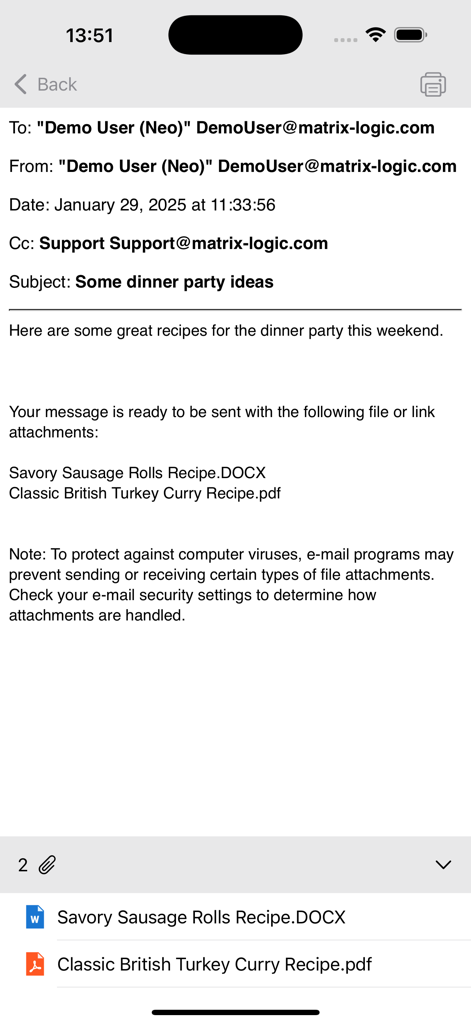
独自のフォーマットで生産性を低下させるのをやめましょう。.MSGファイルを開き、添付ファイルにアクセスし、iPhoneまたはiPadから直接アーカイブされたメールに返信できます。
開発元
カテゴリ
Productivityダウンロード
3K+ユーザー評価
評価数
0対応言語
13このインターフェースを利用する 3K+ 人のユーザー.
このアプリを際立たせるツール、 3K+ 人のユーザーが選択.
ネイティブiOSの「“開く”」メニューを使用して、ワンタップでOneDrive、SharePoint、またはメールから直接.MSGファイルを開きます。
外出先で、Outlookファイルに埋め込まれた請求書、契約書、ドキュメントを簡単に表示、印刷、または共有できます。
遅延なく重要な情報に対応または転送するために、静的な.MSGファイルを新しいライブメールメッセージに即座に変換します。
について知っておくべきこと MSG View.
説明
最新バージョン
3.5
サイズ
4.3 MB
リリース日
2025年2月4日
OutlookとiOSの間のギャップを埋めるためにMSG Viewを信頼している数千人もの法律、金融、ITプロフェッショナルに加わりましょう。どこでも.MSGファイルを開き、印刷し、返信する今すぐダウンロードしてください。
同じカテゴリのトップランクアプリ

OpenAI OpCo, LLC

Google LLC

X.AI Corporation

Google LLC

Shanghai Zhixin Puhui Technology Co., Ltd.

Google LLC

Microsoft Corporation

Google LLC

Google LLC
App information, icons, screenshots, and descriptions displayed on this page are sourced from the Apple App Store and are the property of their respective developers. Download estimates and rankings are based on MWM's proprietary models and may not reflect actual figures. This page is provided for informational and analytical purposes only.
Believe this page infringes your intellectual property? File a dispute