ownCloud - File Sync and Share

ownCloud - File Sync and Share


ダウンロード: App Store
ロゴ: ownCloud - File Sync and Share

ownCloud - プロフェッショナル向けプライベートファイル同期と共有

最先端のオープンソースクラウドで、究極のデータ主権を体験してください。ネイティブ統合とエンタープライズレベルの管理機能により、iOSで安全にファイルにアクセス、共同作業、管理できます。

開発元

ownCloud GmbH

カテゴリ

Productivity

ダウンロード

203K+

ユーザー評価

4.3/5

評価数

4K+

対応言語

21

一目でわかる管理

このインターフェースを利用する 203K+ 人のユーザー.

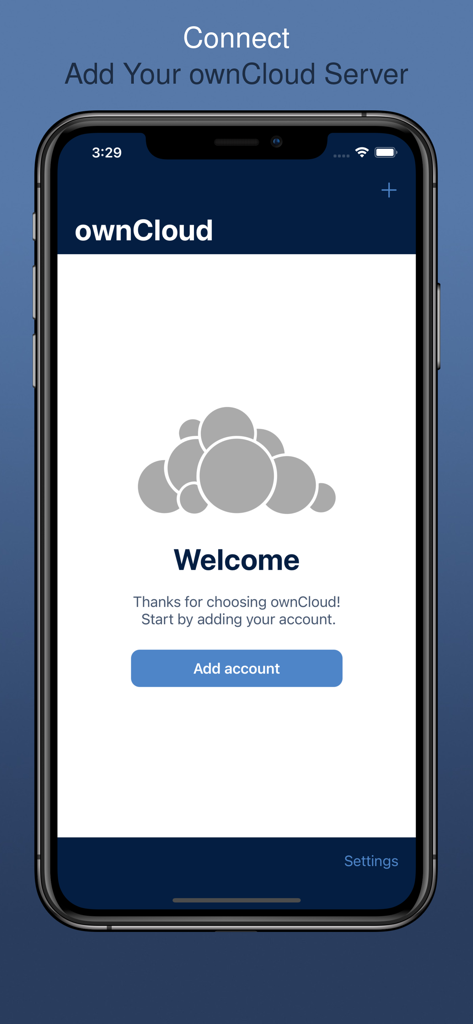
iPhone上のownCloudアプリのウェルカム画面。サーバーアカウントを追加するボタンが表示されています。

iPhone上のownCloudアプリのウェルカム画面。サーバーアカウントを追加するボタンが表示されています。

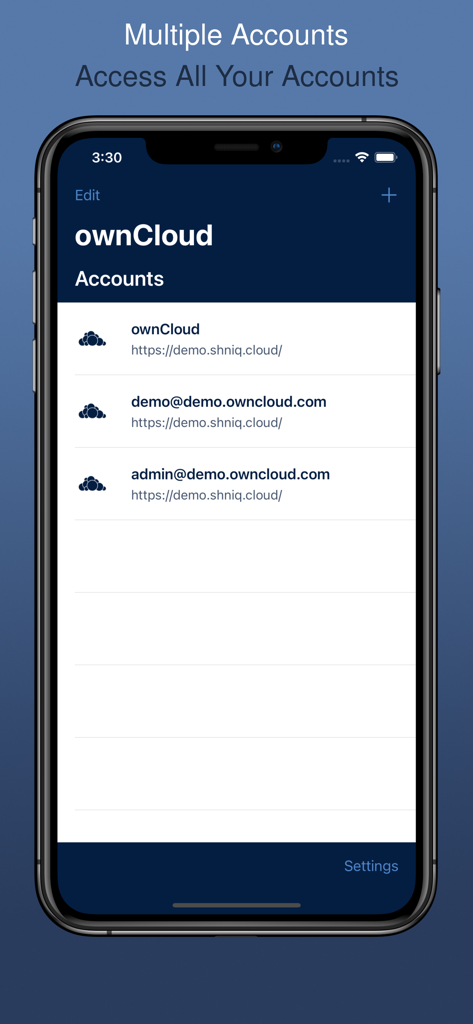
iPhoneで管理されている複数のサーバーアカウントが表示されたownCloudモバイルアプリのインターフェース。

iPhoneで管理されている複数のサーバーアカウントが表示されたownCloudモバイルアプリのインターフェース。

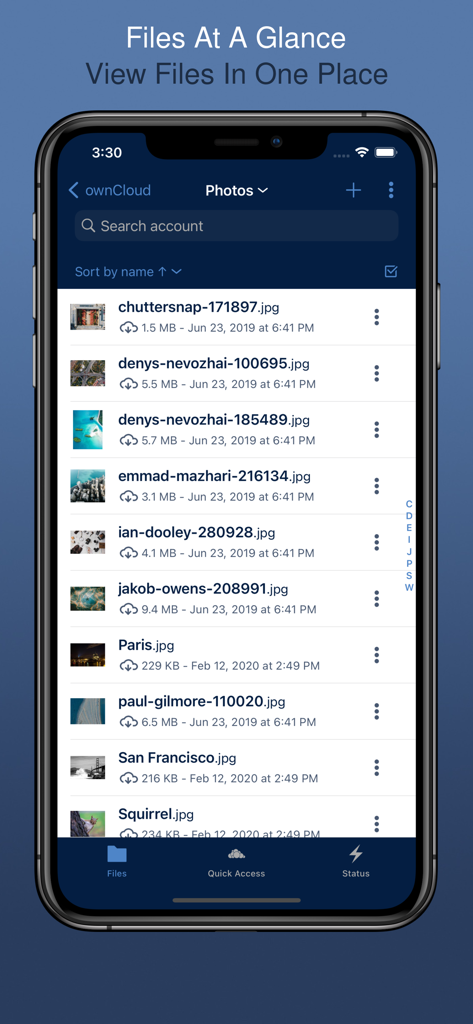
同期された写真のリストが表示されたownCloudファイル管理インターフェースを表示するスマートフォンの画面。

同期された写真のリストが表示されたownCloudファイル管理インターフェースを表示するスマートフォンの画面。

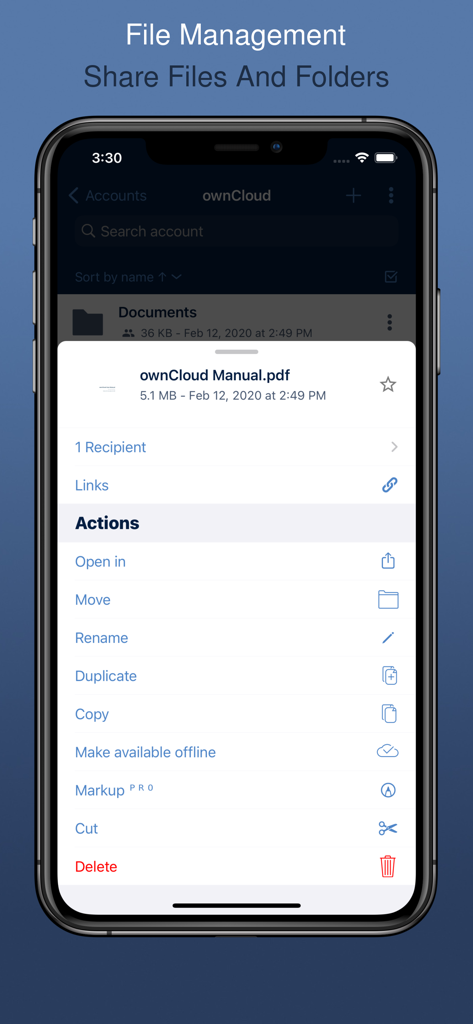
ファイル管理アクションと共有オプションを表示するownCloudモバイルアプリ。

ファイル管理アクションと共有オプションを表示するownCloudモバイルアプリ。

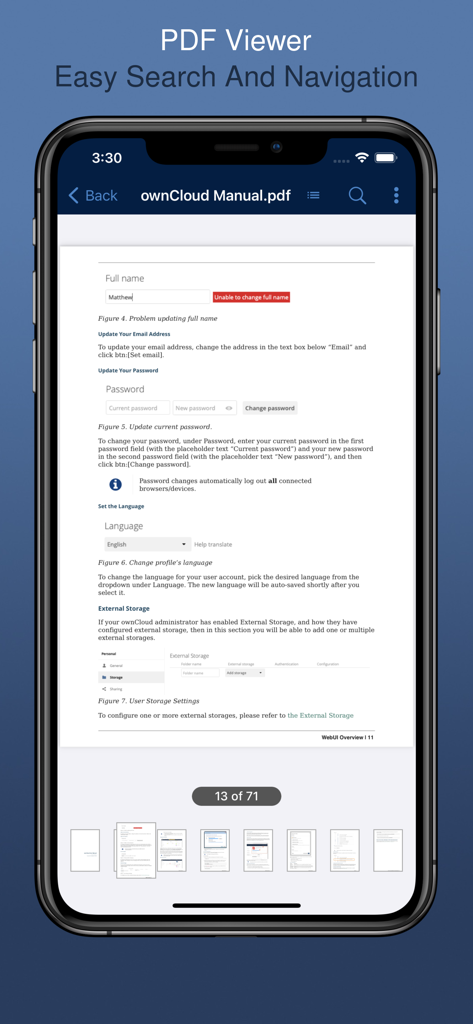
ドキュメント検索とナビゲーション機能が表示されたownCloud iOSアプリのPDFビューアインターフェース。

ドキュメント検索とナビゲーション機能が表示されたownCloud iOSアプリのPDFビューアインターフェース。

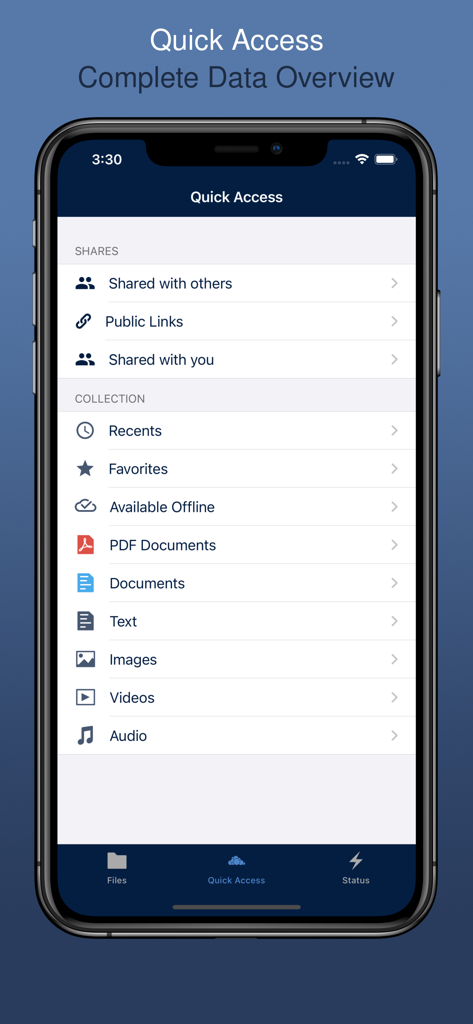
ファイルカテゴリと共有リンクが表示されたownCloud iOSアプリのクイックアクセスインターフェース。

ファイルカテゴリと共有リンクが表示されたownCloud iOSアプリのクイックアクセスインターフェース。

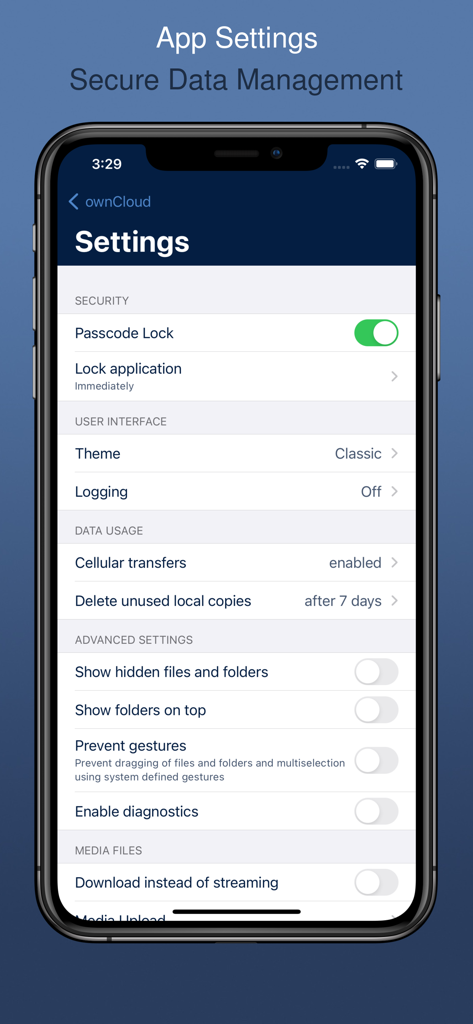
iPhone上のセキュリティとデータ管理オプションが表示されたownCloudアプリの設定画面。

iPhone上のセキュリティとデータ管理オプションが表示されたownCloudアプリの設定画面。

デジタルライフの完全な管理

このアプリを際立たせるツール、 203K+ 人のユーザーが選択.

🛡️

真のデータ主権

独自のサーバーに接続し、サードパーティの監視を回避します。ファイルは、100%あなたの管理下で、まさにあなたが望む場所に留まります。

📁

ネイティブiOS統合

iOSファイルアプリから直接プライベートクラウドにアクセスします。モバイルデバイスでデスクトップクラスのワークフローを実現するために、ドラッグアンドドロップとマルチセレクトを使用します。

🔐

プロ向けの堅牢なセキュリティ

証明書管理とパスワードマネージャー統合により、機密データを保護し、プライバシーを犠牲にすることなく安全な共同作業を可能にします。

アプリについて

について知っておくべきこと ownCloud - File Sync and Share.

説明

Connect an ownCloud server and have your private file sync and share cloud up and running in no time. ownCloud is an open source content collaboration software for everyone from individuals operating the free ownCloud server to large enterprises operating under ownCloud Enterprise subscription. HOW DOES THE APP HELP YOU? With the ownCloud iOS App you can browse all of your ownCloud synced files, create and edit new files, share these files and folders with co-workers, and keep the contents of those folders in sync across all of your devices. Simply copy a file into a directory on your server and ownCloud does the rest. COOL NEW FEATURES The iOS ownCloud App brings: - Seamless integration with iOS files for improved collaboration - Multi-select with drag and drop features for efficient file management - Certificate management and password manager integration for boosting security and so much more! Whether using a mobile device, a desktop, or the web client, ownCloud provides the ability to put the right files in the right hands at the right time on any device in one simple-to-use, secure, private and controlled solution. A WORD FROM THE DEVELOPER "The new ownCloud app is a complete redesign and not only uses the latest technologies and frameworks under the hood, but offers the user a native and intuitive iOS user interface. The development of the app was carried out in the team with great passion and we are very pleased, what we may present new in the next versions. Thank you for your support!" Matthias Huehne ABOUT OWNCLOUD ownCloud is the market leading open source content collaboration solution worldwide. ownCloud enables users to securely access and share data from any device, anywhere in the world. With more than 200,000 installations and 50 million users, ownCloud provides users a modern collaborative experience, thereby boosting productivity without compromising on security.  Terms of Use: https://raw.githubusercontent.com/owncloud/ios-app/master/LICENSE Privacy Policy: https://owncloud.com/privacy-legal/

最新バージョン

12.6.1

サイズ

67.6 MB

リリース日

2019年6月27日

デジタルデータの完全な管理を

安全でプライベートなコンテンツコラボレーションのためにownCloudを信頼する5000万人以上のユーザーに加わりましょう。今すぐiOSアプリをダウンロードして、あなた自身の条件でファイルを同期、共有、管理しましょう。

ダウンロード: App Store

App information, icons, screenshots, and descriptions displayed on this page are sourced from the Apple App Store and are the property of their respective developers. Download estimates and rankings are based on MWM's proprietary models and may not reflect actual figures. This page is provided for informational and analytical purposes only.

Believe this page infringes your intellectual property? File a dispute