PDF to Word Converter - Docx

PDF to Word Converter - Docx

ダウンロード: App Store
ロゴ: PDF to Word Converter - Docx

PDFからWordへの変換 - Docx:PDFを瞬時に編集可能な文書に変換

再入力をやめて、何時間もの作業を節約しましょう。iPhone、iPad、またはMacで、高度なOCRと完璧な書式保持機能を使用して、PDFや画像をプロフェッショナルなWordファイルに変換します。

開発元

Asad Ahsan

カテゴリ

Productivity

ダウンロード

21K+

ユーザー評価

4.5/5

評価数

1K+

対応言語

69

効率を目で見る

このインターフェースを利用する 21K+ 人のユーザー.

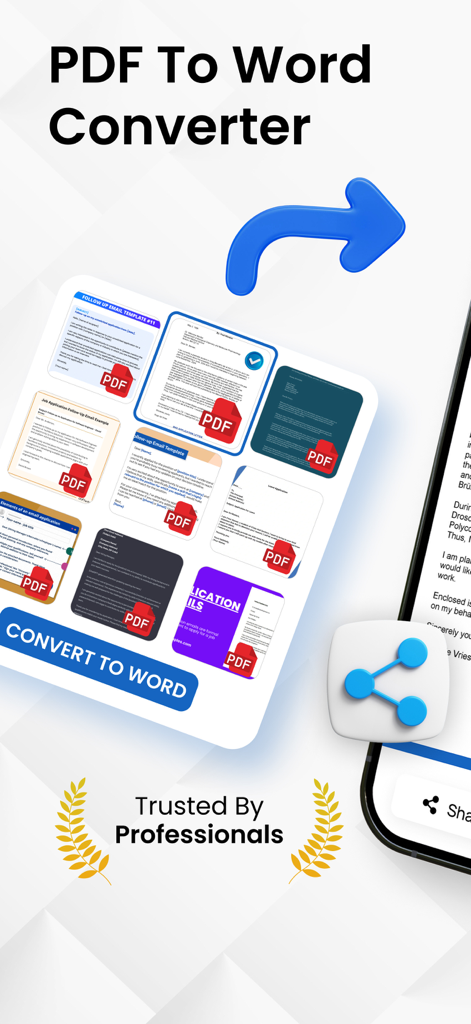
PDFからWordへの変換アプリの画面。文書のサムネイルとWordへの変換ボタンが表示されています。

PDFからWordへの変換アプリの画面。文書のサムネイルとWordへの変換ボタンが表示されています。

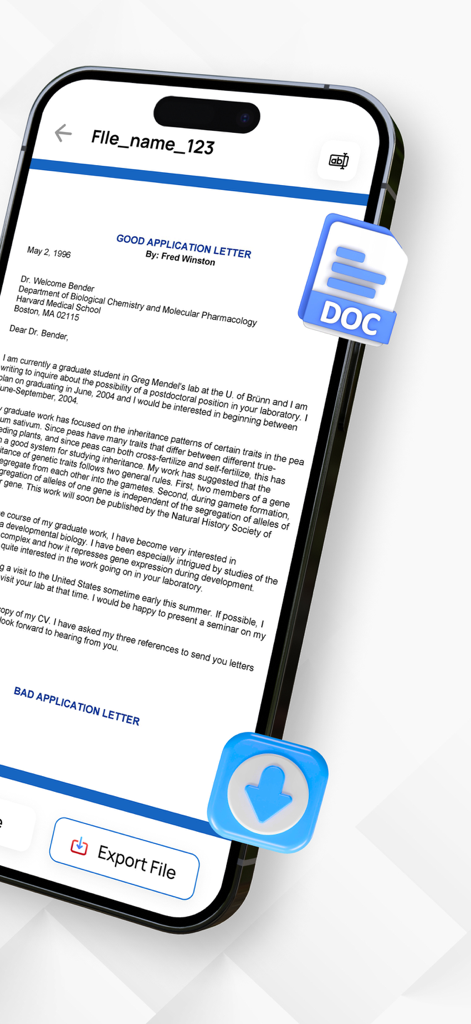
iPhoneの画面。Word形式でエクスポートする準備ができた文書が表示されています。

iPhoneの画面。Word形式でエクスポートする準備ができた文書が表示されています。

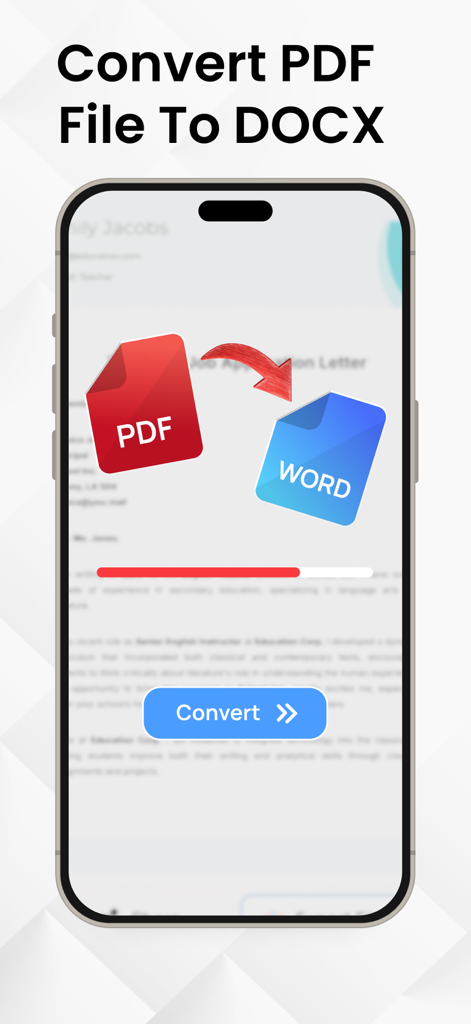
iPhoneの画面。PDFファイルがWord文書に変換される様子が、進行状況バーと変換ボタンとともに表示されています。

iPhoneの画面。PDFファイルがWord文書に変換される様子が、進行状況バーと変換ボタンとともに表示されています。

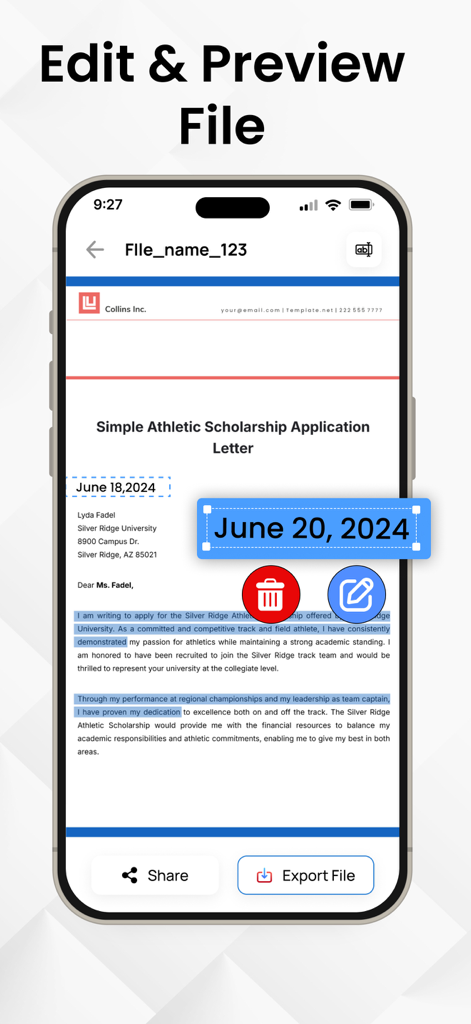
iPhone上の編集済みWord文書の編集およびプレビュー機能を示すモバイルアプリのインターフェース。

iPhone上の編集済みWord文書の編集およびプレビュー機能を示すモバイルアプリのインターフェース。

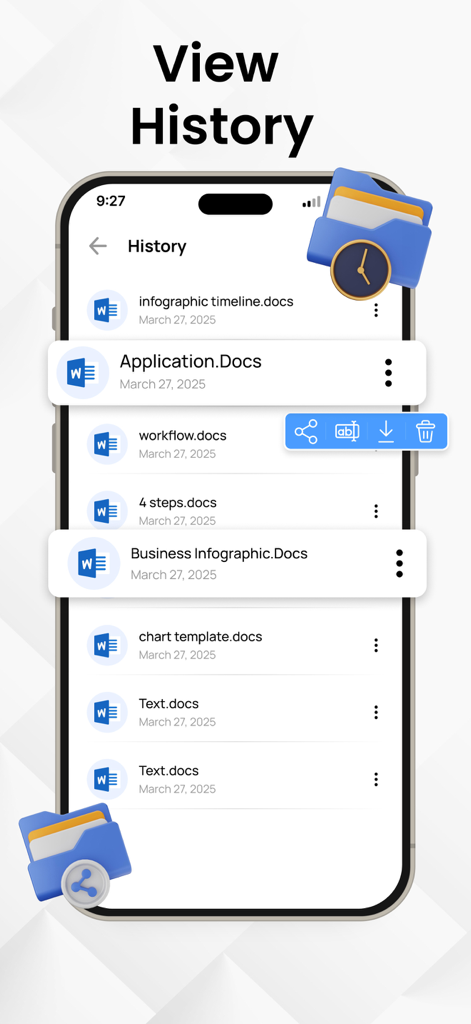
PDFからWordへのアプリの文書変換履歴画面。

PDFからWordへのアプリの文書変換履歴画面。

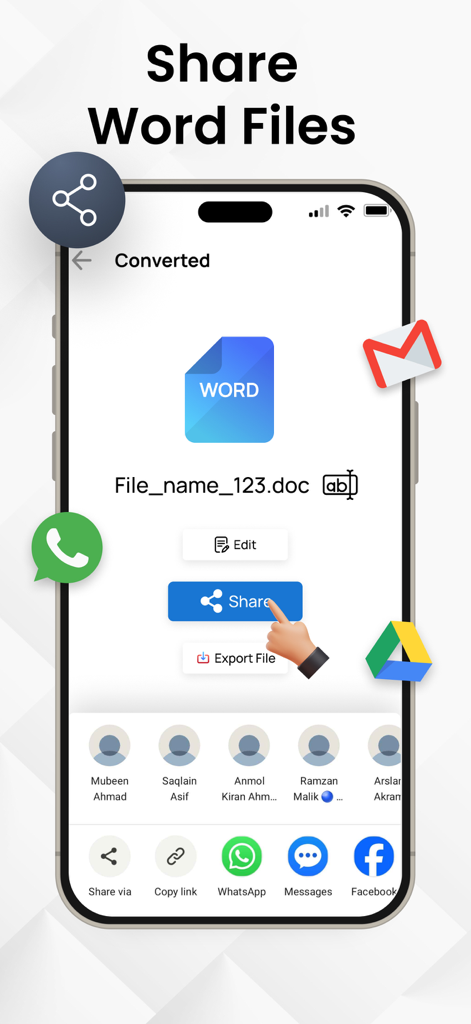
モバイルデバイスで変換されたWord文書の共有オプションを示すインターフェース。

モバイルデバイスで変換されたWord文書の共有オプションを示すインターフェース。

文書ワークフローを効率化

このアプリを際立たせるツール、 21K+ 人のユーザーが選択.

正確なレイアウト保持

元の書式、フォント、テーブルを保持します。手動での修正なしに、PDFとまったく同じように見える編集可能なDocxを取得します。

🔍

高度なOCR技術

印刷された文書やメモの写真を撮って、テキストを瞬時に抽出します。外出先での物理的な書類のデジタル化に最適です。

超高速変換

効率を求める人のために作られました。iPhoneやiPadから直接、数回のタップでファイルを変換できます。オフィスがどこにあっても関係ありません。

アプリについて

について知っておくべきこと PDF to Word Converter - Docx.

説明

Do you want to convert your PDF files into word files? Convert PDF files and images to editable Word documents with this PDF to Word converter app. This pages to word converter app also allows you to pick images from your gallery and convert them to Word files using built-in text recognition (OCR). Whether you're handling documents or extracting text from pictures, this OCR PDF to Docx app helps you manage your files on the go. With a user-friendly interface, you can convert PDF files to Word format in just a few taps, preserving text, formatting, and layouts with high accuracy. PDF to Docx Conversion: Select any PDF document from your device and convert it into a fully editable Word (Docx) file. The formatting is preserved as much as possible, making it easier to continue editing or reusing the content. Image to Word Conversion: Choose images from your gallery and convert them to Word format using Optical Character Recognition (OCR). Great for converting scanned pages, photos of notes, or other image-based content into editable text. Fast Conversion: PDF To Word Converter uses advanced technology to do instant file conversions. Multiple Language Support PDF to Docx Converter supports multiple languages. This feature makes our app usable throughout the globe. If you want to know how to convert PDF to Word you came to the right place! Here's how you easily convert PDF to Docx - Select a PDF file and click Convert - Wait till the PDF is converted to Word. That's it Manage your documents more with the OCR PDF to Word Converter app. Whether you are converting PDF files or extracting text from images, this tool provides a convenient way to create editable Word documents (Docx) right from your IOS device. Start converting your files today and simplify your document workflow. Download Now! Privacy Policy: https://theonlineconverter.com/privacy-policy Terms of Use: https://theonlineconverter.com/terms

最新バージョン

1.0.7

サイズ

56.0 MB

リリース日

2025年5月26日

再入力をやめて、今日から編集を始めましょう

当社の高精度OCRを信頼して、PDFを数秒で完璧なWord文書に変換してくれる21,000人以上のプロフェッショナルや学生に加わりましょう。

ダウンロード: App Store

App information, icons, screenshots, and descriptions displayed on this page are sourced from the Apple App Store and are the property of their respective developers. Download estimates and rankings are based on MWM's proprietary models and may not reflect actual figures. This page is provided for informational and analytical purposes only.

Believe this page infringes your intellectual property? File a dispute