ReadEra - a book reader, allows you to read books for free, text to voice and listen to books for free, offline, in the PDF, EPUB, DOC, DOCX, RTF, MOBI, AZW3, CBZ, CBR, DJVU, FB2, TXT, ODT and CHM formats.
No ads
Read books and listen to books without ads. The ReadEra app for reading books and viewing PDF documents neither contains ads nor imposes internal purchases.
No registration
We’ve made a fast, reliable reader that doesn't compel users to use any specific services. The book reader works offline and is entirely free. Read books for free and listen to books for free (TTS), without limits!
Text to Speech (TTS)
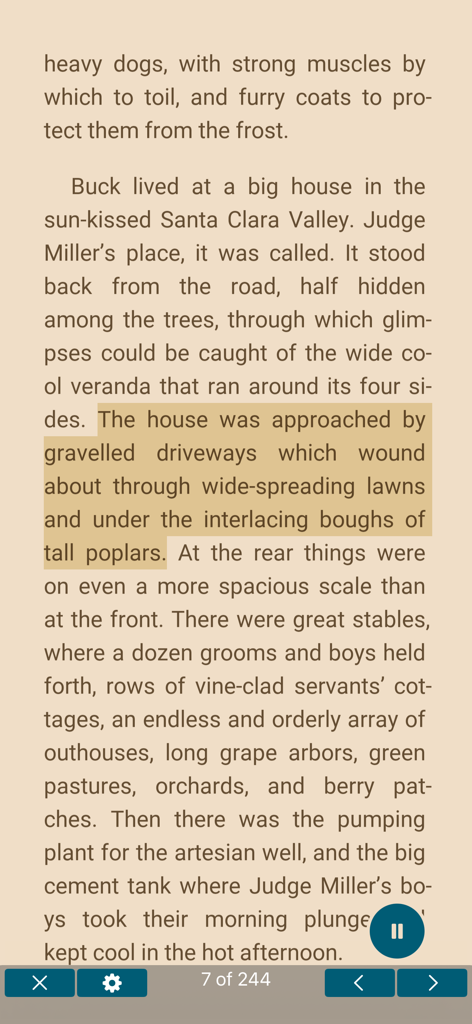
Read text aloud with voice (TTS) – allows you to read text aloud and listen to all your books, PDF files and documents for free. With the Text to Speech (TTS) function, all your books and documents turn into audiobooks at the tap of the "Read aloud" button. TTS turns your book library into a personal audio library, making reading more flexible and enjoyable. This is especially useful for those who prefer the audio format or want to listen to books in situations where reading is impossible.
You can read foreign books and at the same time listen to the pronunciation of words and sentences. You can choose a voice, adjust the speech speed, turn on repeating text to voice of the selected text, word or sentence.
Listen to books and documents with ReadEra while doing your things – on the go, working out, before bed and even when sleeping.
Read books of all formats
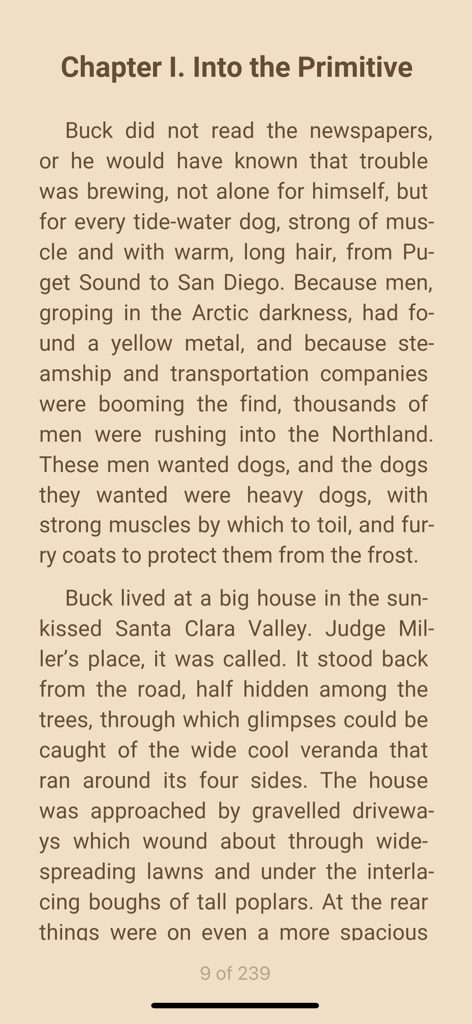
ReadEra is a set of reading apps in one app, which reads well multiple types of formats: book Epub, Kindle (MOBI, AZW3), Fb2; business PDF, Djvu; office Microsoft Word (DOC, DOCX, RTF), ODT; text TXT and others. Reading books, viewing Microsoft Word documents and PDF files from zip archives.
The reader for books, ReadEra, reads all popular formats of books, journals, articles and other documents in one app.
Best book manager for your library
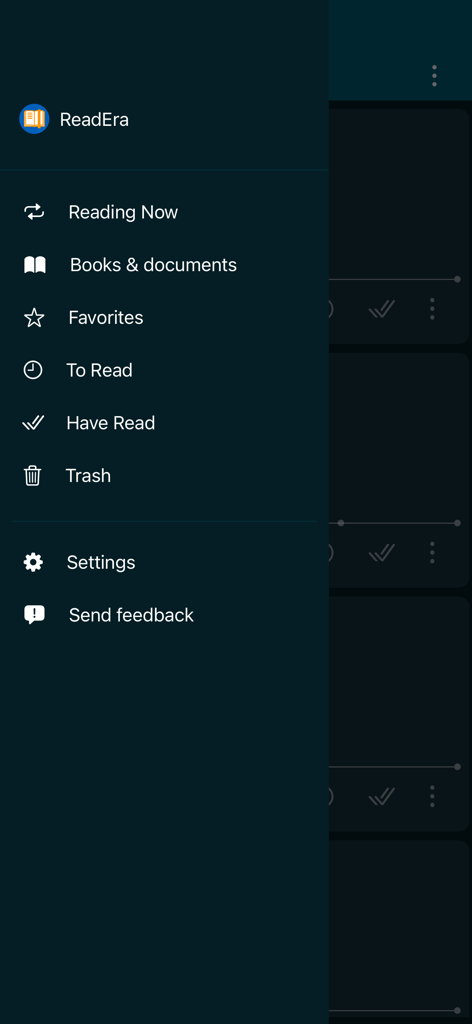
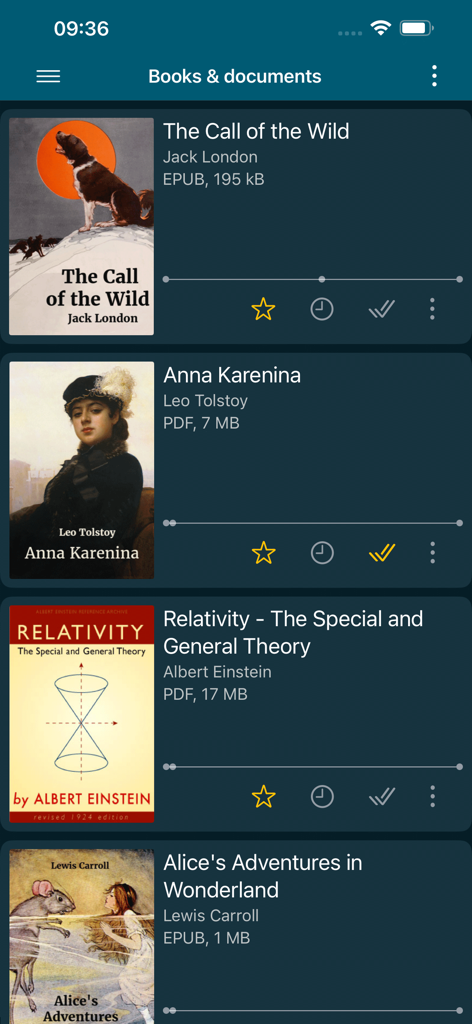
Auto-detection of books and documents. Grouping books into lists: To Read, Have Read, Favorites. Sorting by name, file format, the last time read, etc. Quickly search for books, PDF files and documents in your library.
Navigation through a book
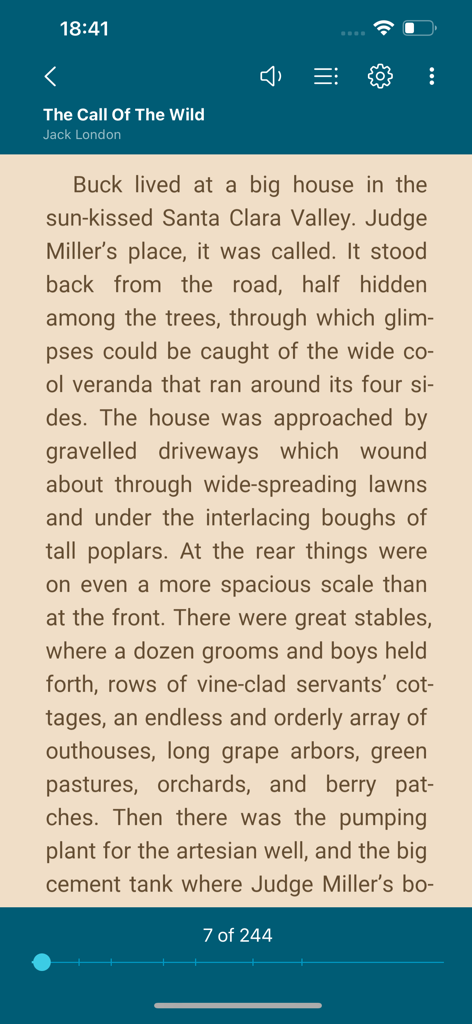
Quick access to reading settings, table of contents, your bookmarks, quotes, notes and other eBook options. Navigate through the book using the page index or the progress bar line.
Convenient reading settings
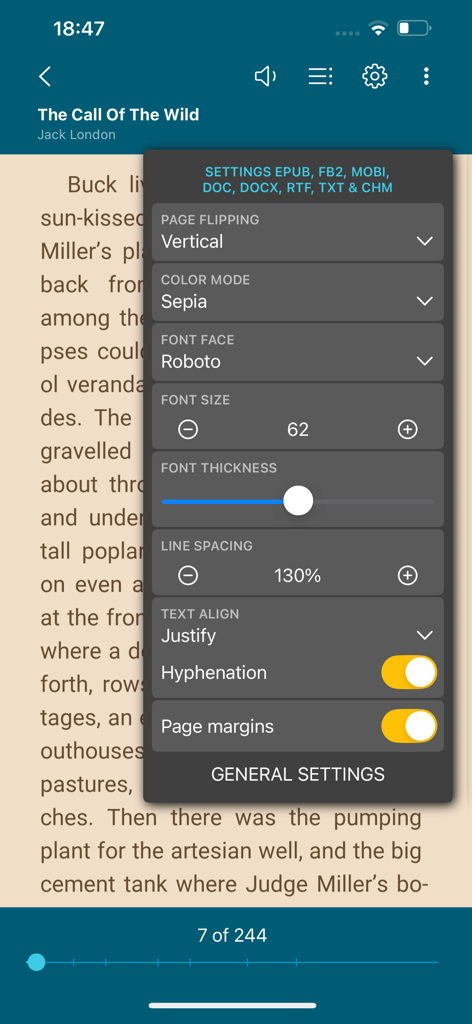
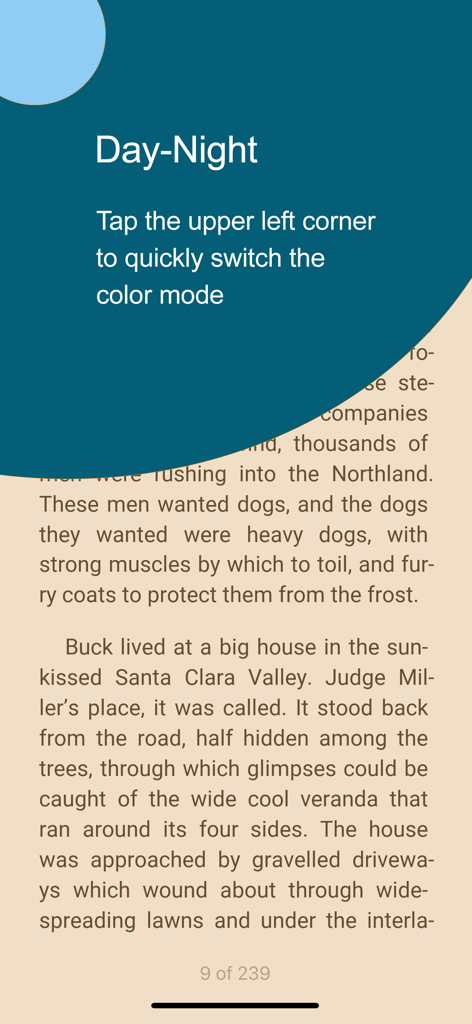
Auto-saving the current reading page. Comfortable color themes when reading books: day, night, sepia, console. Horizontal or vertical page flipping mode. Brightness and page margins adjustment, including PDF and DjVu. Separate settings for text and graphic formats. Adjustable type font, size, boldness, line spacing and hyphenation for Microsoft Word, Epub, Kindle (Mobi, Azw3), Fb2, TXT and ODT. Zoom in option for reading PDF and Djvu files.
Quotes and Notes
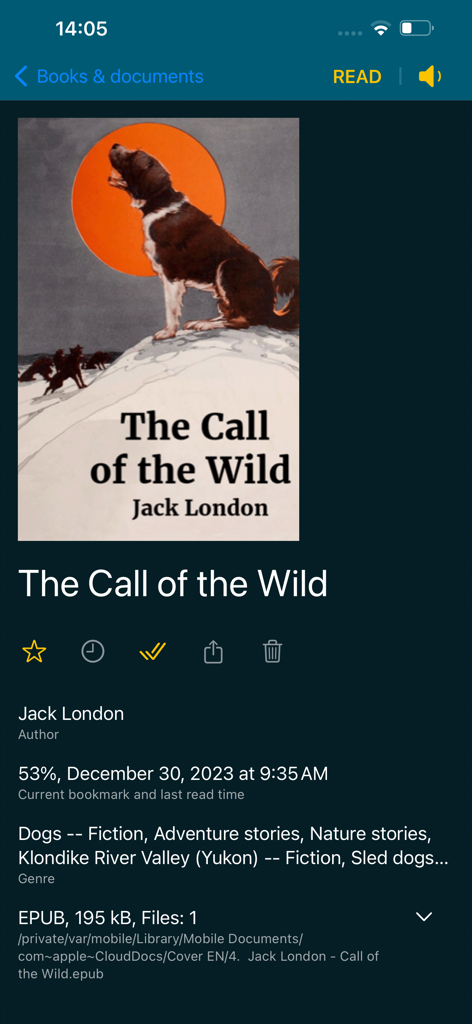
Create quotes and add notes to text. Highlight text in books, PDF files and documents, add personal notes to the highlighted text. A well-thought-out and simple algorithm for working with quotes and notes. All your quotes and notes in a book are conveniently gathered in one place—in the “About Document” section.
Bookmarks
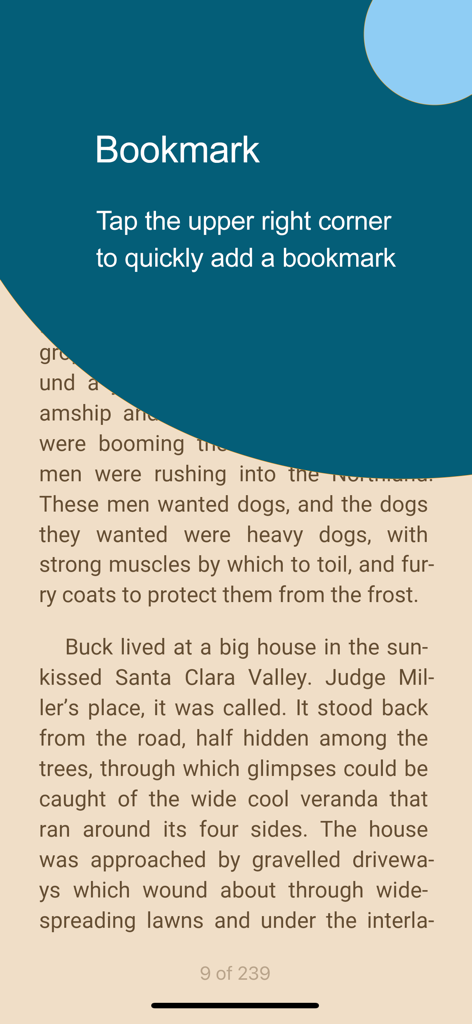
Add bookmarks to save your favorite spots in books with a single tap. Just tap the upper-right corner while reading to quickly add a bookmark. All bookmarks for the book are conveniently gathered in one place—in the "About Document" section.
Text Translation
ReadEra supports integration with the iOS system “Translate” app for seamless text translation. Instantly translate text in books, PDFs, and documents using the built-in translator on your device.
Read books and Listen to books easily and for free with ReadEra!
App information, icons, screenshots, and descriptions displayed on this page are sourced from the Apple App Store and are the property of their respective developers. Download estimates and rankings are based on MWM's proprietary models and may not reflect actual figures. This page is provided for informational and analytical purposes only.
Believe this page infringes your intellectual property? File a dispute