
このページはアプリまたはその開発者の公式ページではなく、情報提供および論評を目的として作成された独立した編集出版物です。明示的に別段の記載がない限り、アプリおよびその開発者は、MWM、Apple、Google Play、アプリのパブリッシャー、またはアプリの開発者と提携、承認、後援、認可、またはその他の公式的な関係はなく、このページのいかなる内容も、アプリがMWMのサービスを使用して開発されたことを意味するものではありません。すべての商標、ロゴ、スクリーンショット、その他のコンテンツはそれぞれの所有者の財産です。


ダウンロード
276K+ユーザー評価
評価数
17K+開発元
カテゴリ
Books対応言語
4最新バージョン
3.3.2サイズ
39.3 MBリリース日
2021年1月15日デジタルライブラリをマスターする
DRMフリーの書籍、コミック、アーカイブを完全に制御したいパワーユーザーのための、究極のプライバシー重視リーダー。
ユニバーサルフォーマットサポート
ウォールドガーデンから解放されましょう。ファイルを変換することなく、EPUB、AZW3、CBR、さらにはZIP/RARファイルもシームレスに読み込めます。
AI強化マンガ
統合されたWaifu2xとAnime4K AIアップスケーリングでコミックに命を吹き込みましょう。高解像度ディスプレイでも鮮明なビジュアルを保証します。
よくある質問
について知っておくべきこと PureLibro: ebook reader
PureLibroはどのような読書フォーマットをサポートしていますか?
PureLibroは、TXT、EPUB、MOBI、AZW3、AZW4、AZW、CBZ、CBR、PDF、ZIP、RAR(DRMフリーファイルのみ)など、幅広い読書ニーズに対応したフォーマットをサポートしています。
PureLibroはコミック読書機能を提供していますか?
はい、PureLibroはZIP、RAR、CBZ、CBRフォーマットをサポートするコミックリーダーです。PDF、EPUB、MOBIファイルをワンタップでコミックモードに切り替えることもできます。
PureLibroはどのようにデバイス間で読書データを同期しますか?
PureLibroはiCloud Syncを使用して、読書ライブラリ、メモ、その他のデータをすべてのデバイス間で自動的に一貫性を保ち、シームレスに同期させます。
PureLibroで読書インターフェースをカスタマイズできますか?
はい、PureLibroは完全なカスタマイズを提供します。ユーザーは行間、段落レイアウト、背景画像、フォントの色を調整でき、ナイトモードなどのさまざまな目のケアモードを選択できます。
PureLibroはユーザーのプライバシーをどのように保護しますか?
PureLibroはプライバシー保護を最優先します。パスワード、ジェスチャー、Face IDでのロック解除をサポートし、ユーザーは機密性を高めるために本を暗号化または非表示にすることができます。
PureLibro Professional Versionの利点は何ですか?
PureLibro Professional Versionは、サービス期間中にすべての高度な機能へのアクセスを許可し、すべての広告を削除して、読書体験を向上させます。
PureLibro Professional Versionの自動更新をキャンセルするにはどうすればよいですか?
iOSでは、「設定」→「iTunes StoreとApp Store」→「Apple ID」→「Apple IDを表示」→アカウントページの「サブスクリプション」に移動し、サブスクリプションをキャンセルしてください。
PureLibroはテキスト読み上げ機能を提供していますか?
はい、PureLibroはテキスト読み上げをサポートしています。システムナレーションとAlibaba Cloud TTSを複数の音声オプションで提供し、聴覚的な読書体験を提供します。
PureLibroは読書進捗と統計を追跡しますか?
はい、PureLibroは読書統計を追跡します。読書時間、頻度、進捗を監視して、ユーザーがモチベーションを維持し、読書目標を達成するのを支援します。
PureLibroに本をインポートするにはどのような方法がありますか?
PureLibroは複数のインポート方法を提供しています。WebDAV、さまざまなクラウドドライブ、Wi-Fi転送、iCloudなどが含まれ、柔軟なコンテンツ取得を保証します。
PureLibroにカスタムフォントを追加できますか?
はい、PureLibroはカスタムフォントをサポートしています。システムフォントから選択するか、独自のカスタムフォントをインポートして読書体験をパーソナライズできます。
PureLibroには目のケア読書モードがありますか?
はい、PureLibroは目のケアインターフェースを備えています。ナイトモード、ページめくり、スライド、スクロール読書モードが含まれており、快適な読書が可能です。
以下のスクリーンショットと説明は、アプリの公式ストアリスティングから直接取得されたものであり、アプリ開発者の所有物です。
アプリストア
スクリーンショット
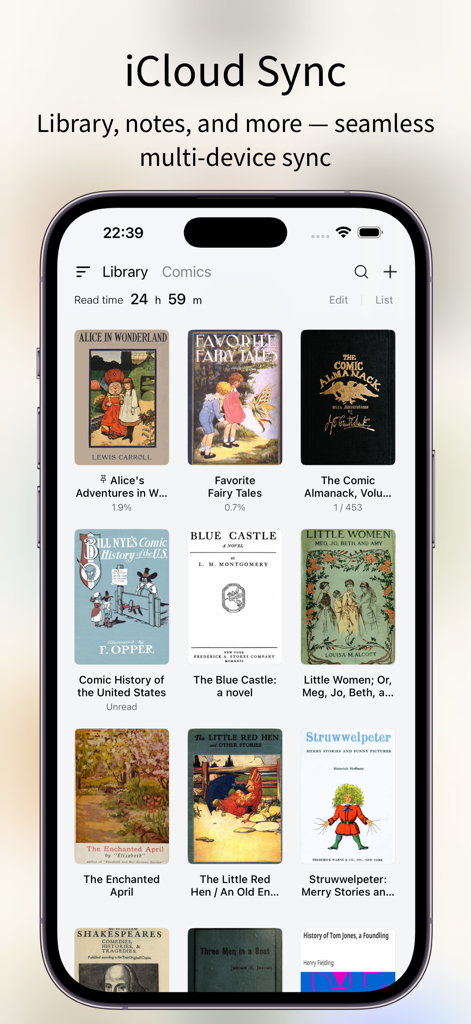
PureLibroアプリのインターフェース。iCloud同期機能とデジタルブックライブラリを表示
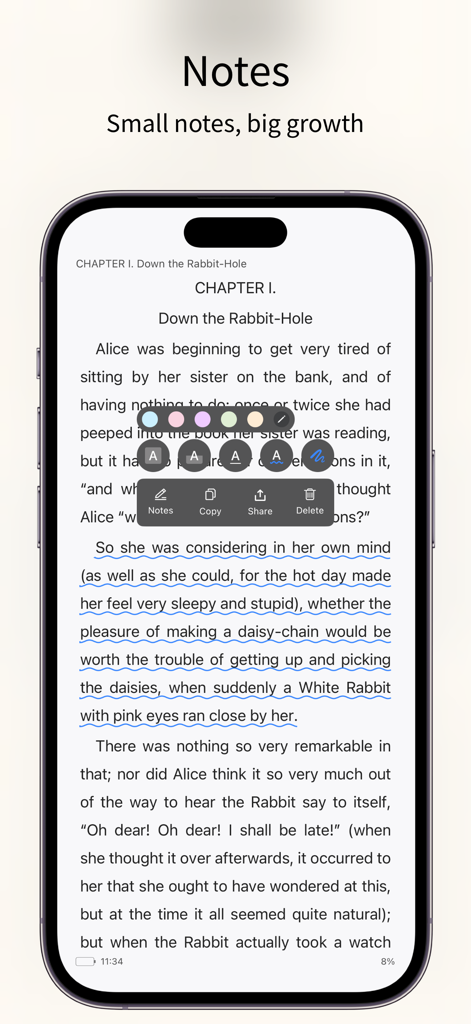
PureLibroアプリのインターフェース。電子書籍ページでのテキスト注釈とメモ作成ツールを強調
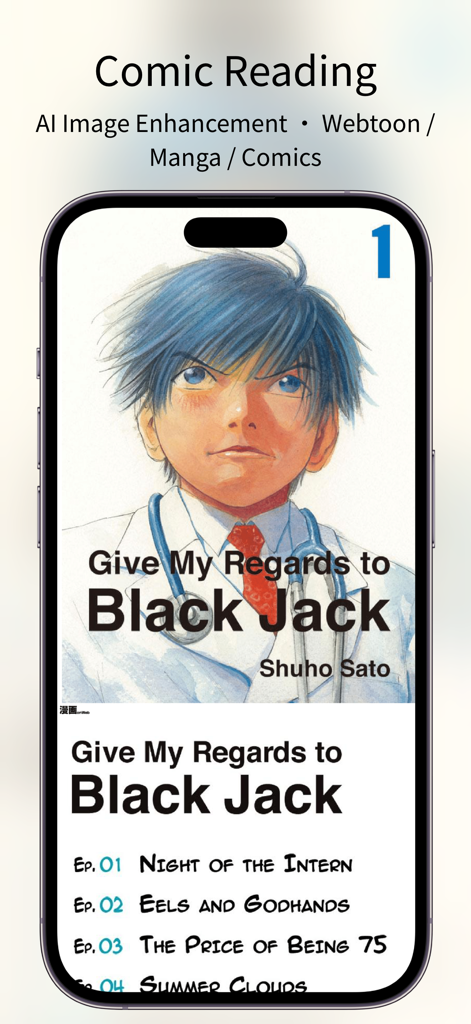
スマートフォンにPureLibroアプリのインターフェースを表示。マンガ読書とAI画像強化機能が含まれる
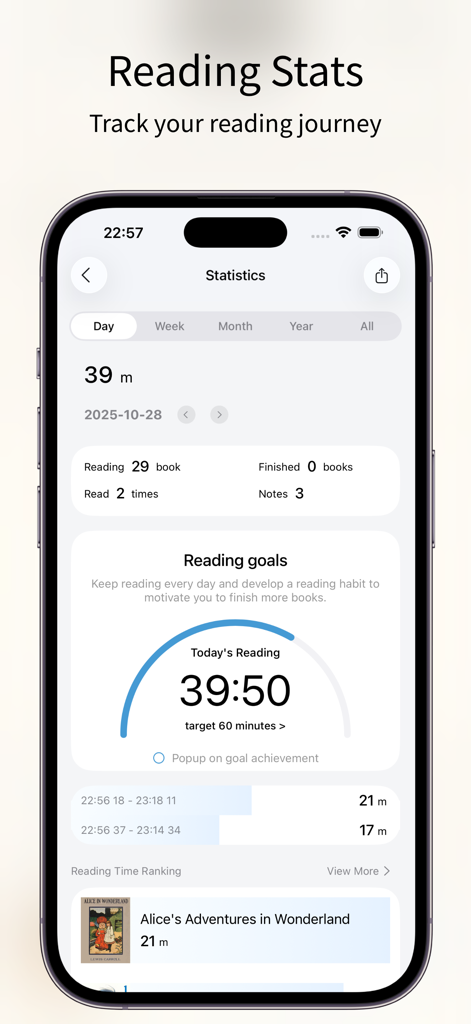
PureLibro電子書籍リーダーアプリの統計画面。読書進捗目標と履歴を表示
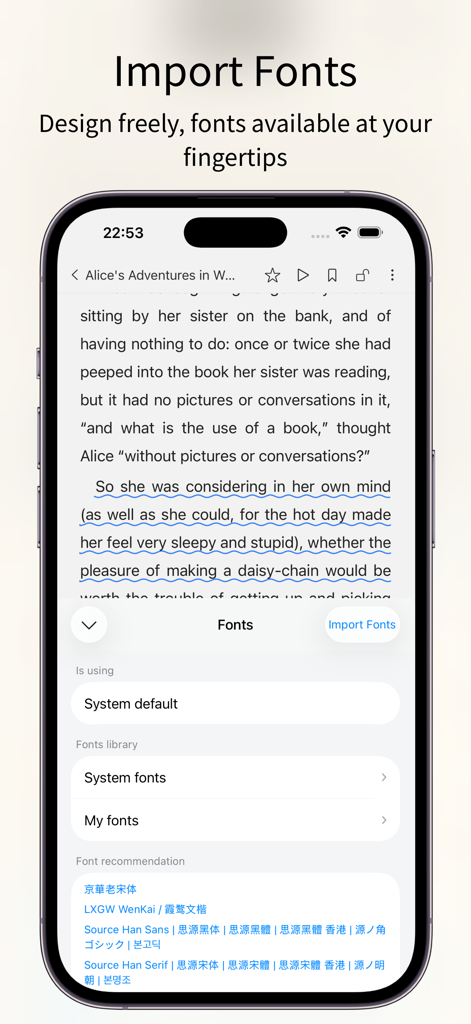
PureLibro電子書籍リーダーアプリのインターフェース。iPhoneでのカスタムフォントインポートと選択設定を表示
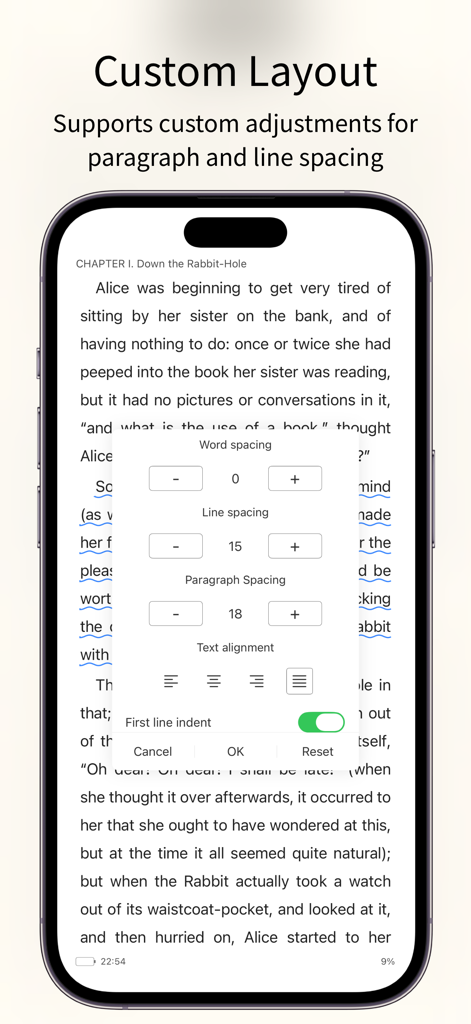
PureLibro電子書籍リーダーアプリ。単語間隔、行間隔、段落配置のカスタムレイアウト設定を表示
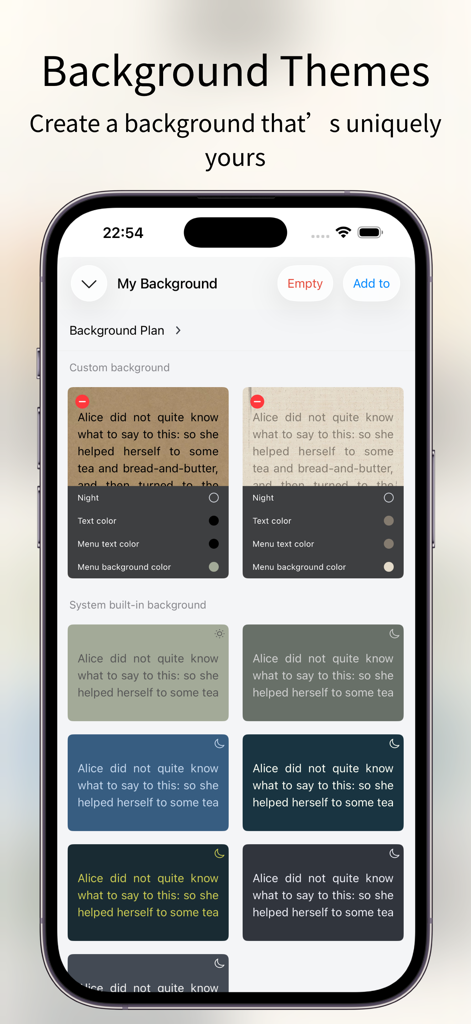
PureLibro電子書籍リーダーのカスタマイズ可能な読書背景テーマとカラーオプション
説明
Download
類似アプリ
似た機能とユーザー体験を持つアプリ

eBoox - fb2 ePub book reader
REDIT, OOO

Summit Reader
三英 郑

Readingo
哲魁 左

YACReader - Comic Reader
Luis Ángel San Martín

KRed Reader
Kingjet Network Co., Ltd.

Epub Reader -read epub,chm,txt
俊杰 阮

Yomu EBook Reader
Beat Raess

KyBook 3 Ebook Reader
Konstantin Bukreev

KyBook 2 Ebook Reader
Konstantin Bukreev
このページはアプリまたはその開発者の公式ページではなく、情報提供および論評を目的として作成された独立した編集出版物です。明示的に別段の記載がない限り、アプリおよびその開発者は、MWM、Apple、Google Play、アプリのパブリッシャー、またはアプリの開発者と提携、承認、後援、認可、またはその他の公式的な関係はなく、このページのいかなる内容も、アプリがMWMのサービスを使用して開発されたことを意味するものではありません。すべての商標、ロゴ、スクリーンショット、その他のコンテンツはそれぞれの所有者の財産です。