••• Optimized for the latest iOS! Trackpad / Mouse and Apple Pencil support! •••
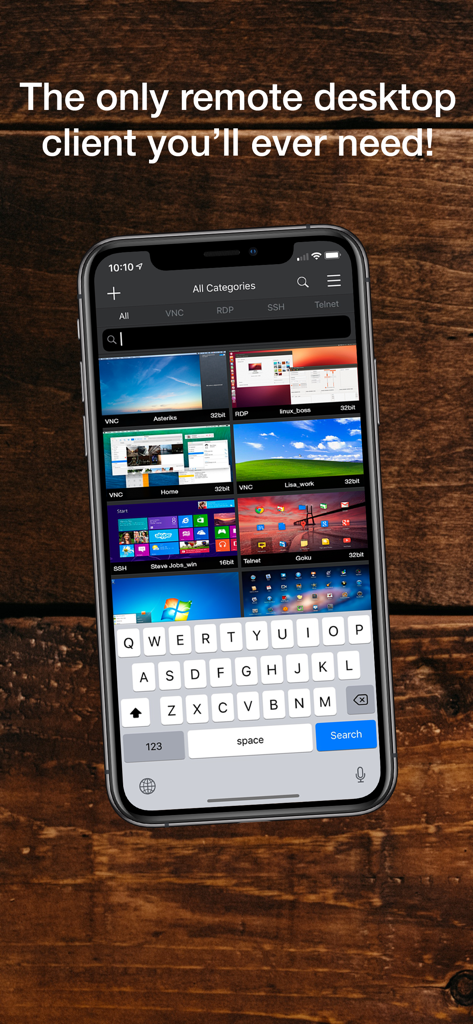
•• The only Remote Desktop client you'll ever need! ••
•NOTE:• This is not a Lite version, it's FULLY working (Only extras beyond VNC: like RDP, SSH and Telnet are in-app purchases)
• If you're looking for an all-inclusive version without in-app purchases, please go to Remoter Pro (See icon link to the left) Remoter Pro doesn't replace Remoter VNC: http://fb.me/1GJZ7D5nC •
••• LifeHacker.com ••• says: "Remoter, (...) is currently on sale and is a pretty feature rich VNC app. (...) Setting things up is as simple as entering your VNC information and pressing connect. Remoter gives you just about every option you'd need in a VNC client"
●●●●● "A great multipurpose tool for managing your machines. I can't even count the number of times this little app has saved the day when I'm stuck in a meeting and can't get to a terminal to check on things. Nothing else on the App Store that I tried even came close -- this app does everything and it does it all better than the competition" JG401 v3.8.6, USA
●●●●● "There are a lot of other VNC apps that cost a LOT more than this app, and (IMHO) they aren't as good. I use it to connect to Linux and Windows computers on my network. It has never crashed and has a low memory footprint. I recommend this app to anyone looking for an easy, good, and affordable VNC client." binaryloop v3.8.6, USA
●●●●● "Use it all the time from my iPad to control all my macs, ESP the entertainment center. Also use the Mac version, as 2 of my Mac minis are now headless. When I want something on the entertainment center iMac, the first thing I pick up is the iPad and the remoter app" Bruce Funk, v3.8.6, USA
●●●●● "Best VNC I've tried: Best UI, support for WOL. At this price, a give-away. Very rarely crashes, seems pretty stable. Speed over 3G acceptable" frog_fiddler v3.8.6, UK
●●●●● "Fantastic, it just works Reproduces full mouse functionality on a touch screen 1/8 the price of my previous client and 10 times the functionality If you want a VNC client you will be delighted with this product" Polypsychic v3.8.6, UK
•••••••••
Remoter is intuitive and very easy to use! Support is available at support@remoterlabs.com
Feature Highlights:
• Multiple simultaneous connections
• RemoterFusion compatible (for connecting and sound streaming)
• Universal Binary: iPhone, iPad and iPod Touch! Buy once, run on all your devices!
• Advanced URL invocation system (see https://is.gd/fKNHEN)
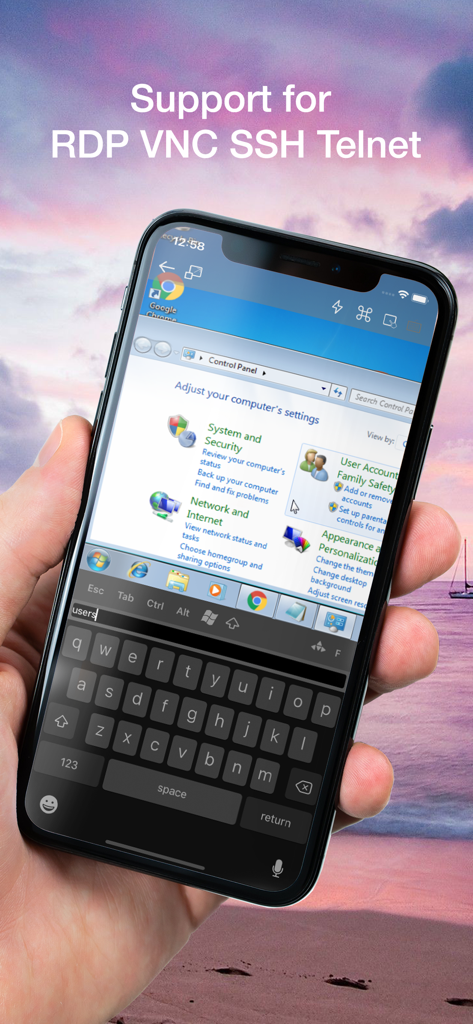
• Novel Virtual TrackPad allows for precise and intuitive control! right-click, and dragging. Scroll with a side-scroller bar
• International keyboard support for servers that don't support direct input mode: German, Swiss-German, Russian, French, Danish and Spanish Keyboard mappings.
• Supports BOTH Landscape and Portrait orientations
• Intuitive Pinch to Zoom and drag to scroll. Also presets: "Fit Height", "Fit Width" and "1:1"
• Special Keys: Including: Esc, F1..F12, Control-Alt-Delete, Command, Windows-key, etc
• Wake-on-Lan Support
• Network computer discovery
• Fullscreen mode
VNC / Screen Sharing (Included):
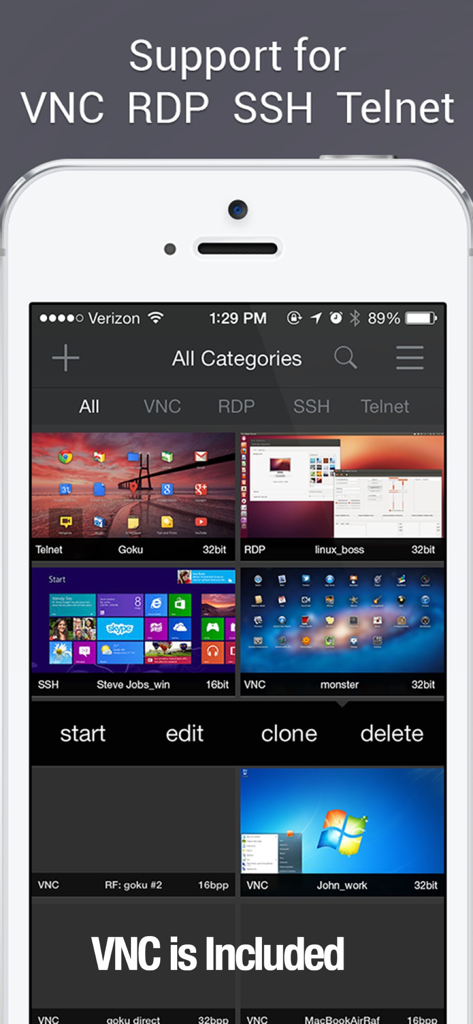
• Fast VNC protocol 3.8 supported. Compatible with MacOS' Screen Sharing, the latest UltraVNC for Windows and Linux VNC servers
• Support for sound/music redirection from MacOS and easy setup without port-forwarding / dynamic DNS with RemoterFusion
• UltraVNC MS Login Authentication Support, Server-Side Scaling and Multiple Monitor support
RDP / Windows Remote Desktop:
• Remote Desktop Gateway and RDP over SSH support
• Support for NLA encryption
• Clipboard synchronization (Paste is universal, but copy requires server support or Remoter Fusion)
SSH / Telnet:
• Support for SSH and Telnet, VNC over SSH, RDP over SSH, and arbitrary SSH port tunnels
• SSH supports public-key authentication. Included SSH Key management system to generate, copy to and from clipboard the SSH keys
• Support for macros
App information, icons, screenshots, and descriptions displayed on this page are sourced from the Apple App Store and are the property of their respective developers. Download estimates and rankings are based on MWM's proprietary models and may not reflect actual figures. This page is provided for informational and analytical purposes only.
Believe this page infringes your intellectual property? File a dispute