Smart printer, Scanner, iPrint

Smart printer, Scanner, iPrint

ダウンロード: App Store
ロゴ: Smart printer, Scanner, iPrint

Smart printer, Scanner, iPrint:インスタントスキャンと印刷のためのオールインワンモバイルオフィス

iPhoneまたはiPadをパワフルなワークステーションに変えましょう。書類をスキャンし、ファイルをPDFに変換し、数秒でワイヤレスで印刷できます—かさばるハードウェアは不要です。

開発元

Faisal Mehmood

カテゴリ

Productivity

ダウンロード

14K+

ユーザー評価

3.4/5

評価数

0

対応言語

20

あなたのオフィスを視覚化

このインターフェースを利用する 14K+ 人のユーザー.

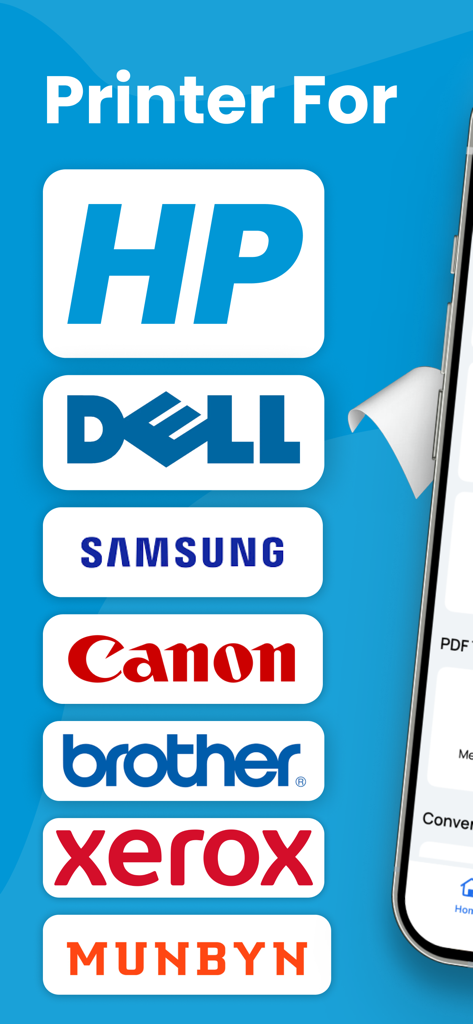
HP、Dell、Samsung、Canonなどの対応プリンターブランドのリスト

HP、Dell、Samsung、Canonなどの対応プリンターブランドのリスト

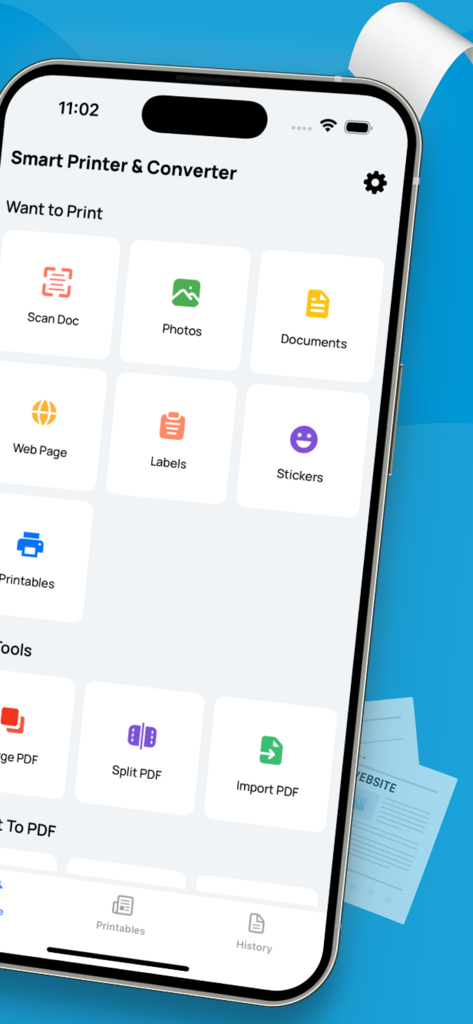
ドキュメントスキャンやPDF管理などの機能を、iPhoneに表示されたSmart Printer and Scannerアプリのインターフェース

ドキュメントスキャンやPDF管理などの機能を、iPhoneに表示されたSmart Printer and Scannerアプリのインターフェース

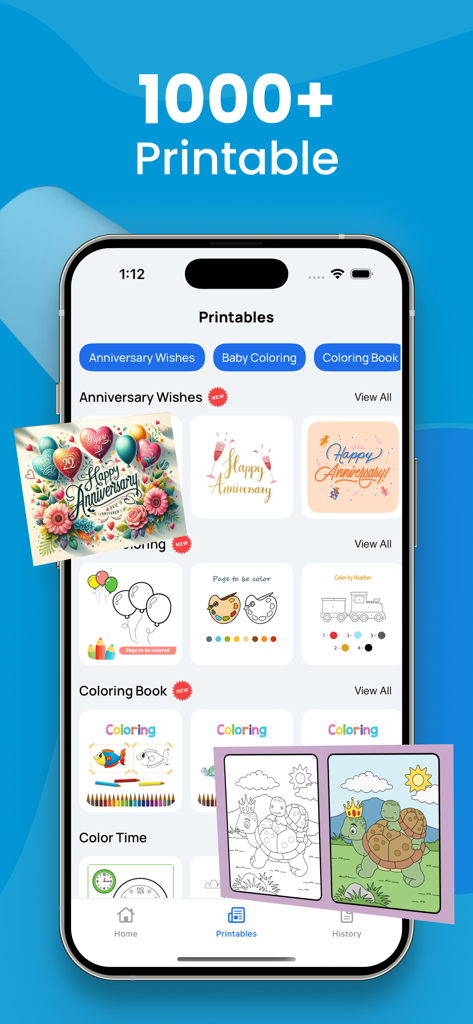
Smart printerアプリに表示された、記念日カードや塗り絵などの1000以上の印刷可能なテンプレートのインターフェース

Smart printerアプリに表示された、記念日カードや塗り絵などの1000以上の印刷可能なテンプレートのインターフェース

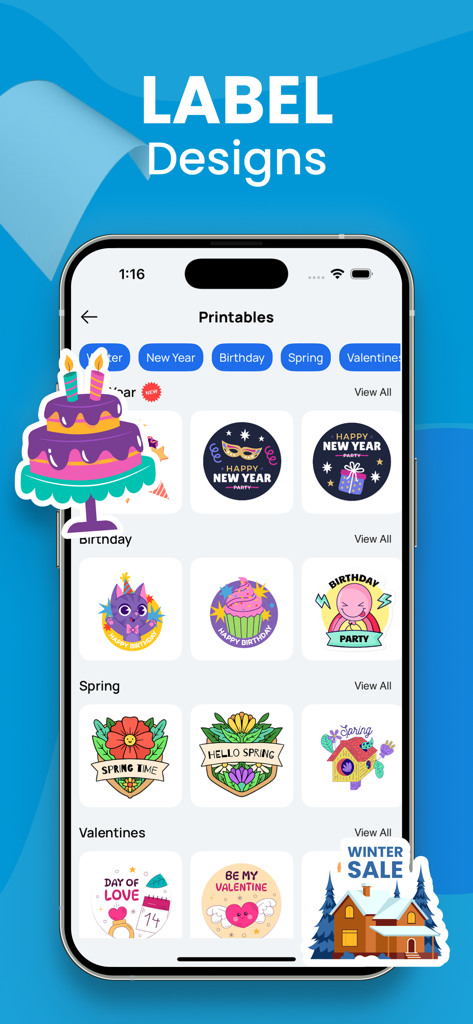
Smart Printerアプリで、ホリデー、誕生日、季節の様々な印刷可能なラベルデザインを表示するiPhone画面

Smart Printerアプリで、ホリデー、誕生日、季節の様々な印刷可能なラベルデザインを表示するiPhone画面

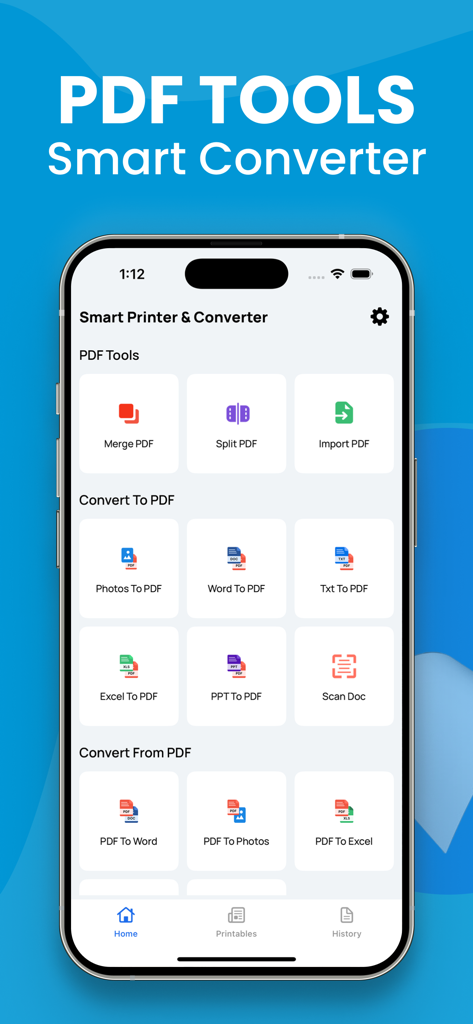
WordからPDFへの変換やスキャン機能を含む、PDF変換ツールを表示するモバイルアプリのインターフェース

WordからPDFへの変換やスキャン機能を含む、PDF変換ツールを表示するモバイルアプリのインターフェース

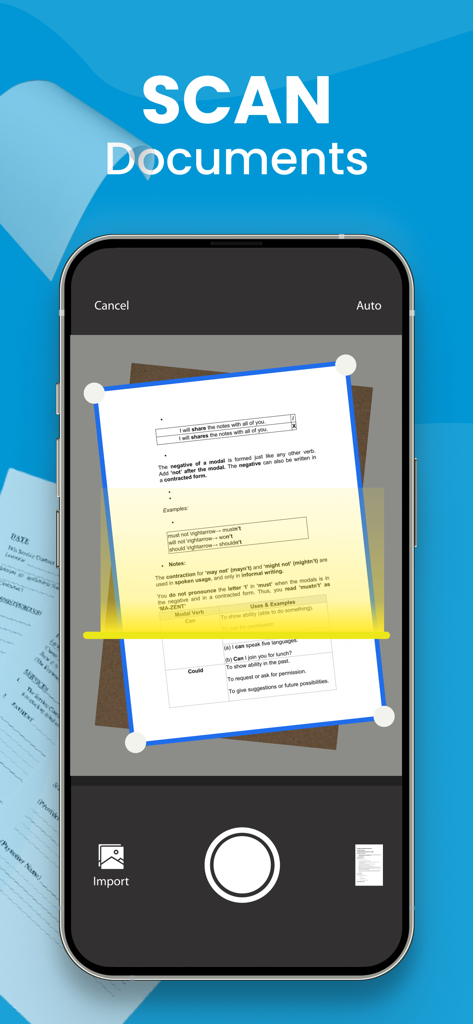
iPhoneの画面に、カメラを使用して紙のドキュメントをスキャンしているモバイルアプリが表示されています

iPhoneの画面に、カメラを使用して紙のドキュメントをスキャンしているモバイルアプリが表示されています

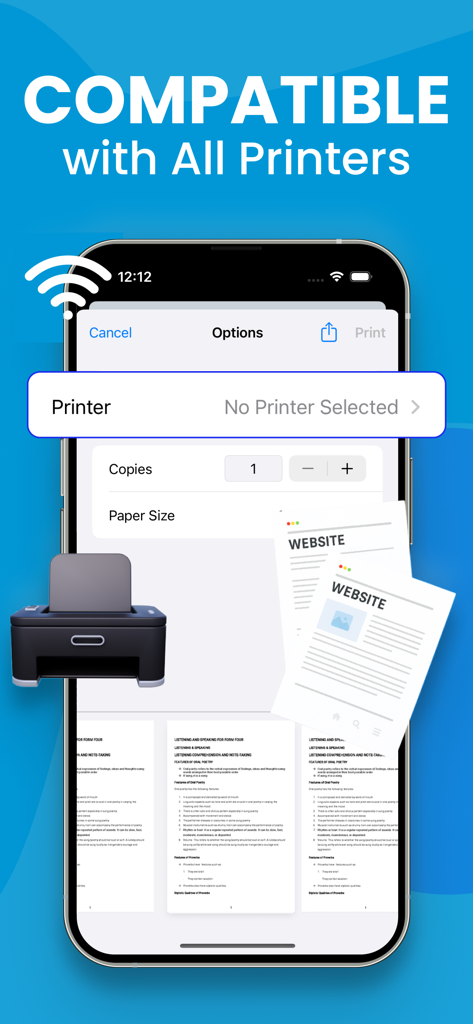
Smart Printerアプリのインターフェースに、ワイヤレス印刷の互換性を表示するiPhone画面が表示されています

Smart Printerアプリのインターフェースに、ワイヤレス印刷の互換性を表示するiPhone画面が表示されています

完全なドキュメント管理

このアプリを際立たせるツール、 14K+ 人のユーザーが選択.

📄

プログレードのモバイルスキャン

カメラで契約書、ID、領収書を素早くデジタル化します。署名や共有の準備ができた、クリーンでプロフェッショナルなスキャンを数秒で入手できます。

🔄

ユニバーサルPDFコンバーター

Word、Excel、または写真を洗練されたPDFに変換します。クライアントや同僚のために、文書を整理し、完璧にフォーマットされた状態に保ちます。

🖨️

ワンタップワイヤレス印刷

iPhoneから直接、配送ラベル、レポート、チケットを印刷します。ドライバーもケーブルも不要—どんなプリンターにもシームレスに接続できます。

アプリについて

について知っておくべきこと Smart printer, Scanner, iPrint.

説明

A PDF printer is a virtual printer that allows you to create a PDF file from any document that you can print. Instead of sending the document to a physical printer, you can use the PDF printer to create a PDF file that you can save on your computer or share with others. To use a PDF printer, you will need a PDF printer driver installed on your computer. Some popular PDF printer drivers include Adobe Acrobat, Bullzip PDF Printer, and CutePDF Writer. Here are the general steps to print a document to a PDF using a PDF printer: Open the document you want to convert to PDF in the application it was created in (e.g., Microsoft Word, Excel, etc.). Click the "File" menu and select "Print" or use the keyboard shortcut Ctrl+P (on Windows) or Command+P (on Mac). In the "Print" dialog box, select the PDF printer from the list of available printers. Click the "Print" button to create the PDF file. Depending on the PDF printer driver you are using, you may have additional options for customizing the PDF file, such as setting the page size, adding passwords, and adding watermarks. Consult the documentation for your PDF printer driver for more information. Note: Payment will be charged to your iTunes account at confirmation of purchase. Your subscription will automatically renew unless auto-renew is turned off at least 24-hours before the end of the current subscription period. Your account will be charged for renewal within 24-hours prior to the end of the current subscription period. Automatic renewals will cost the same price you were originally charged for the subscription. You can manage your subscriptions and turn off auto-renewal by going to your Account Settings on the App Store after purchase. Read our terms of service and Privacy Policy for more information. Privacy Policy: https://sites.google.com/view/smartaiapps/privacy-policy Terms and Conditions: https://sites.google.com/view/smartaiapps/terms-conditions

最新バージョン

3.2

サイズ

6.9 MB

リリース日

2023年1月2日

iPhoneを高性能オフィスに変える

外出先で書類をスキャン、署名、印刷する14,000人以上のプロフェッショナルに加わりましょう。今すぐシームレスなモバイルワークフローを始めましょう。

ダウンロード: App Store

App information, icons, screenshots, and descriptions displayed on this page are sourced from the Apple App Store and are the property of their respective developers. Download estimates and rankings are based on MWM's proprietary models and may not reflect actual figures. This page is provided for informational and analytical purposes only.

Believe this page infringes your intellectual property? File a dispute