Sync2 Outlook Google & iCloud

Sync2 Outlook Google & iCloud


ダウンロード: App Store
ロゴ: Sync2 Outlook Google & iCloud

Sync2 Outlook Google & iCloud: データを繋ぐプロフェッショナルブリッジ

Outlook、Google、iCloudをシームレスに同期し、すべてのデバイスでカレンダー、連絡先、タスクを最新の状態に保ちます。ついに、iPhoneまたはiPadからExchangeパブリックフォルダやビジネスデータに、手間なく直接アクセスできるようになります。

ダウンロード: App Store

開発元

Alittera Ltd inc.

カテゴリ

Productivity

ダウンロード

128K+

ユーザー評価

4.0/5

評価数

200

対応言語

3

効率をフォーカスに

このインターフェースを利用する 128K+ 人のユーザー.

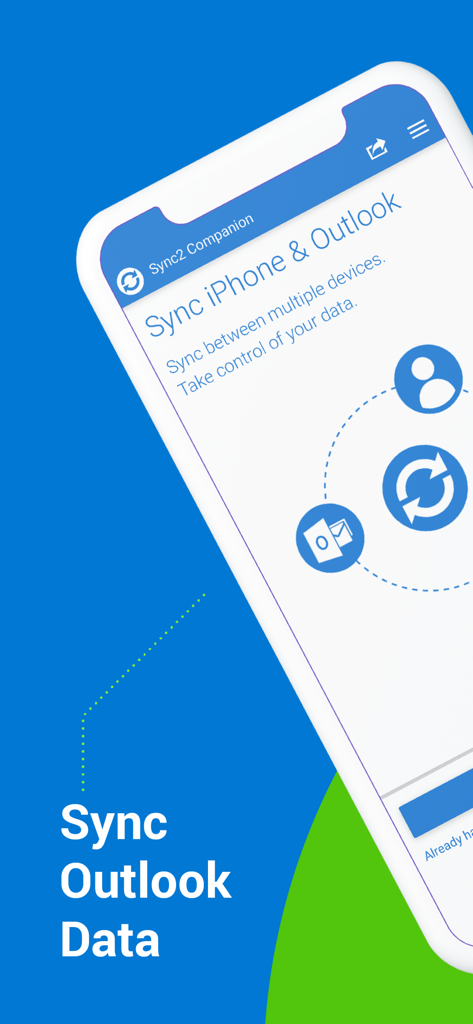
Sync2コンパニオンアプリのインターフェース。iPhoneとOutlookのデータを同期するオプションが表示されています。

Sync2コンパニオンアプリのインターフェース。iPhoneとOutlookのデータを同期するオプションが表示されています。

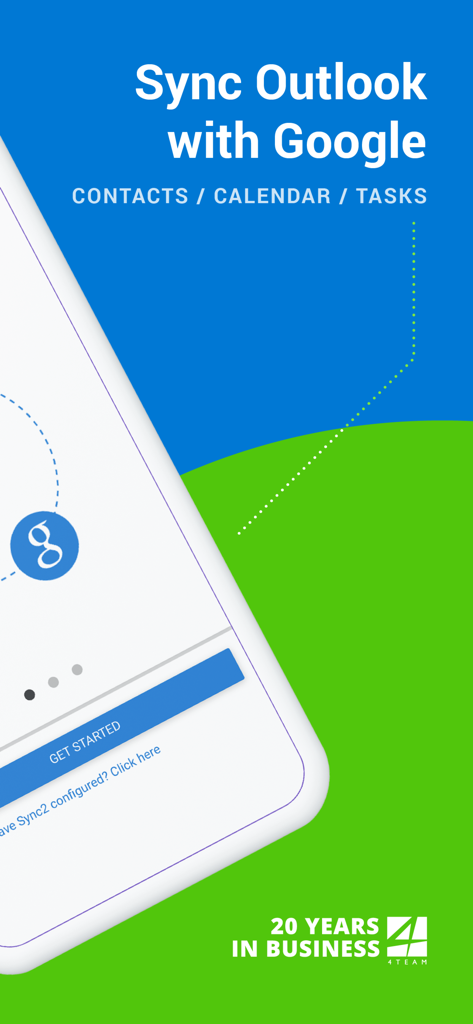
Sync2アプリのスプラッシュスクリーン。OutlookとGoogleの連絡先、カレンダー、タスクの同期を示しています。

Sync2アプリのスプラッシュスクリーン。OutlookとGoogleの連絡先、カレンダー、タスクの同期を示しています。

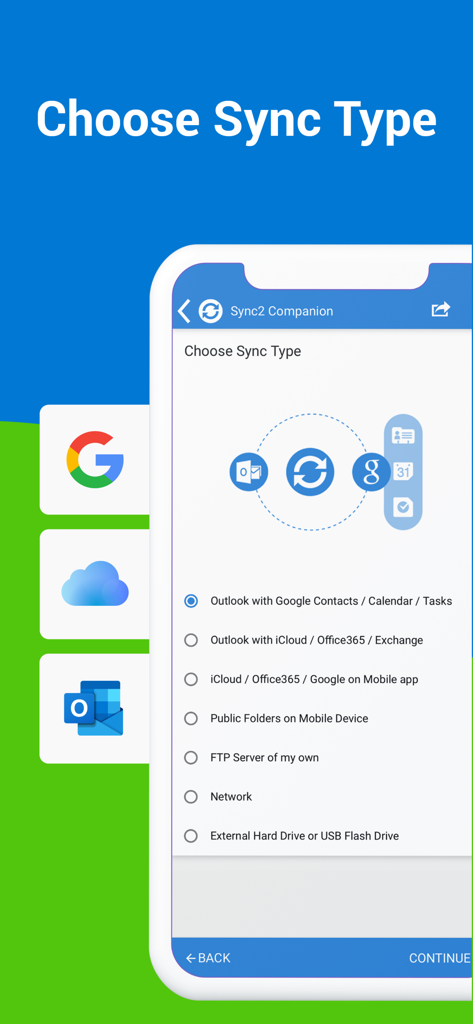
Sync2アプリの同期タイプ選択画面。Outlook GoogleおよびiCloud同期用。

Sync2アプリの同期タイプ選択画面。Outlook GoogleおよびiCloud同期用。

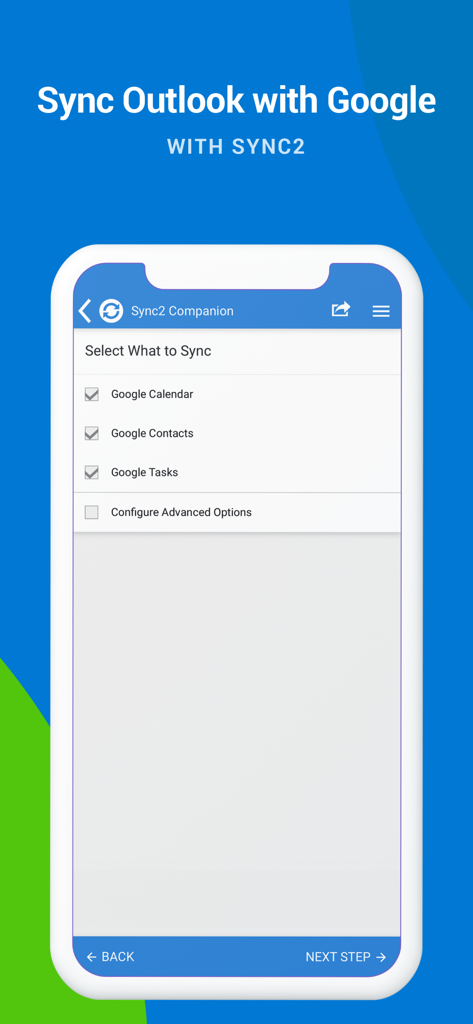
Sync2アプリの画面。Googleカレンダー、連絡先、タスクをOutlookと同期するためのチェックボックスが表示されています。

Sync2アプリの画面。Googleカレンダー、連絡先、タスクをOutlookと同期するためのチェックボックスが表示されています。

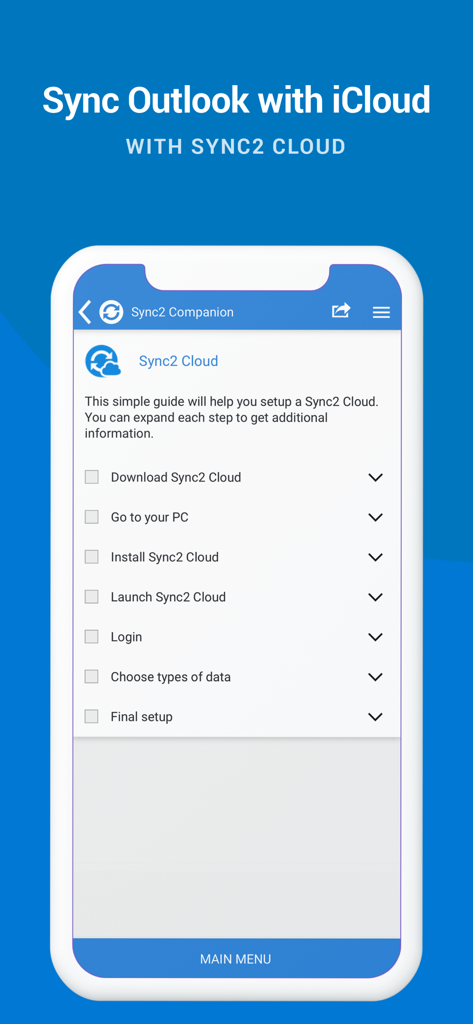
スマートフォン画面。Sync2 Cloudを使用したOutlookとiCloudの同期設定のためのチェックリストが表示されています。

スマートフォン画面。Sync2 Cloudを使用したOutlookとiCloudの同期設定のためのチェックリストが表示されています。

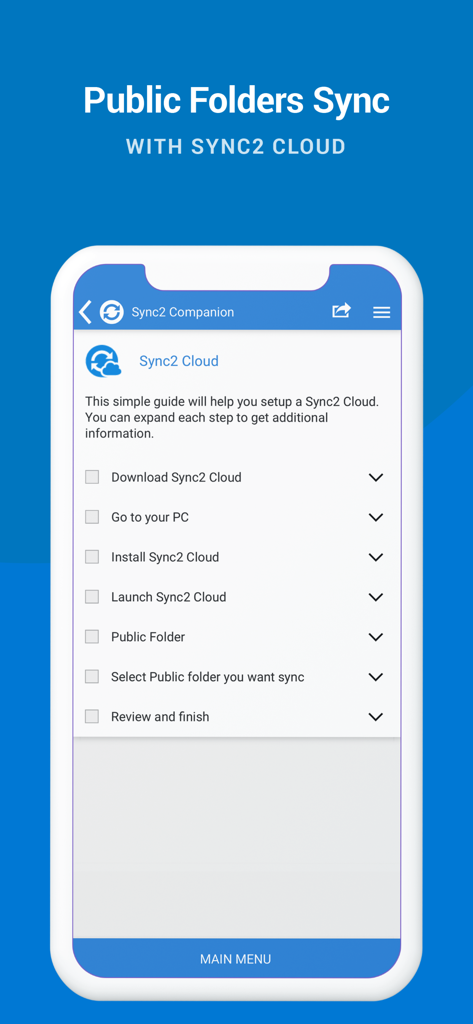
Sync2 CloudとのOutlookパブリックフォルダ同期のためのセットアップガイド

Sync2 CloudとのOutlookパブリックフォルダ同期のためのセットアップガイド

すべてのプラットフォームで統一された生産性

このアプリを際立たせるツール、 128K+ 人のユーザーが選択.

📂

ネイティブパブリックフォルダアクセス

共有Exchangeカレンダーと連絡先をiPhoneまたはiPadで直接表示し、最も一般的な企業モバイル同期のギャップを解消します。

🔄

シームレスなエコシステム連携

仕事用のOutlook、個人のGoogleアカウント、Appleデバイスを、双方向のデータフローで1つの同期されたハブに統合します。

設定したら忘れる自動化

インスタントなバックグラウンドアップデートと自動バックアップをお楽しみください。手動介入なしで、常に最新のスケジュールを維持できます。

アプリについて

について知っておくべきこと Sync2 Outlook Google & iCloud.

説明

This is a Complimentary Companion that helps you set up synchronization for Outlook with iCloud, Google, Office 365, Exchange and iPhone/iPad sync with iCloud and other cloud services. With Sync2 you will be able to synchronize your iPhone/iPad with Microsoft Outlook using your Google Account. PLEASE NOTE: THE SOFTWARE DOES NOT SUPPORT MICROSOFT OUTLOOK FOR MAC. Public Folder Sync to smartphones Public Folders sync solution. Microsoft Exchange Public Folders are not displayed natively on smartphones. Choose sync type “Public Folders on Mobile Device" and you will be guided to set up Sync2 Cloud. The new Sync2 Cloud helps to sync Public Folders. Sync & Share Public Folders on multiple platforms or smartphones (iPhone, iPad). Sync any type of Public folders (calendars, contacts, tasks, emails, notes). Sync Microsoft Outlook with your iPhone/iPad using Google account. Use Sync2 to set up synchronization of your Google account and Microsoft Outlook. Set up the Google account on your iPhone or iPad and have your data synchronized both ways. Set up the Sync2 PC application for Microsoft Outlook with Sync2 Companion in a few simple steps. Go through all the necessary settings to set up Sync2 on your PC. Get familiar with Sync2 functionality easily and without any trouble. About the Sync2 desktop app: The PC Microsoft Outlook synchronization software keeps your Emails, Calendar, Contacts and Tasks in sync between your Outlook, Google, iPhone, iPad and any other smartphone, tablet or PC. You can schedule automatic Outlook synchronization, perform manual sync on demand, or use an instant sync feature for changes made in Outlook to be moved immediately. Sync2 is the right tool for you if you are looking for a way to: - Sync Outlook with your iPhone or iPad using your Google account; - Sync your Outlook Contacts, Calendars and/or Tasks using one-way or two-way synchronization; - Easily sync your Outlook data, such as emails, calendars, contacts, tasks, notes, Outlook journals, between multiple PCs without the Microsoft Exchange server; - Synchronize specific Outlook folders with different workgroups. Main Sync2 features: - Sync Outlook with iPhone or iPad using a Google account. - Sync Outlook Calendar with Google Calendars. - Sync Microsoft Outlook between PC‘s without a server. - Instant synchronization of changes made in Microsoft Outlook. - Synchronize Microsoft Outlook Contacts with Google Contacts. - Sync Outlook Tasks with Google Tasks Lists. - Back up Contacts and Calendar folders automatically before each synchronization. - Synchronize data even when Microsoft Outlook is closed. - Manual or scheduled synchronization. - Sync Exchange folders.

最新バージョン

2.2

サイズ

3.2 MB

リリース日

2016年7月18日

OutlookワークフローをiPhone & iPadへ

Sync2を信頼し、カレンダー、連絡先、パブリックフォルダをすべてのデバイスで完全に同期させている128,000人以上のプロフェッショナルに加わりましょう。

ダウンロード: App Store

App information, icons, screenshots, and descriptions displayed on this page are sourced from the Apple App Store and are the property of their respective developers. Download estimates and rankings are based on MWM's proprietary models and may not reflect actual figures. This page is provided for informational and analytical purposes only.

Believe this page infringes your intellectual property? File a dispute