tcCalc - timecode & frame calc

tcCalc - timecode & frame calc

ダウンロード: App Store
ロゴ: tcCalc - timecode & frame calc

tcCalc - フレーム単位で正確なタイムコード&フレーム計算

ビデオ編集者とDITにとって不可欠なユーティリティ。ドロップフレームやNDFを含む、あらゆる業界のフレームレートで正確な計算を実行できます。ポストプロダクションのスピードに対応するインターフェースを備えています。

ダウンロード: App Store

開発元

RYUICHIROU SHIMONO

カテゴリ

Photo & Video

ダウンロード

4K+

ユーザー評価

4.8/5

評価数

200

対応言語

1

すべてのフレームに精度を

このインターフェースを利用する 4K+ 人のユーザー.

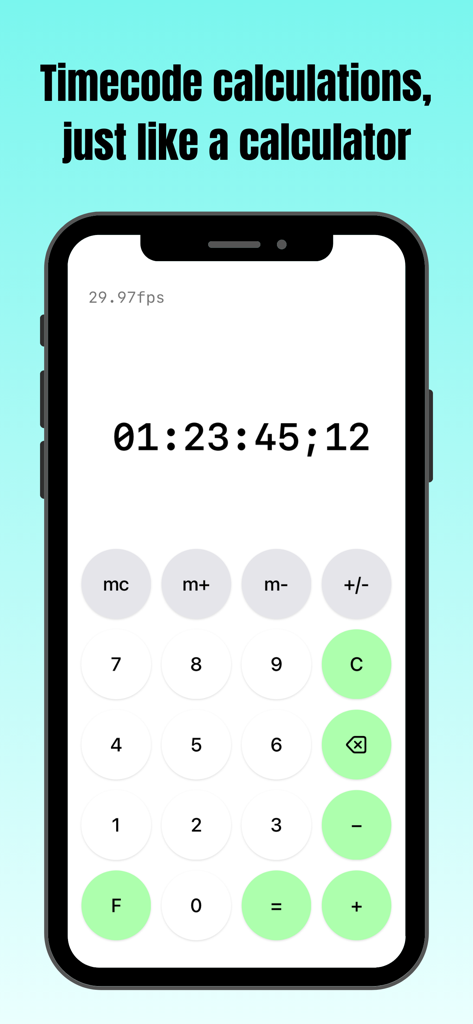
iPhone上のタイムコード計算インターフェースを示すtcCalcアプリのスクリーンショット

iPhone上のタイムコード計算インターフェースを示すtcCalcアプリのスクリーンショット

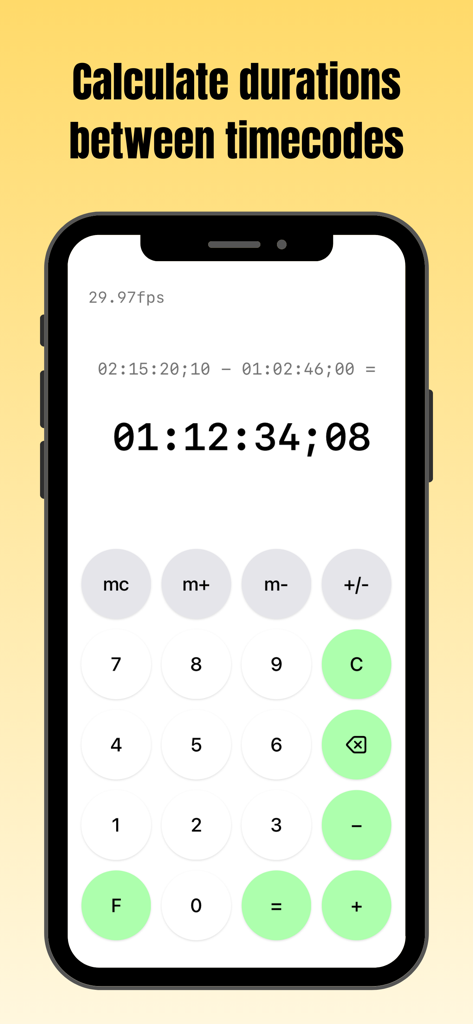
29.97fpsで2つのタイムコード間のデュレーション計算を示すiPhone上のtcCalcアプリ画面

29.97fpsで2つのタイムコード間のデュレーション計算を示すiPhone上のtcCalcアプリ画面

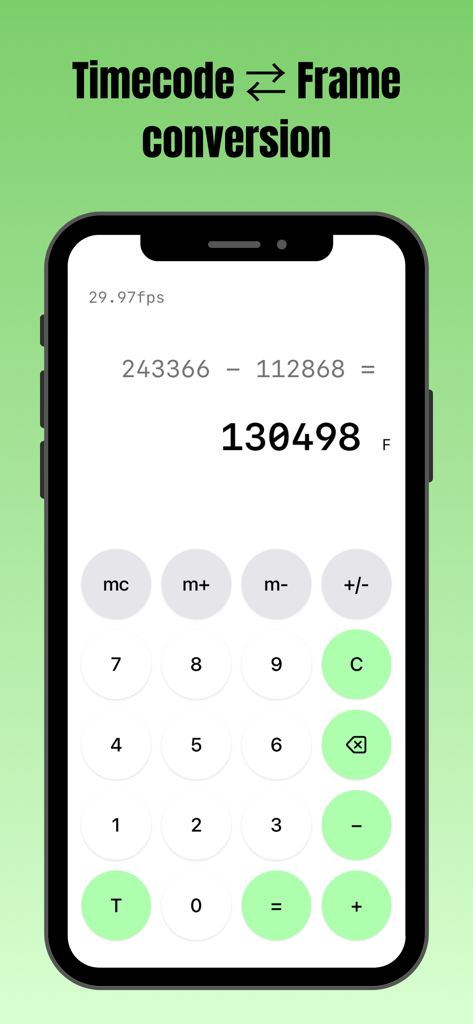
iPhoneでフレーム数減算を実行するtcCalcアプリのインターフェース

iPhoneでフレーム数減算を実行するtcCalcアプリのインターフェース

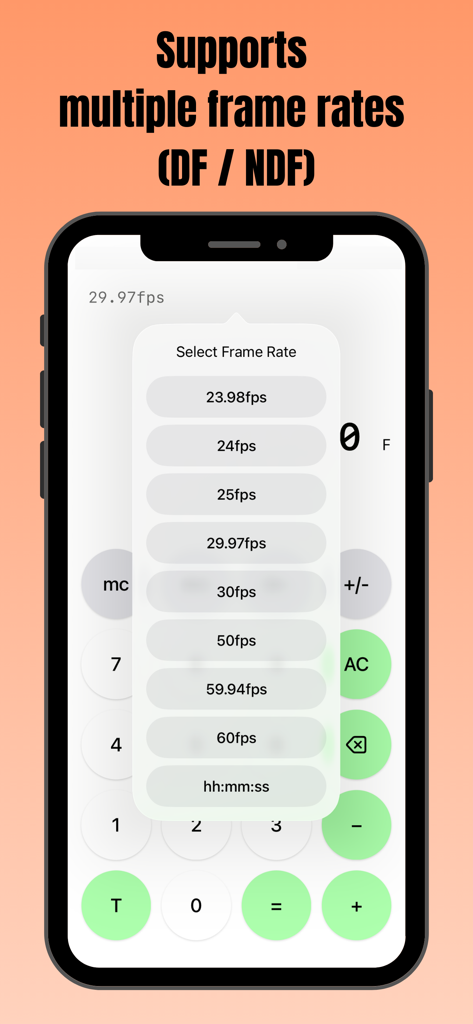
DFおよびNDFオプションを含む複数のフレームレートを選択するためのポップアップメニューが表示されたtcCalcアプリのスマートフォン画面

DFおよびNDFオプションを含む複数のフレームレートを選択するためのポップアップメニューが表示されたtcCalcアプリのスマートフォン画面

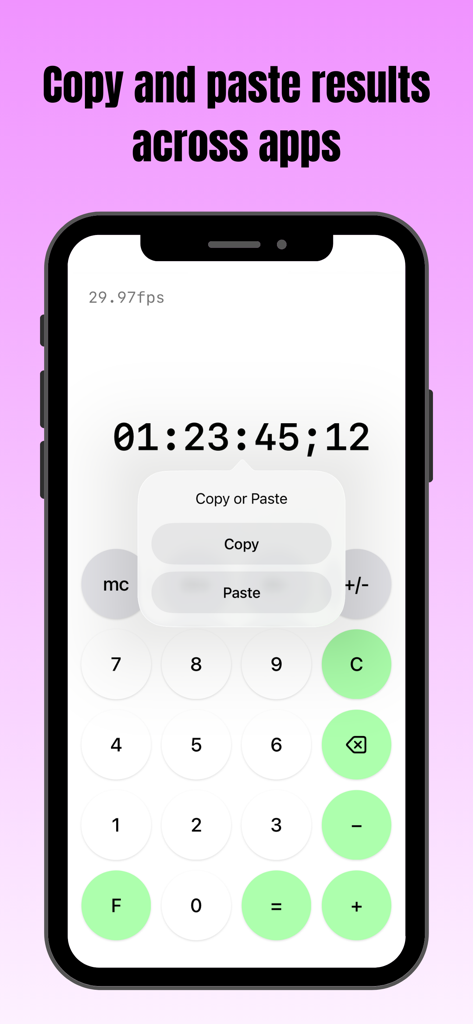
タイムコード結果の上にコピー&ペーストメニューが表示されたtcCalcアプリのスマートフォン画面

タイムコード結果の上にコピー&ペーストメニューが表示されたtcCalcアプリのスマートフォン画面

ポストプロダクションプロフェッショナル向け高精度ツール

このアプリを際立たせるツール、 4K+ 人のユーザーが選択.

🎬

マルチスタンダードフレームレート対応

23.98、29.97 DF/NDF、59.94、60fps間を瞬時に切り替え。プロジェクトの技術仕様に関わらず、デュレーションが完璧に同期されていることを確認できます。

📋

シームレスなワークフロー統合

計算結果を納品シート、EDL、またはメモに直接コピー&ペースト。tcCalcと他のiOSアプリ間でデータを移動させ、技術的な記録を迅速化します。

⏱️

ネイティブタイムコード&フレーム変換

シングルタップでSMPTEタイムコードと総フレーム数を切り替え。高負荷な編集室向けに設計された使い慣れたインターフェースを使用して、複雑なデュレーション計算を実行できます。

アプリについて

について知っておくべきこと tcCalc - timecode & frame calc.

説明

Overview This app is a calculator designed for timecode and frame-based calculations. Features • Perform timecode calculations with the familiar operation of a standard calculator. • Convert between timecodes and frame counts in both directions. • Supports multiple frame rates. • Input values and calculation results are automatically adjusted to values between 0 and less than 24 hours. How to Use Input Timecodes and frame numbers are entered using the numeric buttons (0–9). The AC button clears the displayed value and all calculation history. The C button clears only the current input value and calculation result. To delete the displayed value one character at a time, use the delete button. Up to 8 digits can be entered. Calculation Calculations are performed in the same way as a standard calculator, using the symbol buttons (+, −, =). For example, the − button can be used to calculate the duration between two timecodes. Display Mode Press the F button to convert the displayed value to frames. Press the T button to convert the displayed value to a timecode. The display format can be changed at any time, even during a calculation. Frame Rate Selection Tap the fps indicator in the upper-left corner of the screen to open the frame rate selection screen. You can choose from the following frame rates: 23.98fps / 24fps / 25fps / 29.97fps / 30fps / 50fps / 59.94fps / 60fps 29.97fps and 59.94fps use the Drop Frame (DF) counting method. All other frame rates use the Non-Drop Frame (NDF) counting method. When hh:mm:ss is selected, calculations can be performed using time values (hours, minutes, seconds) without frames. Copy & Paste Long-press a calculation result to display a menu where you can choose to copy or paste the value. By selecting an option from the menu, you can copy the value or paste a previously copied value. This allows numeric values to be copied and pasted between this app and standard iOS apps such as the Calculator and Notes. If a pasted string contains non-numeric characters, only the numeric portions are entered in order. In frame display mode, any decimal portion is truncated when pasting. Other The m+, m−, and mc buttons provide a memory function. Stored values are displayed in the upper-right corner of the screen and can be tapped to use them as input values. This behavior is equivalent to the mr button on a standard calculator. Pressing the +/− button toggles the sign of the input value and calculation result. Negative values are displayed as the result of subtracting the value from 24 hours. Timecode calculations are primarily based on the SMPTE 12M-1 standard. For 59.94fps, the counting method is based on commonly used behavior in applications such as Adobe Premiere Pro.

最新バージョン

3.0

サイズ

0.4 MB

リリース日

2016年9月9日

フレーム単位の精度でタイムラインをマスター

暗算をやめて、同期エラーをなくしましょう。何千人ものポストプロダクションプロフェッショナルがtcCalcを使用して、シームレスなタイムコード変換とワークフロー効率を実現しています。

ダウンロード: App Store

App information, icons, screenshots, and descriptions displayed on this page are sourced from the Apple App Store and are the property of their respective developers. Download estimates and rankings are based on MWM's proprietary models and may not reflect actual figures. This page is provided for informational and analytical purposes only.

Believe this page infringes your intellectual property? File a dispute