TV Cast for Fire TV®

TV Cast for Fire TV®


ダウンロード: App Storeダウンロード: Google Play
ロゴ: TV Cast for Fire TV®
Fire TV®用TVキャスト:あらゆるウェブ動画をストリーミングするためのオールインワンソリューション

iPhoneとAmazon Fire TVのギャップを埋めます。ワンタップでオンライン映画、ライブスポーツ、個人メディアを簡単に大画面にキャストしましょう。

開発元

Kraus und Karnath GbR 2Kit Consulting

カテゴリ

Photo & Video

ダウンロード

1M+

ユーザー評価

3.9/5

評価数

9K+

対応言語

1

あなたのウェブを、あなたのテレビで

このインターフェースを利用する 1M+ 人のユーザー.

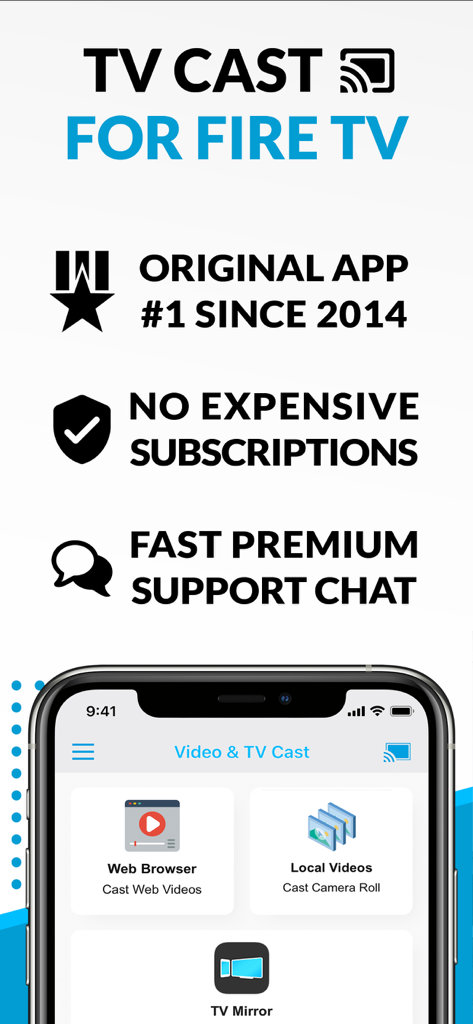
TV Cast for Fire TVアプリのインターフェース。ウェブブラウザとローカルビデオキャスト機能が表示されています。

TV Cast for Fire TVアプリのインターフェース。ウェブブラウザとローカルビデオキャスト機能が表示されています。

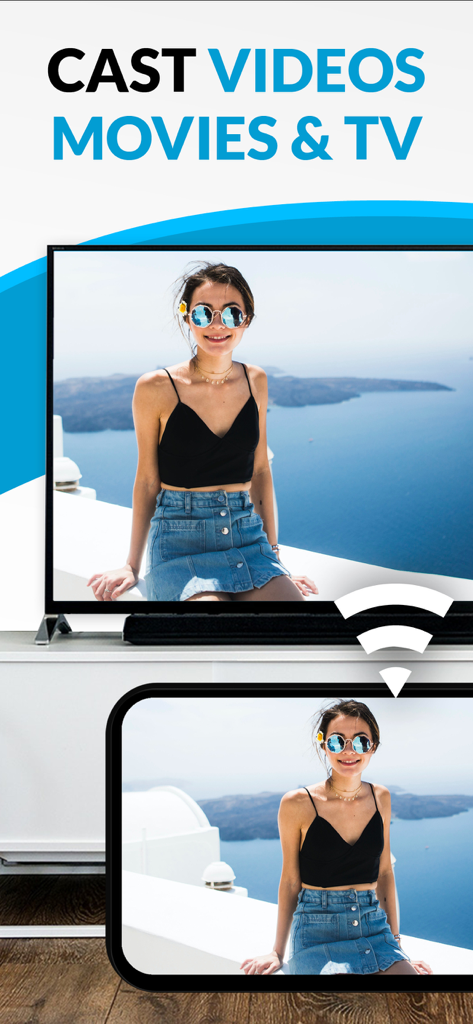
スマートフォンが、女性の個人的な写真のキャストを大きなAmazon Fire TV画面に表示しています。

スマートフォンが、女性の個人的な写真のキャストを大きなAmazon Fire TV画面に表示しています。

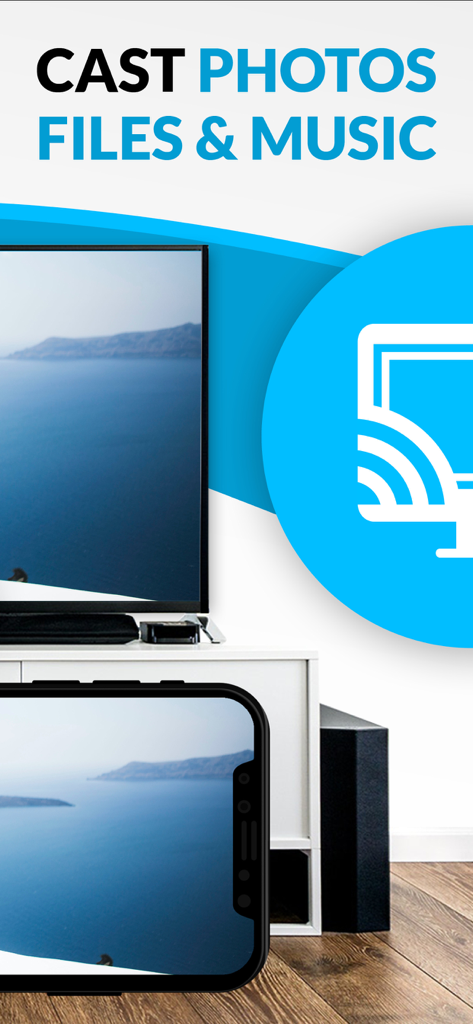
iPhoneとテレビ画面に同じ風景写真が表示され、写真、ファイル、音楽をキャストすることについてのテキストが表示されています。

iPhoneとテレビ画面に同じ風景写真が表示され、写真、ファイル、音楽をキャストすることについてのテキストが表示されています。

リビングルーム体験をアップグレード

このアプリを際立たせるツール、 1M+ 人のユーザーが選択.

🌐

あらゆるウェブ動画をストリーミング

あらゆるウェブサイトを閲覧し、スポーツ、ニュース、ニッチな映画を直接テレビにキャストしましょう。ウェブ上にあるものはすべて、大画面で見ることができます。

📸

パーソナルホームシアター

携帯電話やiCloudから写真、動画、音楽を即座に共有し、家族や友人とのお気に入りの思い出を追体験しましょう。

🛡️

広告なしコントロール

邪魔なポップアップを排除し、統合されたリモートプレイバーで、すべてのiOSデバイス間でスクラブと同期を可能にするコントロールを握りましょう。

アプリについて

について知っておくべきこと TV Cast for Fire TV®.

説明

Watch webvideos, online movies, live tv streams and your personal photos, videos & music on your Amazon Fire TV. Enjoy the show on your big screen. With Video & TV Cast you can browse through the web and stream any video you want on your Amazon Fire TV (movies, tv shows, sports, music and more). Just navigate to your favorite website and send the embedded video with a single tap to your Amazon Fire TV. The discovered video will be shown below the browser. A tap on the video link will send it to your Amazon Fire TV immediately. Streaming personal media from your device is also supported. >>> Important Notes * The app only works with a Amazon Fire TV or Fire TV Stick. * iTunes movies, Flash video and DRM protected videos like Amazon Prime, Netflix, Hulu, Vudu, DirecTV, Xfinity, HBO now are not supported! * Please test your favorite videos with the free edition before upgrading! * The app streams only the video part of a website and not the whole website content (No screen or tab mirroring!). * Sometimes it is necessary to play the video on your iPad or iPhone first before it gets discovered by the app for streaming. It may also be neccessary to start casting multiple times until it works with specific videos. * If a video is not working at all, please check the FAQ on the app startpage. If that does not help you, please drop us an email before leaving a negative comment on the App Store. We will try to add support for that website as soon as possible. >>> UPGRADE FEATURES (available as in-app purchases) * Premium Edition: Unlocks all of the features listed here. Also future features are included, so you do not have to pay for them when they are released in an updated app version. * Remote Playbar: A remote control that allows you to fast forward or rewind videos while browsing. It syncs across all your iPads & iPhones that are connected to the same Fire TV. So your video can be controlled by different users in the same room. * Personal Media: Cast unlimited personal photos, videos and music directly from your device or from cloud services like iCloud and Dropbox. * Ad-Blocker: Blocks ads & popups on most websites and removes the sponsoring ads from the app. You can update and enable/disable ad-blocking at any time in the settings. * Bookmarks: Save unlimited website bookmarks. Synchronize and transfer them between different TV Cast apps and iOS devices by using backup and restore via iCloud. * Desktop Mode: Change the browser user-agent and cloak your iPhone/iPad as a desktop PC to load the desktop website instead of a mobile website. Please note that this will NOT enable video casting on websites that serve Flash videos in desktop mode. * Change Homepage: Set your personal homepage in the settings. >>> A MESSAGE FROM THE DEVELOPERS Countless websites have been reported to us and we already support more than 90% of all videos on the internet. But still we know that things can get even better. Your feedback and priorities will drive our work ahead, and you’ll see new features and more supported websites in our next app updates. Disclaimer: This app is not affiliated with Amazon or any other trademark mentioned here. This app was not created or endorsed by Amazon.

最新バージョン

3.10

サイズ

37.7 MB

リリース日

2015年4月12日

大画面をアンロックする準備はできましたか?

100万人以上のストリーマーに加わり、iPhoneとFire TVのギャップを埋めましょう。今すぐダウンロードして、ウェブ動画、家族の写真などをワンタップでキャストしましょう。

ダウンロード: App Storeダウンロード: Google Play

App information, icons, screenshots, and descriptions displayed on this page are sourced from the Apple App Store and are the property of their respective developers. Download estimates and rankings are based on MWM's proprietary models and may not reflect actual figures. This page is provided for informational and analytical purposes only.

Believe this page infringes your intellectual property? File a dispute