Universal TV Remote™ Control

Universal TV Remote™ Control

ダウンロード: App Store
ロゴ: Universal TV Remote™ Control

ユニバーサルTVリモート™コントロール:オールインワンコマンドセンター

なくしたリモコンや電池切れの心配はもういりません。Wi-Fiですぐにセットアップでき、キーボード入力や音声検索で、Roku、Samsung、LG、Fire TVを簡単に操作できます。

開発元

SEAMOBI TECH PTE LTD

カテゴリ

Entertainment

ダウンロード

1M+

ユーザー評価

4.7/5

評価数

24K+

対応言語

5

究極のコマンドセンター

このインターフェースを利用する 1M+ 人のユーザー.

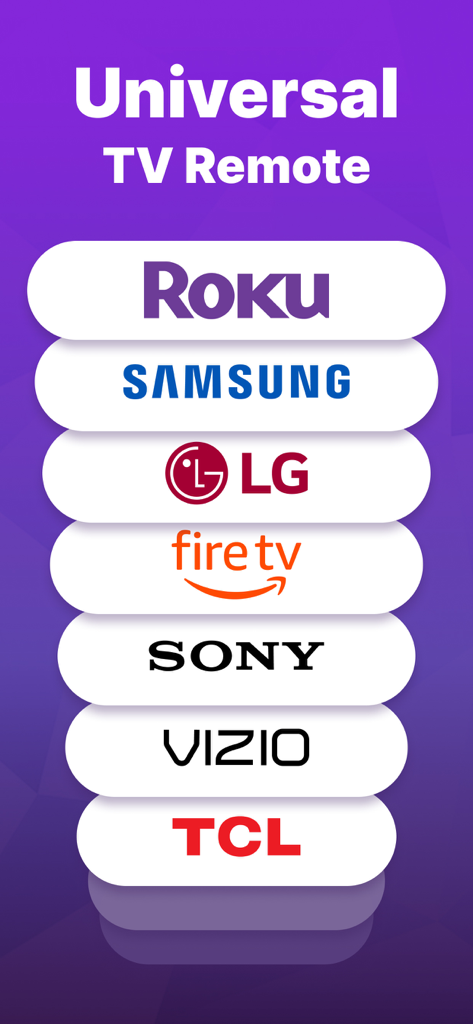
ユニバーサルTVリモートアプリがRoku Samsung LG Fire TV Sony Vizio TCLと互換性があることを示すグラフィック

ユニバーサルTVリモートアプリがRoku Samsung LG Fire TV Sony Vizio TCLと互換性があることを示すグラフィック

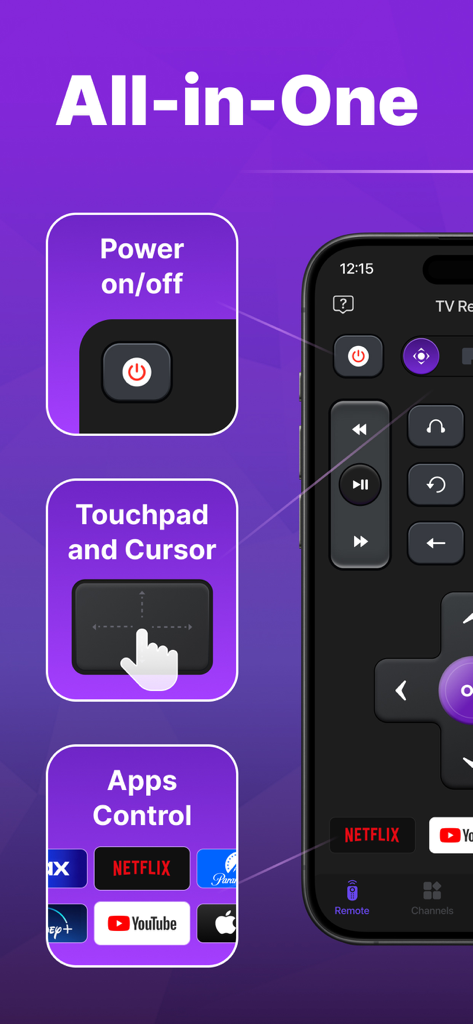
ユニバーサルTVリモートアプリのインターフェース。電源コントロール、タッチパッド、ストリーミングサービス用のアプリショートカットが表示されています

ユニバーサルTVリモートアプリのインターフェース。電源コントロール、タッチパッド、ストリーミングサービス用のアプリショートカットが表示されています

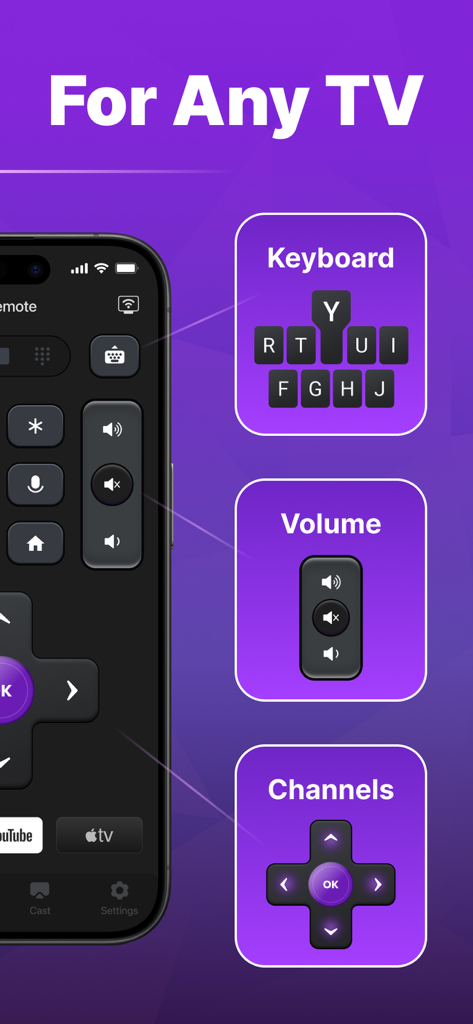
ユニバーサルTVリモートアプリのインターフェース。キーボード、音量、チャンネルコントロールが表示されています

ユニバーサルTVリモートアプリのインターフェース。キーボード、音量、チャンネルコントロールが表示されています

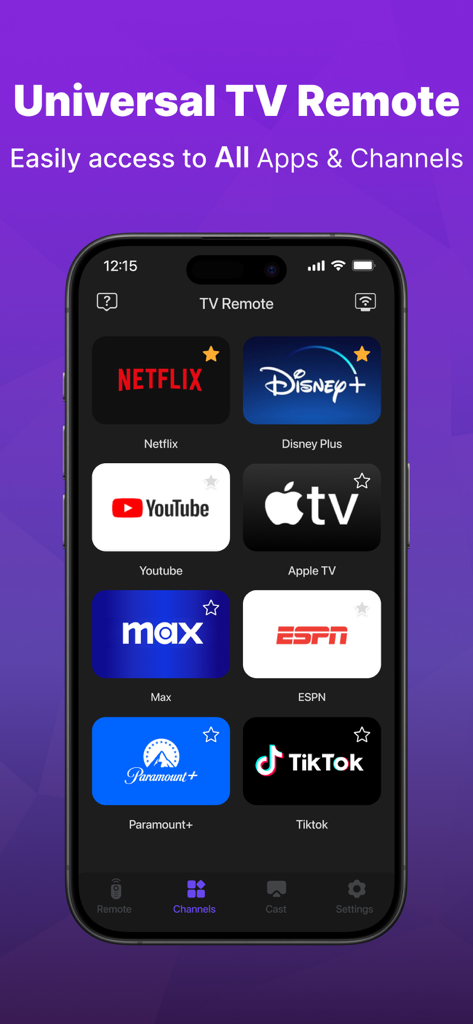
Netflix Disney Plus Youtubeなどの人気ストリーミングサービスアイコンのグリッドが表示されたユニバーサルTVリモートアプリのインターフェース

Netflix Disney Plus Youtubeなどの人気ストリーミングサービスアイコンのグリッドが表示されたユニバーサルTVリモートアプリのインターフェース

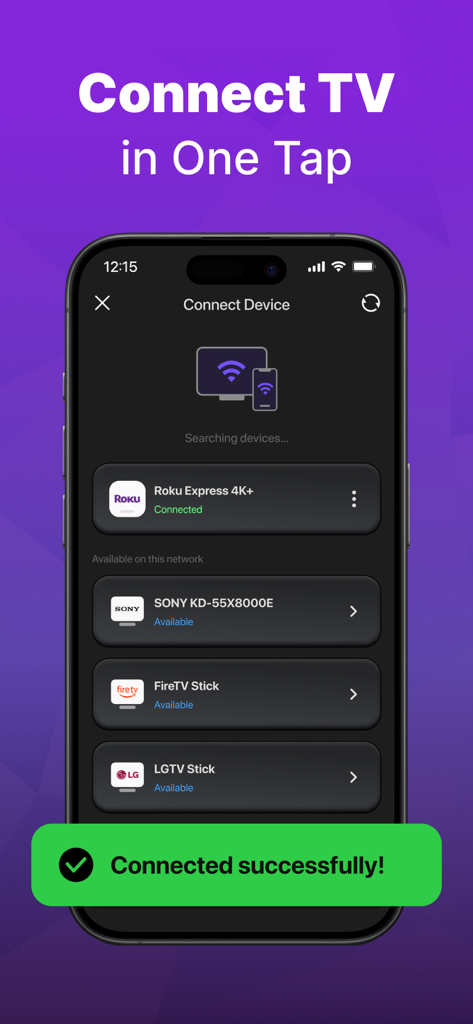
ユニバーサルリモートコントロールに接続されたスマートTVデバイスを示すアプリインターフェース

ユニバーサルリモートコントロールに接続されたスマートTVデバイスを示すアプリインターフェース

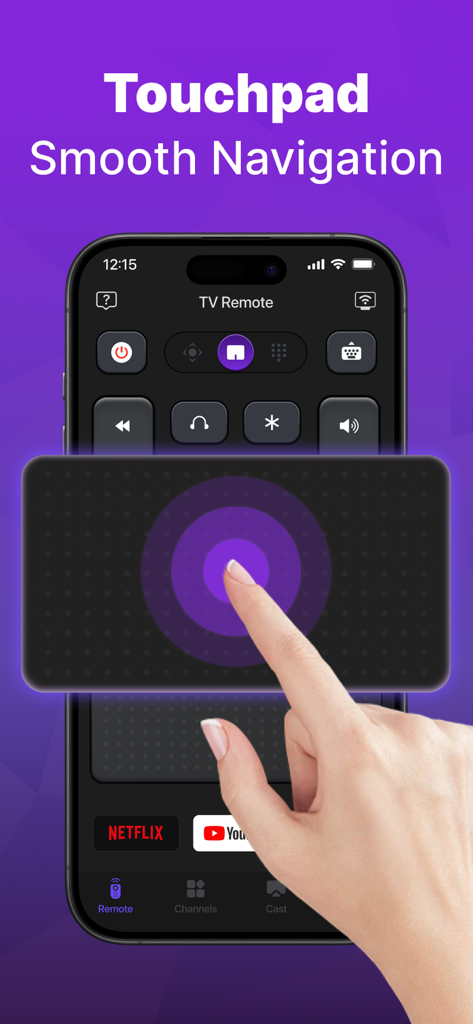
ユニバーサルTVリモートアプリでスムーズなTVナビゲーションのためにタッチパッド機能を使用しているiPhoneを使用している手。

ユニバーサルTVリモートアプリでスムーズなTVナビゲーションのためにタッチパッド機能を使用しているiPhoneを使用している手。

ホームエンターテイメントをシンプルに

このアプリを際立たせるツール、 1M+ 人のユーザーが選択.

🌐

ユニバーサル互換性

複雑なセットアップやペアリングコードなしで、Roku、Samsung、LG、Vizio、Fire TVにシームレスに接続できます。

⌨️

即時入力と検索

画面上の「あちこち探し」の面倒な文字入力をなくしましょう。スマホのキーボードを使って、数秒でお気に入りの番組を見つけられます。

インスタントWi-Fi検出

セットアップは簡単です。スマート検出テクノロジーが、Wi-Fiネットワーク上のすべてのテレビを自動的に検出し、すぐに操作できるようにします。

アプリについて

について知っておくべきこと Universal TV Remote™ Control.

説明

Are you tired of looking for your TV remote for your TV? Try the easy TV Remote Control app! It support all the mainstream TV brands including Roku TV and Roku Sticks, LG, Vizio, Samsung, Fire TV and Firestick, Hisense, TCL and more. Just connect this Universal TV remote control app to your TV in the same Wi-Fi. And you can turn your TV on or off, change volume, find shows, and pick channels — just like a normal TV remote and more. Make your TV watching easy with this simple universal TV remote control app! Main Features of Universal TV Remote Control: Easy find: This TV remote control app finds all TVs on your Wi-Fi, making setup easy. Fast TV remote control: Our simple TV remote gives you quick TV control. Voice and on/off are in this TV remote app. Easy use for TV remote: Use the touch pad for easy TV control in simple universal TV remote control Keyboard: Type and search for shows fast in Roku remote control app Turn on/off your TV from your phone, enjoy easy TV use in TV remote control app Use your voice to find shows in our Universal TV remote app and use voice search. How to use TV Remote for Roku TV & Smart TV: Download the Roku Remote Control app. Pick a TV brand like Fire TV, Samsung, Roku, TCL, LG, Vizio, Hisense, etc. on the same Wi-Fi as the TV remote control. Tap to connect your TV to this Roku remote control app. Done! Your TV remote control app is ready. Control your TV easily with these steps using this Roku remote control app! TV remote easy control - For all TV brands ▸ TV Remote control for Roku TV ▸ Vizio Smart TV Remote - Vizio TV Remote ▸ Cast to TV, screen mirroring for TV ▸ Fire TV remote control & remote control for FireStick ▸ TV Remote control for Vizio ▸ TV Remote control for LG and Samsung ▸ TV Remote control for TV including TCL, LG, Hisense Universal TV remote stops typical remote problems like losing it or dead batteries, turning your phone into a simple, all-in-one universal TV remote control. Troubleshooting: - The Universal remote control app must be on the same Wi-Fi network as your smart TV. - If you experience connection issues with TV device, try reinstalling the Universal remote app and restarting your TV to fix common problems. Note on TV Remote: This TV remote control for all Smart TV app is NOT linked to any TV brand. Privacy Policy: https://sites.google.com/view/tv-remote-ios-privacy-policy Terms of Use: https://sites.google.com/view/tv-remote-ios-terms-of-use

最新バージョン

1.2.2

サイズ

113.3 MB

リリース日

2024年8月8日

リモコンを二度となくさない

ソファの隙間を探すのはもうやめましょう。100万人以上のユーザーに加わり、iPhoneをRoku、Samsung、Fire TVなどの究極のユニバーサルコントローラーに変えましょう。

ダウンロード: App Store
FAQ

よくある質問

について知っておくべきこと Universal TV Remote™ Control

Universal TV Remote™ Controlアプリは、すべてのテレビブランドに対応していますか?

はい、Universal TV Remote™ Controlアプリは、Roku TV、LG、Vizio、Samsung、Fire TV、Firestick、Hisense、TCLなど、主要なテレビブランドに対応しています。

Universal TV Remote™ Controlアプリをテレビに接続するにはどうすればよいですか?

Universal TV Remote™ Controlアプリを接続するには、お使いのスマートフォンとテレビが同じWi-Fiネットワーク上にあることを確認してください。アプリはテレビを自動的に検索し、タップすると接続されます。

Universal TV Remote™ Controlアプリにはどのような機能がありますか?

Universal TV Remote™ Controlアプリには、電源のオン/オフ、音量調整、チャンネル選択、タッチパッドナビゲーション、文字入力用のキーボード、番組の音声検索機能があります。

Universal TV Remote™ Controlアプリで音声コマンドを使用できますか?

はい、Universal TV Remote™ Controlアプリには音声検索機能が搭載されています。音声を使って番組を検索したり、アプリから直接テレビを操作したりできます。

Universal TV Remote™ Controlアプリは、特定のテレビブランドと公式に提携していますか?

いいえ、Universal TV Remote™ Controlアプリは、特定のテレビブランドとは公式には提携していません。独立したユニバーサルリモコンアプリとして機能します。

Universal TV Remote™ Controlアプリには、ナビゲーション用のタッチパッドがありますか?

はい、Universal TV Remote™ Controlアプリにはタッチパッド機能が搭載されています。これにより、テレビのインターフェース内を簡単かつスムーズにナビゲーションでき、ユーザーコントロールが向上します。

App information, icons, screenshots, and descriptions displayed on this page are sourced from the Apple App Store and are the property of their respective developers. Download estimates and rankings are based on MWM's proprietary models and may not reflect actual figures. This page is provided for informational and analytical purposes only.

Believe this page infringes your intellectual property? File a dispute