Remote for Roku TV Control·

Remote for Roku TV Control·

ダウンロード: App Store
ロゴ: Remote for Roku TV Control·

Roku TVコントロール用リモコン:ストリーミングをもっとスマートに

もう失くしたリモコンを探す必要はありません。スムーズなタッチパッド、検索用のインスタントキーボード、ボイスコマンドを備えた高性能RokuコントローラーにiPhoneを変換しましょう。

ダウンロード: App Store

開発元

SEAMOBI TECH PTE LTD

カテゴリ

Utilities

ダウンロード

107K+

ユーザー評価

4.6/5

評価数

4K+

対応言語

13

指先でコントロール

このインターフェースを利用する 107K+ 人のユーザー.

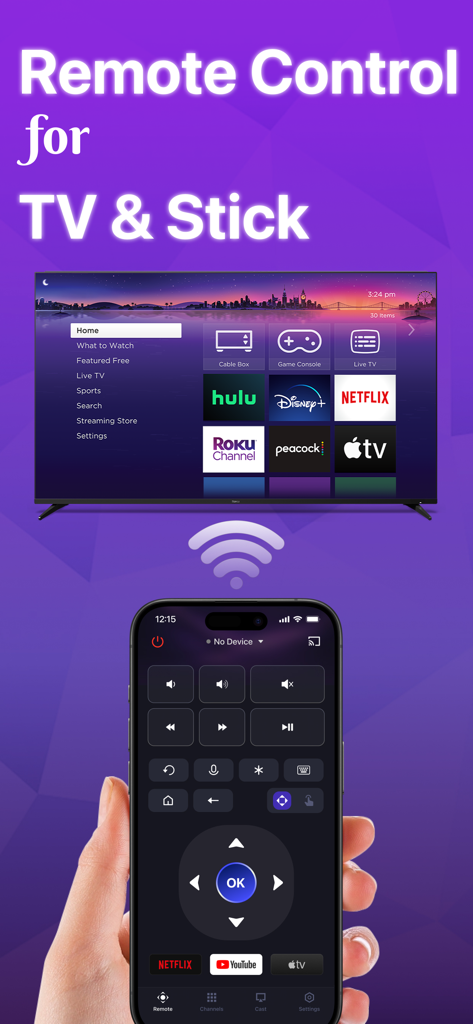
Roku TVリモートアプリのインターフェースが表示されたiPhoneを手に持つ手。ナビゲーションコントロールとスマートTVに接続されたアプリのショートカットが表示されています。
Roku TVリモートアプリのインターフェースが表示されたiPhoneを手に持つ手。ナビゲーションコントロールとスマートTVに接続されたアプリのショートカットが表示されています。

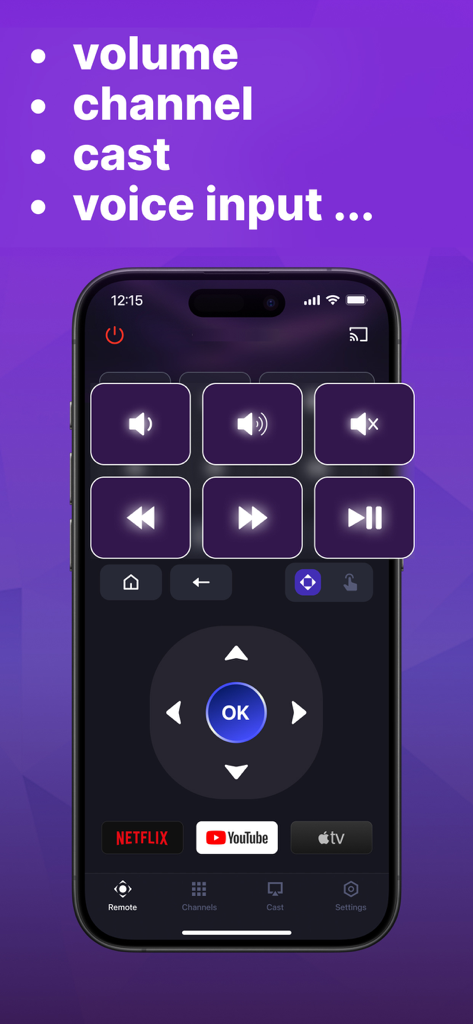
ボリューム再生ボタンとチャンネルショートカットを備えたRoku TVリモートコントロールアプリを表示するiPhone。
ボリューム再生ボタンとチャンネルショートカットを備えたRoku TVリモートコントロールアプリを表示するiPhone。

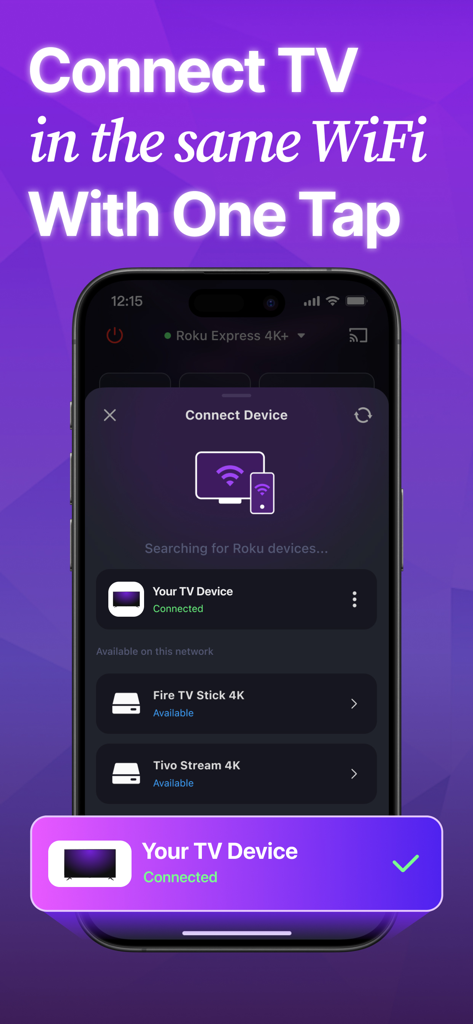
TVデバイス用のWiFi接続画面を表示するRoku TVリモートアプリのインターフェース。
TVデバイス用のWiFi接続画面を表示するRoku TVリモートアプリのインターフェース。

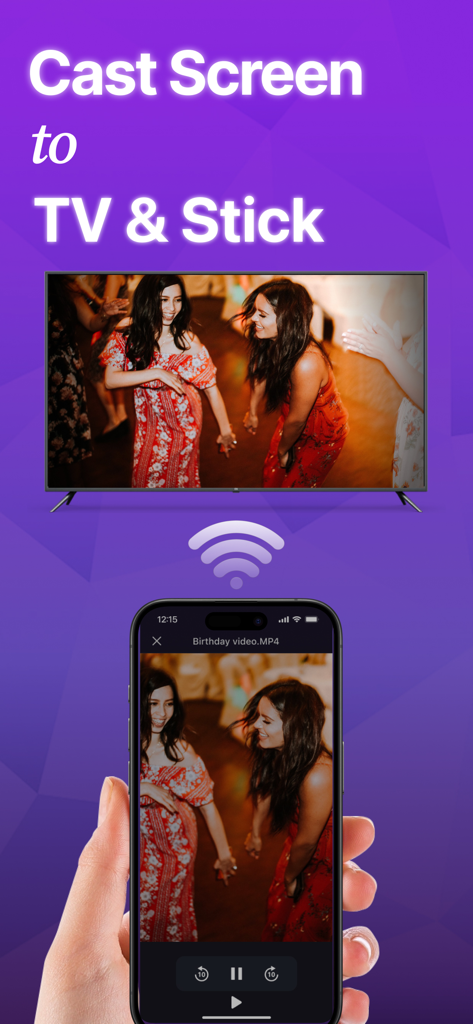
Roku TV画面にビデオをワイヤレスでキャストするiPhone。
Roku TV画面にビデオをワイヤレスでキャストするiPhone。

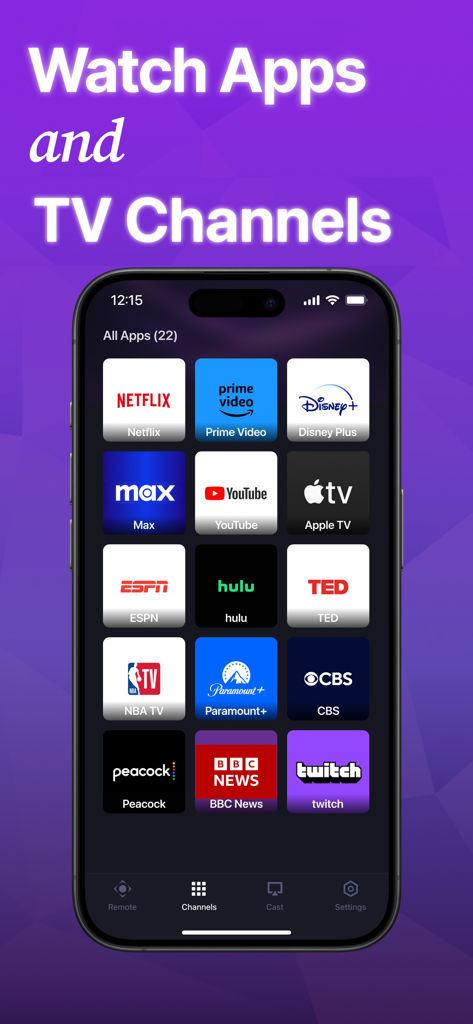
NetflixやYouTubeなどの人気ストリーミングサービスのグリッドを表示するRoku TV用のモバイルアプリインターフェース。
NetflixやYouTubeなどの人気ストリーミングサービスのグリッドを表示するRoku TV用のモバイルアプリインターフェース。

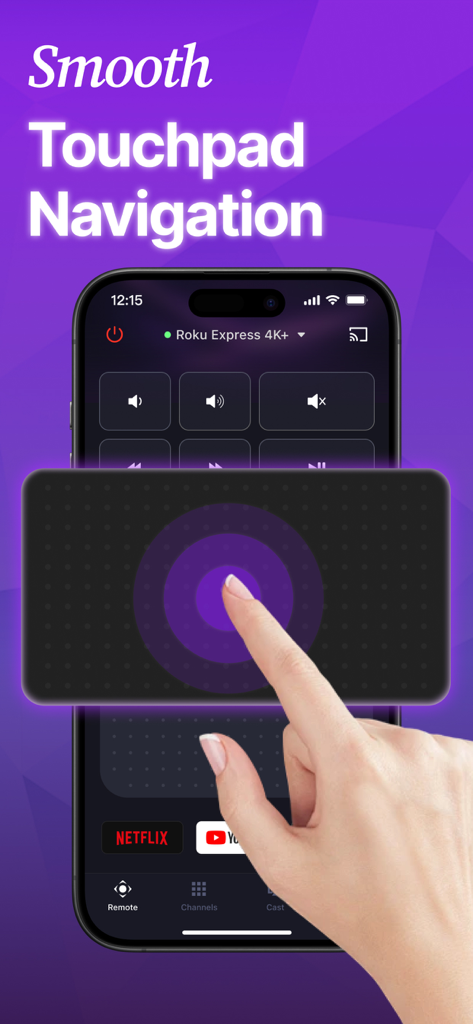
インターフェースを操作する手で、Roku TVコントロール用のスムーズなタッチパッドナビゲーションを示すスマートフォンアプリ画面。

インターフェースを操作する手で、Roku TVコントロール用のスムーズなタッチパッドナビゲーションを示すスマートフォンアプリ画面。

ストリーミングをもっとスマートに

このアプリを際立たせるツール、 107K+ 人のユーザーが選択.

⌨️

超高速タイピング

画面上のアルファベットを一つずつクリックするイライラから解放されます。iPhoneキーボードを使用して、数秒で映画を検索したり、アプリにログインしたりできます。

🛋️

リモコンを二度と失くさない

ソファのクッションを漁る必要はありません。常に手に届く場所にあるスマートフォンで、テレビのコントロールがいつでも必要な場所にあります。

🗣️

ハンズフリーボイスサーチ

プレミアムボイスコントロールで標準のRokuセットアップをアップグレードしましょう。指一本動かすことなく、話すだけでコンテンツを見つけられます。

アプリについて

について知っておくべきこと Remote for Roku TV Control·.

説明

Can't find your remote again? Here is an easy way to find a replacement without leaving your home! Lost your TV remote control? Say goodbye to the hassle of searching for your remote. Simply connect it to the same Wi-Fi network as your Roku TV, you can effortlessly turn the TV on/off, switch channels, adjust the volume and manage content playback - just like a typical physical remote control. It even has a touchpad and voice input for added convenience. Enhance your TV experience with the TV Remote app today! Here are the guidelines for using the TV remote app: 1. Download and install the universal TV Remote app. 2. Select a TV that is connected to the same WiFi network. 3. Tap to connect. 4. Voila! The TV Remote control is now all set up. Enjoy seamless control of your Roku TV with these simple steps! With the TV Remote app, you'll enjoy a range of convenient features: - Automatic detection of Roku TVs on the same WiFi network makes setup a breeze. - Rapid Roku TV control gives you instant access to volume adjustment, reverse, and fast forward functions. - Experience smooth and efficient TV control with the touchpad feature. - Swift text input and search functionality help you find your favorite shows and movies quickly. - Power on/off your Roku TV directly from your device for added convenience. - Take advantage of voice search functionality for hands-free control. Enjoy the functionalities and features of the app at your own discretion. For troubleshooting: - The app can only connect to the same WiFi network as your Roku device. - For connection failure with Roku TV, app reinstallation and TV reboot are suggested to resolve most issues. Please note that the TV Remote is not an official application and is not affiliated with Roku. However, it provides a convenient and user-friendly way to control your Roku TV. Privacy Policy: https://sites.google.com/view/tv-remote-ios-privacy-policy Terms of Use: https://sites.google.com/view/tv-remote-ios-terms-of-use

最新バージョン

1.2.1

サイズ

62.6 MB

リリース日

2024年6月24日

リモコン探しに終止符を打ちませんか?

10万人以上のユーザーが、Roku TVをよりスマートにコントロールする方法にアップグレードしています。今すぐダウンロードして、iPhoneからインスタントセットアップ、ボイスサーチ、簡単なナビゲーションを体験してください。

ダウンロード: App Store

App information, icons, screenshots, and descriptions displayed on this page are sourced from the Apple App Store and are the property of their respective developers. Download estimates and rankings are based on MWM's proprietary models and may not reflect actual figures. This page is provided for informational and analytical purposes only.

Believe this page infringes your intellectual property? File a dispute