Video Retouch:Object Removal

Video Retouch:Object Removal


ダウンロード: App Store
ロゴ: Video Retouch:Object Removal

Video Retouch: オブジェクト除去 — 邪魔なものを消して、映像を完璧に

フォトボマーや散らかった背景にコンテンツを台無しにさせないでください。数秒で不要なオブジェクトを簡単に削除し、完璧で美しいクリップをTikTokやInstagramに共有しましょう。

開発元

PeiYi Chen

カテゴリ

Photo & Video

ダウンロード

203K+

ユーザー評価

4.2/5

評価数

500

対応言語

2

動きの中の魔法

このインターフェースを利用する 203K+ 人のユーザー.

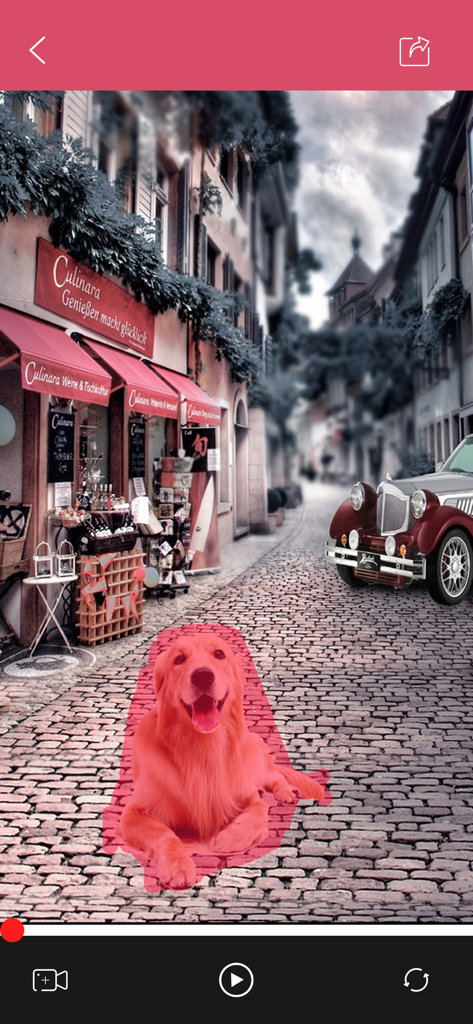
Video Retouchアプリのインターフェース。路上動画から削除する犬が赤でハイライトされている様子を表示

Video Retouchアプリのインターフェース。路上動画から削除する犬が赤でハイライトされている様子を表示

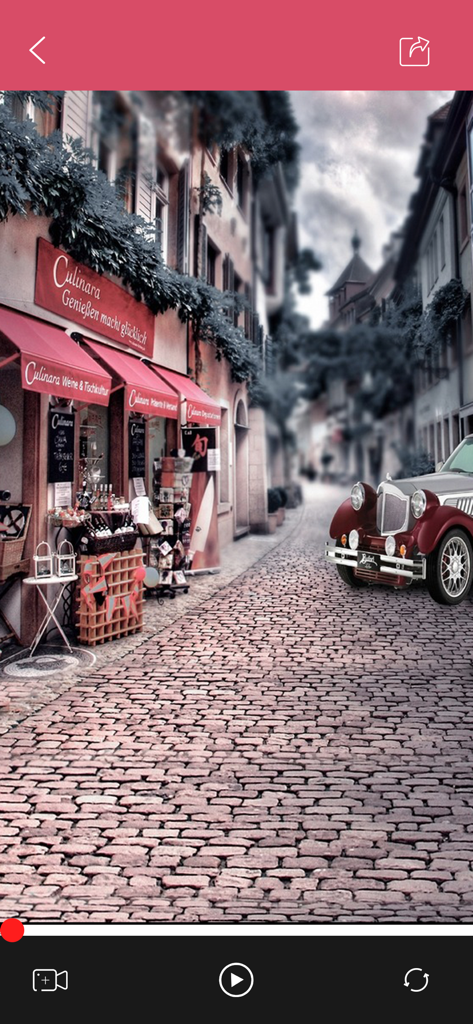
Video Retouchアプリのインターフェース。ヴィンテージカーのある街並みのプレビューを表示

Video Retouchアプリのインターフェース。ヴィンテージカーのある街並みのプレビューを表示

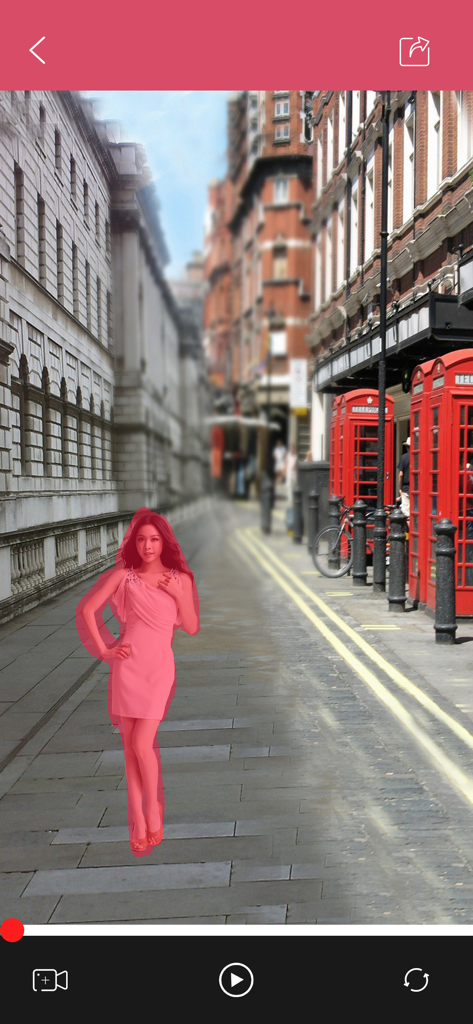
Video Retouchアプリを使用して、ロンドンの路上でオブジェクト除去のためにピンクのドレスの女性を選択

Video Retouchアプリを使用して、ロンドンの路上でオブジェクト除去のためにピンクのドレスの女性を選択

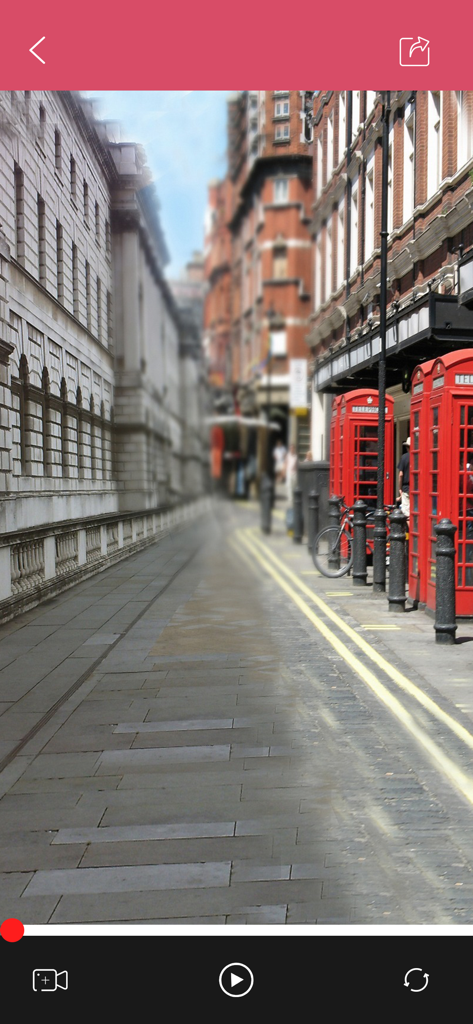
Video Retouchアプリの編集インターフェース。赤い電話ボックスのある街並みの編集を表示

Video Retouchアプリの編集インターフェース。赤い電話ボックスのある街並みの編集を表示

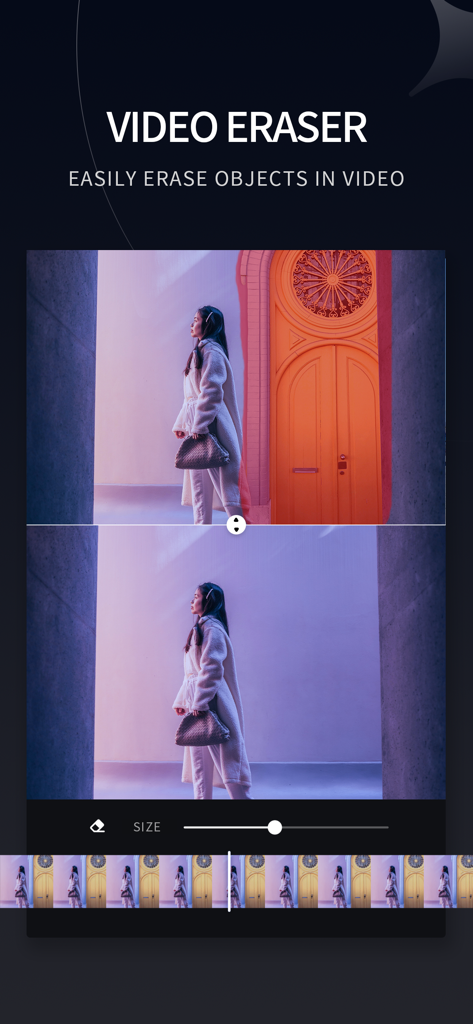
Video Retouchアプリを使用して動画の背景からオブジェクトを削除する前後の比較

Video Retouchアプリを使用して動画の背景からオブジェクトを削除する前後の比較

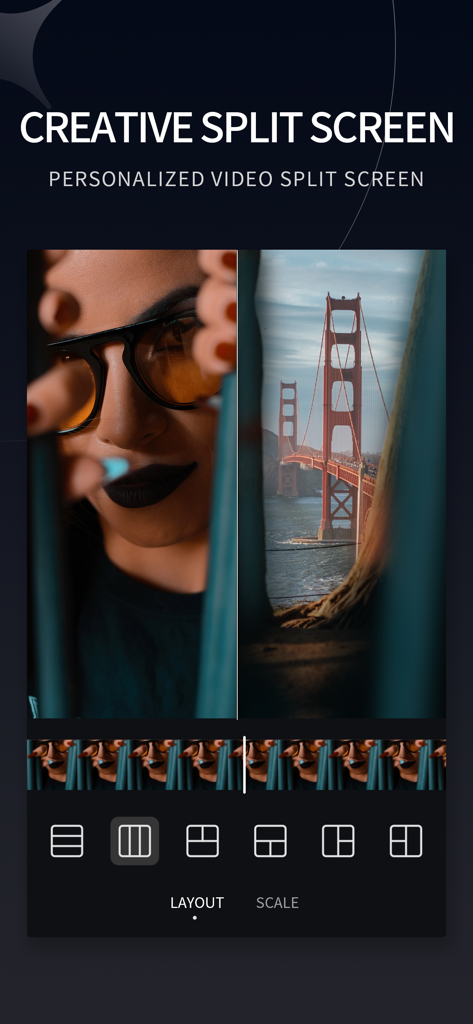
Video Retouchアプリのクリエイティブな分割画面インターフェース。ポートレートと橋の風景を並べて表示

Video Retouchアプリのクリエイティブな分割画面インターフェース。ポートレートと橋の風景を並べて表示

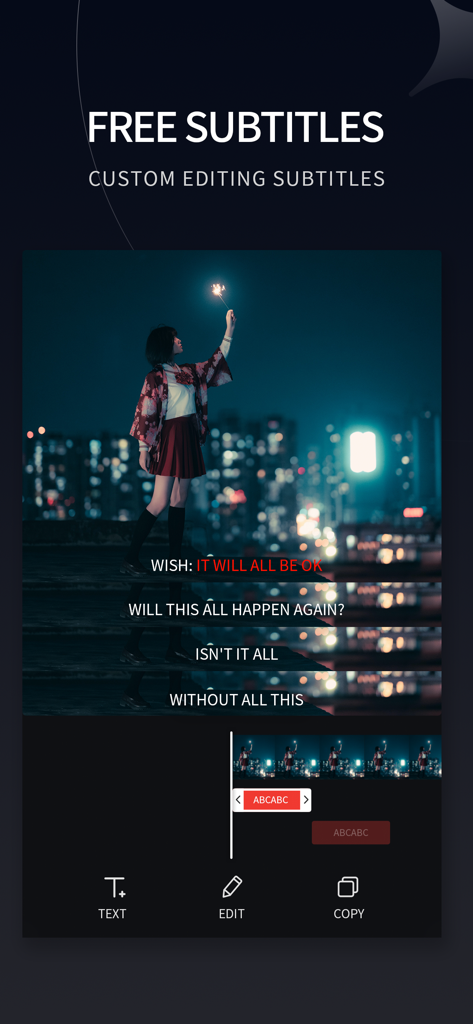
Video Retouchアプリのカスタム字幕の追加と編集用のインターフェース

Video Retouchアプリのカスタム字幕の追加と編集用のインターフェース

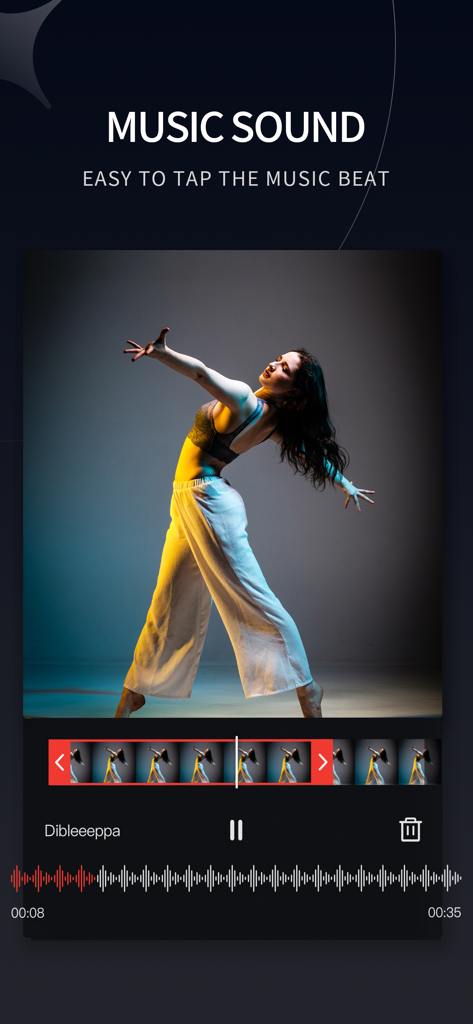
Video Retouchアプリの音楽サウンド編集インターフェース。ダンサー動画とオーディオ波形を表示

Video Retouchアプリの音楽サウンド編集インターフェース。ダンサー動画とオーディオ波形を表示

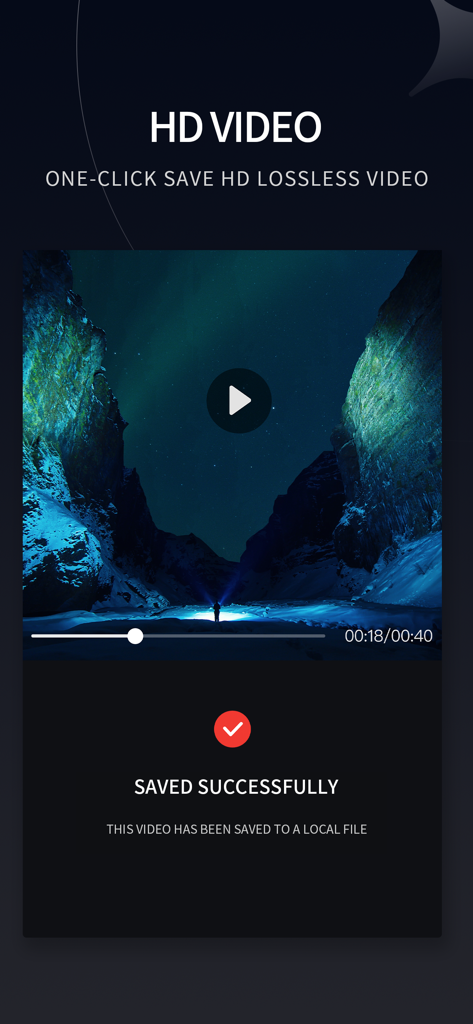
Video Retouchアプリのスクリーンショット。風景のプレビューとともに、HD動画のエクスポート成功確認画面を表示

Video Retouchアプリのスクリーンショット。風景のプレビューとともに、HD動画のエクスポート成功確認画面を表示

完璧な動画を、楽々作成

このアプリを際立たせるツール、 203K+ 人のユーザーが選択.

🖌️

スマートブラシ除去

不要なオブジェクト、人物、ウォーターマークをなぞるだけで、動画全体から瞬時に消去します。

クリーンな美学

視覚的な散らかりや邪魔なものを除去してフィードを完璧にし、ReelsやTikTokにプロフェッショナルで高級感のある外観を与えます。

🚀

モバイルファーストのスピード

複雑なデスクトップソフトウェアは不要です。外出先で編集し、数秒で傑作をソーシャルネットワークに共有しましょう。

アプリについて

について知っておくべきこと Video Retouch:Object Removal.

説明

Ever wanted to remove the boring things from a video? Now you can. Video Retouch can make object disappear quickly. Very simple to use. Simply paint the object area you want removed, and touch go button. Make fun video and share to your social network now. Membership subscription - You can subscribe for all premium features. - Payment will be charged to iTunes Account at confirmation of purchase - You will be able to color all available images for the duration of the subscription - Subscription automatically renews for the same price and duration period as the original "half year" package unless auto-renew is turned off at least 24-hours before the end of the current period - Account will be charged for renewal within 24-hours prior to the end of the current period at the cost of the chosen package (Semiannually package) - Subscriptions may be managed by the user and auto-renewal may be turned off by going to the user's iTunes Account Settings after purchase - No cancellation of the current subscription is allowed during active subscription period - You may cancel a subscription during its free trial period via the subscription setting through your iTunes account. This must be done 24 hours before the end of the subscription period to avoid being charged. Please visit http://support.apple.com/kb/ht4098 for more information - You may turn off the auto-renewal of your subscription via your iTunes Account Settings. However, you are not able to cancel the current subscription during its active period - Any unused portion of a free trial period, if offered, will be forfeited when the user purchases a subscription to that publication, where applicable Privacy Policy - https://www.jianshu.com/p/2a5e00634e6e Terms of use - https://www.jianshu.com/p/499c567ed121

最新バージョン

1.9

サイズ

37.7 MB

リリース日

2018年10月18日

完璧なショットの準備はできましたか?

20万人のクリエイターが、散らかったクリップを完璧な傑作に変えています。今すぐVideo Retouchをダウンロードして、ワンタップで邪魔なものを消しましょう。

ダウンロード: App Store

App information, icons, screenshots, and descriptions displayed on this page are sourced from the Apple App Store and are the property of their respective developers. Download estimates and rankings are based on MWM's proprietary models and may not reflect actual figures. This page is provided for informational and analytical purposes only.

Believe this page infringes your intellectual property? File a dispute