Word to PDF Converter ©

Word to PDF Converter ©

ダウンロード: App Store
ロゴ: Word to PDF Converter ©

WordからPDFへの変換 ©: iPhoneのためのオールインワン・プロフェッショナル・ドキュメントスタジオ

超高速、オフライン、安全。インターネット接続なしで、数秒で書類を変換、スキャン、署名、結合。あなたのオフィス全体を、ポケットに最適化。

ダウンロード: App Store

開発元

Kamalkumar Trapasiya

カテゴリ

Productivity

ダウンロード

12K+

ユーザー評価

4.3/5

評価数

100

対応言語

1

効率を動画で

このインターフェースを利用する 12K+ 人のユーザー.

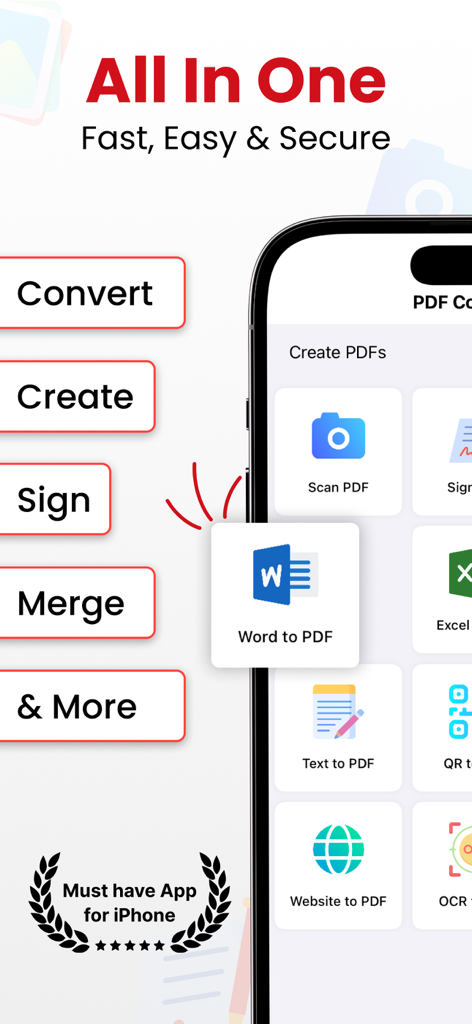
Word to PDF Converterアプリのインターフェース(iPhone)、ドキュメント管理機能が表示されている

Word to PDF Converterアプリのインターフェース(iPhone)、ドキュメント管理機能が表示されている

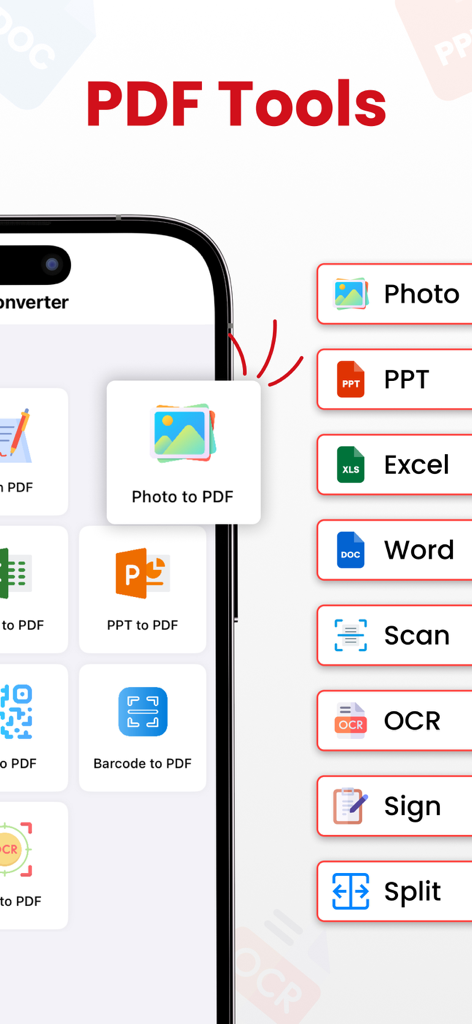
PDFツールを表示するモバイル画面。写真の変換、書類のスキャン、ファイルの署名

PDFツールを表示するモバイル画面。写真の変換、書類のスキャン、ファイルの署名

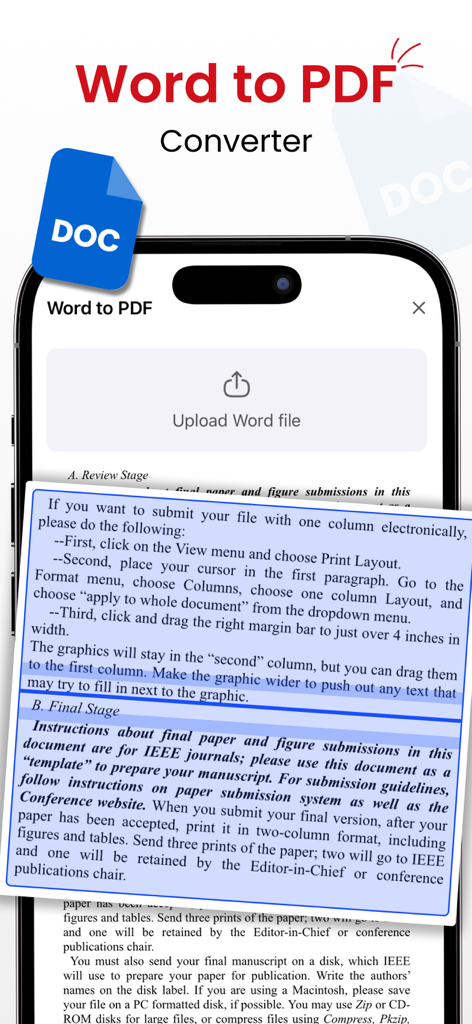
Word to PDF Converterモバイルアプリのインターフェース、ドキュメントのアップロードとプレビュー機能が表示されている

Word to PDF Converterモバイルアプリのインターフェース、ドキュメントのアップロードとプレビュー機能が表示されている

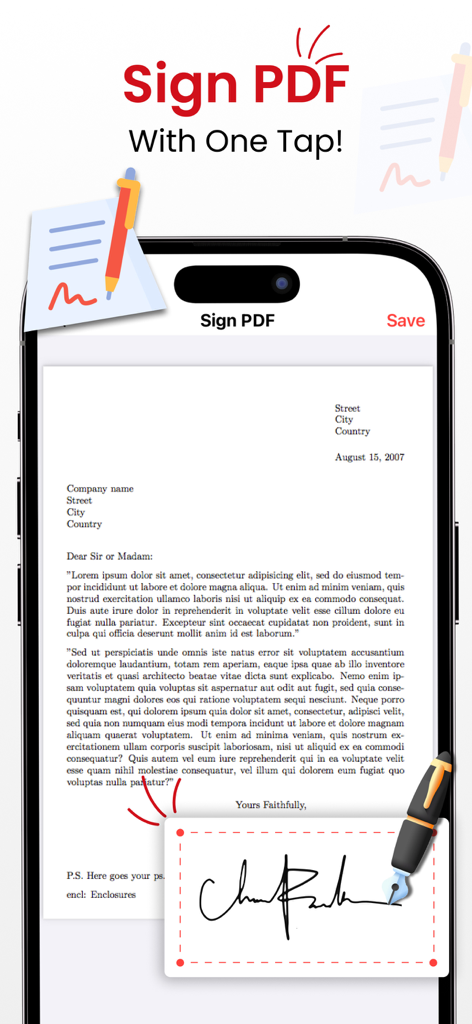
デジタル署名パッドと署名中のドキュメントが表示されている「PDFに署名」機能をディスプレイするiPhone

デジタル署名パッドと署名中のドキュメントが表示されている「PDFに署名」機能をディスプレイするiPhone

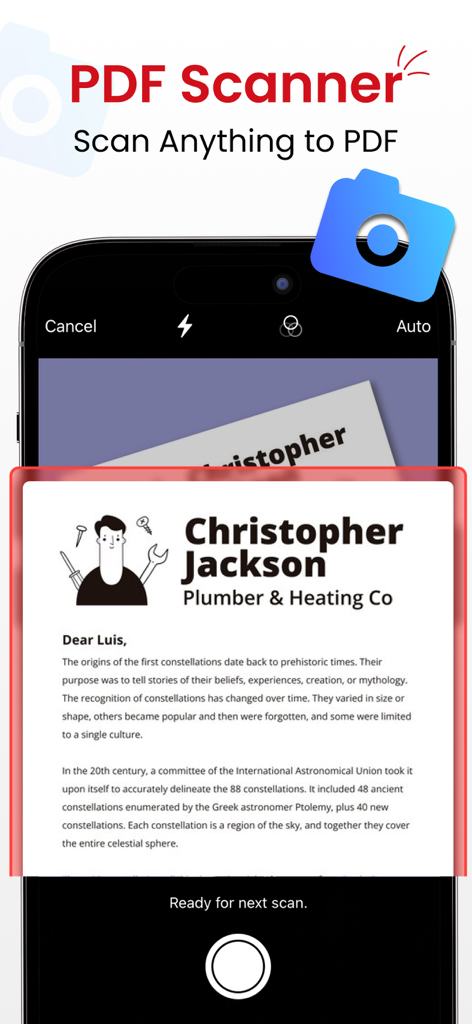
印刷された手紙をPDFに変換するためにスキャンするドキュメントスキャナ機能を表示するiPhoneアプリ画面

印刷された手紙をPDFに変換するためにスキャンするドキュメントスキャナ機能を表示するiPhoneアプリ画面

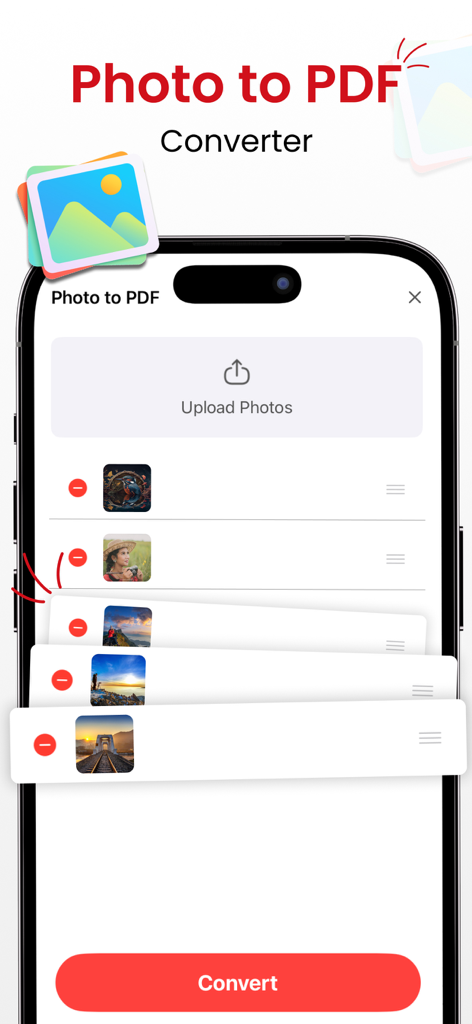
アップロードされた画像のリストと変換ボタンが表示されている写真からPDFへの変換機能を表示するモバイルインターフェース

アップロードされた画像のリストと変換ボタンが表示されている写真からPDFへの変換機能を表示するモバイルインターフェース

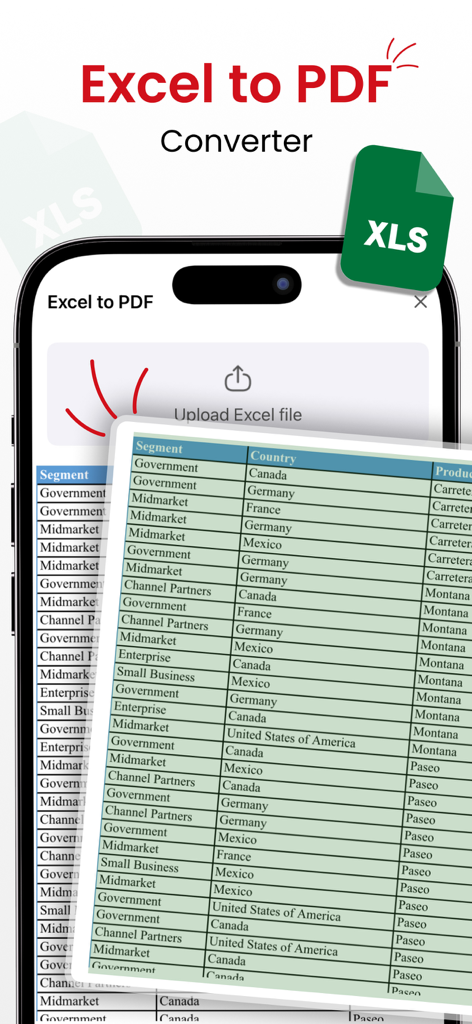
スプレッドシートのデータテーブルが表示されているExcelからPDFへの変換機能を表示するスマートフォン

スプレッドシートのデータテーブルが表示されているExcelからPDFへの変換機能を表示するスマートフォン

オールインワン・モバイルドキュメント・コマンドセンター

このアプリを際立たせるツール、 12K+ 人のユーザーが選択.

超高速オフライン変換

インターネット接続なしで、Word文書、写真、ウェブページを高品質PDFに即座に変換します。

✍️

どこでもスキャン、署名、編集

OCRで物理的な紙をデジタルファイルに変え、画面上で直接契約書に署名しましょう。プリンターやスキャナーは不要です。

🛠️

プロレベルのドキュメント管理

ファイルを簡単に結合、分割、圧縮して、プロフェッショナルなワークフローを整理し、即時共有できるようにします。

アプリについて

について知っておくべきこと Word to PDF Converter ©.

説明

Unlock the full potential of document management with PDF Converter—the go-to app for lightning-fast PDF transformation. Seamlessly convert a variety of files using robust tools for instant, offline PDF creation. - Effortless PDF Conversion: Convert files to PDF with unmatched speed and quality—no internet required. - Preserve Memories, Instantly: Transform photos into professional-grade PDFs with a single tap. - OCR for Seamless Text Recognition: Easily convert text images to editable PDFs with advanced OCR technology. - Capture Web Content, Anytime: Store valuable web content with Website to PDF—your information, your way. Dynamic Code Conversion: - QR to PDF: Convert QR codes into PDFs effortlessly. - Barcode to PDF: Transform barcodes and UPC codes into easily shareable PDFs. Optimized PDF Management: - Merge PDFs: Combine multiple PDFs into one organized document. - Split PDFs: Divide large PDFs into smaller, manageable files. - Compress PDFs: Optimize file sizes without compromising quality. Versatile Document Handling: - Document Scanner: Quickly scan and convert documents into high-quality PDFs. - Document Reader: View PDFs, Word, Excel, and Powerpoint documents. - Sign PDFs: Add signatures directly to your PDFs, making it easy to sign contracts and agreements on the go. Why Choose PDF Converter? - Supports a vast range of file formats for a seamless experience. - Unparalleled speed and quality in document conversion. - No internet connection needed, ensuring accessibility anytime, anywhere. - Share your professionally converted files effortlessly with friends and family. Highly Trusted - Join satisfied users who rely on us for their document conversion needs. PRO Version: Unlock the full potential of our app with premium version. Payment will be charged to your iTunes account at confirmation of purchase. Subscriptions automatically renew unless auto-renew is turned off 24-hours before the end of the current period. Accounts will be charged for renewal within 24 hours of the end of the current period, and a renewal fee will be provided. The unused portion of a free trial period, if offered, will be forfeited when the user purchases a subscription to that product. Please note that a subscription is required for the complete functionality of the app. Privacy: https://sites.google.com/view/kttechapps-privacy/home Terms: https://sites.google.com/view/kttechapps-terms/home Love using PDF Converter? Share the app or leave a review! Your feedback helps us improve. Download Now and Unleash the Power of Comprehensive Document Management!

最新バージョン

2.8

サイズ

29.1 MB

リリース日

2022年1月22日

外出先で書類をマスターしよう

何千人ものプロフェッショナルや学生に加わり、iPhoneを高機能モバイルオフィスに変えよう。今すぐダウンロードして、いつでも、どこでも、完全にオフラインで、あらゆるファイルをスキャン、署名、変換しよう。

ダウンロード: App Store

App information, icons, screenshots, and descriptions displayed on this page are sourced from the Apple App Store and are the property of their respective developers. Download estimates and rankings are based on MWM's proprietary models and may not reflect actual figures. This page is provided for informational and analytical purposes only.

Believe this page infringes your intellectual property? File a dispute