
ConnectWise Control


iPhone 및 iPad용 가장 강력한 원격 액세스 앱으로 IT 팀이 어디서든 중요한 문제를 해결하고, 서버를 관리하고, 클라이언트를 지원할 수 있도록 지원합니다.
개발사
카테고리
Business다운로드
586K+사용자 평점
총 평가 수
800지원 언어
-이 인터페이스를 사용하는 586K+ 명의 사용자.
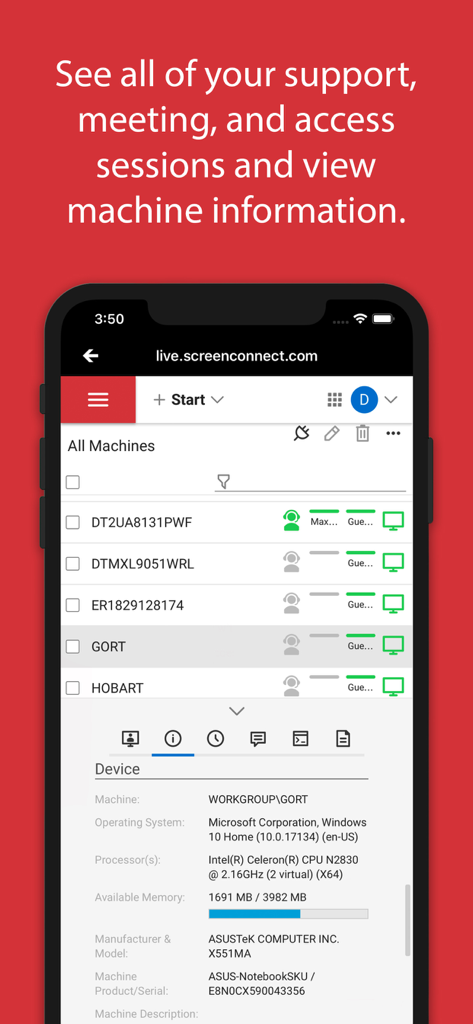
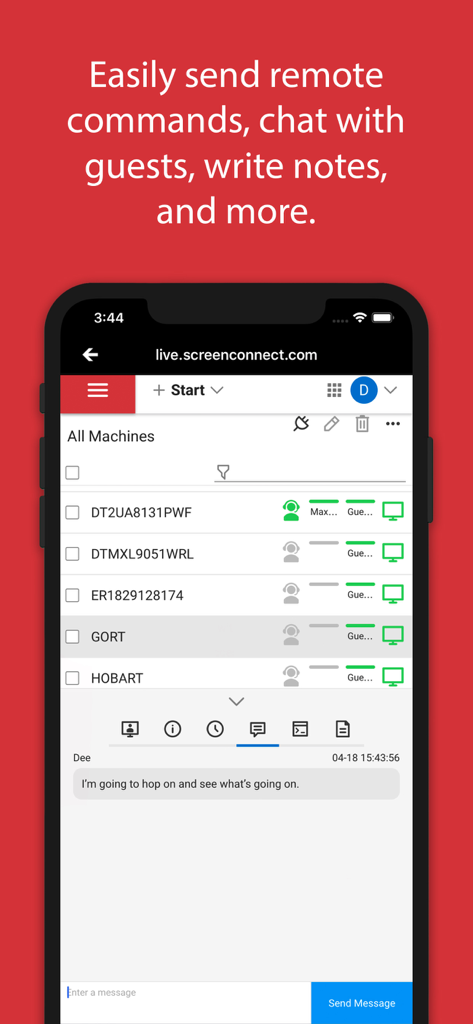
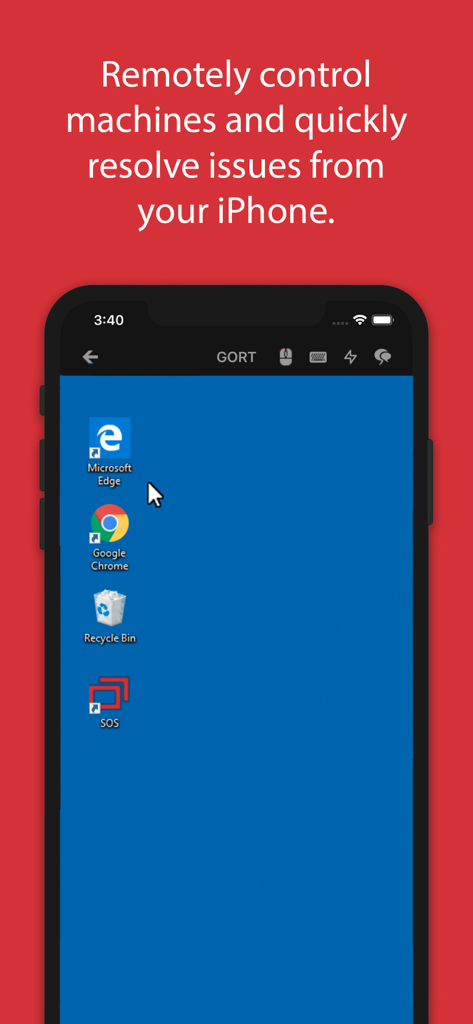
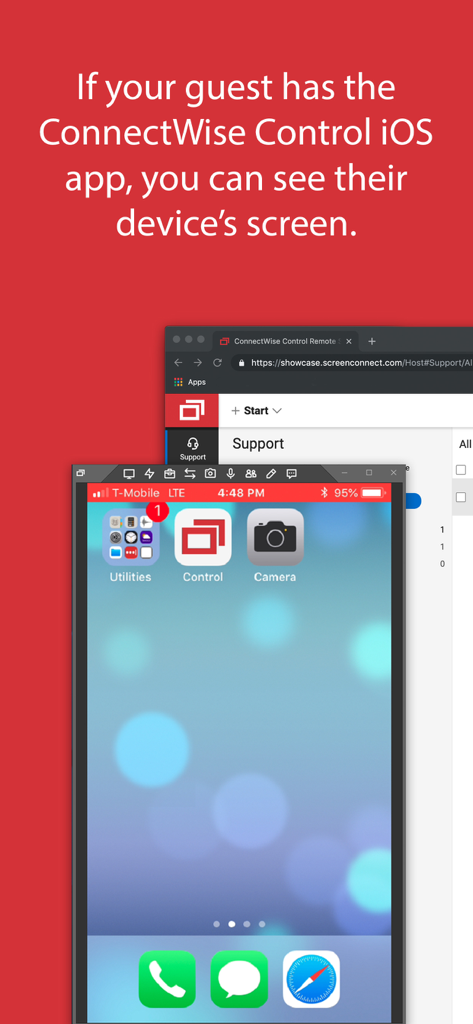
이 앱을 돋보이게 하는 도구, 586K+ 명의 사용자가 선택.
iOS 장치에 최적화된 유연한 화면 공유로 Windows, Mac, Linux 컴퓨터에 대한 고성능 액세스를 확보하세요.
터미널 명령을 보내고, 중요한 파일을 전송하고, 세션 채팅을 사용하여 마치 현장에 있는 것처럼 문제를 해결하세요.
원격 서버를 모니터링하고 관리하거나 주문형 지원 세션에 참여하여 전체 인프라의 연중무휴 가동 시간을 유지하세요.
사용자 리뷰 인사이트.
감정 점수
요약
The mobile app receives overwhelmingly negative feedback, with the vast majority of users reporting it is exploited by scammers to gain unauthorized remote access to their devices. Numerous individuals recount being defrauded, experiencing significant financial loss, and having their personal data stolen after being tricked into downloading the app by scammers impersonating entities like PayPal, Amazon, or StubHub. Users strongly advise against installing the application if prompted by untrusted sources due to its pervasive misuse as a tool for financial fraud and data theft. While one review praises its legitimate function as a 'Best support application', this positive sentiment is largely overshadowed by widespread warnings.
주요 테마
에 대해 알아야 할 모든 것 ConnectWise Control.
설명
최신 버전
2019.5.26289.0
크기
28.6 MB
출시일
2011년 3월 25일
책상에 얽매이지 않는 586,000명 이상의 IT 전문가와 함께하세요. 이동 중에도 안전하고 빠른 원격 지원 및 원격 액세스를 위한 공식 모바일 앱을 받으세요.
에 대해 알아야 할 모든 것 ConnectWise Control
공식 ConnectWise Control 앱을 사용하면 장치에 즉시 연결하고 원격으로 제어할 수 있어 iPhone 또는 iPad 사용자에게 원격 지원 및 액세스 기능을 제공합니다.
ConnectWise Control은 iPhone 또는 iPad에서 직접 Windows, Mac, Linux 및 모바일 장치에 대한 안전한 원격 액세스 및 제어를 제공합니다.
예, ConnectWise Control 앱은 파일 전송을 지원하여 원격 세션 중에 연결된 장치 간에 파일을 이동할 수 있습니다.
예, ConnectWise Control을 사용하면 원격 세션 중에 앱 내에서 최종 사용자와 채팅할 수 있어 지원을 위한 커뮤니케이션을 강화할 수 있습니다.
예, ConnectWise Control 앱은 iOS 11 이상을 지원하며 iPhone 또는 iPad 화면을 다른 장치로 브로드캐스트할 수 있습니다.
ConnectWise Control 앱이 작동하려면 버전 6.0 이상을 실행하는 기존 ConnectWise Control 인스턴스가 필요합니다.
예, 앱을 통해 원격 세션을 호스팅하고 참여하려면 기존 ConnectWise Control 인스턴스 또는 계정이 필요합니다. 체험판을 사용할 수 있습니다.
예, ConnectWise Control 앱을 사용하면 운영 체제 및 프로세서 세부 정보를 포함하여 연결된 장치에 대한 포괄적인 머신 정보를 볼 수 있습니다.
유사한 기능과 사용자 경험을 가진 앱

Shanghai best oray information s&t co.,ltd

Guangzhou NetEase Computer System Co.Ltd

AWERAY PTE. LTD.

AnyDesk Software GmbH

TeamViewer Germany GmbH

Hainan Youqu Technology Co., Ltd.

ZULER TECHNOLOGY PTE. LTD.

Termius Corporation

RealVNC Limited
App information, icons, screenshots, and descriptions displayed on this page are sourced from the Apple App Store and are the property of their respective developers. Download estimates and rankings are based on MWM's proprietary models and may not reflect actual figures. This page is provided for informational and analytical purposes only.
Believe this page infringes your intellectual property? File a dispute