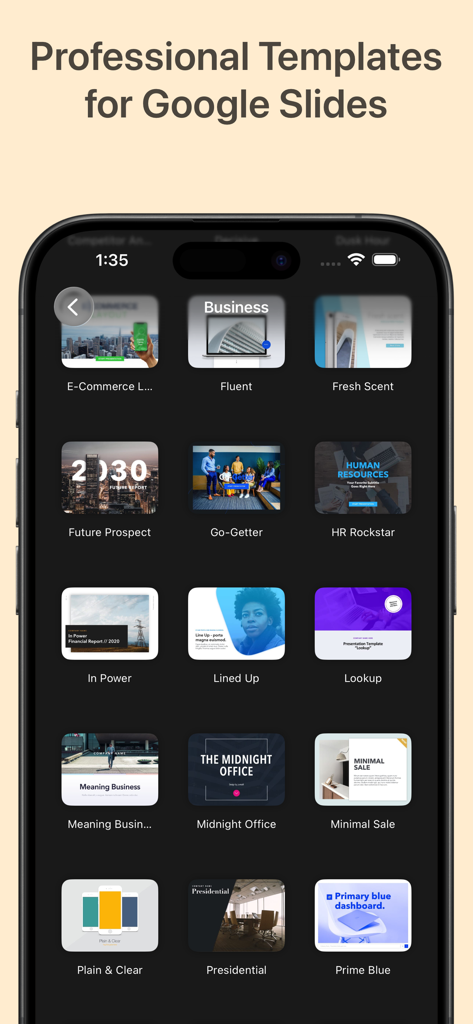
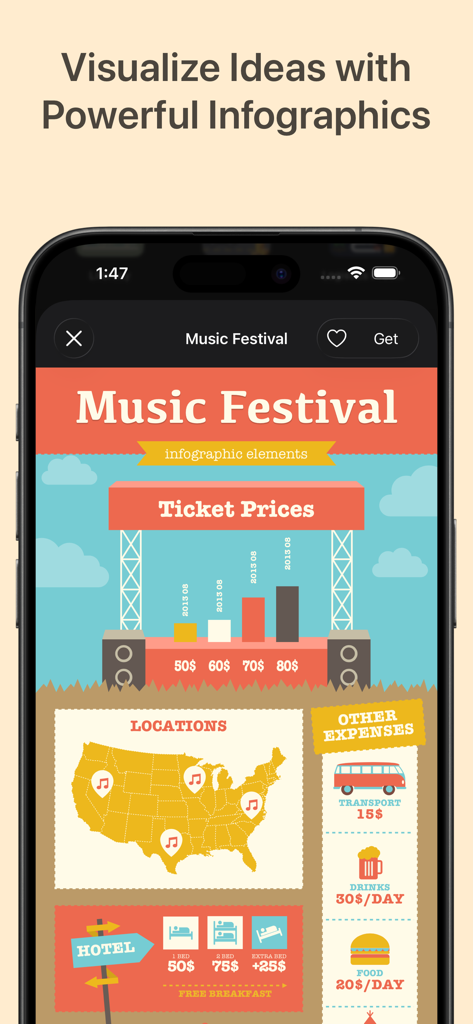
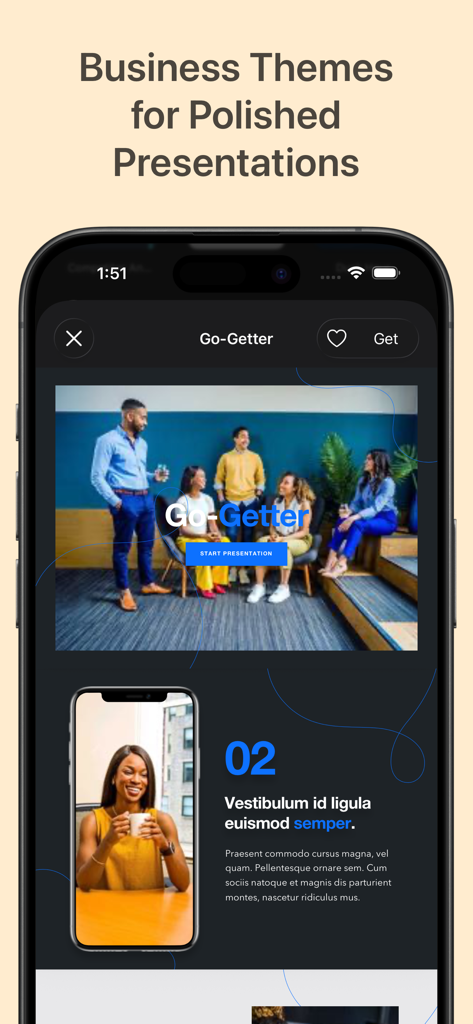
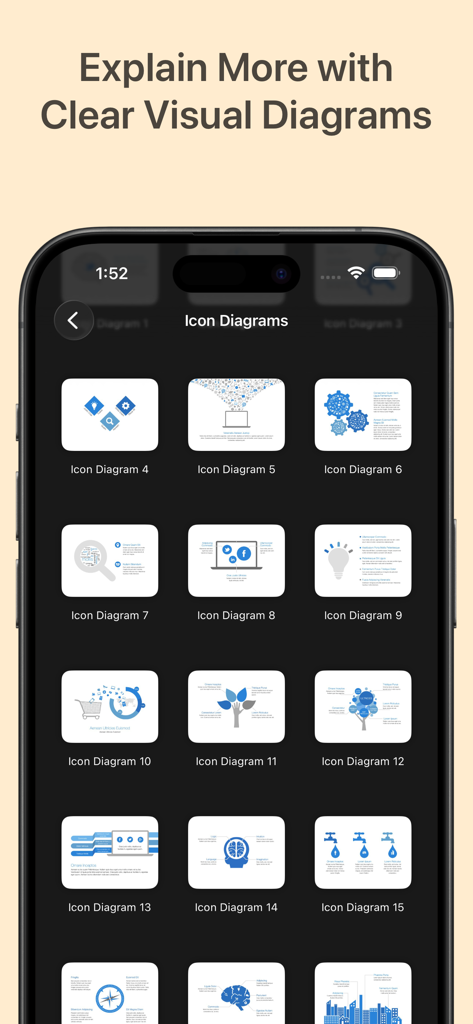
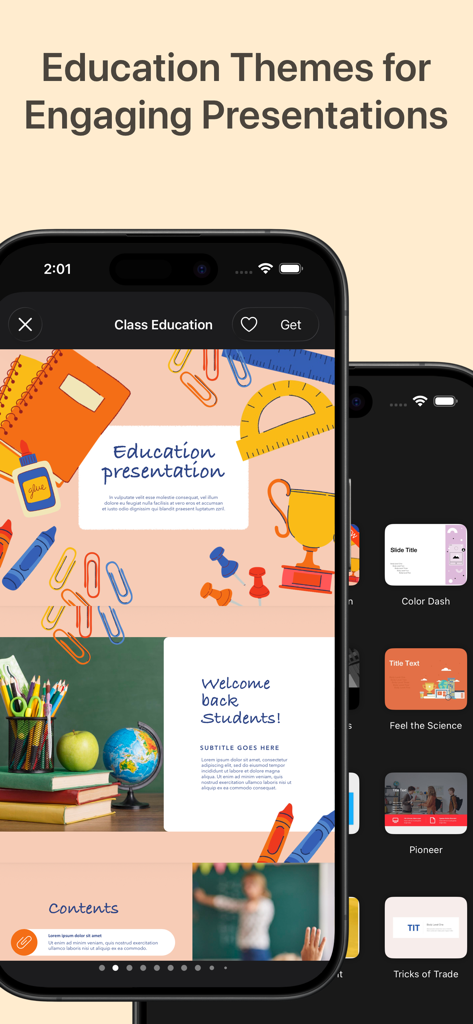
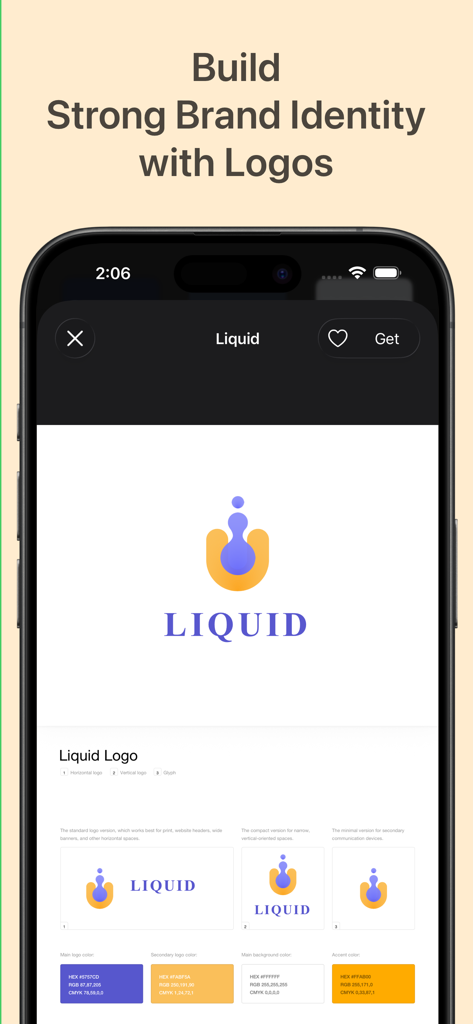
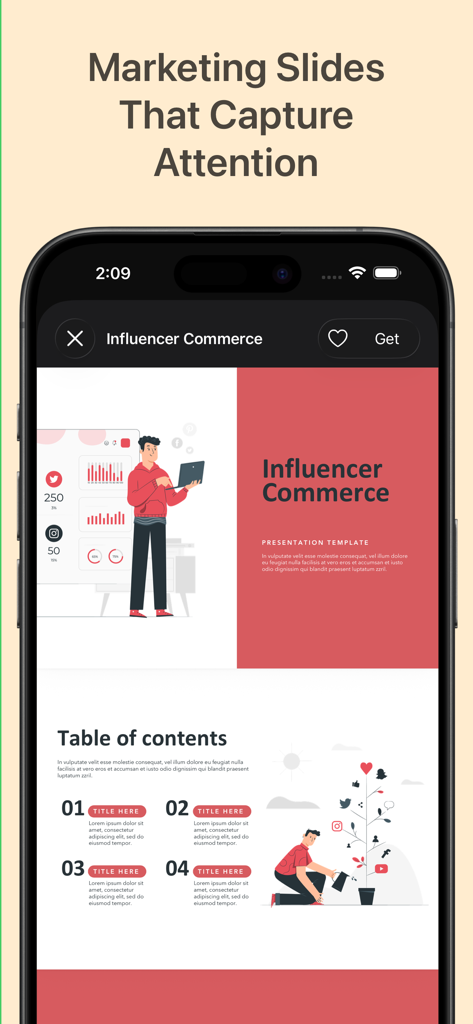
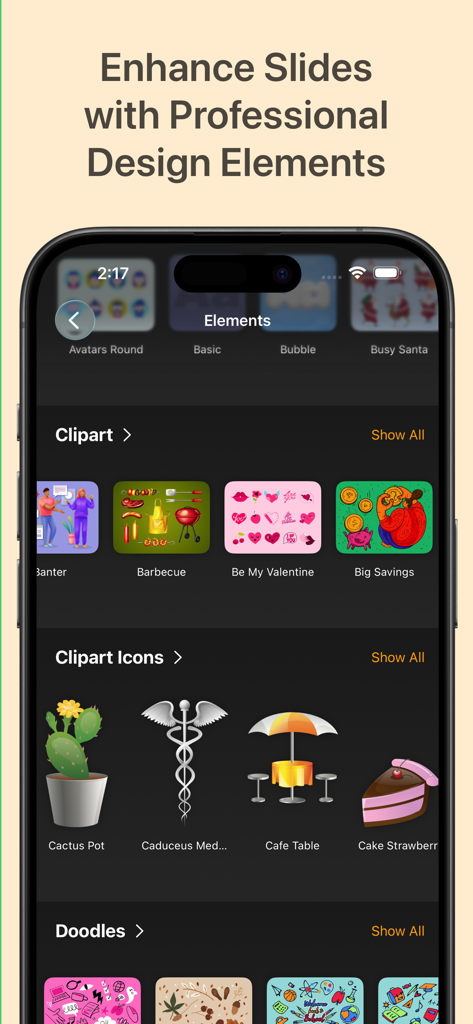
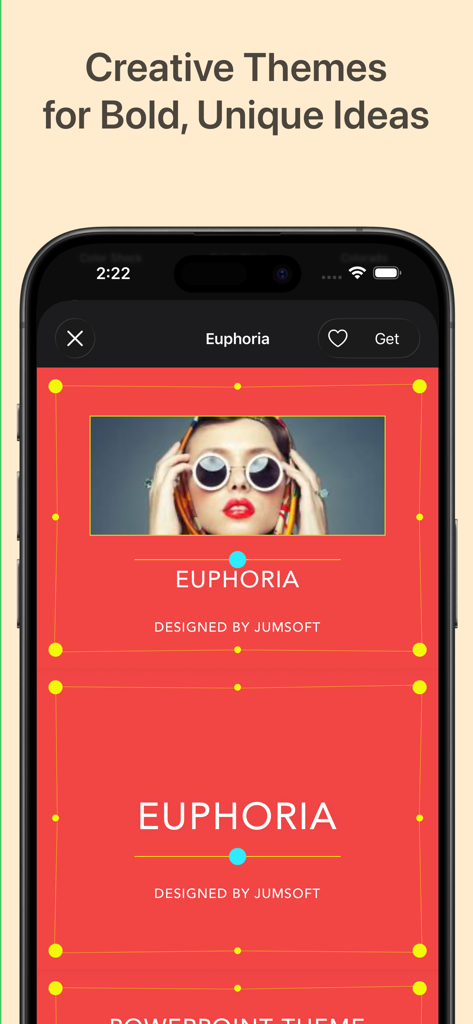
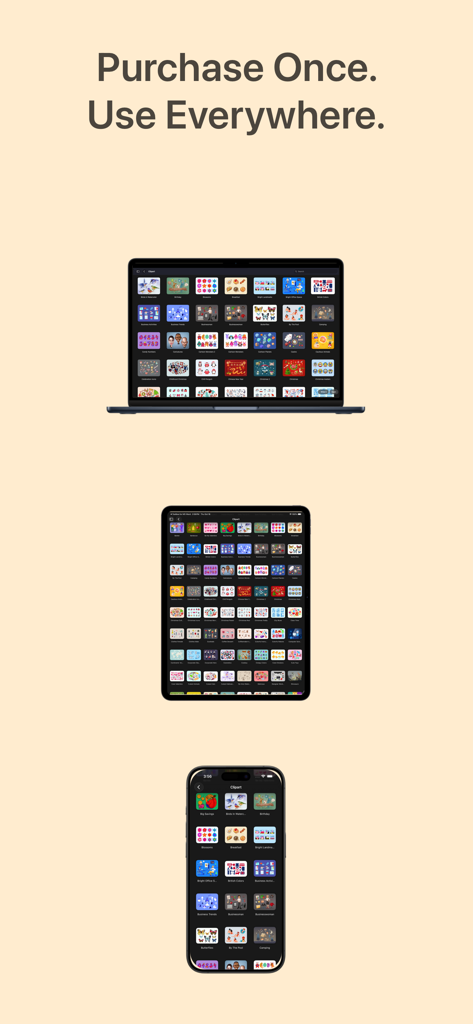
Toolbox for Google Slides is your complete design toolkit for creating polished, modern, and professional presentations in minutes. With thousands of ready-made templates, slide layouts, charts, diagrams, infographics, icons, and creative elements, it provides everything you need to elevate your Google Slides projects quickly and effortlessly. Whether you are preparing a business pitch deck, marketing presentation, school project, report, timeline, or social media visual, Toolbox for Google Slides helps you work faster and design better. Why it’s great: Thousands of Google Slides templates, themes, charts, diagrams, and infographics Professional designs for business, education, marketing, creative work, and workshops New content added regularly by our design team One subscription across all your devices 3-day free trial to explore the full library What’s inside (detailed highlights): Presentation Templates & Slide Layouts: Pitch decks, business reports, company profiles Marketing slides, analytics, strategy visuals Education templates, lessons, worksheets, classroom presentations Title slides, section dividers, quotes, image layouts Tables, lists, comparison slides, dashboards Event posters and announcement slides Infographics & Diagrams: Data charts, bar/line/pie graphs Flowcharts, mind maps, decision trees Process charts, funnels, cycles, pyramids, hierarchies Timelines, milestones, roadmaps Maps: countries, cities, regions, flags, geography visuals Graphics & Creative Elements: Icons, pictograms, symbols Backgrounds, gradients, textures, shapes Frames, badges, labels, decorative elements Clipart collections for business, education, lifestyle, technology Themes & Style Packs: Complete Google Slides themes Coordinated color palettes and typography Matching slide families for full presentation decks Perfect for: Business professionals preparing pitch decks, reports, analytics Students and teachers creating lessons, assignments, and projects Marketing teams designing product and campaign slides Content creators, coaches, trainers, workshop presenters Anyone who wants to upgrade presentations quickly and consistently Fast, simple, and intuitive: Download the app Browse categories or search Choose a template and use it in Google Slides Customize text, colors, images, and layout Export or present instantly Always up to date: Our design team continuously adds fresh slides, diagrams, graphics, and themes to ensure Toolbox for Google Slides remains modern, complete, and easy to use. Support & feedback: If you notice an issue or have ideas for improvement, contact support@jumsoft.com. If you enjoy the app, please leave a review—your feedback helps others discover Toolbox for Google Slides. Compatibility: Requires Google Slides. Optimized for macOS and iOS for smooth cross-device workflow.