Toolbox for MS PowerPoint

Toolbox for MS PowerPoint


다운로드: App Store
로고: Toolbox for MS PowerPoint

MS PowerPoint용 툴박스: 몇 분 만에 전문가 수준의 프레젠테이션 만들기

처음부터 시작하지 마세요. 수천 개의 디자이너가 만든 템플릿, 다이어그램, 인포그래픽을 사용하여 모든 Apple 기기에서 아이디어를 세련되고 영향력 있는 시각 자료로 바꾸세요.

개발사

Jumsoft

카테고리

Graphics & Design

다운로드

171K+

사용자 평점

4.1/5

총 평가 수

100

지원 언어

1

당신의 비전을 세련되게

이 인터페이스를 사용하는 171K+ 명의 사용자.

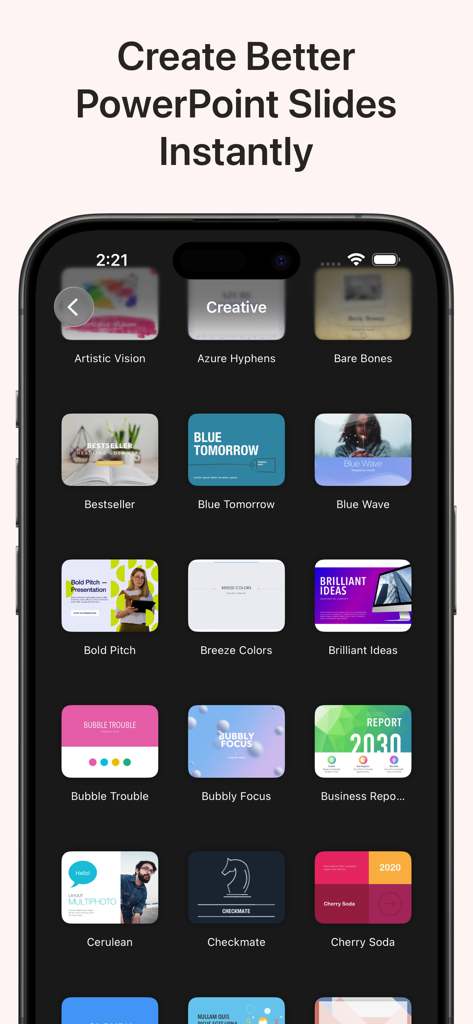
현대적인 PowerPoint 프레젠테이션 템플릿 컬렉션을 보여주는 모바일 앱 인터페이스.

현대적인 PowerPoint 프레젠테이션 템플릿 컬렉션을 보여주는 모바일 앱 인터페이스.

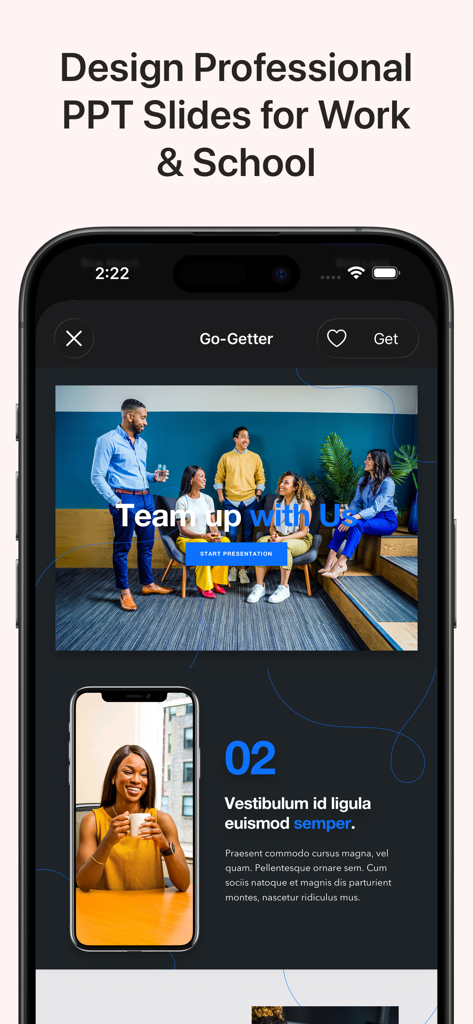
업무 및 학교용 전문가 PowerPoint 슬라이드 템플릿을 보여주는 모바일 앱 인터페이스

업무 및 학교용 전문가 PowerPoint 슬라이드 템플릿을 보여주는 모바일 앱 인터페이스

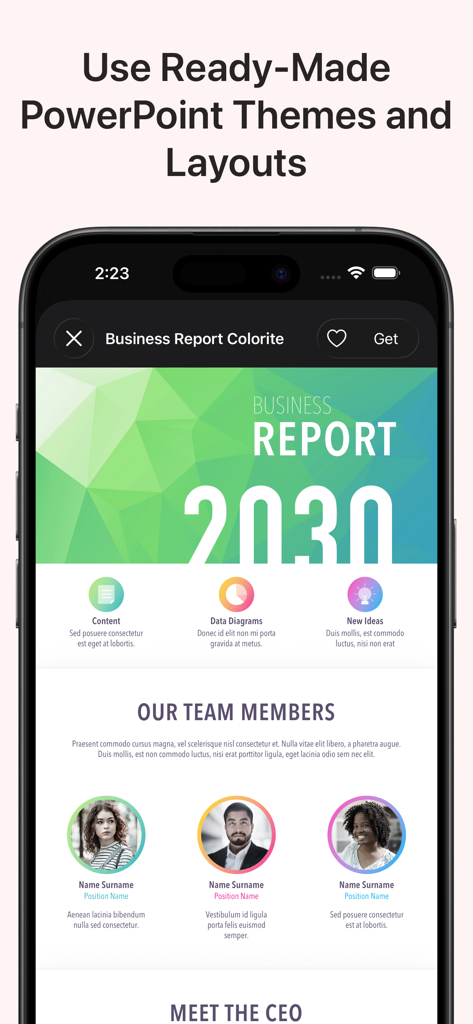
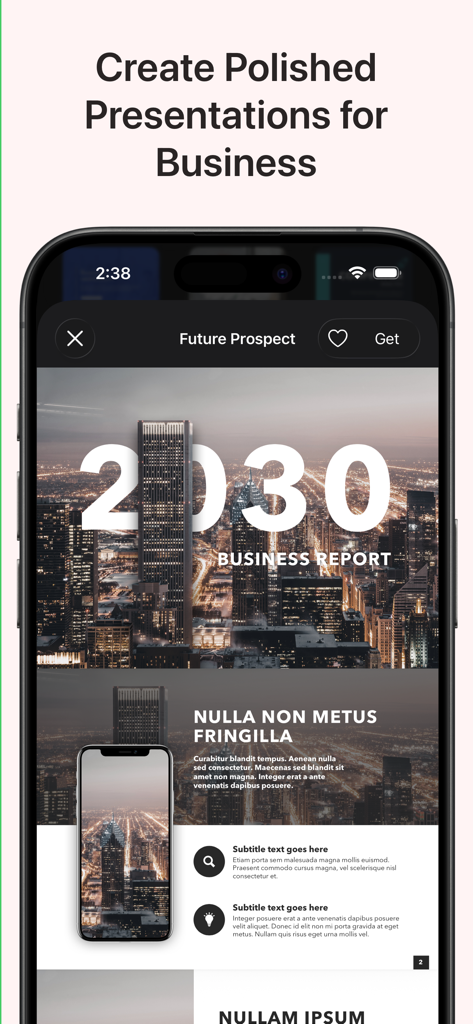
모바일 장치에서 Microsoft PowerPoint용 전문가 비즈니스 보고서 프레젠테이션 테마 및 레이아웃 미리 보기.

모바일 장치에서 Microsoft PowerPoint용 전문가 비즈니스 보고서 프레젠테이션 테마 및 레이아웃 미리 보기.

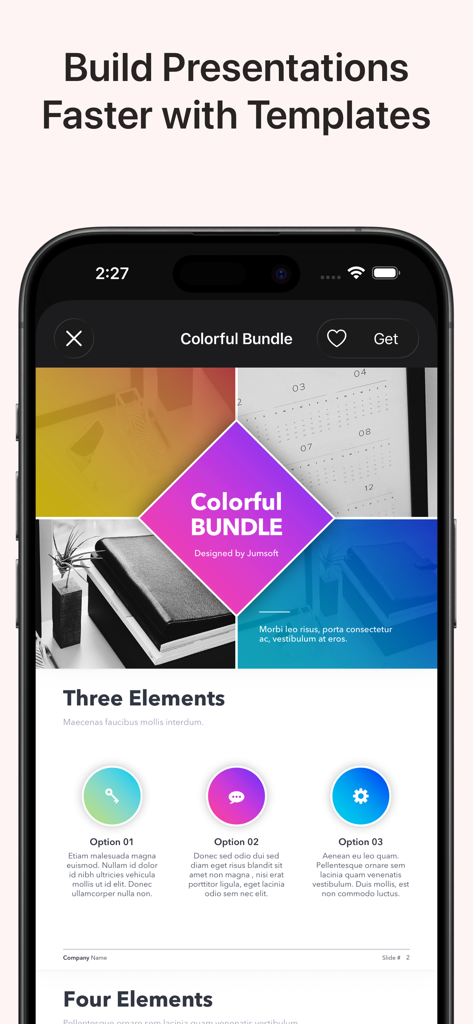
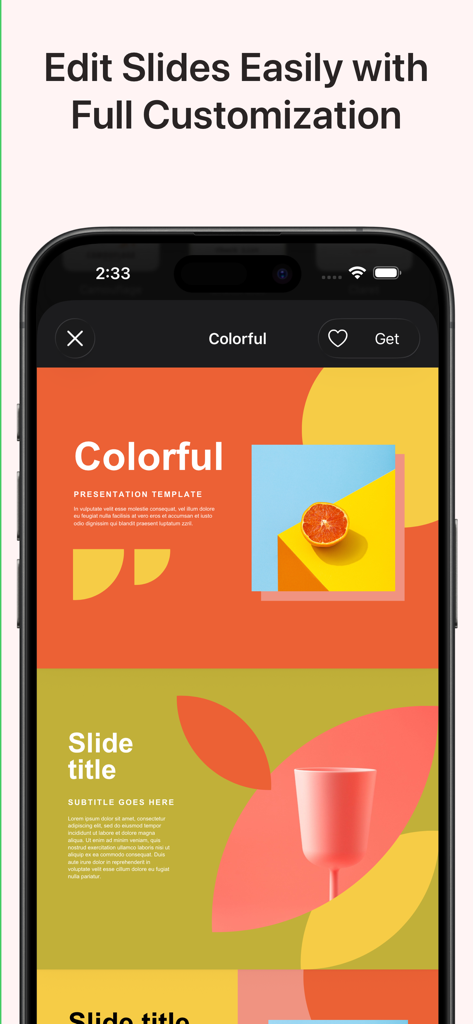
Microsoft PowerPoint용 화려한 프레젠테이션 템플릿을 보여주는 모바일 앱 인터페이스.

Microsoft PowerPoint용 화려한 프레젠테이션 템플릿을 보여주는 모바일 앱 인터페이스.

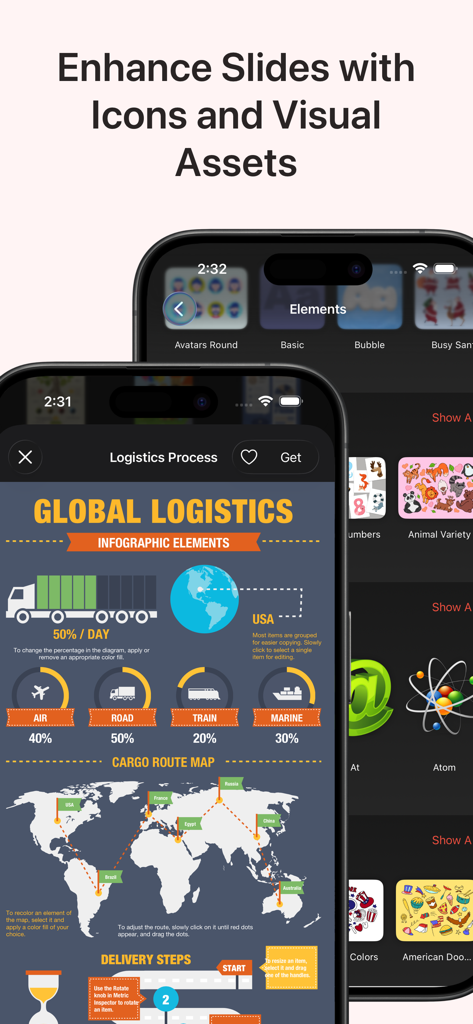
PowerPoint 프레젠테이션용 물류 인포그래픽 템플릿 및 그래픽 아이콘 표시.

PowerPoint 프레젠테이션용 물류 인포그래픽 템플릿 및 그래픽 아이콘 표시.

밝고 사용자 정의 가능한 PowerPoint 프레젠테이션 템플릿을 표시하는 iPhone 화면

밝고 사용자 정의 가능한 PowerPoint 프레젠테이션 템플릿을 표시하는 iPhone 화면

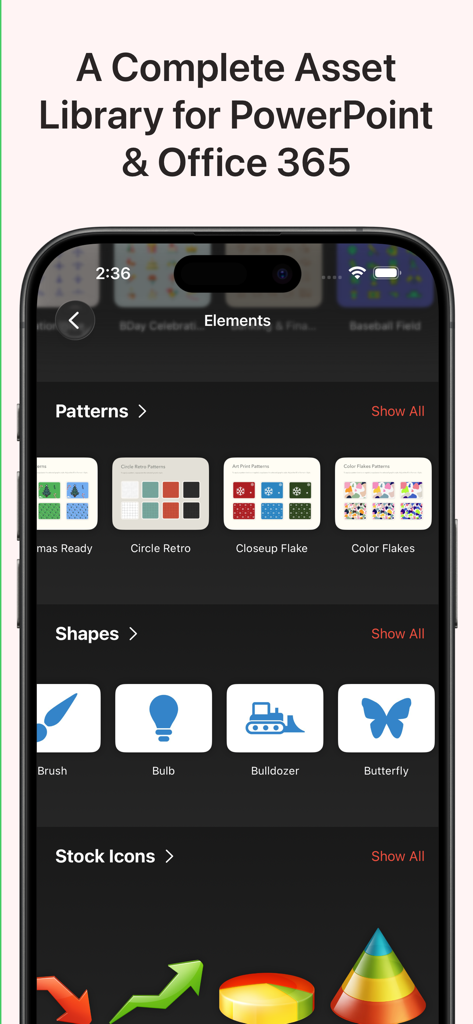
PowerPoint 프레젠테이션용 패턴, 도형, 아이콘과 같은 디자인 에셋을 보여주는 모바일 앱 인터페이스

PowerPoint 프레젠테이션용 패턴, 도형, 아이콘과 같은 디자인 에셋을 보여주는 모바일 앱 인터페이스

스마트폰 화면에 표시되는 비즈니스 보고서 프레젠테이션 템플릿

스마트폰 화면에 표시되는 비즈니스 보고서 프레젠테이션 템플릿

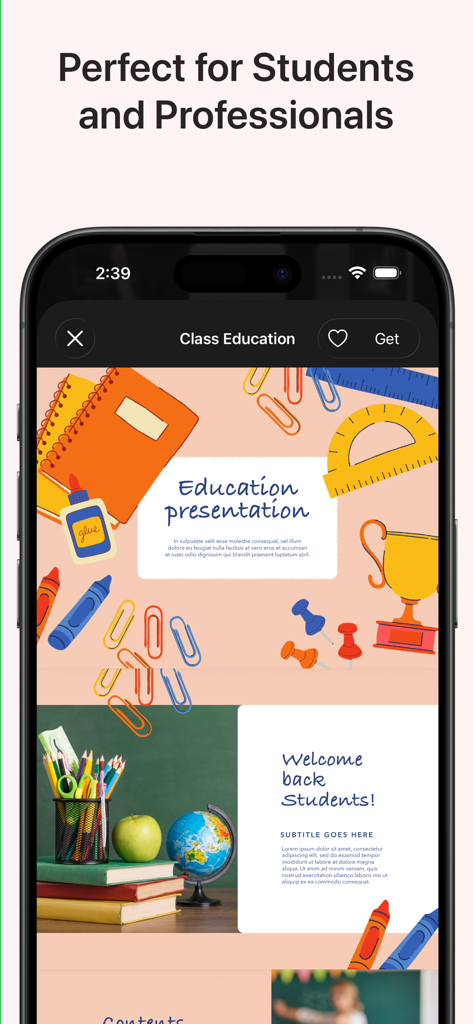
학교 용품 삽화가 있는 학생 및 교사용 교육 테마 PowerPoint 템플릿의 모바일 보기

학교 용품 삽화가 있는 학생 및 교사용 교육 테마 PowerPoint 템플릿의 모바일 보기

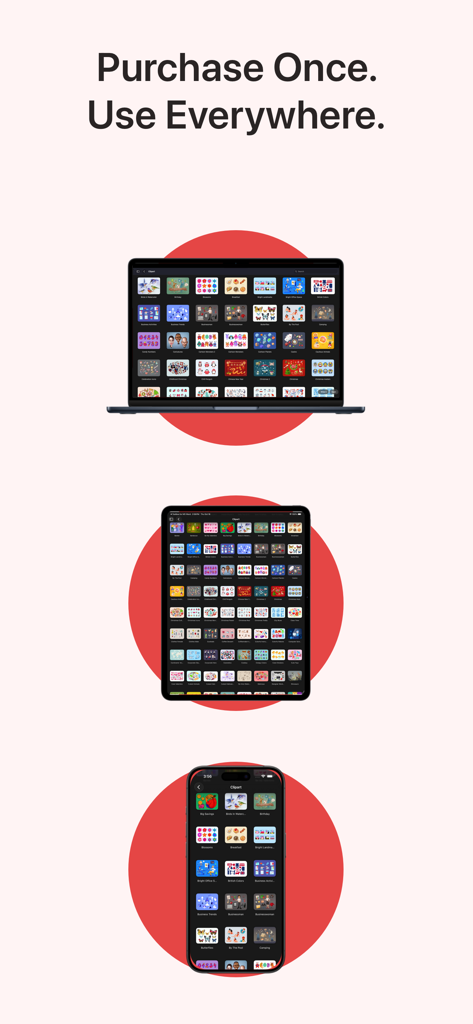
MacBook, iPad 및 iPhone에서 표시되는 MS PowerPoint용 툴박스 앱

MacBook, iPad 및 iPhone에서 표시되는 MS PowerPoint용 툴박스 앱

몇 분 만에 중요한 프레젠테이션 디자인하기

이 앱을 돋보이게 하는 도구, 171K+ 명의 사용자가 선택.

🎨

디자이너 수준의 템플릿

디자인 기술 없이도 경쟁 우위를 제공하는 세련된 피치 덱과 비즈니스 보고서를 이용하세요.

📊

스마트 데이터 시각화

복잡한 분석을 직관적인 인포그래픽과 순서도로 변환하여 C-suite에게 통찰력을 돋보이게 하세요.

📲

유연한 크로스 디바이스 워크플로우

macOS 및 iOS에 최적화되어 사무실 Mac과 모바일 장치 간에 슬라이드를 원활하게 다듬을 수 있습니다.

앱 소개

에 대해 알아야 할 모든 것 Toolbox for MS PowerPoint.

설명

Toolbox for MS PowerPoint is a complete design toolkit for creating polished, professional, and engaging presentations quickly and easily. With thousands of ready-made slides, templates, diagrams, charts, infographics, themes, icons, and graphics, the app gives you everything you need to upgrade your PowerPoint projects in minutes. Whether you are preparing a business pitch, marketing deck, educational presentation, company report, strategy overview, workshop slides, or promotional visuals, Toolbox for MS PowerPoint provides a fast, efficient, and visually impressive solution. Why it’s great: Thousands of professionally designed slides, layouts, diagrams, and infographics Perfect for business, education, marketing, creative work, and training presentations Fresh content is added regularly by our design team One subscription across all your devices 3-day free trial to explore the full library What’s inside (detailed highlights): Presentation Templates and Slide Layouts: Pitch decks, business reports, analytics, strategy slides Marketing presentations, product overviews, campaign materials Educational slides, lessons, class materials, workshops Title slides, section dividers, quote slides, photo layouts Tables, lists, comparison layouts, dashboards Event slides, announcement pages, promo visuals Diagrams and Infographics: Bar, line, and pie charts Flowcharts, mind maps, decision diagrams Process charts, funnels, cycles, pyramids, hierarchies Timelines, milestones, roadmaps Geographic maps with countries, cities, and regions Visual elements for data analysis and corporate storytelling Graphics and Creative Elements: Icons, shapes, pictograms, symbols Backgrounds, gradients, textures Badges, labels, frames, decorative elements Clipart for business, tech, education, lifestyle topics Themes and Style Packs: Full presentation themes with consistent fonts and colors Coordinated styles for complete, unified slide decks Matching slide collections for larger presentations Perfect for: Business professionals preparing reports, pitches, and analytics Teachers and students creating lessons and classroom presentations Marketing teams designing product and campaign slides Trainers, speakers, and workshop facilitators Anyone who wants better-looking PowerPoint presentations in less time Fast and simple workflow: Download the app Browse categories or search Open a slide or theme in PowerPoint Customize text, colors, images, and layout Export or present immediately Always up to date: Our design team continually adds new slides, diagrams, graphics, and themes to ensure Toolbox for MS PowerPoint stays modern and complete. Support and feedback: If you experience issues or have suggestions, contact support@jumsoft.com. If you enjoy Toolbox for MS PowerPoint, please consider leaving a review. Your feedback helps others discover the app. Compatibility: Requires Microsoft PowerPoint. Optimized for macOS and iOS for seamless cross-device use.

최신 버전

9.0.3

크기

13.7 MB

출시일

2020년 5월 15일

다음 프레젠테이션을 혁신할 준비가 되셨나요?

171,000명 이상의 전문가와 함께 오늘 3일 무료 평가판을 시작하세요. Mac, iPad, iPhone에서 수천 개의 프리미엄 템플릿과 인포그래픽을 원활하게 이용하세요.

다운로드: App Store
FAQ

자주 묻는 질문

에 대해 알아야 할 모든 것 Toolbox for MS PowerPoint

MS PowerPoint용 툴박스란 무엇인가요?

MS PowerPoint용 툴박스는 수천 개의 즉시 사용 가능한 슬라이드, 템플릿, 다이어그램, 차트, 인포그래픽, 테마, 아이콘 및 그래픽을 제공하는 종합 디자인 툴킷입니다. 사용자가 세련되고 전문적인 프레젠테이션을 빠르고 쉽게 만들 수 있도록 도와줍니다.

MS PowerPoint용 툴박스는 어떤 종류의 템플릿을 제공하나요?

MS PowerPoint용 툴박스는 피치 덱, 비즈니스 보고서, 마케팅 프레젠테이션, 교육용 슬라이드, 표, 목록, 비교, 대시보드 및 이벤트 발표용 레이아웃을 포함한 다양한 템플릿을 제공합니다.

MS PowerPoint용 툴박스에서 템플릿을 사용자 정의할 수 있나요?

네, 사용자는 PowerPoint에서 템플릿과 슬라이드를 연 후 MS PowerPoint용 툴박스 내에서 텍스트, 색상, 이미지 및 레이아웃을 쉽게 사용자 정의할 수 있습니다.

MS PowerPoint용 툴박스에 대한 무료 체험판이 제공되나요?

네, MS PowerPoint용 툴박스는 구독을 결정하기 전에 전체 디자인 에셋 및 기능 라이브러리를 탐색할 수 있는 3일 무료 체험판을 제공합니다.

MS PowerPoint용 툴박스에는 어떤 시각적 에셋이 포함되어 있나요?

MS PowerPoint용 툴박스에는 다이어그램, 인포그래픽, 그래픽(아이콘, 모양, 그림 문자, 배경, 배지) 및 일관된 글꼴과 색상을 사용하여 통일된 슬라이드 덱을 만드는 전체 프레젠테이션 테마가 포함되어 있습니다.

MS PowerPoint용 툴박스는 정기적인 콘텐츠 업데이트를 받나요?

네, MS PowerPoint용 툴박스의 디자인 팀은 콘텐츠를 최신 상태로 유지하고 포괄적으로 만들기 위해 지속적으로 새로운 슬라이드, 다이어그램, 그래픽 및 테마를 추가합니다.

MS PowerPoint용 툴박스는 여러 장치와 호환되나요?

네, MS PowerPoint용 툴박스는 모든 장치에서 하나의 구독을 지원하며 macOS 및 iOS에서 원활한 교차 장치 사용에 최적화되어 있습니다.

MS PowerPoint용 툴박스의 대상 고객은 누구인가요?

MS PowerPoint용 툴박스는 비즈니스 전문가, 교사, 학생, 마케팅 팀, 트레이너, 연사 및 전문적인 PowerPoint 프레젠테이션을 더 빠르게 만들어야 하는 모든 사람을 대상으로 합니다.

App information, icons, screenshots, and descriptions displayed on this page are sourced from the Apple App Store and are the property of their respective developers. Download estimates and rankings are based on MWM's proprietary models and may not reflect actual figures. This page is provided for informational and analytical purposes only.

Believe this page infringes your intellectual property? File a dispute