Email Aqua Mail Secure Client

Email Aqua Mail Secure Client


다운로드: App Store다운로드: Google Play
로고: Email Aqua Mail Secure Client

Aqua Mail 보안 클라이언트: 전문가를 위한 최고의 통합 받은 편지함

모든 계정을 하나의 스마트하고 개인 정보 보호 중심 환경으로 통합하는 안전하고 사용자 정의 가능한 이메일 제어 센터로 생산성을 높이세요.

개발사

Aqua Mail Inc

카테고리

Business

다운로드

36K+

사용자 평점

4.4/5

총 평가 수

1K+

지원 언어

8

이메일 제어 센터

이 인터페이스를 사용하는 36K+ 명의 사용자.

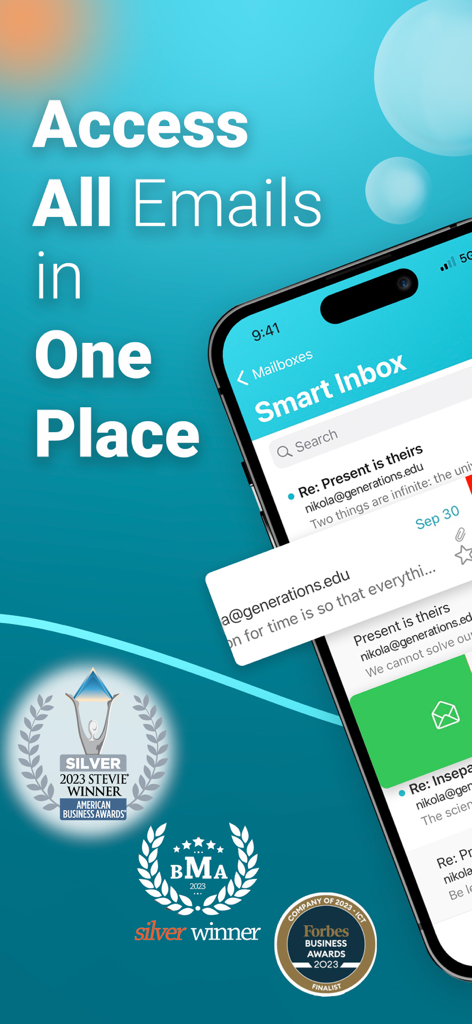
Aqua Mail 스마트 받은 편지함 인터페이스로 여러 이메일 계정을 한 곳에서 관리합니다.

Aqua Mail 스마트 받은 편지함 인터페이스로 여러 이메일 계정을 한 곳에서 관리합니다.

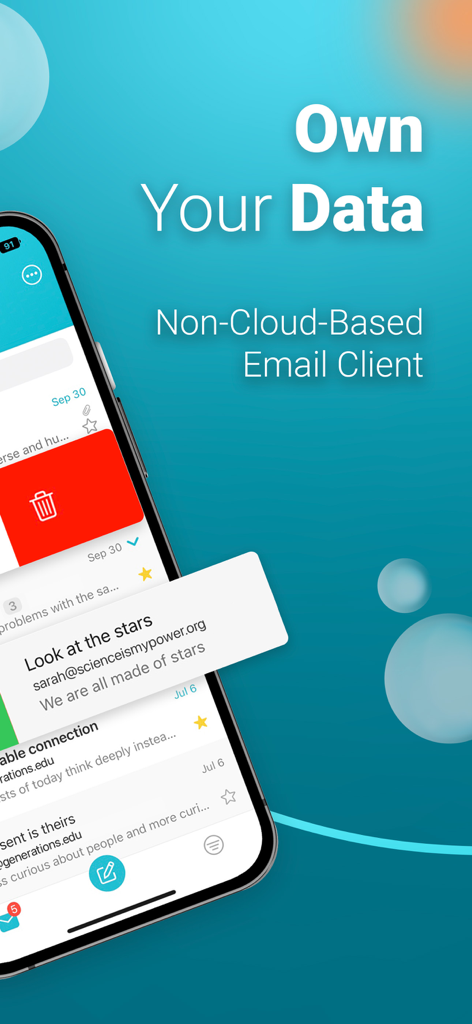
Aqua Mail 인터페이스는 안전한 클라우드 없는 이메일 클라이언트 기능과 데이터 개인 정보 보호를 강조합니다.

Aqua Mail 인터페이스는 안전한 클라우드 없는 이메일 클라이언트 기능과 데이터 개인 정보 보호를 강조합니다.

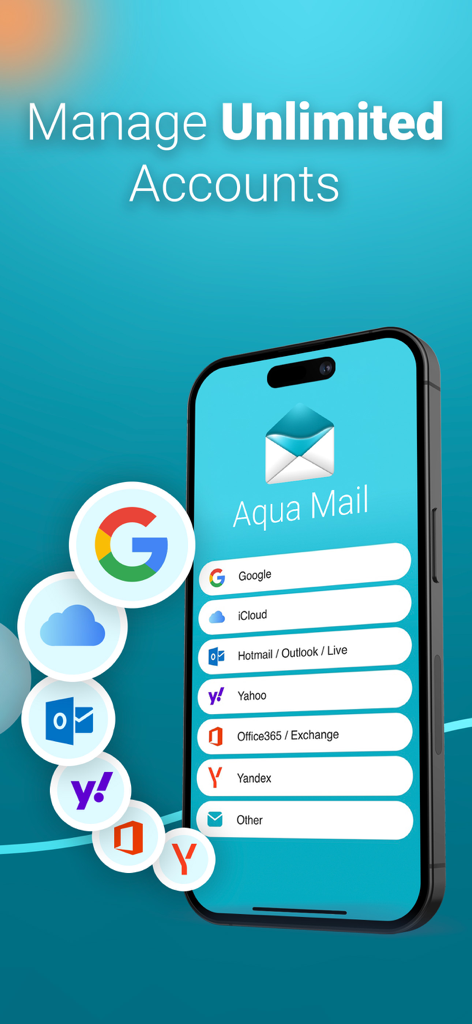
Aqua Mail 앱 인터페이스는 iPhone에서 무제한 계정을 관리하기 위한 지원되는 이메일 제공업체 목록을 보여줍니다.

Aqua Mail 앱 인터페이스는 iPhone에서 무제한 계정을 관리하기 위한 지원되는 이메일 제공업체 목록을 보여줍니다.

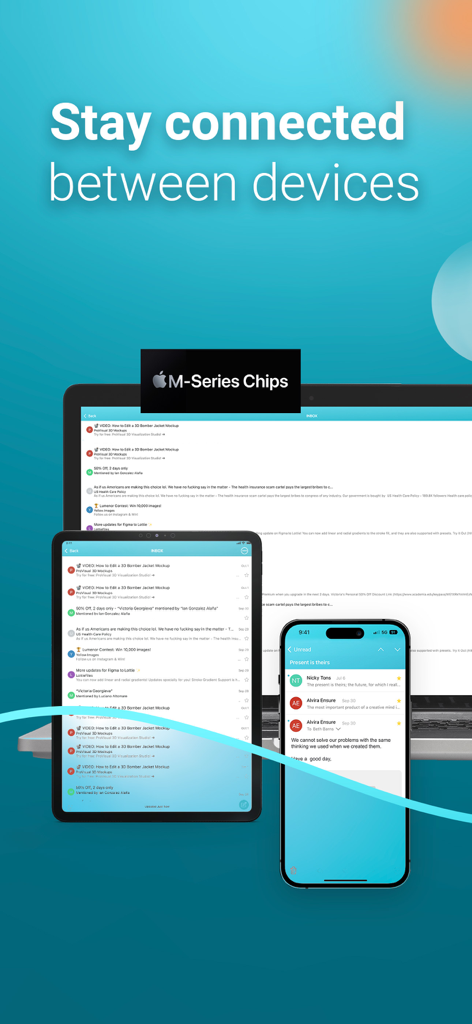
랩톱, 태블릿 및 스마트폰에 표시되는 Aqua Mail 이메일 클라이언트는 다중 장치 연결을 보여줍니다.

랩톱, 태블릿 및 스마트폰에 표시되는 Aqua Mail 이메일 클라이언트는 다중 장치 연결을 보여줍니다.

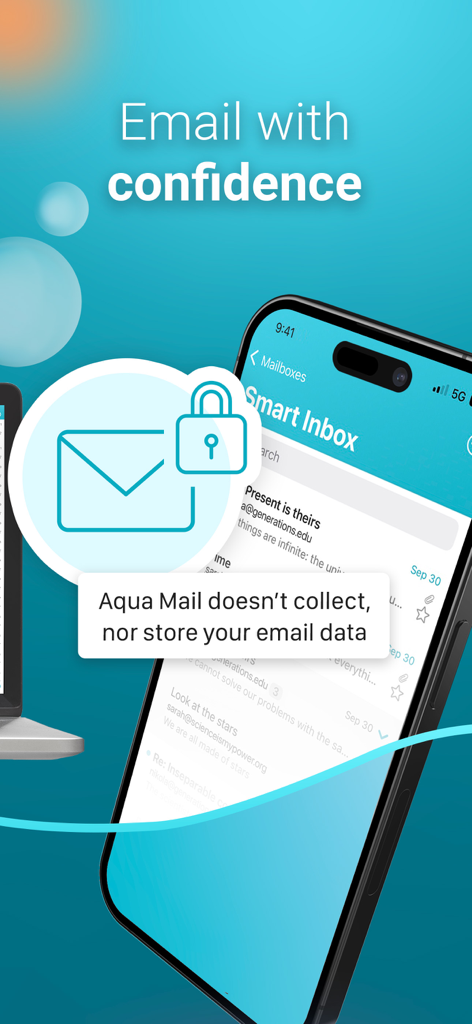
iPhone은 안전한 데이터 저장에 대한 메시지가 포함된 Aqua Mail 스마트 받은 편지함을 표시합니다.

iPhone은 안전한 데이터 저장에 대한 메시지가 포함된 Aqua Mail 스마트 받은 편지함을 표시합니다.

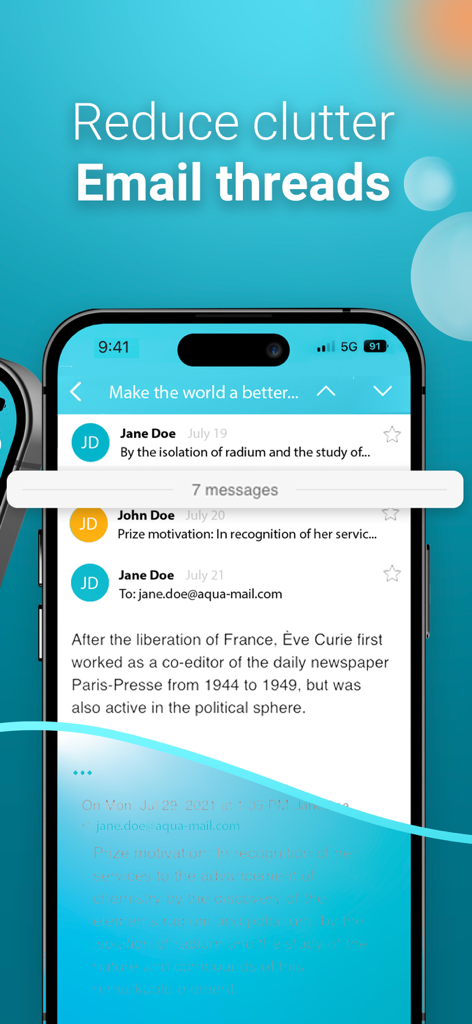
iOS용 Aqua Mail 앱에서 정리된 이메일 스레드 보기.

iOS용 Aqua Mail 앱에서 정리된 이메일 스레드 보기.

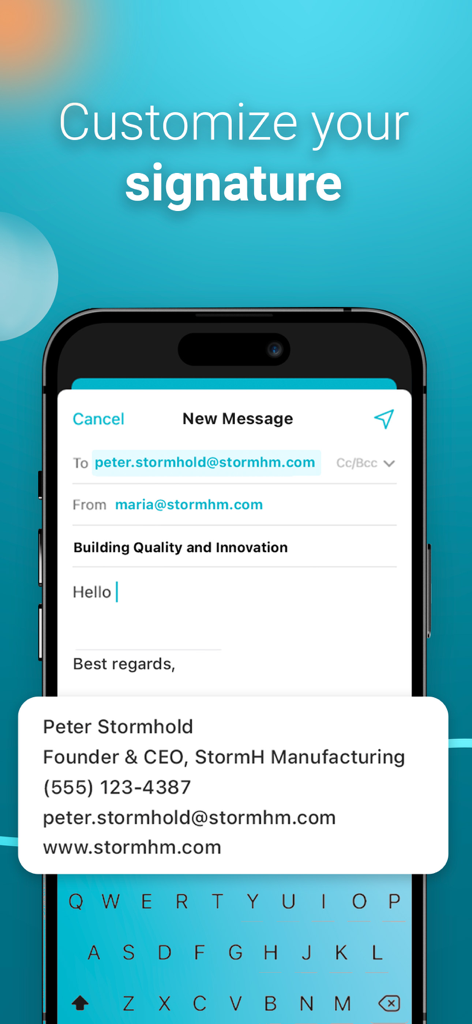
Aqua Mail 앱에서 전문적인 사용자 지정 이메일 서명을 편집하는 것을 보여주는 모바일 화면입니다.

Aqua Mail 앱에서 전문적인 사용자 지정 이메일 서명을 편집하는 것을 보여주는 모바일 화면입니다.

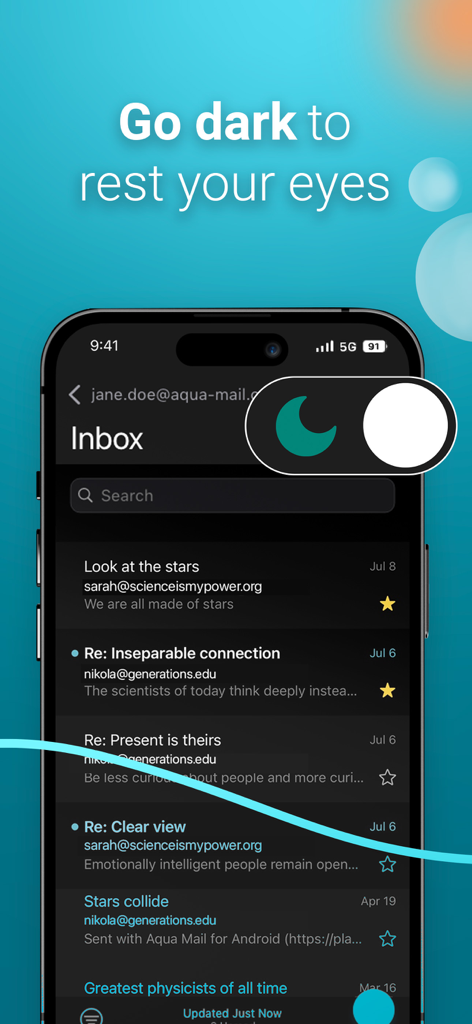
Aqua Mail 이메일 앱 인터페이스는 눈의 편안함을 위해 다크 모드 테마를 보여줍니다.

Aqua Mail 이메일 앱 인터페이스는 눈의 편안함을 위해 다크 모드 테마를 보여줍니다.

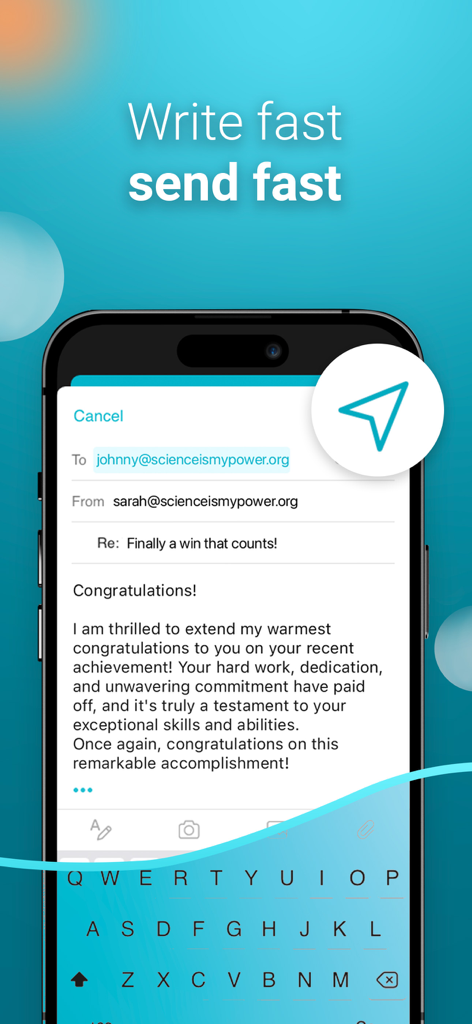
Aqua Mail 앱 인터페이스는 "빠르게 작성하고 빠르게 보내세요"라는 슬로건이 있는 이메일 작성 화면을 보여줍니다.

Aqua Mail 앱 인터페이스는 "빠르게 작성하고 빠르게 보내세요"라는 슬로건이 있는 이메일 작성 화면을 보여줍니다.

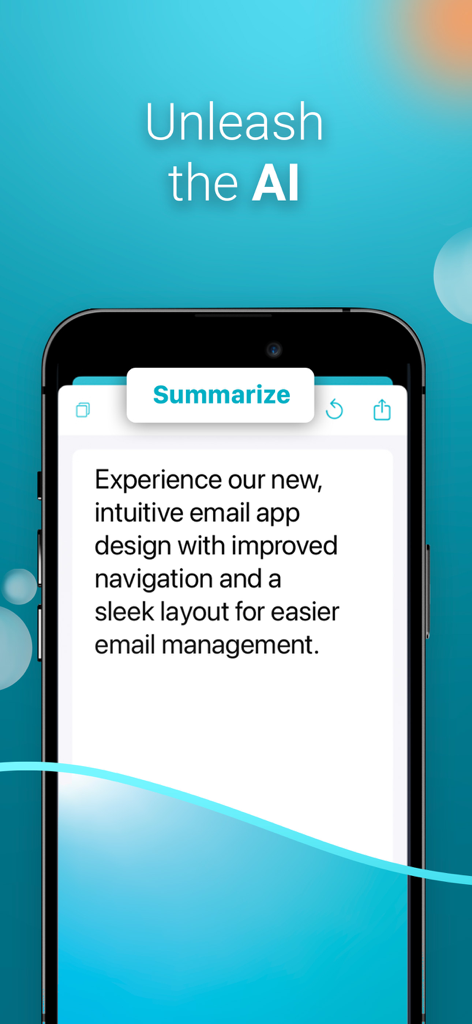
이메일 관리를 위한 Aqua Mail AI 요약 기능이 표시된 스마트폰 화면입니다.

이메일 관리를 위한 Aqua Mail AI 요약 기능이 표시된 스마트폰 화면입니다.

전문적인 커뮤니케이션을 마스터하세요

이 앱을 돋보이게 하는 도구, 36K+ 명의 사용자가 선택.

📥

통합 제어 센터

Gmail, Outlook, Exchange 등을 하나의 스마트 받은 편지함으로 동기화하여 앱 피로를 줄이세요. 단일 화면에서 모든 전문적인 신원을 원활하게 관리하세요.

🛡️

개인 정보 보호 중심 아키텍처

데이터를 완전히 소유하세요. 당사는 서버에 비밀번호나 이메일 내용을 저장하지 않으므로 민감한 비즈니스 통신은 엄격하게 비공개로 유지됩니다.

고속 이메일 분류

원클릭 구독 취소, 사용자 정의 가능한 스와이프 동작, 시간을 최대한 활용하도록 설계된 대량 필터를 사용하여 받은 편지함 제로를 더 빨리 달성하세요.

앱 소개

에 대해 알아야 할 모든 것 Email Aqua Mail Secure Client.

설명

‣ Manage multiple email accounts in one secure inbox, including IMAP and POP3. ‣ Smart inbox, fast search, customizable tools, and intuitive email management for maximum productivity. ‣ Reliable, responsive user support when you need it most. ■ ONE PLACE FOR ALL YOUR EMAILS Manage your entire email communication: Gmail, Yahoo, Hotmail, iCloud, Outlook, or Exchange. Aqua Mail supports most of the major email providers and any other IMAP or POP3-enabled email account. ■ BOOST EMAIL PRODUCTIVITY Get more done with an intuitive email UI that eliminates inbox distractions, helping you focus on the most important messages. ■ PRIVACY & SECURITY FIRST ‣ Security and Privacy are our core values. Aqua Mail does not collect and store your passwords, emails, or private message content. ‣ Touch & Face ID to unlock the app ■ EASY ACCOUNT SETUP The app will apply presets or recognize incoming and outgoing server names based on your email address. It provides automatic or manual setup, depending on the type of email provider and service. ■ SMART INBOX Sync all your email inboxes from different providers in one unified Smart inbox. ■ CONVERSATIONS Aqua Mail organizes your related messages into conversations, which outline all messages on one screen, so you can check everything at a glance, or take quick action on the message that concerns you the most. ■ CUSTOM INBOX MANAGEMENT ‣ Easily manage your custom inboxes - Create, Rename, and Delete folders. ‣ Color-code your email accounts for better clarity in the Smart Inbox. ‣ Get instant email delivery with Push mail ■ UNSUBSCRIBE Easily unsubscribe from unwanted newsletters with just one tap. ■ FAST SEARCH Find the message you need through a fast search by Sender, Header, Body, and All. ■ BULK ACTIONS ‣ Quick Select, or Select all, mark as Read, or Delete as many email messages as you wish. ‣ Filter your inbox by Unread, Read, Starred, or Attachment. ■ COMPOSE MESSAGE Switch between accounts when in Smart Inbox. Compose and send messages with simplicity. Attach photos, files, or documents directly from your device’s gallery or iCloud Drive. Save the message to Drafts to update them later. ■ PRODUCTIVE OPERATIONS & SETTINGS ‣ Swipe actions ‣ Undo Actions ‣ Manage contact images in the message list ‣ Edit Sender & Account name ‣ Set preferred language ‣ Autocompleting contacts from your address book ‣ Manage notifications ‣ Manage the content preview ‣ Break up emails by date ■ CREATE CUSTOM EMAIL SIGNATURE ■ DARK THEME Rest your eyes with a dark alternative of your inbox. ◉ GO PREMIUM and GET FULL ACCESS to: - Managing unlimited accounts from any email provider - Remove ads - Unsubscribe - Push for Exchange - Remove promo signature in sent emails - First-Rate support Your subscription fuels ongoing app updates and continuous improvement by our dedicated developers, bringing new and helpful features with each App Store release. CONTACT: If you have any questions, please contact us directly at support@aqua-mail.com Privacy Policy: https://www.aqua-mail.com/privacy-policy/ Terms of Use: https://www.aqua-mail.com/terms-of-use/

최신 버전

1.49

크기

62.7 MB

출시일

2022년 10월 31일

받은 편지함 마스터할 준비가 되셨나요?

모든 이메일 계정을 위한 궁극의 보안 제어 센터를 사용하는 수천 명의 전문가와 함께하세요. 타협 없이 완벽한 생산성을 경험하세요.

다운로드: App Store다운로드: Google Play

App information, icons, screenshots, and descriptions displayed on this page are sourced from the Apple App Store and are the property of their respective developers. Download estimates and rankings are based on MWM's proprietary models and may not reflect actual figures. This page is provided for informational and analytical purposes only.

Believe this page infringes your intellectual property? File a dispute