Epsom Printer

Epsom Printer

다운로드: App Store
로고: Epsom Printer

Epsom 프린터: iPhone에서 모든 것을 인쇄하는 가장 스마트한 방법

1,200개 이상의 프린터 모델에 즉시 연결하세요. 전문적인 정밀도로 기술적인 번거로움 없이 PDF, 사진 및 클라우드 파일을 인쇄하세요.

개발사

Petr Polasek

카테고리

Business

다운로드

86K+

사용자 평점

4.5/5

총 평가 수

1K+

지원 언어

1

효율적인 작동 모습

이 인터페이스를 사용하는 86K+ 명의 사용자.

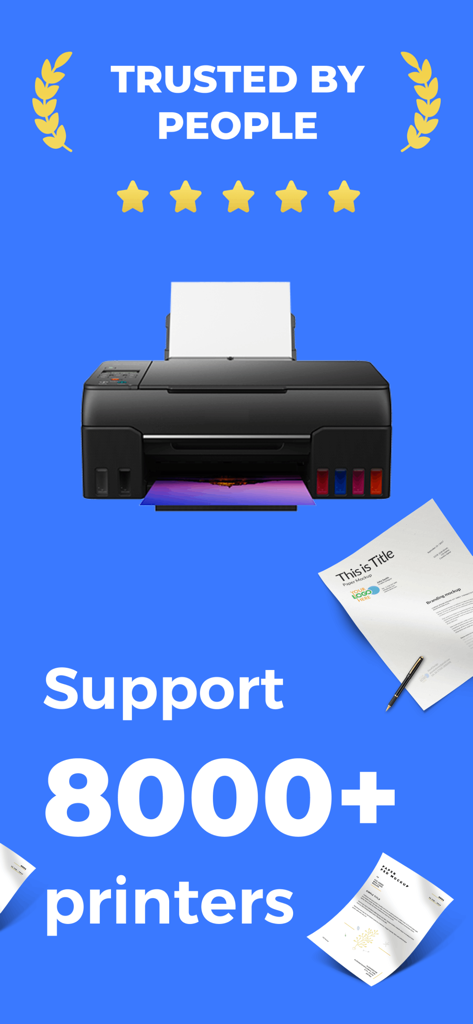
Epsom Printer 앱 스크린샷으로 8000개 이상의 프린터 모델 지원 및 5성급 평점으로 높은 사용자 신뢰도를 보여줍니다.

Epsom Printer 앱 스크린샷으로 8000개 이상의 프린터 모델 지원 및 5성급 평점으로 높은 사용자 신뢰도를 보여줍니다.

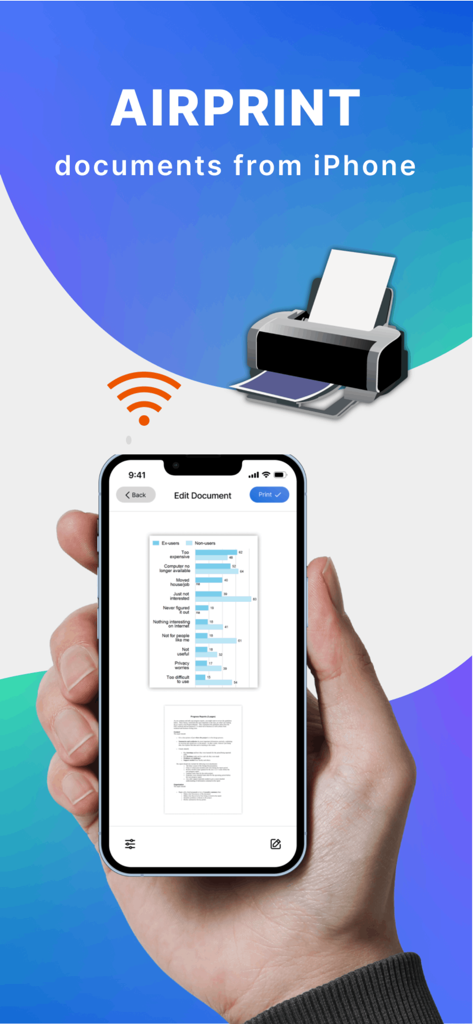
Epsom Printer 앱을 사용하여 AirPrint를 통해 문서를 무선으로 인쇄하는 iPhone을 들고 있는 손.

Epsom Printer 앱을 사용하여 AirPrint를 통해 문서를 무선으로 인쇄하는 iPhone을 들고 있는 손.

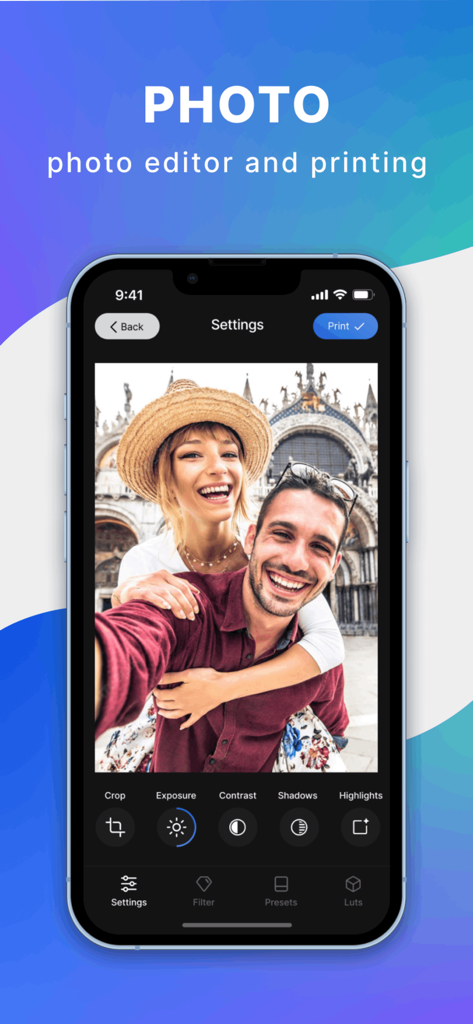
Epsom Printer 앱 인터페이스로 iPhone에서 사진 편집 도구와 인쇄 버튼을 보여줍니다.

Epsom Printer 앱 인터페이스로 iPhone에서 사진 편집 도구와 인쇄 버튼을 보여줍니다.

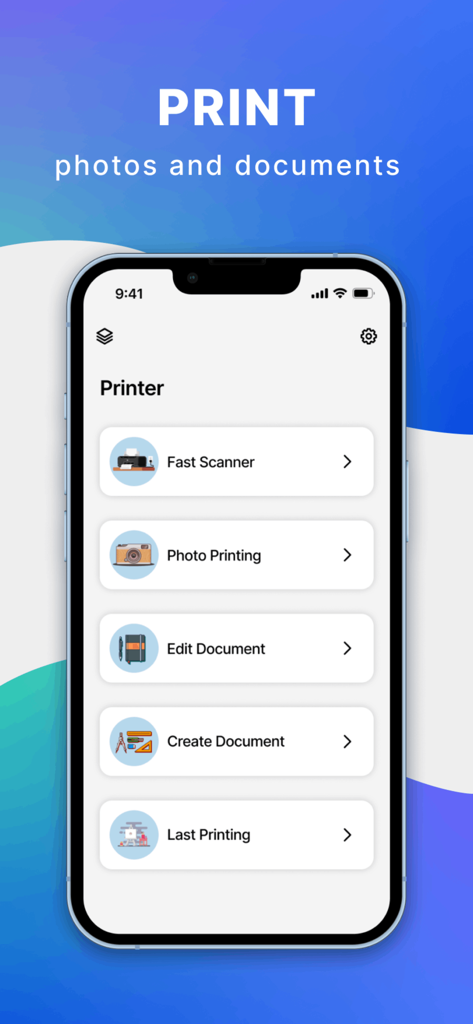
iPhone의 Epsom Printer 앱 메인 메뉴로 빠른 스캐너 사진 인쇄 및 문서 편집 옵션이 표시됩니다.

iPhone의 Epsom Printer 앱 메인 메뉴로 빠른 스캐너 사진 인쇄 및 문서 편집 옵션이 표시됩니다.

주머니에서 간편하게 인쇄

이 앱을 돋보이게 하는 도구, 86K+ 명의 사용자가 선택.

🔄

범용 연결성

설정 좌절감을 건너뛰세요. 저희 앱은 1,200개 이상의 프린터 모델에 대한 범용 브리지 역할을 하여 iPhone이 가정 또는 사무실 하드웨어와 완벽하게 작동하도록 합니다.

📂

직접 클라우드 액세스

파일을 먼저 다운로드할 필요가 없습니다. 몇 번의 탭으로 iCloud, Google Drive 또는 Dropbox에서 직접 PDF, 스프레드시트 및 사진을 인쇄하세요.

프로 수준의 사용자 지정

출력을 완전히 제어하세요. 양면 인쇄를 쉽게 전환하거나, 용지 크기를 조정하거나, 잉크를 절약하기 위해 흑백으로 전환하세요. 모두 모바일 화면에서 가능합니다.

앱 소개

에 대해 알아야 할 모든 것 Epsom Printer.

설명

Smart Printer makes printing documents and photos super simple and convenient. Just select a document, customize the print settings, and print your document in a matter of seconds! With Printer app, you only need an iPhone/iPad and printer! Smart Printer, you can print: - Any photos from your Camera Roll. - Any web pages, emails, and attachments. - Any information from your Clipboard. - Specific contacts or full Contact List. - Over 30 file types supported, including: PDF, DOC, XLS, and PPT. Smart Print Features: - Over 1,200 printer models supported. - iCloud, Google Drive, and Dropbox support. - Convert any high-quality, multi-page PDF documents. Extended printing settings: - Paper size - Paper type - Page orientation - Printing range - Number of copies - One- and two-sided printing - With and without borders - Color and grayscale documents - And many more customizable options! Printer app supports over 1,200 printer models, including Canon, Dell, Epson, Xerox, HP, Kyocera, Lenovo, Lexmark, Oki, Ricoh, Samsung, Sharp, Brother and other printer models that support AirPrint technology. And we add new printer models with each app update! Use the test print option on install to determine whether your printer model is supported. Printer app is free to use with limited functions. Unlimited access to all functions of the application is available with a subscription. Premium version provides unlimited access to all app’s features and offers regular reviews, news, and useful printing tech tips. Payment will be charged to iTunes Account at confirmation of purchase. Subscription automatically renews unless auto-renew is turned off at least 24-hours before the end of the current period. Account will be charged for renewal within 24-hours prior to the end of the current period, and identify the cost of the renewal. Subscriptions may be managed by the user and auto-renewal may be turned off by going to the user's Account Settings after purchase. Any unused portion of a free trial period, if offered, will be forfeited when the user purchases a subscription to that publication. Terms of service: https://www.code4flutter.in/com/terms-printer/ Privacy policy: https://www.code4flutter.in/privacy-printer/

최신 버전

1.0.15

크기

48.5 MB

출시일

2022년 7월 23일

몇 초 만에 더 스마트한 인쇄 시작

업무 및 생활 관리를 간소화한 86,000명 이상의 사용자들과 함께하세요. 1,200개 이상의 프린터 모델에 연결하고 iCloud, Google Drive 또는 카메라 롤에서 즉시 인쇄하세요.

다운로드: App Store

App information, icons, screenshots, and descriptions displayed on this page are sourced from the Apple App Store and are the property of their respective developers. Download estimates and rankings are based on MWM's proprietary models and may not reflect actual figures. This page is provided for informational and analytical purposes only.

Believe this page infringes your intellectual property? File a dispute