
MX-Q
Empower Tribe Innovations DE GmbH

Midas 및 Behringer 디지털 믹서에서 무대 사운드를 완벽하게 제어하세요. 사용자 정의 가능한 MCA를 사용하여 완벽한 인이어 또는 웨지 믹스를 즉시 설정하여 사운드보드 걱정을 멈추고 연주에 집중할 수 있습니다.
개발사
카테고리
Music다운로드
552K+사용자 평점
총 평가 수
300지원 언어
1이 인터페이스를 사용하는 552K+ 명의 사용자.
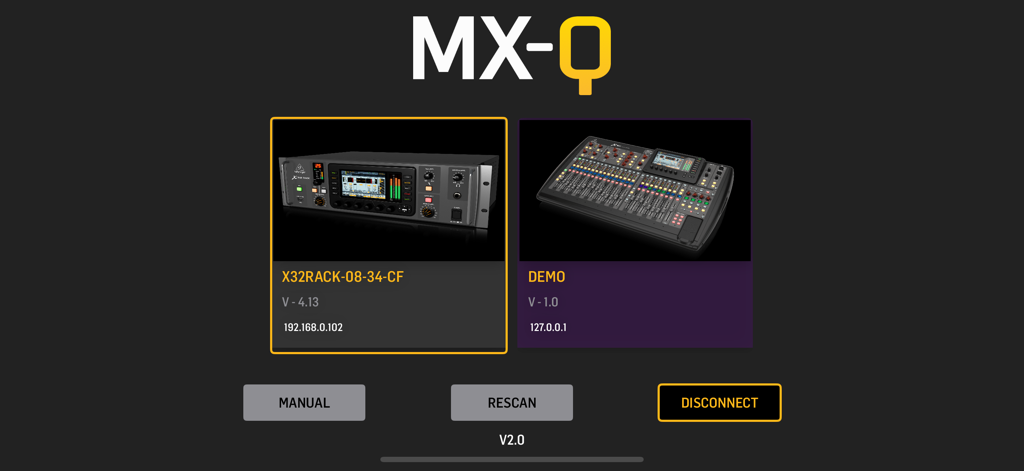
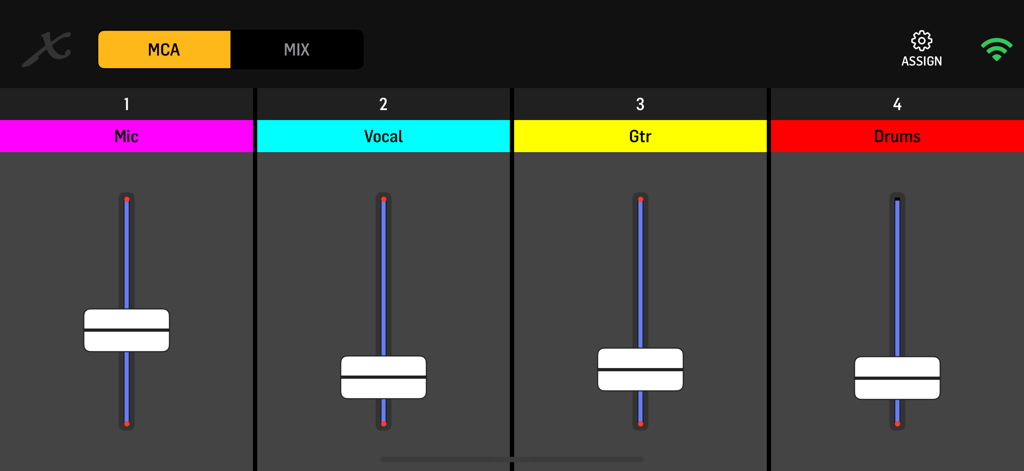
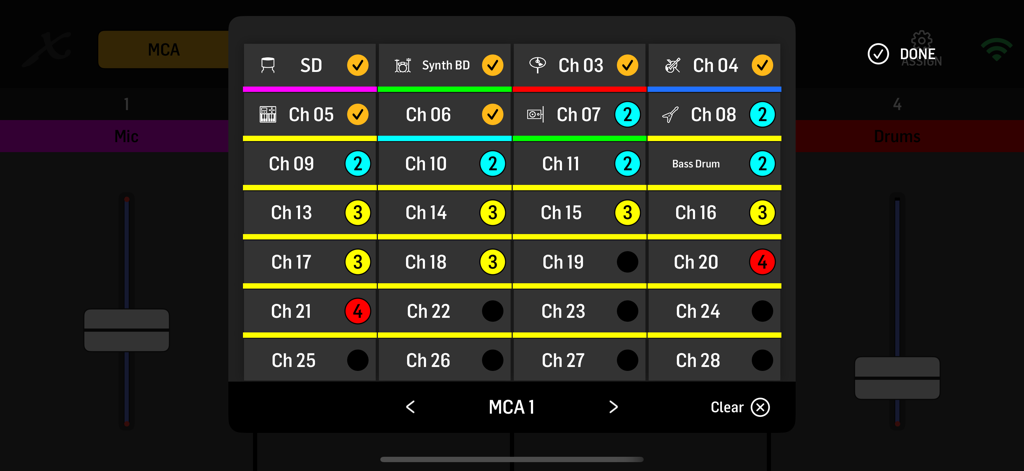
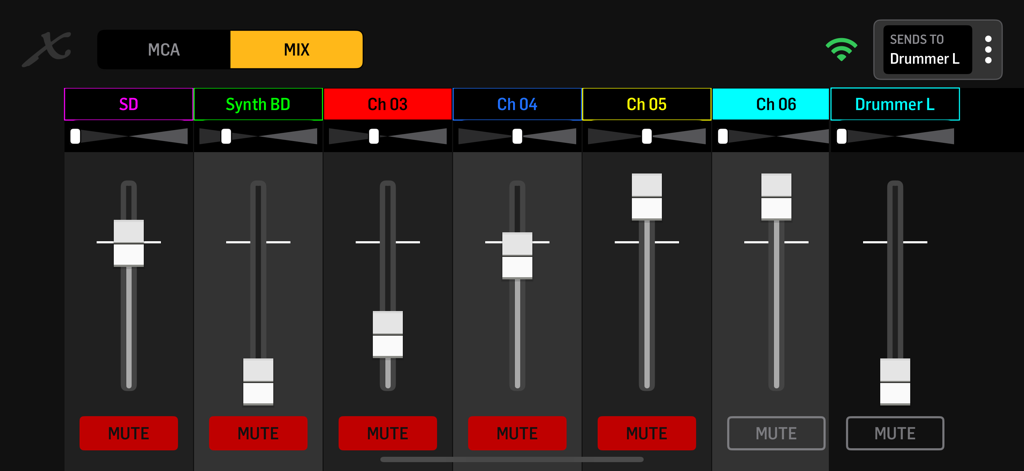
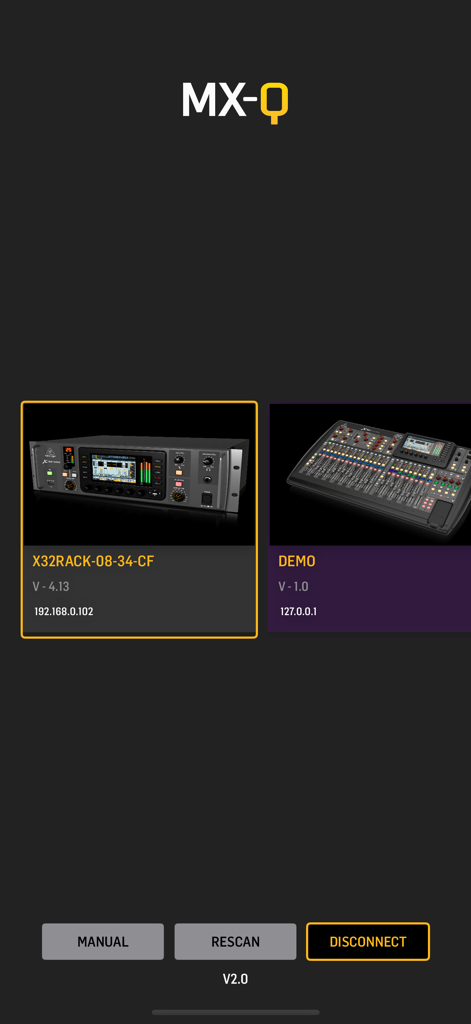
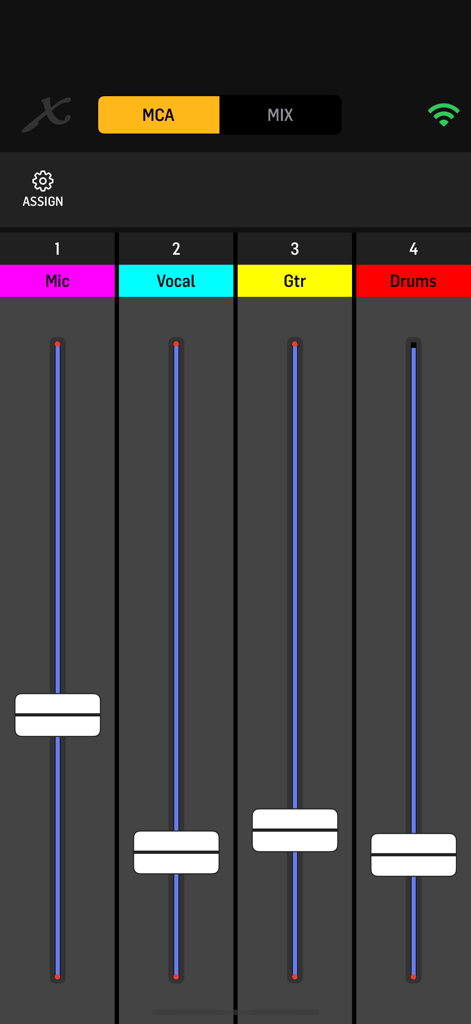
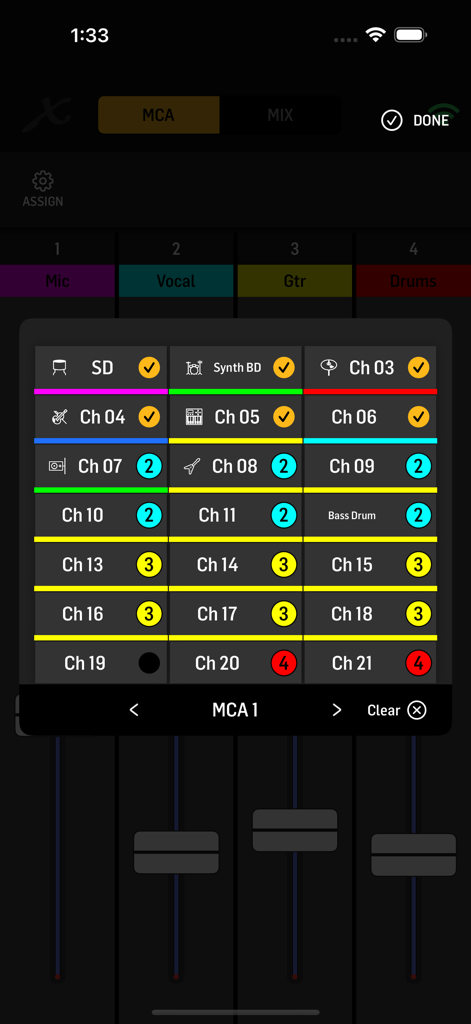
이 앱을 돋보이게 하는 도구, 552K+ 명의 사용자가 선택.
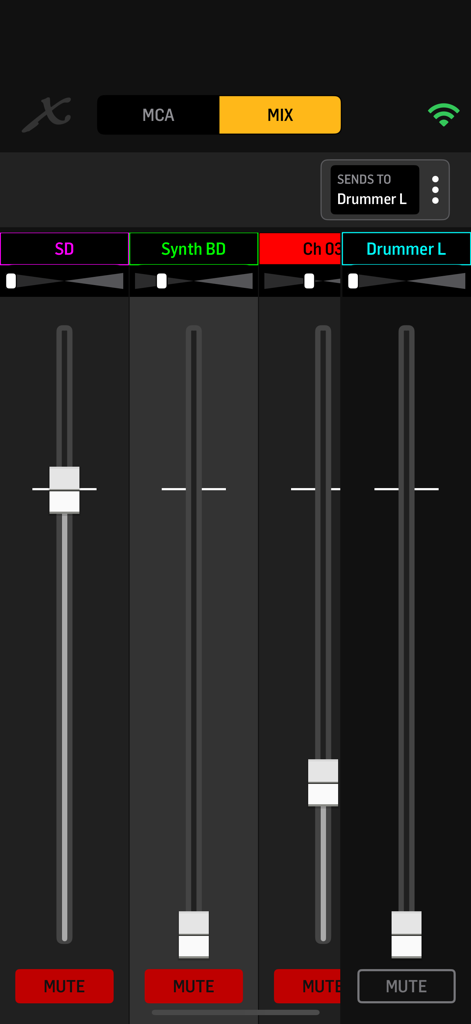
드럼, 보컬 또는 기타를 4개의 사용자 정의 MCA 중 하나로 그룹화하여 공연 중에 단일 스와이프로 전체 믹스를 조정하세요.
스테레오 센드 및 패닝에 대한 완벽한 제어를 통해 전문적인 IEM 성능에 필요한 선명도와 깊이를 확보할 수 있습니다.
유연한 UI와 Midas 및 Behringer 믹서와의 빠르고 안정적인 연결로, 세로 또는 가로 마운팅을 지원합니다.
사용자 리뷰 인사이트.
감정 점수
요약
The recent update, often referred to as version 2.0 or 2.1, has led to overwhelmingly negative user feedback, drastically diminishing the app's functionality and usability for many. Users report critical issues such as the app failing to prevent screen locking, frequent disconnections requiring manual IP re-entry, and a significant loss of essential features like VU meters and MCA group filtering. While some acknowledge a cleaner visual design in the new user interface, this aesthetic improvement is consistently overshadowed by a clunky user experience, poor scrolling, and a lack of intuitive controls, prompting numerous requests for a reversion to the previous version or a search for alternative solutions.
주요 테마
에 대해 알아야 할 모든 것 MX-Q.
설명
최신 버전
2.1
크기
16.8 MB
출시일
2019년 7월 21일
550,000명 이상의 음악가 및 예배 인도자와 함께 무대 사운드를 완벽하게 제어하세요. Midas 및 Behringer 디지털 믹서에서 궁극적인 개인 모니터링 경험을 위해 지금 MX-Q를 다운로드하세요.
에 대해 알아야 할 모든 것 MX-Q
MX-Q 앱을 사용하면 음악가 및 제작자가 모바일 장치에서 직접 개인 모니터 믹스를 제어할 수 있습니다. Midas M32/M-AIR 및 Behringer X32/X-AIR 오디오 믹서를 지원합니다.
MX-Q는 Behringer X32 및 X AIR 시리즈 믹서와 Midas M32 및 M AIR 시리즈 믹서와 호환됩니다. 모바일 장치와 믹서는 동일한 Wi-Fi 네트워크를 공유해야 합니다.
네, MX-Q를 사용하면 사용자가 채널을 4개의 사용자 정의 가능한 MCA(Mix Control Associations)로 가상 그룹화할 수 있습니다. 이러한 MCA는 쉬운 조정을 위해 각 앱 인스턴스에 독립적으로 채울 수 있습니다.
네, MX-Q는 모든 입력 채널 센드를 Aux-버스에 대한 개별 볼륨 및 패닝 원격 제어를 제공합니다. 또한 정밀한 조정을 위해 모노 및 스테레오 버스 센드 및 패닝을 제어합니다.
네, MX-Q는 세로 및 가로 화면 방향을 모두 지원합니다. 이 기능은 라이브 공연 또는 스튜디오 세션 중에 사용자에게 유연한 보기 및 제어 옵션을 제공합니다.
MX-Q는 인이어 또는 웨지 믹스를 완벽하게 제어해야 하는 음악가, 빠른 개인 모니터링이 필요한 밴드, 리허설 공간, 교회 및 투어링 설정에 사용하기에 적합합니다.
연결하려면 모바일 장치와 믹서가 동일한 Wi-Fi 네트워크에 있는지 확인하십시오. MX-Q 앱은 호환되는 믹서를 자동으로 감지하여 초기 화면에서 선택할 수 있습니다.
유사한 기능과 사용자 경험을 가진 앱

Hexler LLC

Adam Tow

Blackout Lighting Console LLC

Apple Inc.

Imaginando Lda

Trent Barclay

Mixing Station GmbH

Hexler LLC

Jam Origin ApS
App information, icons, screenshots, and descriptions displayed on this page are sourced from the Apple App Store and are the property of their respective developers. Download estimates and rankings are based on MWM's proprietary models and may not reflect actual figures. This page is provided for informational and analytical purposes only.
Believe this page infringes your intellectual property? File a dispute