Screens 5: VNC Remote Desktop

Screens 5: VNC Remote Desktop

다운로드: App Store
로고: Screens 5: VNC Remote Desktop

Screens 5: 모든 작업 공간을 위한 궁극적인 원격 액세스

전 세계 어디서든 Mac, Windows 및 Linux 컴퓨터를 완벽하게 제어하세요. 데스크톱급 정밀도와 완벽한 개인 정보 보호를 요구하는 전문가를 위해 설계된 iPhone, iPad 및 Vision Pro에서 안전하고 고성능의 원격 데스크톱을 경험하세요.

개발사

Edovia Inc.

카테고리

Utilities

다운로드

20K+

사용자 평점

4.2/5

총 평가 수

700

지원 언어

17

진정한 제어를 경험하세요

이 인터페이스를 사용하는 20K+ 명의 사용자.

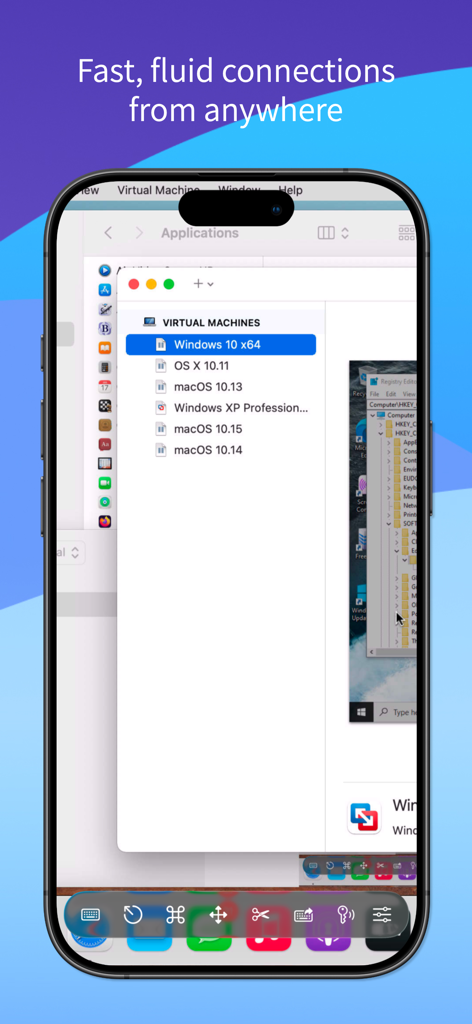
가상 머신 목록이 있는 원격 Mac 데스크톱을 표시하는 Screens 5 모바일 인터페이스

가상 머신 목록이 있는 원격 Mac 데스크톱을 표시하는 Screens 5 모바일 인터페이스

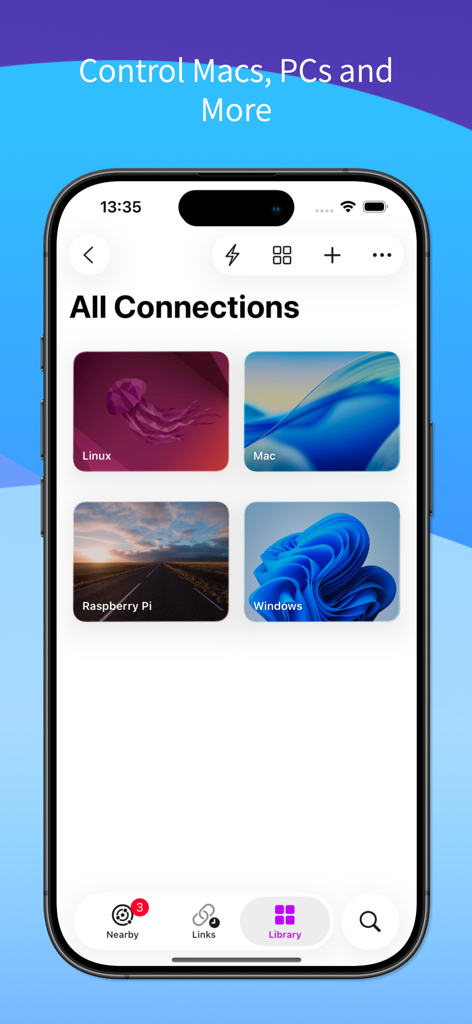
Mac, Windows, Linux 및 Raspberry Pi에 대한 저장된 원격 데스크톱 연결 목록을 표시하는 Screens 5 모바일 앱 인터페이스

Mac, Windows, Linux 및 Raspberry Pi에 대한 저장된 원격 데스크톱 연결 목록을 표시하는 Screens 5 모바일 앱 인터페이스

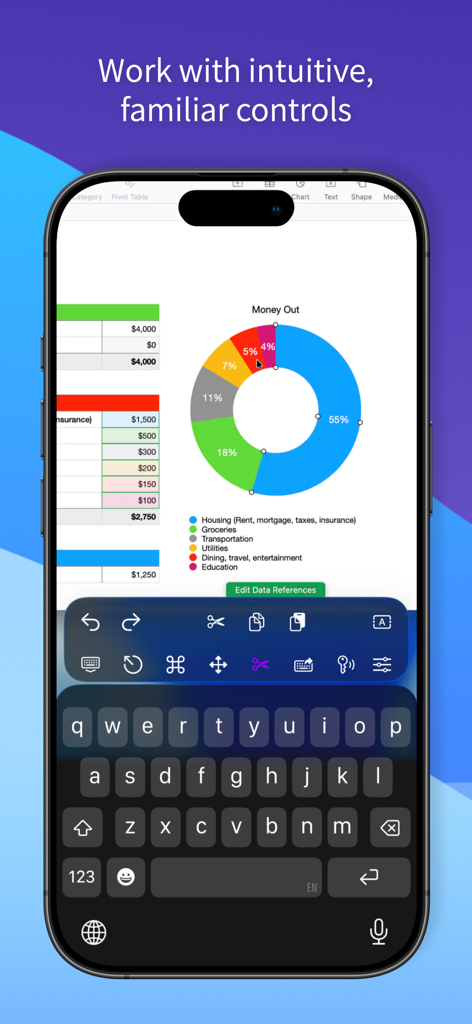
스프레드시트와 특수 생산성 컨트롤이 있는 원격 데스크톱 세션을 표시하는 iPhone

스프레드시트와 특수 생산성 컨트롤이 있는 원격 데스크톱 세션을 표시하는 iPhone

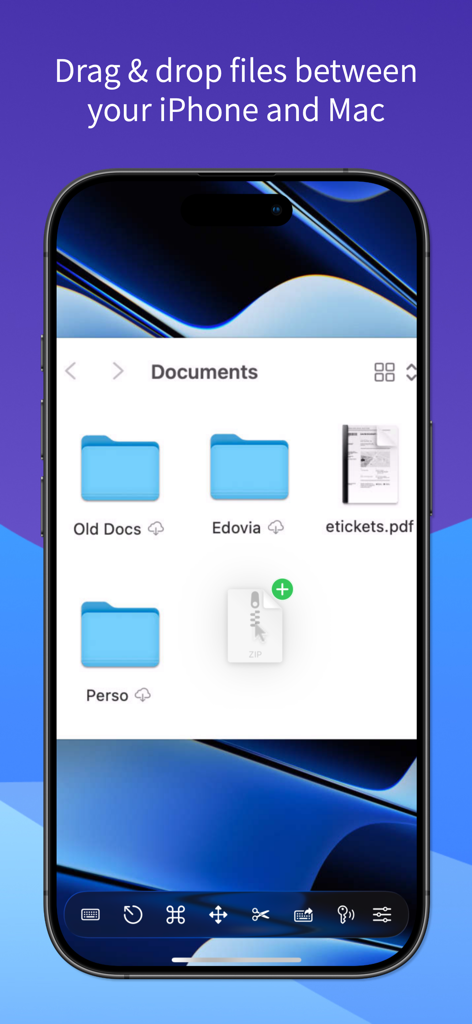
Screens 5를 사용하여 iPhone과 Mac 간에 파일 끌어서 놓기

Screens 5를 사용하여 iPhone과 Mac 간에 파일 끌어서 놓기

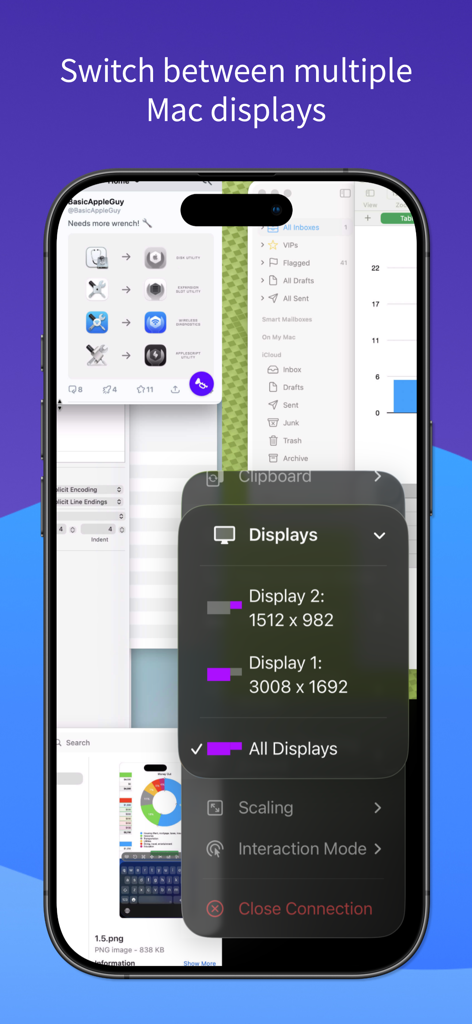
iPhone의 Screens 5 앱 인터페이스에서 원격 다중 디스플레이 선택 및 해상도 설정 시연

iPhone의 Screens 5 앱 인터페이스에서 원격 다중 디스플레이 선택 및 해상도 설정 시연

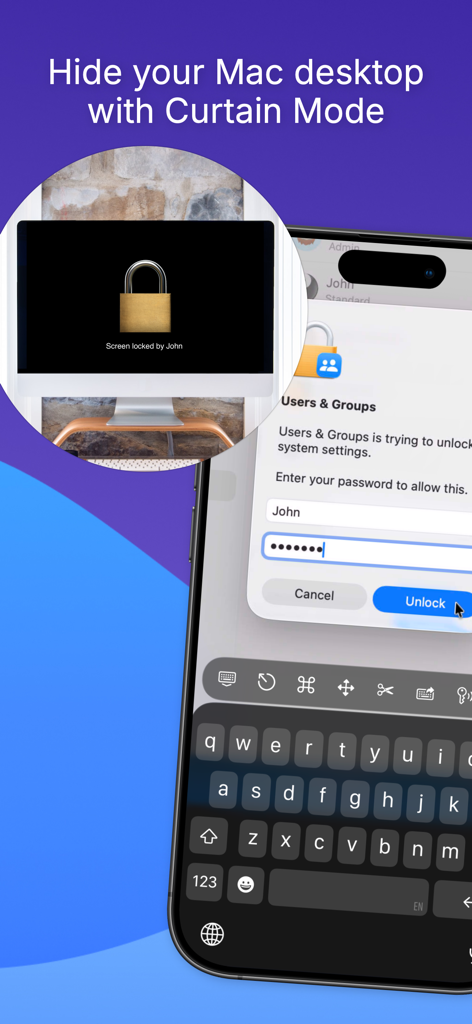
iPhone에서 액세스하는 동안 원격 Mac 데스크톱을 숨기기 위해 커튼 모드를 보여주는 Screens 5 앱

iPhone에서 액세스하는 동안 원격 Mac 데스크톱을 숨기기 위해 커튼 모드를 보여주는 Screens 5 앱

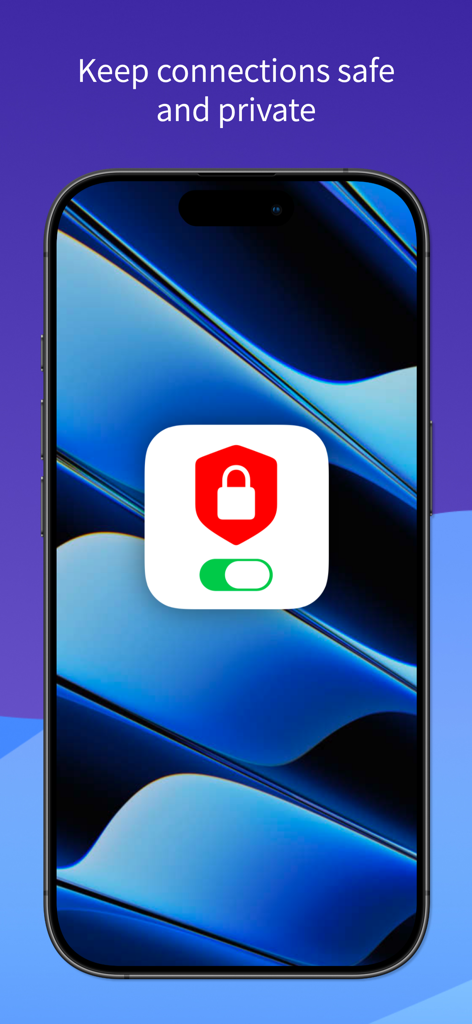
Screens 5 앱을 사용하여 iPhone에서 안전하고 개인적인 원격 데스크톱 연결

Screens 5 앱을 사용하여 iPhone에서 안전하고 개인적인 원격 데스크톱 연결

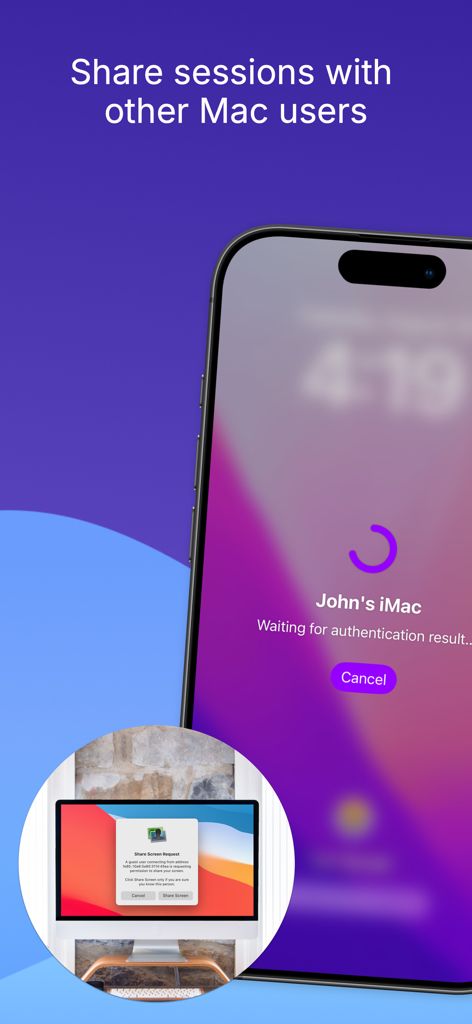
iPhone 앱 인터페이스에서 다른 Mac 사용자와의 원격 데스크톱 세션 요청

iPhone 앱 인터페이스에서 다른 Mac 사용자와의 원격 데스크톱 세션 요청

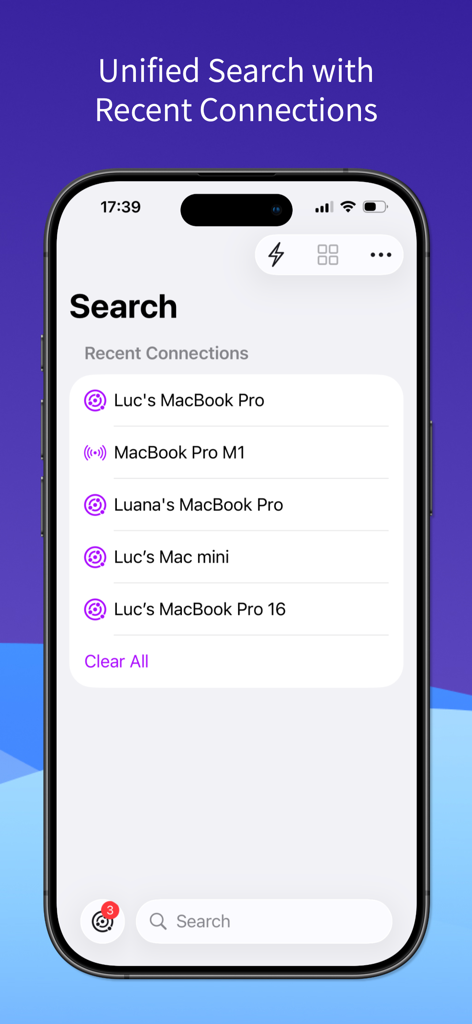
iPhone에서 통합 검색 및 최근 원격 연결을 보여주는 Screens 5 앱 인터페이스

iPhone에서 통합 검색 및 최근 원격 연결을 보여주는 Screens 5 앱 인터페이스

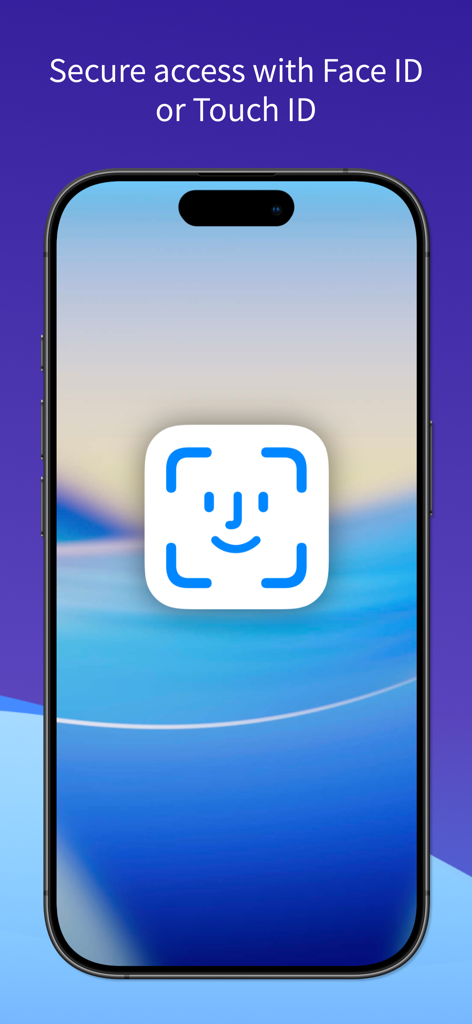
안전한 원격 데스크톱 액세스를 위한 Face ID 인증을 표시하는 iPhone 화면

안전한 원격 데스크톱 액세스를 위한 Face ID 인증을 표시하는 iPhone 화면

모든 장치에서 작업 공간을 마스터하세요

이 앱을 돋보이게 하는 도구, 20K+ 명의 사용자가 선택.

🌐

언제 어디서든 연결

Screens Connect 및 Tailscale 통합을 통해 간편하게 iPhone, iPad 또는 Vision Pro에서 Mac, Windows 또는 Linux PC에 액세스하세요.

⌨️

데스크톱급 상호 작용

Magic Keyboard, Apple Pencil 및 다중 디스플레이 설정을 완벽하게 지원하여 iPad를 모바일 파워하우스로 변환하는 네이티브 제어를 경험하세요.

🔒

전문가급 보안

SSH 암호화 및 커튼 모드를 사용하여 연결을 비공개로 유지하여 원격 활동이 안전하고 본인만 볼 수 있도록 보장합니다.

앱 소개

에 대해 알아야 할 모든 것 Screens 5: VNC Remote Desktop.

설명

Take control of your computers, wherever you are. Screens 5 lets you remotely access your Mac, Windows PC, Linux PC, or Raspberry Pi from anywhere—whether you’re at home, in a coffee shop, or on the other side of the world. With speed, security, and reliability, Screens delivers a seamless remote desktop experience on iPhone, iPad, Mac, and Vision Pro. Here's what makes Screens your ideal choice: Connect from Anywhere Install Screens Connect on your Mac or Windows PC for effortless access worldwide. Need to connect to a Linux PC or Raspberry Pi? Screens fully integrates with Tailscale for secure, hassle-free remote connections. Curtain Mode Maintain privacy by masking the remote Mac’s display when connected, perfect for shared environments. Secure & Effortless Connections Enable Remote Login on your Mac or configure your Windows PC, Linux PC, or Raspberry Pi for SSH support. Screens also supports SSH keys for added security. Fast & Convenient Logins Screens automates password entry, letting you connect quickly and efficiently. Multi-Display Support Easily select which display to view on multi-screen Macs or show them all. Screens remembers your preference. Clipboard Sharing Seamlessly transfer rich text, URLs, images, and more between your local and remote clipboards. Session Selection When someone is logged into a remote Mac, you can either share their screen or start a new session. Raspberry Pi 5 Compatibility Screens fully supports Bookworm and WayVNC via RSA-AES authentication for smooth performance. Assist Friends & Family With the free Screens Assist utility (Mac), you can help troubleshoot, update apps, and more remotely. External Keyboard & Input Support Enhance control with a Magic Keyboard or any compatible external keyboard and pointing device. Transfer Files Share files between your iPhone or iPad and your Mac using simple drag and drop. Apple Pencil Interact with remote content naturally using Apple Pencil Additional Features: • Adaptive and Full display quality • Control or observe the remote computer • iCloud Synchronization • Full URL Schemes support • Secure content with Touch ID, Face ID, Apple Watch, or a password Requirements: • Windows PC connections require a VNC server like UltraVNC or TightVNC. • Clipboard sharing on Windows and Linux PCs supports text and URLs only. • Sound transmission is not supported due to VNC protocol limitations. • Screens Connect requires macOS 10.13 High Sierra or later, or Windows 10 SP1 or later. A free Screens ID is required. • Screens supports remote access from iPhone, iPad, Mac, and Vision Pro but does not support connections to iOS or iPadOS devices. Screens is your trusted remote control companion, ensuring accessibility, security, and full control over your devices—anytime, anywhere. Privacy Policy: https://screens.app/privacy Terms of Use: https://screens.app/terms

최신 버전

5.8

크기

52.9 MB

출시일

2023년 12월 6일

어디서든 Mac의 모든 기능을 활용하세요.

안전하고 데스크톱급 원격 액세스를 위해 Screens 5를 신뢰하는 수천 명의 전문가와 함께하세요. iPad 또는 Vision Pro를 궁극적인 모바일 워크스테이션으로 전환할 준비가 되셨나요?

다운로드: App Store

App information, icons, screenshots, and descriptions displayed on this page are sourced from the Apple App Store and are the property of their respective developers. Download estimates and rankings are based on MWM's proprietary models and may not reflect actual figures. This page is provided for informational and analytical purposes only.

Believe this page infringes your intellectual property? File a dispute