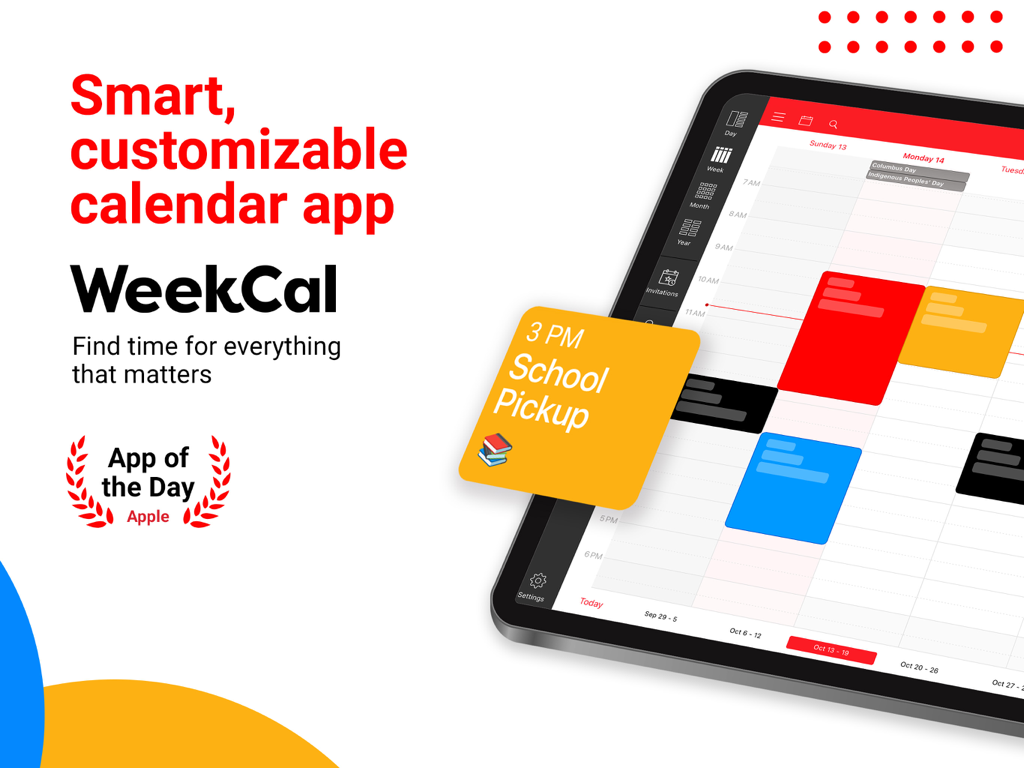
WeekCal의 프로모션 그래픽, iPad용 스마트하고 사용자 지정 가능한 캘린더 앱, 색상으로 구분된 일정과 Apple App of the Day 배지가 표시됨.
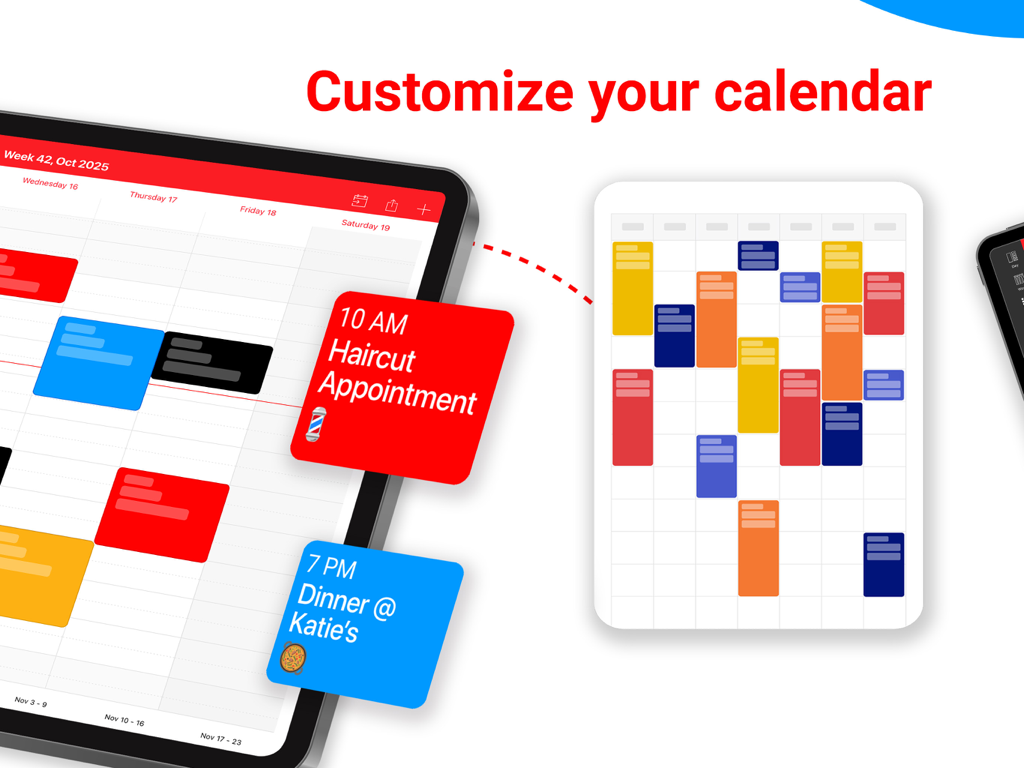
색상으로 구분된 캘린더 이벤트와 사용자 지정 옵션을 보여주는 WeekCal for iPad 인터페이스
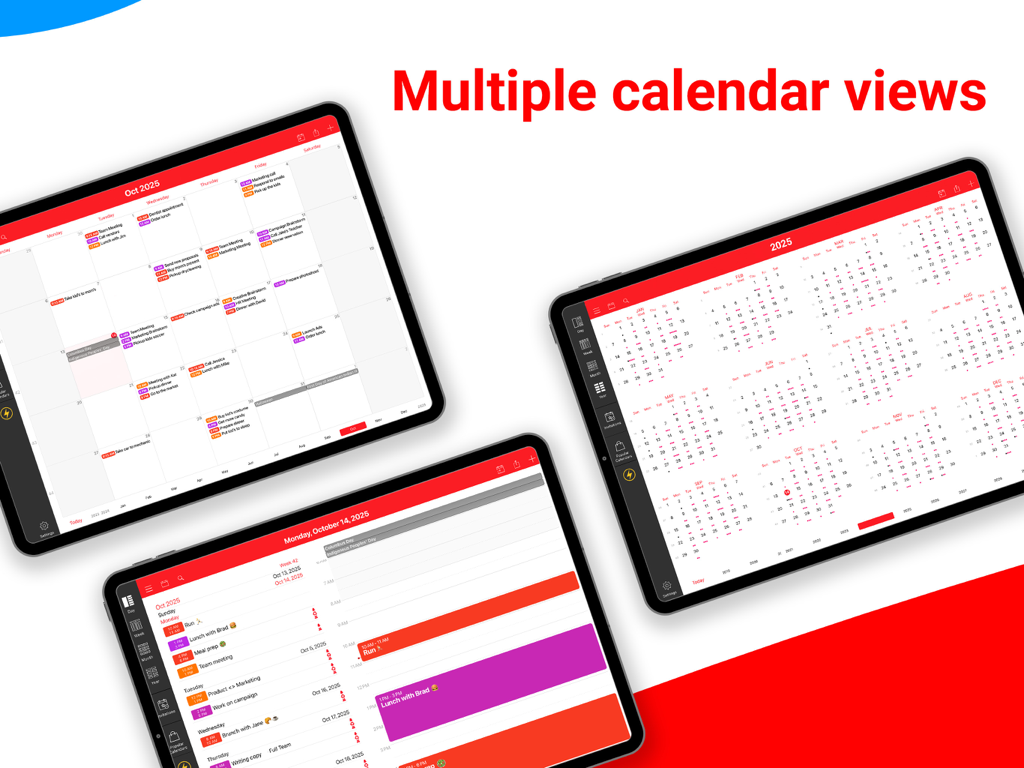
월별, 연별, 일별 일정 레이아웃을 포함한 여러 캘린더 보기 옵션을 보여주는 WeekCal for iPad
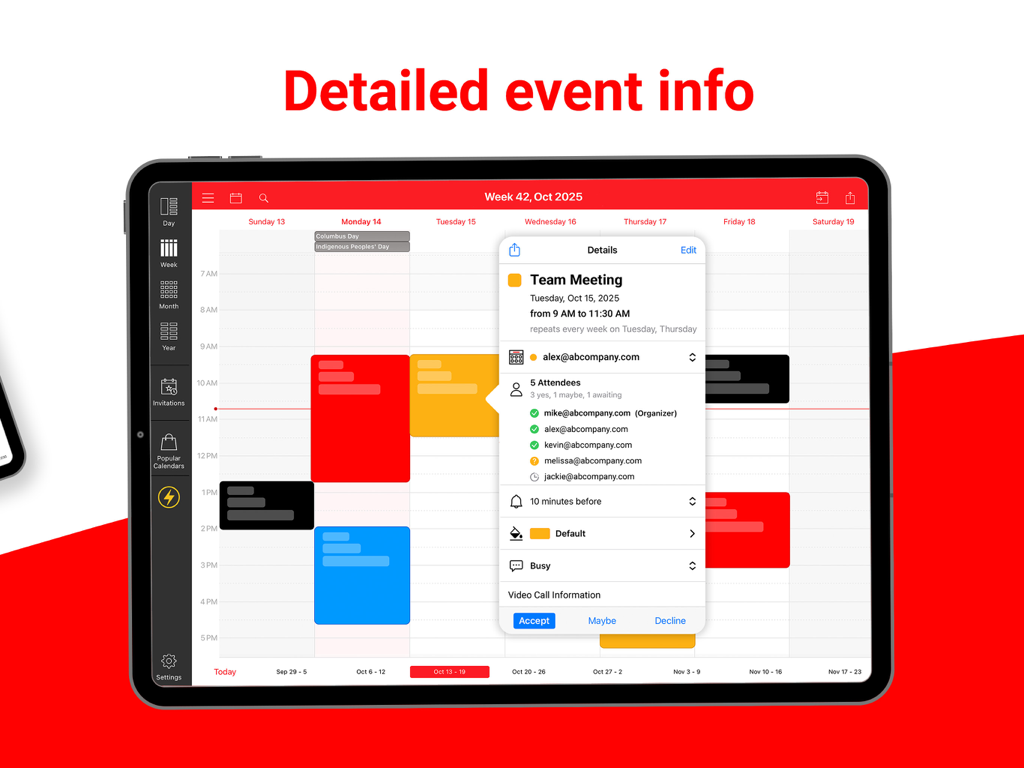
색상으로 구분된 캘린더 보기에 팀 회의에 대한 자세한 이벤트 정보 및 참석자 목록을 표시하는 WeekCal for iPad
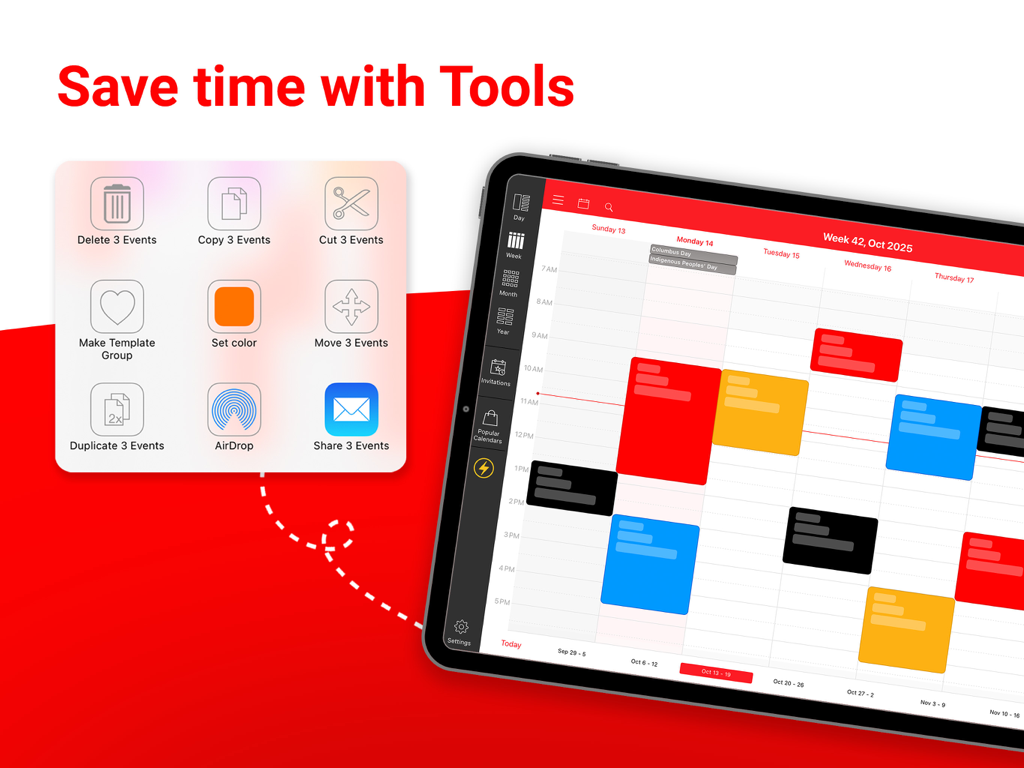
한 번에 여러 캘린더 이벤트를 관리하기 위한 일괄 처리 도구를 보여주는 WeekCal for iPad 인터페이스
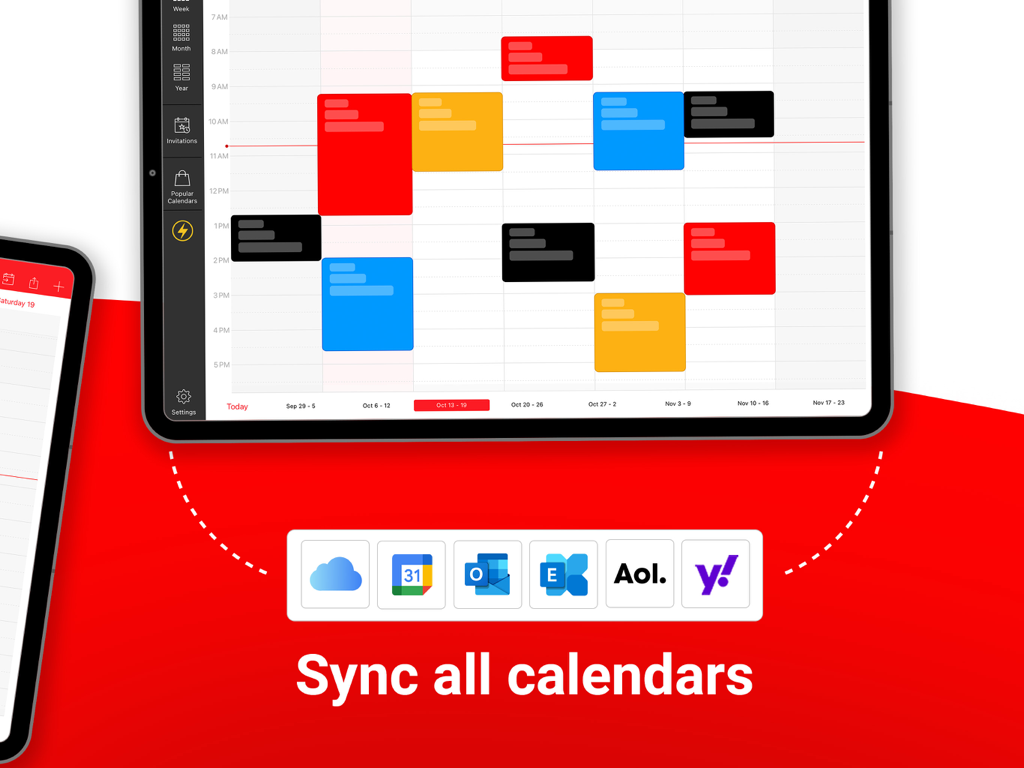
Google, Outlook, iCloud와 같은 여러 캘린더 서비스와의 동기화를 보여주는 WeekCal for iPad 인터페이스
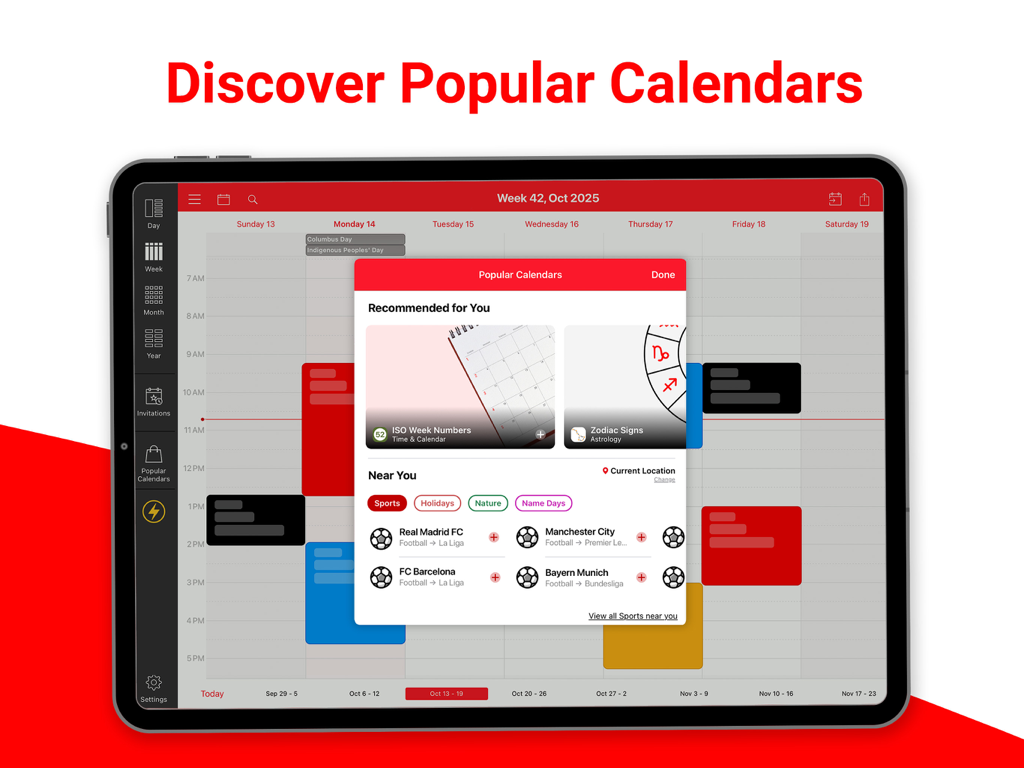
스포츠 및 휴일 일정을 위한 인기 캘린더 검색 오버레이를 보여주는 WeekCal for iPad 인터페이스.
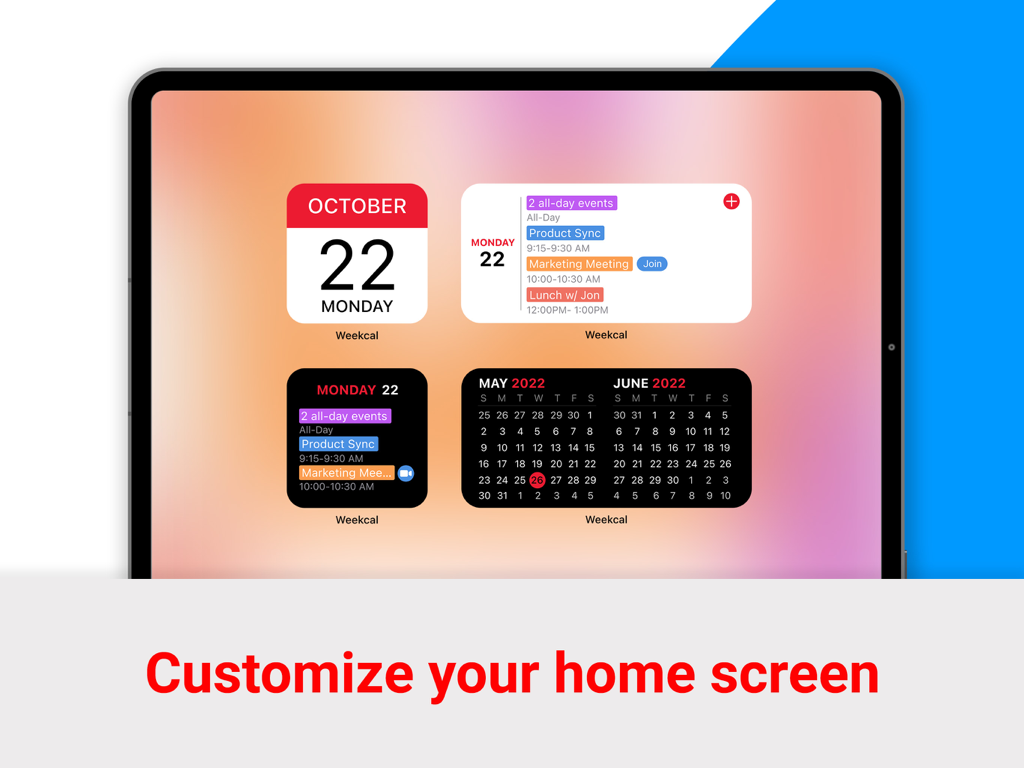
일일 이벤트 및 월별 보기를 위한 WeekCal 캘린더 위젯이 포함된 iPad 홈 화면
손쉽게 일정을 관리하세요
이 앱을 돋보이게 하는 도구, 130K+ 명의 사용자가 선택.
🎨
완벽한 시각적 명확성
회색 텍스트를 찡그려 보지 마세요. 사용자 지정 색상과 아이콘을 사용하여 삶을 분류하고, 한눈에 전체 주의 흐름을 시각화할 수 있습니다.
⚡
프로 수준의 효율성
직관적인 드래그 앤 드롭 재예약 및 일괄 처리를 통해 시간을 절약하세요. iPad 워크플로우에 최적화된 데스크톱급 파워입니다.
🚀
원클릭 회의 접속
캘린더에서 Zoom, Teams 또는 Google Meet에 즉시 참여하세요. 회의 링크를 이메일에서 검색하는 번거로움을 제거하세요.
앱 소개
에 대해 알아야 할 모든 것 WeekCal for iPad.
설명
***** BEST CALENDAR APP WORLDWIDE *****
Whether you use iCloud, Exchange or Google calendar, WeekCal is the most user friendly and the all-round calendar app worldwide for everyone that needs to get the most out of their calendar app. Does your ordinary iPhone or iPad calendar give you insufficient insight and options? Then WeekCal is the solution for you.
CALENDAR CLARITY
WeekCal provides a clear and detailed overview based on day, week, (mini)month or year level. WeekCal breaks through the limitations of the standard calendar and adds functionality to improve your calendar usage.
PACKED WITH USEFUL FUNCTIONS
Move your appointments by simply dragging, copying and pasting. Clear up a busy schedule by assigning different colors to various appointments and events. Powerful reminder functions make sure you’ll always remember your events. Customizable week numbers or repetitive options and many other functions suited to your own personal needs.
FAST AND EASY TO USE
Adding, repeating and moving events is much easier with WeekCal. With a magnificent user interface and intuitive usability, WeekCal is a pleasure for both regular as well as power users.
SUBSCRIBE TO HOLIDAYS, SPORTS AND OTHER EVENTS
You can subscribe for unlimited access to all content offered for purchase within WeekCal. Recurring subscriptions are billed annually. Subscriptions auto-renew at the cost of the chosen package, unless cancelled 24-hours in advance prior to the end of the current period. The subscription fee is charged to your iTunes account at confirmation of purchase. You may manage your subscription and turn off auto-renewal by going to your Account Settings after purchase. Per Apple policy, no cancellation of the current subscription is allowed during active subscription period. Once purchased, refunds will not be provided for any unused portion of the term. Payment will be charged to your iTunes account at confirmation of purchase.
Terms of Use: https://maplemedia.io/terms-of-service/
MOST IMPORTANT FEATURES
● NEW Widgets: easily preview your upcoming events directly from the Home Screen
● NEW Join Meeting button: one-tap access to virtual meetings (Zoom, Google Meet + other meeting services)
● Magnificent overview of your appointments and events
● Viewing all your events for the week at one glance
● Calendar overview by day, week, month and year
● Simply relocate events using drag and drop
● Quickly add events on the right time using tap-and-hold
● Completely adaptable and customizable Tools menu to quickly change appointments and events
● Invite participants / share appointments and events by e-mail, Messages, WhatsApp
● Local calendar invite, enabling you to send invitations using a local calendar too.
● Works without setup for all calendar services supported by iOS (iCloud, iCal, Google, Exchange, Outlook, CalDAV, Birthdays, Subscriptions)
● Attachments
● Pinch to zoom
● Various icons for different events
● Link contacts to events
● Rotates with screen
● Event templates
● Easy-to-read widget
● Advanced recurrence rules
● Customizable display
● Time Zone Support
● Navigate with: Apple & Google Maps, Citymapper, Garmin, Here, iGo, Maps.me, Moovit, MotionX, Sygic, TransitApp, Waze, Yandex, 高德地图
● Alternate Calendars (Chinese, Hebrew, Indian, Islamitic & Persian)
● Batch operations
● Full customization of events
● Adaptable week numbers
● Available in many languages
The subscription fee is charged to your iTunes account at confirmation of purchase. You may manage your subscription and turn off auto-renewal by going to your Account Settings after purchase. Payment will be charged to your iTunes account at confirmation of purchase.
Do you have questions, complaints, or comments? Please share them with us at support@weekcal.com. You can also find the most frequently asked questions and tips on using WeekCal on our website.
최신 버전
16.0.39
크기
211.0 MB
출시일
2011년 4월 29일
시간을 완벽하게 제어하세요
더 스마트하고 시각적인 방법으로 생활을 관리하기 위해 업그레이드한 130,000명 이상의 파워 유저와 함께하세요. WeekCal을 다운로드하고 iPad를 최고의 생산성 사령탑으로 만드세요.
App information, icons, screenshots, and descriptions displayed on this page are sourced from the Apple App Store and are the property of their respective developers. Download estimates and rankings are based on MWM's proprietary models and may not reflect actual figures. This page is provided for informational and analytical purposes only.
Believe this page infringes your intellectual property? File a dispute