
Windows App Mobile


통합되고 고성능인 경험으로 Windows 365, Azure Virtual Desktop 및 원격 PC에 액세스하세요. 현대 전문가에게 맞춰진 경험입니다.
개발사
카테고리
Business다운로드
10M+사용자 평점
총 평가 수
42K+지원 언어
21이 인터페이스를 사용하는 10M+ 명의 사용자.
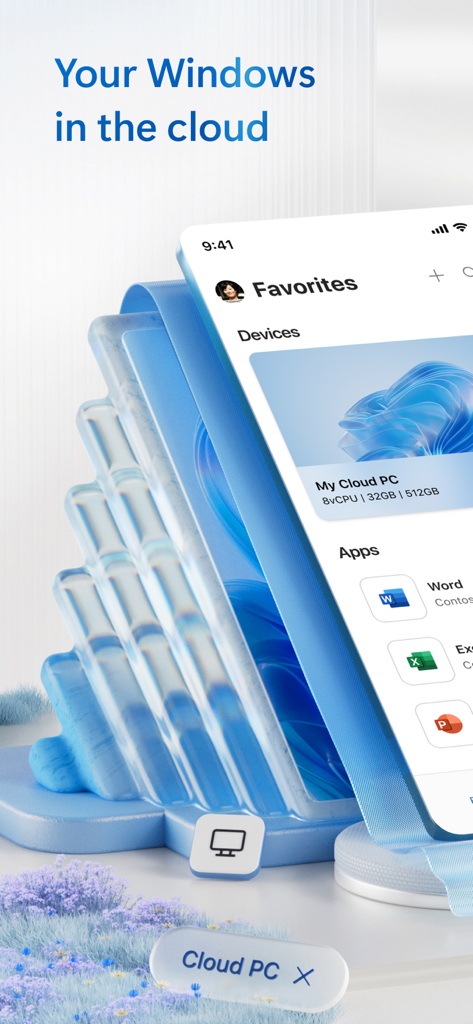
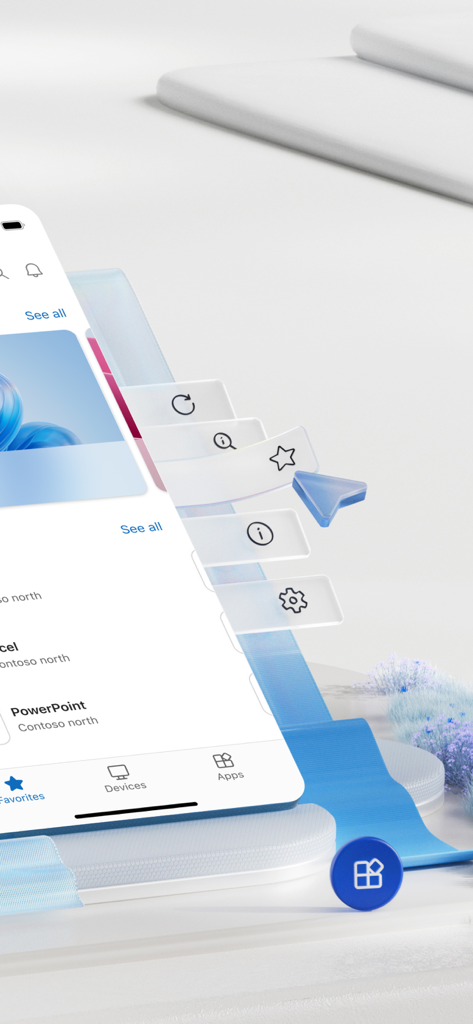
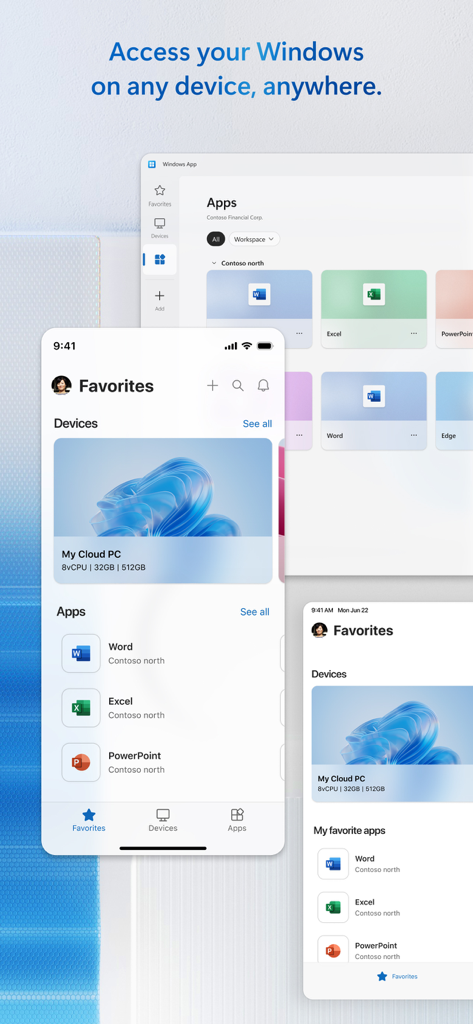
이 앱을 돋보이게 하는 도구, 10M+ 명의 사용자가 선택.
전 세계 어디에서나 엔터프라이즈급 보안으로 Windows 365, Azure Virtual Desktop 또는 Dev Box 환경에 액세스하세요.
외부 모니터 지원 및 마이크, 카메라, 로컬 폴더 리디렉션을 통해 iPad를 전체 워크스테이션으로 만드세요.
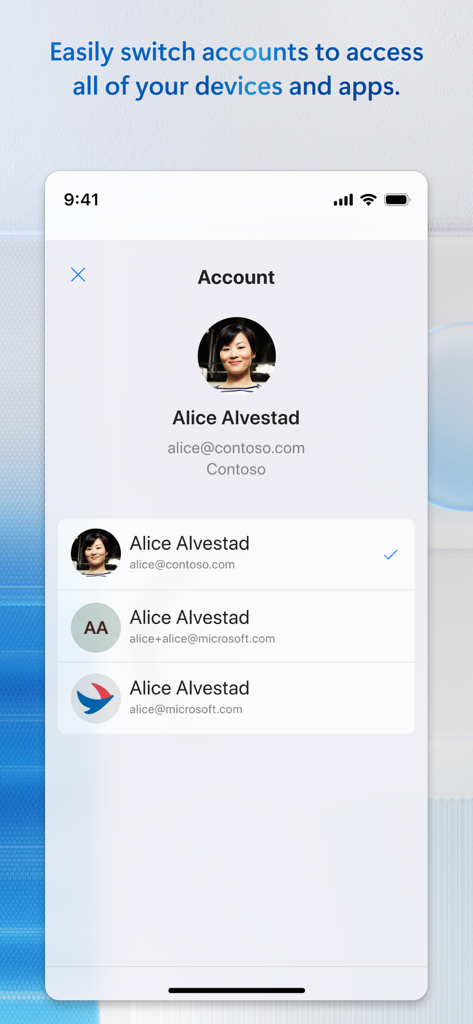
Entra 계정 간에 쉽게 전환하고 안전한 원격 데스크톱 게이트웨이를 통해 복잡한 연결을 쉽게 관리하세요.
사용자 리뷰 인사이트.
감정 점수
요약
The app receives mixed to largely negative feedback. While some users praise its general functionality, ease of use, and ability to handle multiple connections across devices like iPads and iPhones, a significant portion report critical issues. Key problems include frequent connectivity failures, authentication difficulties, and various new bugs introduced by recent updates, such as lost favorites and specific connection errors (e.g., 0x907, 0x4). Users also frequently highlight severe limitations with keyboard input, mouse control, and external display support, particularly on iOS and iPadOS versions 26 and 26.0.1, where issues like VPN disconnections and input delays are noted.
주요 테마
에 대해 알아야 할 모든 것 Windows App Mobile.
설명
최신 버전
11.2.5
크기
191.1 MB
출시일
2013년 10월 18일
Windows 365, Azure Virtual Desktop 및 원격 PC에 안전하게 연결하세요. 이제 전문 작업 공간이 당신만큼이나 이동성이 뛰어납니다.
에 대해 알아야 할 모든 것 Windows App Mobile
Windows App Mobile은 iOS 및 iPadOS용 애플리케이션으로, Windows 365, Azure Virtual Desktop, Dev Box 및 원격 데스크톱 서비스 전반에 걸쳐 원격 PC와 가상 앱/데스크톱을 포함한 Windows에 사용자를 안전하게 연결합니다.
예, Windows App Mobile을 통해 사용자는 Cloud PC에 안전하게 연결할 수 있습니다. 이 앱은 iOS 또는 iPadOS 장치에서 클라우드의 Windows 환경에 액세스할 수 있는 통합 클라이언트 환경을 제공합니다.
Windows App Mobile은 Windows Professional 또는 Enterprise가 실행되는 PC 및 Windows Server에 대한 원격 액세스를 지원합니다. 또한 관리자가 제공한 가상 앱 및 데스크톱에도 연결됩니다.
예, Windows App Mobile을 사용하면 Entra 계정 간에 쉽게 전환할 수 있습니다. 이 기능을 통해 다른 계정의 모든 관련 장치 및 앱에 액세스할 수 있습니다.
예, Windows App Mobile은 로컬 장치 리디렉션을 지원합니다. 사용자는 마이크 및 카메라를 폴더 및 클립보드와 함께 원격 Windows 환경으로 리디렉션할 수 있습니다.
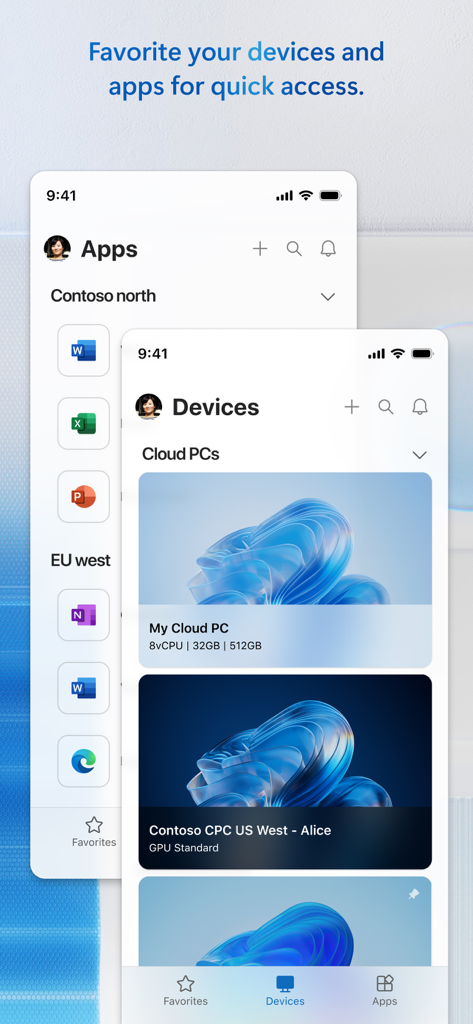
Windows App Mobile은 연결 센터를 통해 연결 관리를 간소화합니다. 즐겨찾기 페이지가 포함되어 있어 사용자가 고유한 워크플로 요구 사항에 맞는 연결 및 자격 증명을 쉽게 관리할 수 있습니다.
예, Windows App Mobile을 사용하면 iPhone 또는 iPad를 외부 모니터에 연결할 수 있습니다. 이렇게 하면 모바일 장치에서 원격 Windows 세션에 대한 보기 및 상호 작용 가능성이 확장됩니다.
예, Windows App Mobile은 오디오 및 비디오 스트리밍 기능을 제공합니다. 이를 통해 모바일 장치에서 Windows 환경에 액세스할 때 더욱 풍부한 원격 환경을 경험할 수 있습니다.
유사한 기능과 사용자 경험을 가진 앱

Shanghai best oray information s&t co.,ltd

Guangzhou NetEase Computer System Co.Ltd

AWERAY PTE. LTD.

AnyDesk Software GmbH

TeamViewer Germany GmbH

Hainan Youqu Technology Co., Ltd.

ZULER TECHNOLOGY PTE. LTD.

Termius Corporation

RealVNC Limited
App information, icons, screenshots, and descriptions displayed on this page are sourced from the Apple App Store and are the property of their respective developers. Download estimates and rankings are based on MWM's proprietary models and may not reflect actual figures. This page is provided for informational and analytical purposes only.
Believe this page infringes your intellectual property? File a dispute
