2FA and MFA Authenticator

2FA and MFA Authenticator

Download on App Store
Logo of 2FA and MFA Authenticator

2FA and MFA Authenticator: Professional-Grade Security for Your Accounts

Protect your digital assets with advanced encryption and manual key control. An intuitive, premium authentication experience designed for security-conscious professionals.

Publisher

Luna Klyne

Category

Business

Downloads

11K+

User Rating

4.6/5

Total Ratings

200

Locales

1

Security at a Glance

Discover the interface used by 11K+ users.
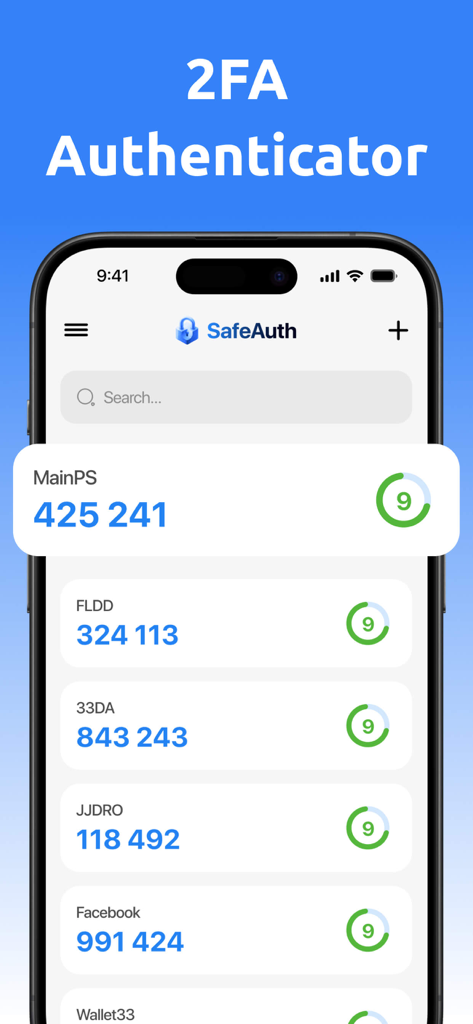
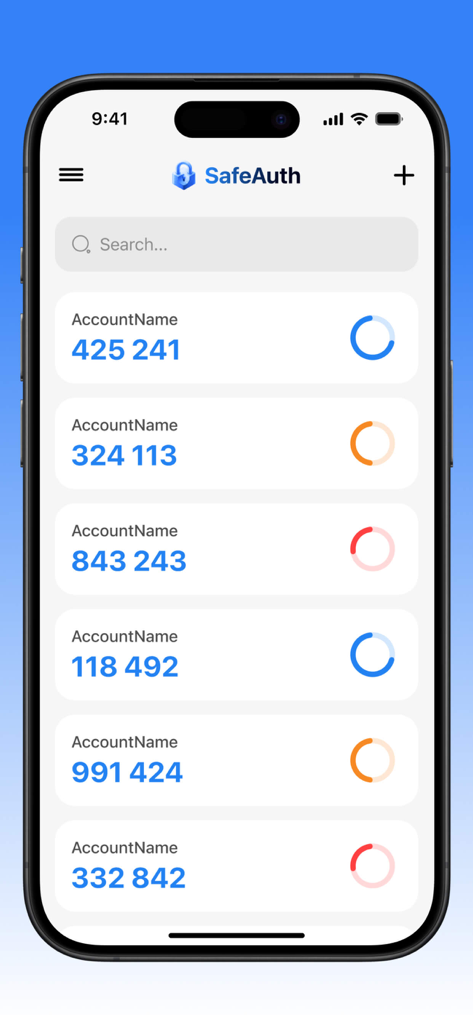
SafeAuth app interface showing a list of two-factor authentication codes for various accounts on an iPhone

SafeAuth app interface showing a list of two-factor authentication codes for various accounts on an iPhone

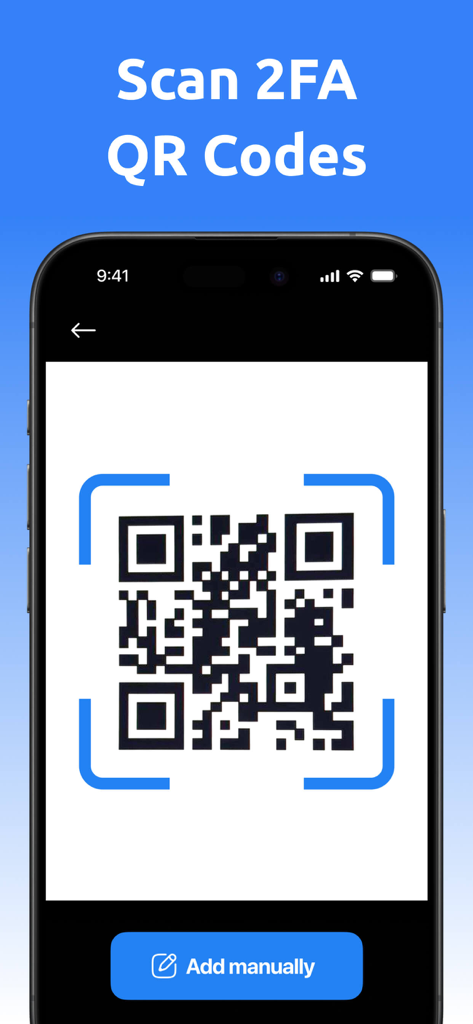
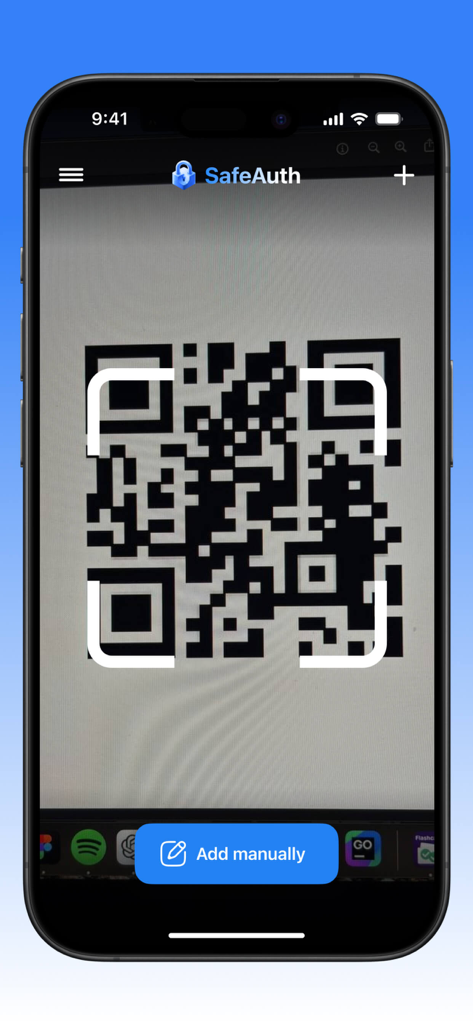
iPhone screen showing a QR code being scanned for 2FA account setup with an add manually button

iPhone screen showing a QR code being scanned for 2FA account setup with an add manually button

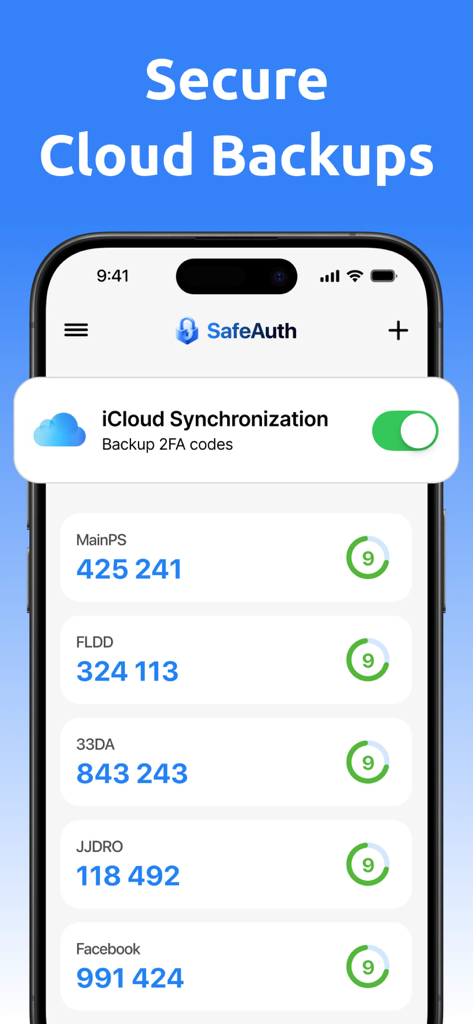
iPhone screenshot of the 2FA and MFA Authenticator app showing verification codes and an enabled iCloud synchronization toggle for secure cloud backups

iPhone screenshot of the 2FA and MFA Authenticator app showing verification codes and an enabled iCloud synchronization toggle for secure cloud backups

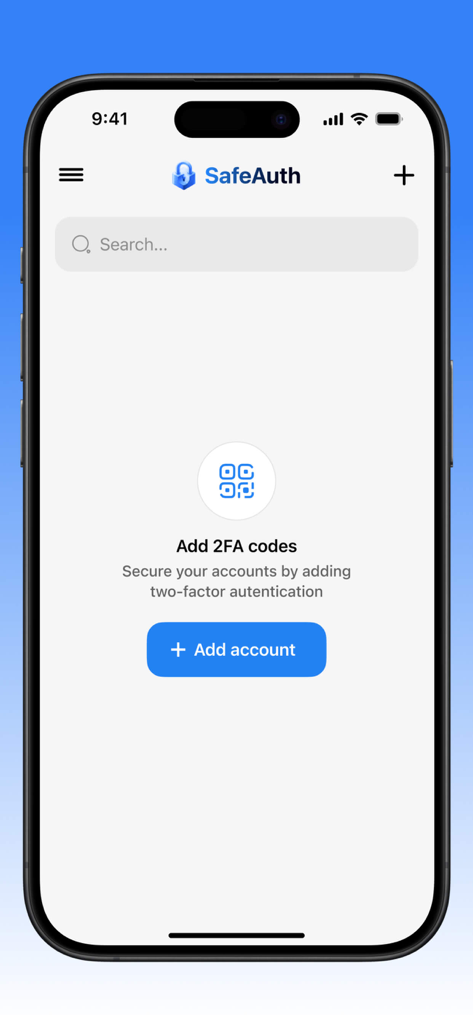
SafeAuth 2FA and MFA Authenticator app on iPhone showing the screen to add a new secure account with a blue button

SafeAuth 2FA and MFA Authenticator app on iPhone showing the screen to add a new secure account with a blue button

SafeAuth app interface showing two-factor authentication codes on an iPhone

SafeAuth app interface showing two-factor authentication codes on an iPhone

A smartphone scanning a QR code within the SafeAuth 2FA and MFA Authenticator app interface.

A smartphone scanning a QR code within the SafeAuth 2FA and MFA Authenticator app interface.

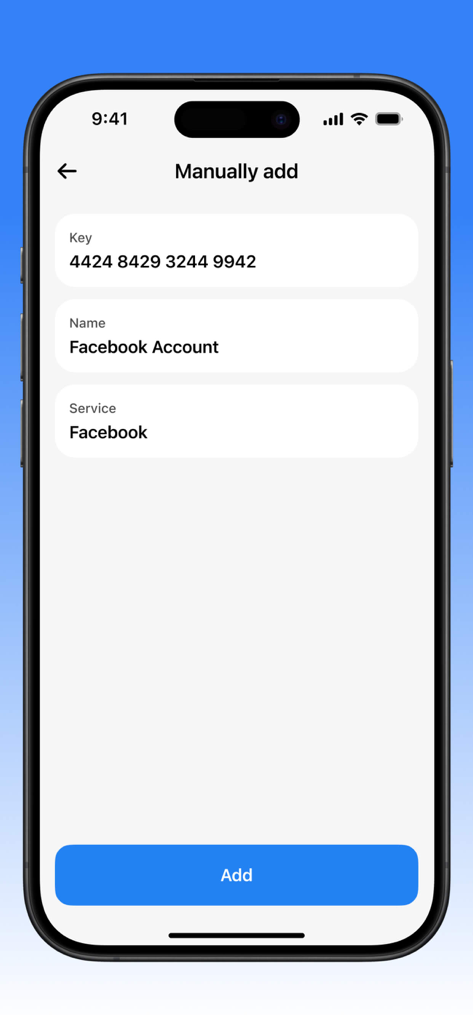
Interface for manually adding a security key to a Facebook account in the authenticator app

Interface for manually adding a security key to a Facebook account in the authenticator app

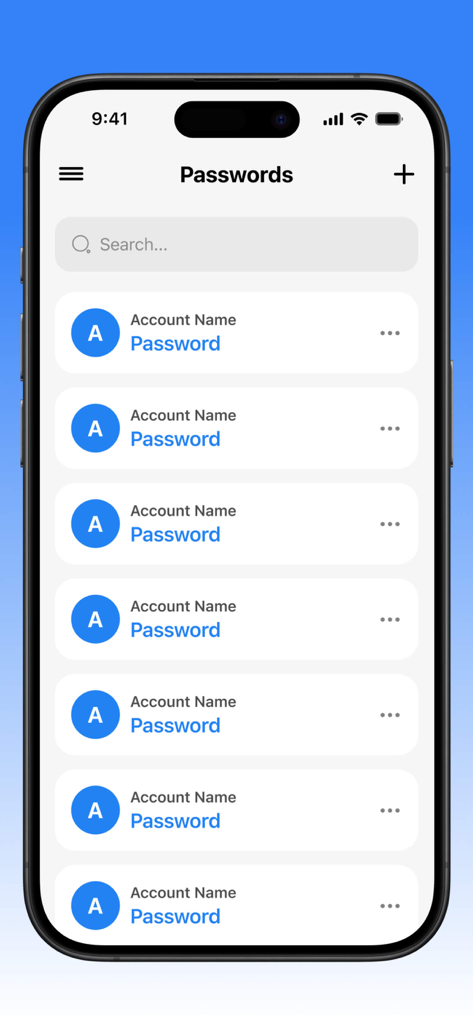
Interface of the 2FA and MFA Authenticator app on an iPhone showing a list of managed account passwords with a search bar and add button

Interface of the 2FA and MFA Authenticator app on an iPhone showing a list of managed account passwords with a search bar and add button

Interface of the 2FA and MFA Authenticator app showing a password management menu with options to save or delete

Interface of the 2FA and MFA Authenticator app showing a password management menu with options to save or delete

Uncompromising Protection for the Digital Professional

The tools that make this app stand out, trusted by 11K+ users.

🛡️

Military-Grade Encryption

Keep your professional accounts impenetrable with advanced algorithms that stay ahead of emerging cyber threats.

⚙️

Full Manual Control

Go beyond standard 2FA by manually generating and customizing keys to suit your specific security requirements.

🌓

Designed for Productivity

A clean, intuitive interface with full Dark Mode support, ensuring your security management fits into your professional workflow.

About the app

Everything you need to know about 2FA and MFA Authenticator.

Description

Our app is a reliable tool for two-factor and multi-factor authentication, providing a high level of security for your accounts. With it, you can easily manage keys and passwords, protecting your data from unauthorized access. One of the key features is the ability to manually generate keys, allowing users to customize the authentication system according to their individual needs. The app's interface is intuitive and user-friendly, with an option to switch to a dark theme, making it comfortable to use in any lighting conditions. Thanks to modern encryption algorithms, your data remains completely secure, and regular updates ensure protection from new threats. This is the ideal choice for those who value privacy and want to be confident in the security of their online accounts. Additionally, our app offers subscription plans that can be canceled at any time, providing flexibility and control over your service usage. This application has auto-renewable subscriptions and in-app purchase: 1 week - Weekly - 4.99$, 1 month - Monthly - 12.99$, 1 year - Yearly - 39.99$, Lifetime - $59.99 Privacy Policy Link: https://docs.google.com/document/d/16whsDrK1doUXnjj4UPJkDje5z46-UlSq9vMBv2gBxP4/edit?usp=sharing Terms of Use Link: https://www.apple.com/legal/internet-services/itunes/dev/stdeula/

Latest Version

1.4.2

Size

150.3 MB

First Released

Apr 14, 2025

Secure Your Digital Identity Today

Join thousands of security-conscious professionals who trust our premium MFA tool for manual key control and advanced account protection.

Download on App Store

App information, icons, screenshots, and descriptions displayed on this page are sourced from the Apple App Store and are the property of their respective developers. Download estimates and rankings are based on MWM's proprietary models and may not reflect actual figures. This page is provided for informational and analytical purposes only.

Believe this page infringes your intellectual property? File a dispute