
3D Printing Inventory Manager

3D Printing Inventory Manager

Logo of 3D Printing Inventory Manager

3D Printing Inventory Manager: Master Your Material and Maker Workflow

The essential toolkit for makers and side-hustlers to track filament inventory, calculate print profits, and stay organized from spool to finished project.

Publisher

Francisco Javier Castillo

Category

Business

Downloads

0

User Rating

1.0/5

Total Ratings

0

Locales

1

The Maker's Dashboard

Discover the interface used by 0 users.
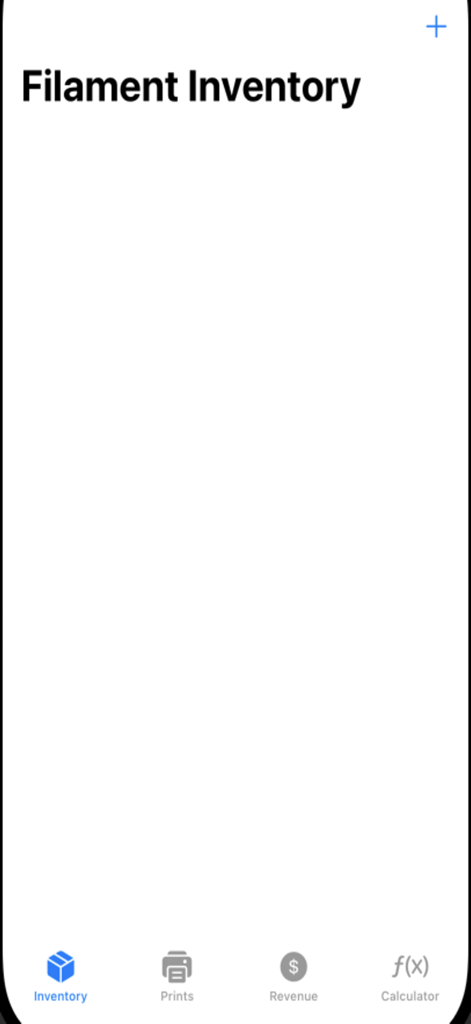
The filament inventory screen of the 3D Printing Inventory Manager app showing a clean interface and bottom navigation.

The filament inventory screen of the 3D Printing Inventory Manager app showing a clean interface and bottom navigation.

Optimize Your Maker Studio

The tools that make this app stand out, trusted by 0 users.

🧵

Eliminate Spool Anxiety

Keep precise counts of remaining filament weight so you never face a failed print due to an unexpected empty spool.

💰

Pro-Level Profit Tracking

Transform your hobby into a business by monitoring material costs and sale prices to ensure every print is profitable.

📏

Precision Measurement Tools

Streamline your design process with a built-in mm-to-inches converter tailored for quick technical scaling and modeling.

About the app

Everything you need to know about 3D Printing Inventory Manager.

Description

Are you passionate about 3D printing? Whether you're a hobbyist, maker, or running a small business, staying organized is key to maximizing efficiency. Our app is designed to simplify your 3D printing workflow, helping you manage filament inventory, track projects, monitor revenue, and even convert measurements with ease! No more guessing how much filament you have left, losing track of ongoing prints, or struggling with conversions—this app has everything you need in one place. Key Features Filament Inventory Management Easily log and track your filament spools, including color, type, weight, and cost. Stay informed about how much filament remains for future projects. Avoid running out of filament unexpectedly by keeping your inventory up to date. Project Tracking Keep all your 3D printing projects organized. Log important details such as project name, filament used, print time, and status. Quickly access past projects and improve efficiency in your workflow. Revenue & Cost Tracking Monitor your expenses and earnings from 3D prints. Keep a clear record of material costs, sale prices, and profit margins. Perfect for hobbyists selling their prints or tracking investment in 3D printing. Built-in mm to Inches Converter Easily convert millimeters to inches and vice versa. No need for external conversion tools—perfect for precise 3D printing measurements. Streamlined & User-Friendly Design Clean, intuitive interface designed for efficiency. No clutter—just the tools you need for better organization. Designed with 3D printing enthusiasts in mind! Why Choose This App?Stay Organized – Never lose track of filament, projects, or costs again. Save Time – Quickly access important data to make printing decisions faster. Boost Efficiency – Track everything in one place, reducing hassle. Enhance Accuracy – Ensure your measurements are always correct. Whether you’re an experienced maker or just starting with 3D printing, this app will keep you organized and help you make the most of your creative passion. Download now and take control of your 3D printing workflow!

Latest Version

1.0

Size

1.1 MB

First Released

Mar 10, 2025

Ready to Master Your 3D Printing Workflow?

Stop the guesswork and start tracking. Manage your filament, projects, and profits with the essential toolkit built for the modern maker.

App information, icons, screenshots, and descriptions displayed on this page are sourced from the Apple App Store and are the property of their respective developers. Download estimates and rankings are based on MWM's proprietary models and may not reflect actual figures. This page is provided for informational and analytical purposes only.

Believe this page infringes your intellectual property? File a dispute