
Мой A1
Unitary Enterprise For Services Provision A1


Take full control of your A1 services from anywhere. Effortlessly monitor your balance, activate eSIMs, and manage your data traffic with the sleek, all-in-one utility app designed for the modern traveler.
Publisher
Category
UtilitiesDownloads
890K+User Rating
Total Ratings
5K+Locales
2Discover the interface used by 890K+ users.
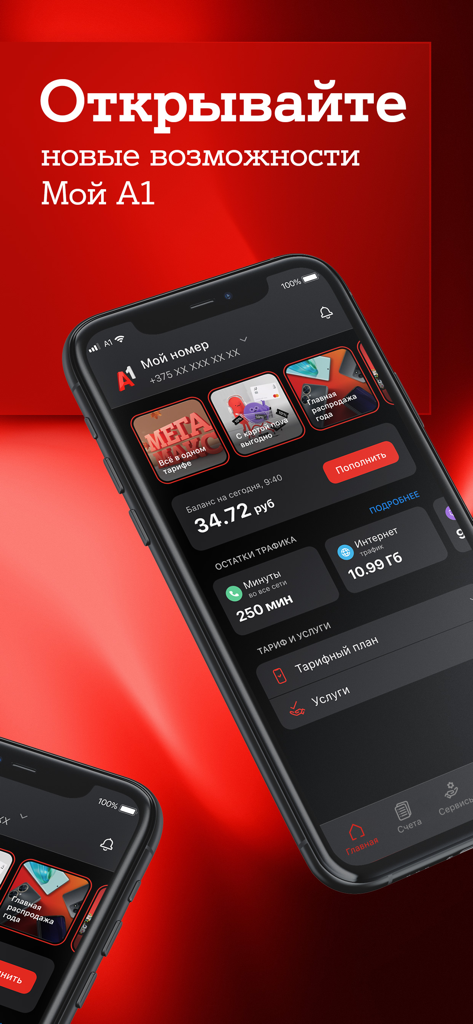
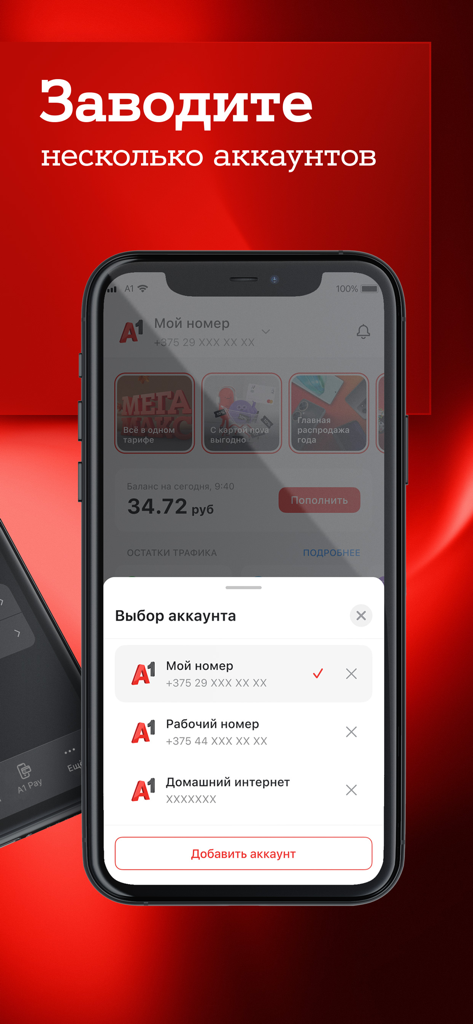
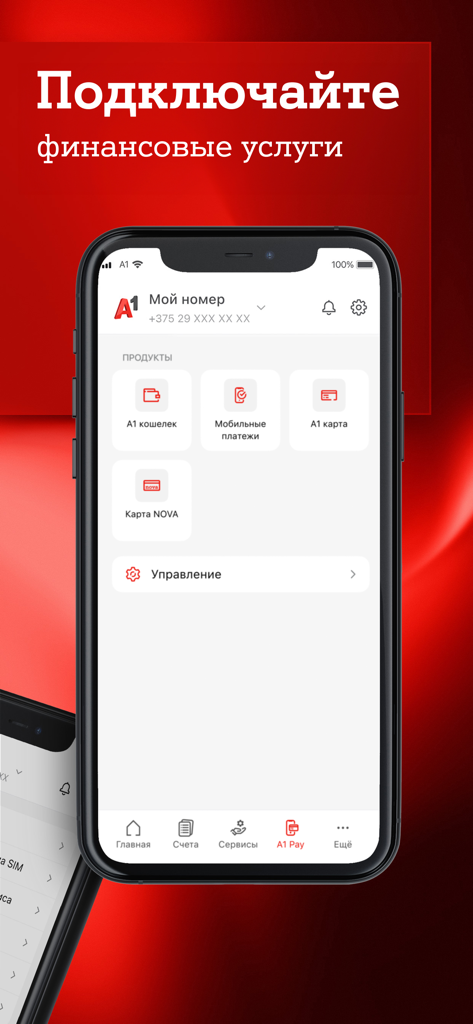
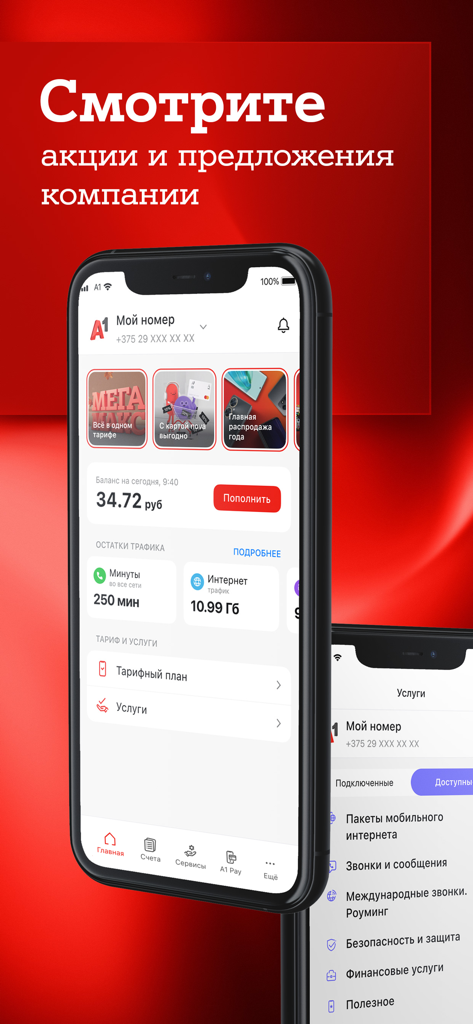
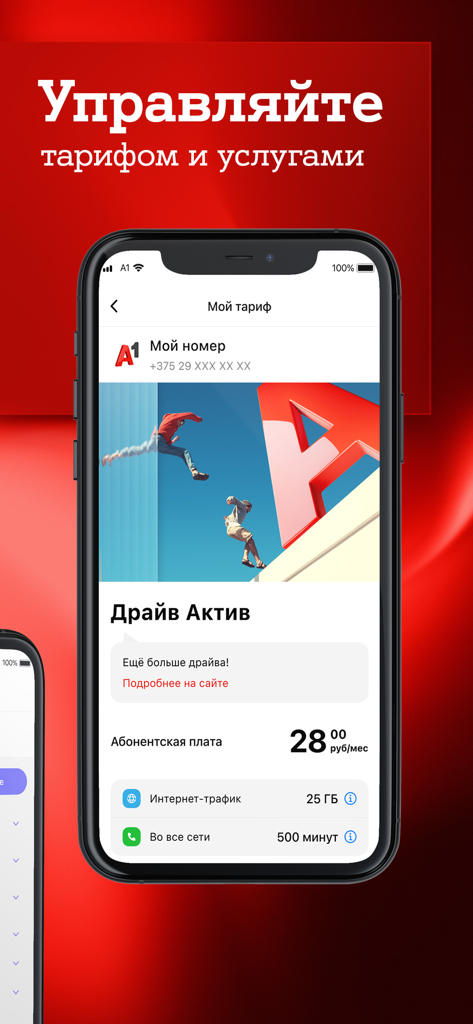
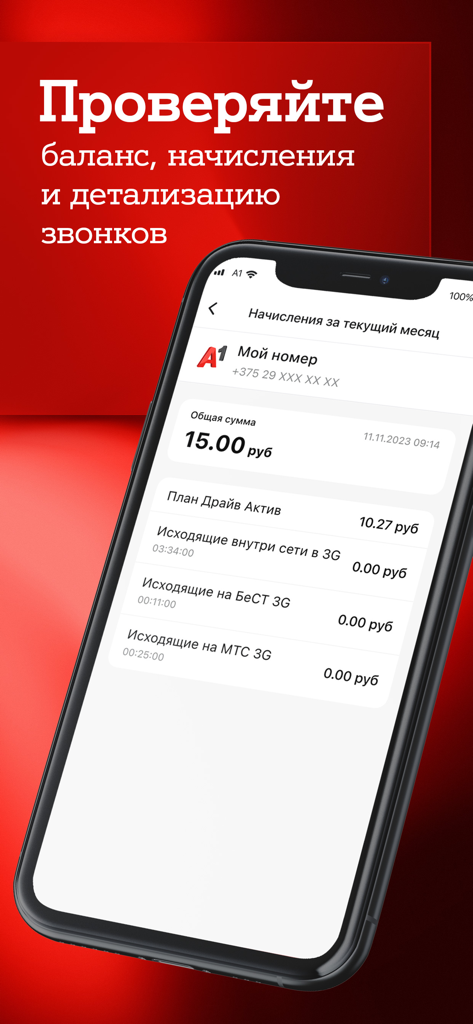
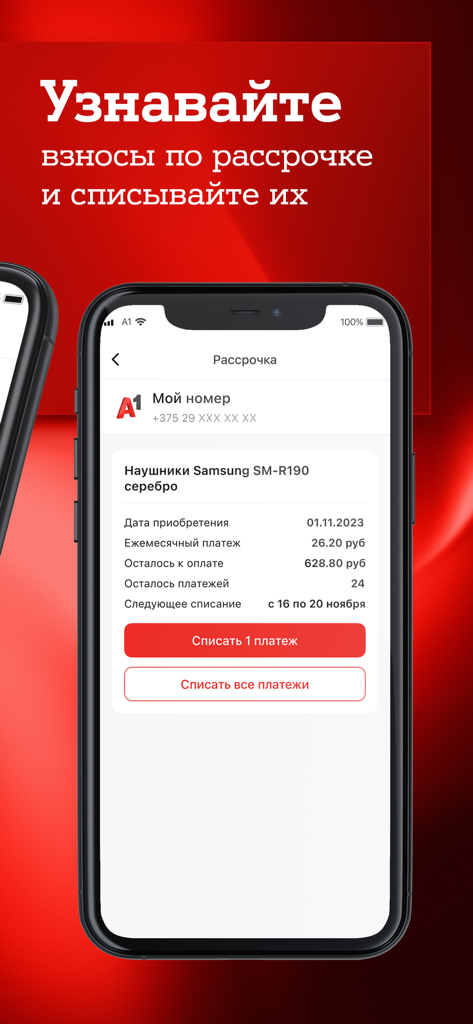
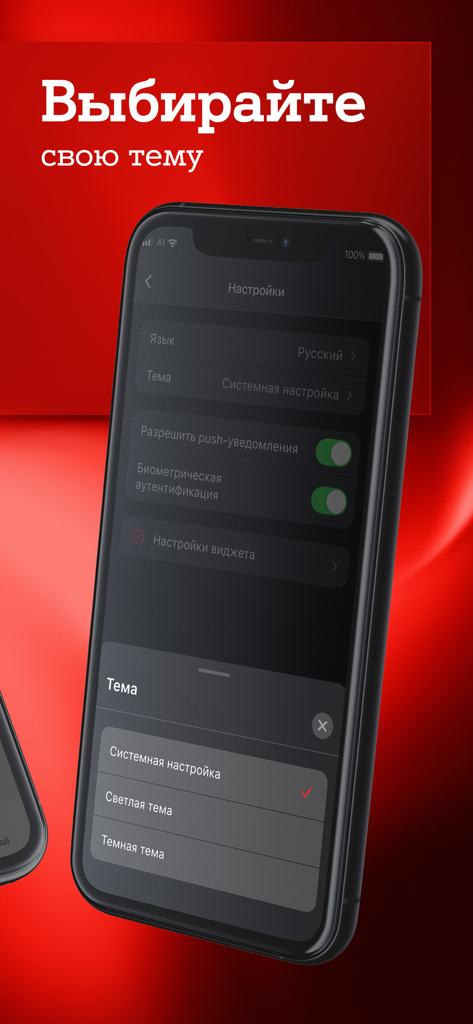
The tools that make this app stand out, trusted by 890K+ users.
Skip the physical store entirely. Activate your eSIM or transfer your number directly through the app for immediate connectivity before you even land.
Keep a close eye on your balance, data usage, and billing history to ensure you're always on the most cost-effective plan without hidden roaming fees.
Top up balances and adjust services for yourself or your family members back home with just a few taps, ensuring their connection stays active.
Insights from user reviews.
Sentiment Score
Summary
Users express mixed feelings about the mobile app, frequently praising its user-friendly interface and the convenience it offers for managing tariffs, tracking data usage, and connecting services. However, a significant number of users report persistent issues such as accounts logging out automatically after updates, critical bugs during eSIM activation and payment processes, and general app instability like freezing or slow loading. Additionally, many reviews highlight dissatisfaction with overall mobile and Wi-Fi internet quality, unhelpful customer support, and concerns regarding billing accuracy and payment options like the absence of Apple Pay. Recurring technical problems include widgets consistently failing to work and the need for frequent reinstallation.
Common Themes
Everything you need to know about Мой A1.
Description
Latest Version
3.4.0
Size
203.3 MB
First Released
Aug 12, 2019
Join over 890,000 users managing their balance, topping up, and activating eSIMs with ease. Download My A1 today and bridge the distance between the USA and Belarus seamlessly.
Everything you need to know about Мой A1
Yes, the Мой A1 app allows users to easily monitor their current balance and optimize expenses. It provides a direct overview of account finances.
Yes, the Мой A1 app enables users to control and view remaining traffic, minutes, and SMS. This helps in managing mobile plan allowances effectively.
Yes, the Мой A1 app allows users to view their accruals and charges. This provides a clear and detailed overview of all billing specifics.
The Мой A1 app allows users to connect and disconnect various services directly. This provides flexible and immediate control over their subscriptions.
Yes, users can change their mobile tariff plan directly within the Мой A1 app. This feature simplifies plan adjustments and upgrades.
Yes, the Мой A1 app provides a convenient option to top up the balance directly. This ensures continuous service without interruption.
Yes, the Мой A1 app allows users to view their order history from the A1 virtual store. This provides a clear record of past purchases.
Yes, the Мой A1 app helps users find the nearest A1 store location. This provides convenient access to physical service points.
Yes, the Мой A1 app ensures users are among the first to know about the best offers and promotions from A1.
Yes, the Мой A1 app allows users to activate a new SIM card. This streamlines the onboarding process for new subscribers.
Yes, the Мой A1 app allows users to choose between a dark or light theme. This provides a personalized viewing experience.
Yes, the Мой A1 app supports connecting an eSIM. This feature provides modern connectivity options for compatible devices.
Yes, the Мой A1 app facilitates porting a number to the A1 network. This makes switching providers seamless for users.
Yes, the Мой A1 app allows users to change their tariff plan for home internet and television services. This centralizes management of all A1 services.
The Мой A1 app provides a function for users to delete their account. This ensures user control over personal data and service termination.
Apps with similar features and user experience

T-Mobile USA, Inc.

Charter Communications Operating, LLC

TRUE CORPORATION PUBLIC COMPANY LIMITED

Etihad Etisalat Company

Mobile Telecom-Service TOO

TELECOMMUNICATION LAB,CHUNGHWA TELECOM CO., LTD
Vodafone Enabler Espana, S.L.

Liberty Cablevision of Puerto Rico Ltd

China Mobile Online Services Co., Ltd.
App information, icons, screenshots, and descriptions displayed on this page are sourced from the Apple App Store and are the property of their respective developers. Download estimates and rankings are based on MWM's proprietary models and may not reflect actual figures. This page is provided for informational and analytical purposes only.
Believe this page infringes your intellectual property? File a dispute