
AHA eBook Reader


Access the official American Heart Association manuals and clinical protocols anytime, even offline. Designed for healthcare professionals and students who need critical information at their fingertips.
Publisher
Category
MedicalDownloads
928K+User Rating
Total Ratings
6K+Locales
12Discover the interface used by 928K+ users.
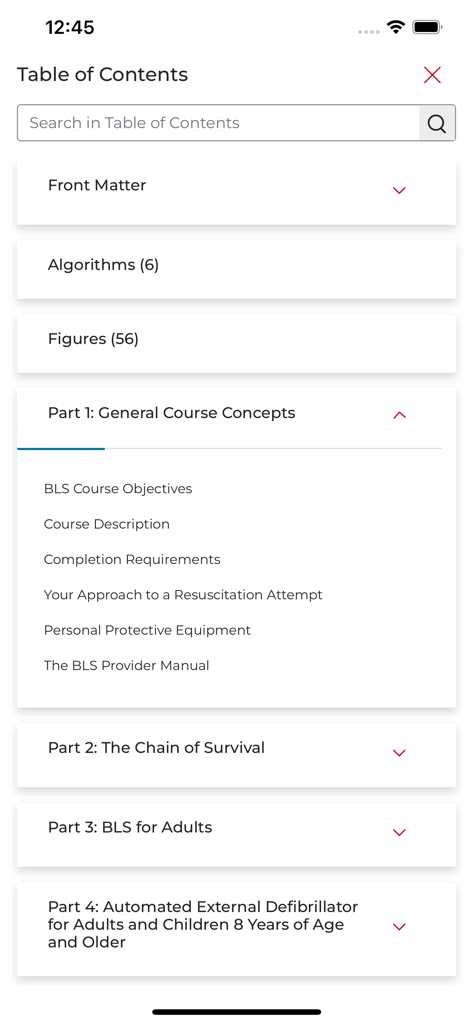
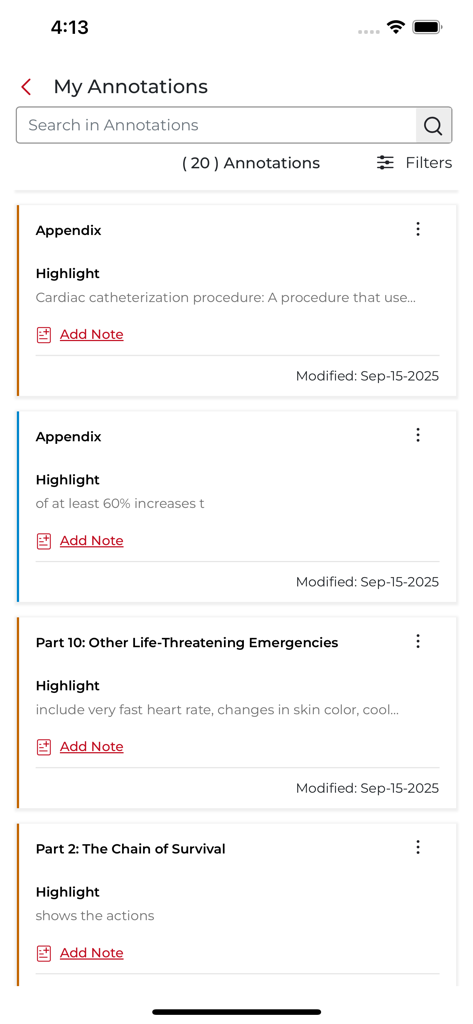
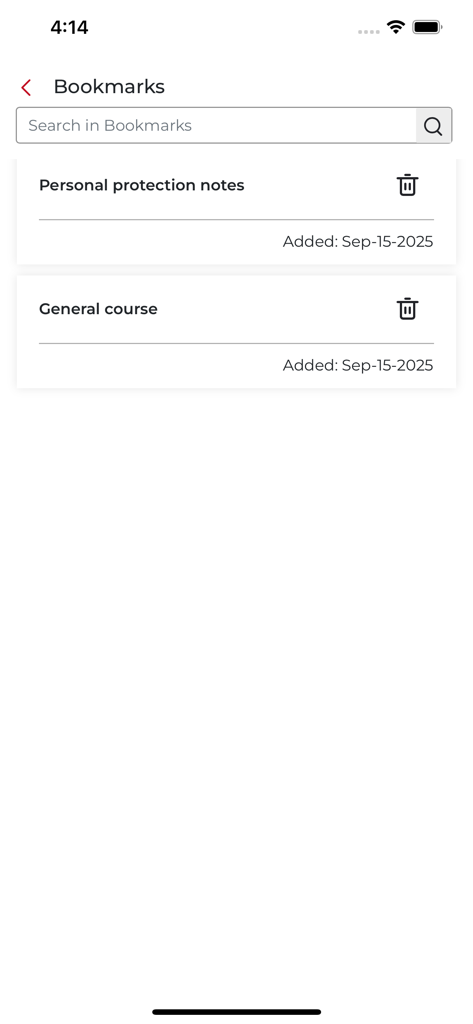
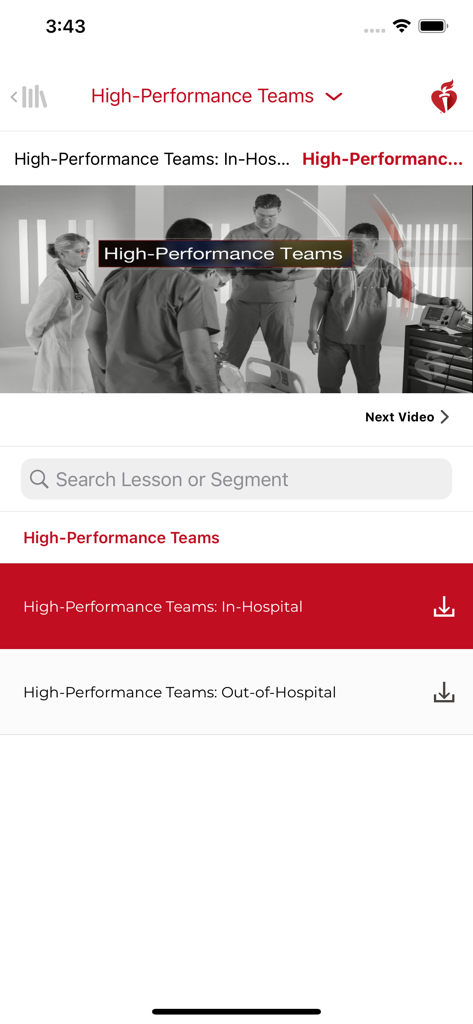
The tools that make this app stand out, trusted by 928K+ users.
Download your manuals once and access critical treatment protocols anywhere, even in hospital zones with no cellular or Wi-Fi connectivity.
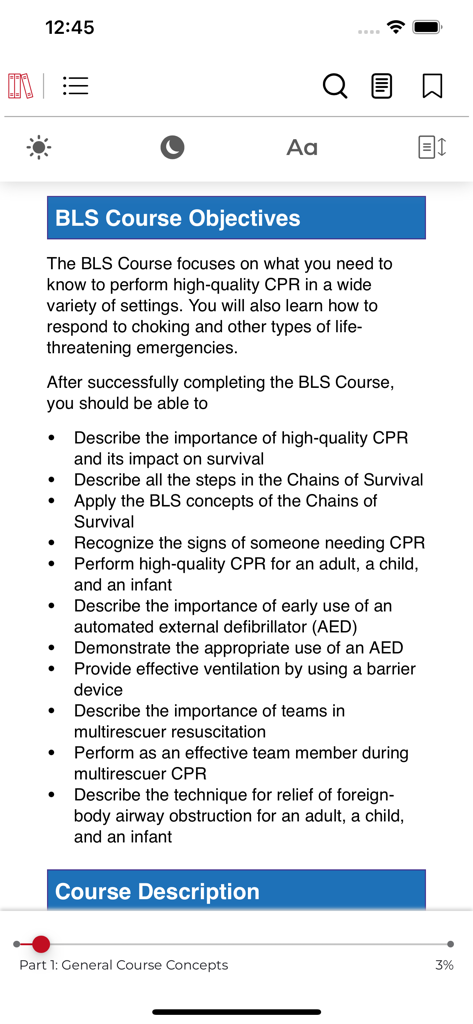
Quickly navigate to life-saving algorithms, dosage tables, and clinical figures with a search-optimized interface built for rapid decision-making.
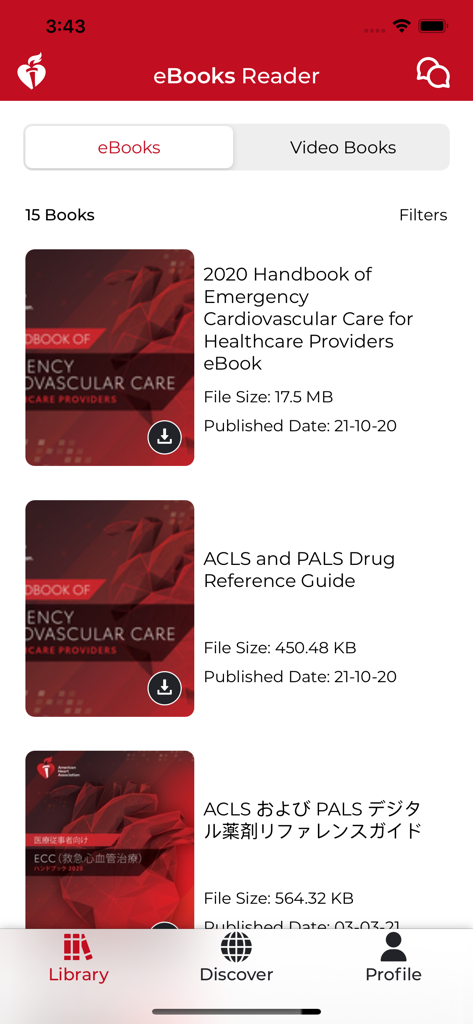
Manage all your BLS, ACLS, and PALS eBooks in one mobile hub with smart bookmarks and custom fonts for efficient study and exam prep.
Everything you need to know about AHA eBook Reader.
Description
Latest Version
8.0.1
Size
123.6 MB
First Released
Nov 12, 2013
Join nearly a million healthcare professionals who rely on the official AHA eBook Reader. Download now to access your life-saving manuals anytime, anywhere—even offline.
Everything you need to know about AHA eBook Reader
The AHA eBook Reader app allows users to read their American Heart Association eBooks and Video Books online, offline, or at any time on their mobile devices.
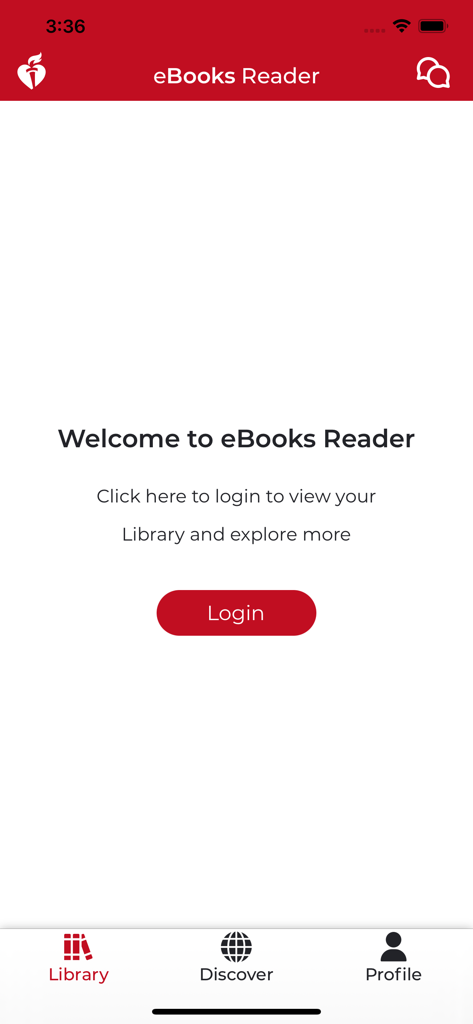
Users log into the AHA eBook Reader using the same account information as their existing American Heart Association account. A login button is available on the welcome screen.
Yes, AHA eBooks can be read offline. The AHA eBook Reader allows users to download purchased eBooks and access them without an internet connection on their mobile device.
The AHA eBook Reader offers features including searching titles, sorting by category, adding bookmarks, changing font size, and jumping within text to specific chapters, figures, tables, or references.
Yes, the AHA eBook Reader supports adding bookmarks. Users can save specific pages or sections within their eBooks for easy navigation and reference.
Yes, the AHA eBook Reader app includes "Video Books" alongside traditional eBooks. Users can access video content related to American Heart Association topics within the application.
Yes, users can search within the content of their AHA eBooks. The app provides functionality to search across titles and within the Table of Contents.
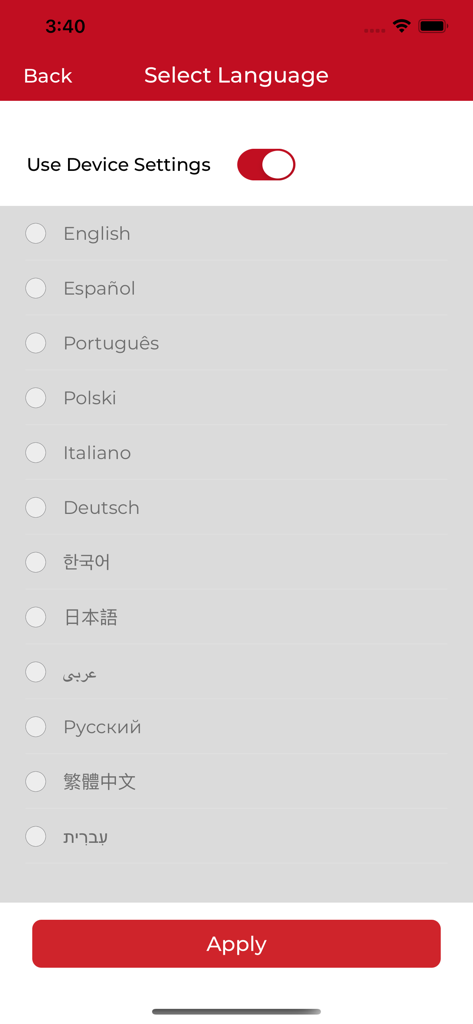
The AHA eBook Reader supports English, Español, 日本語, 繁體中文, 한국어, Português, and عربي. Users can select a language or use their device settings.
Yes, it is possible to change the font size in the AHA eBook Reader. This feature allows users to adjust text for comfortable reading.
Yes, the AHA eBook Reader allows users to make annotations. Users can highlight text and add notes within their eBooks through the "My Annotations" feature.
Apps with similar features and user experience

Zuzanna Stanska

App Advice

NEW SCIENTIST LIMITED

Sanlian Shenghuo Media Co., Ltd

DriveNation Media Ltd

Advance Magazine Publishers Inc.

Springer Nature America, Inc.

Hearst Communications, Incorporated

The Conde Nast Publications Limited
App information, icons, screenshots, and descriptions displayed on this page are sourced from the Apple App Store and are the property of their respective developers. Download estimates and rankings are based on MWM's proprietary models and may not reflect actual figures. This page is provided for informational and analytical purposes only.
Believe this page infringes your intellectual property? File a dispute