
AI Signature Maker - Generator

Transform your name into an elegant, handwritten-style signature with smart AI. Choose from 100+ custom fonts and high-resolution styles to make your mark on any document.
Publisher
Category
Graphics & DesignDownloads
15K+User Rating
Total Ratings
300Locales
1Discover the interface used by 15K+ users.
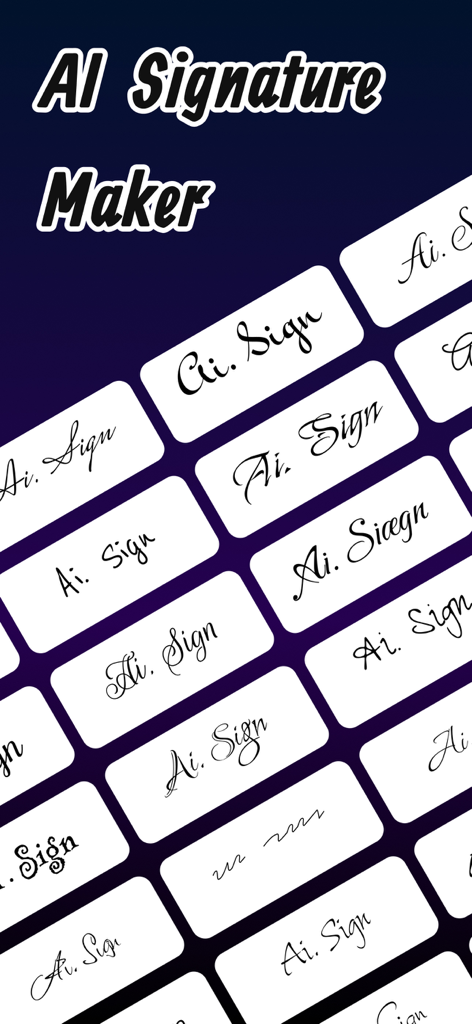
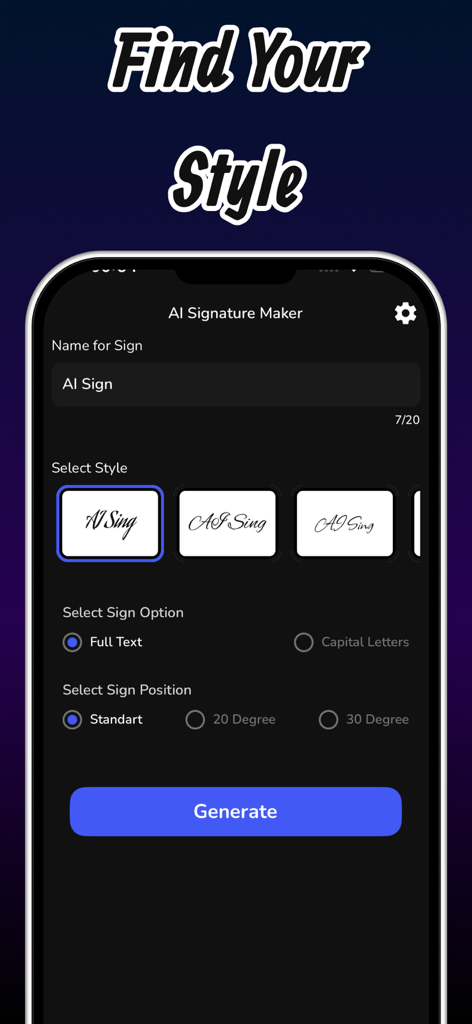
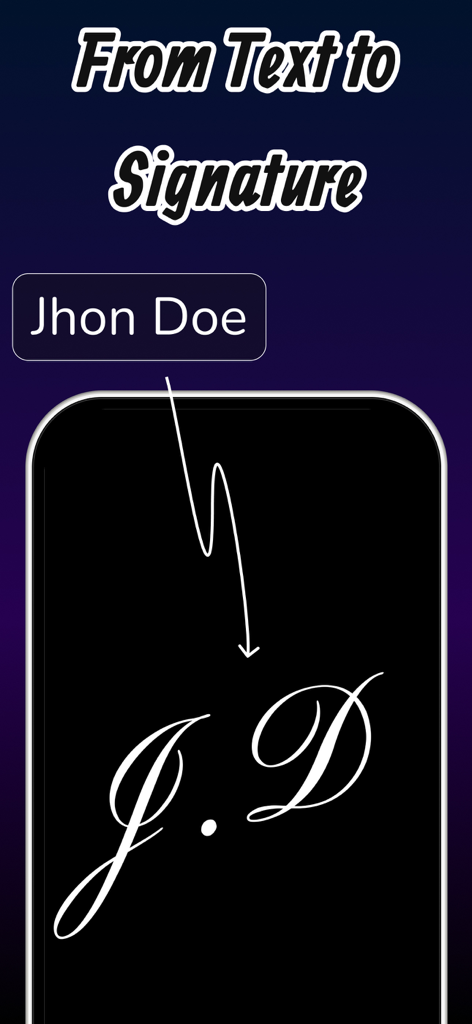
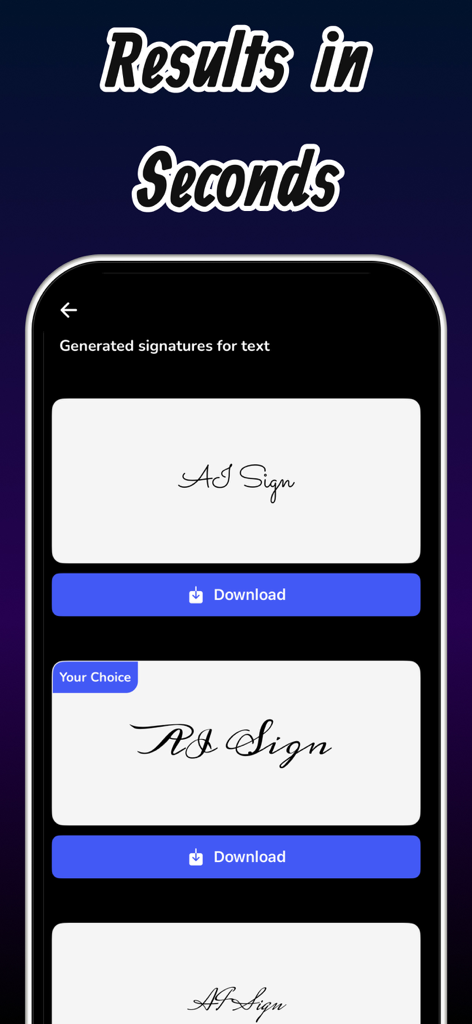
The tools that make this app stand out, trusted by 15K+ users.
Transform your name into a unique masterpiece with intelligent algorithms that mimic high-end handwriting styles.
Export high-resolution, transparent files perfect for signing PDFs, legal contracts, and professional email footers.
Stand out with 100+ customizable fonts and styles designed to give your digital presence an immediate professional glow-up.
Everything you need to know about AI Signature Maker - Generator.
Description
Latest Version
1.0
Size
48.8 MB
First Released
Jan 28, 2025
Join 15,000+ professionals and creators. Download now to transform your name into a high-resolution work of art in seconds.
Everything you need to know about AI Signature Maker - Generator
AI Signature Maker - Generator is an app that creates unique and artistic signatures. It uses AI technology to transform text into customizable, handwritten-like signatures for personal or professional use, offering high-resolution export.
AI Signature Maker - Generator uses smart AI technology to transform text inputs into handwritten-like signatures. Users input text, then select styles, text options like full text or capital letters, and signature position to generate unique signatures.
Yes, AI Signature Maker - Generator offers unlimited customization. Users personalize signatures with over 100 fonts, various colors, and style options. These options include sign position, and text choices such as full text or capital letters.
Yes, AI Signature Maker - Generator provides high-resolution export. Users can download their generated signatures in premium quality suitable for any use, ensuring clarity and a professional appearance for all documents.
Premium features in AI Signature Maker - Generator include unlimited signature creation, allowing users to generate as many signatures as desired. Additionally, premium access grants exclusive fonts for enhanced customization and uniqueness.
Yes, AI Signature Maker - Generator is fast and practical. The app allows users to create and save their signatures in just a few steps, generating results rapidly within seconds after inputting details.
AI Signature Maker - Generator offers over 100 fonts. These extensive font options allow users to customize their signature with a wide variety of stylish choices, enhancing personalization and uniqueness.
Yes, professionals use AI Signature Maker - Generator to create elegant and unique signatures for official documents. The app provides high-quality output suitable for various professional needs, ensuring a polished result.
The Privacy Policy for AI Signature Maker - Generator is available at 'https://muhammed-dnz.vercel.app/privacypolicy/AI%20Signature%20Maker'. This link provides comprehensive information on the app's data handling practices and user privacy.
Top-ranked apps in the same category

Xiamen ShenZhuo Information Technology Co., Ltd.

LOHAS GAMES PTE. LTD.

HUBX YAZILIM HIZMETLERI ANONIM SIRKETI

ibis inc.

BYTEDANCE PTE. LTD.

Woohoo Tech. Ltd.

Guangzhou ZHIFENG Information Technology Co.,Ltd.

Sketchbook, Inc.

Digital Solutions Technologies Limited
App information, icons, screenshots, and descriptions displayed on this page are sourced from the Apple App Store and are the property of their respective developers. Download estimates and rankings are based on MWM's proprietary models and may not reflect actual figures. This page is provided for informational and analytical purposes only.
Believe this page infringes your intellectual property? File a dispute